
Chronicles of Magic (Full)
Updated
Current Version
1.8
Offered By

With your passion for Chronicles of Magic (Full), you shouldn’t have to limit yourself to the small screen of a phone. Play like a pro and take full control of the game using a keyboard and mouse. MEmu gives you everything you’re looking for. Download and play Chronicles of Magic (Full) on PC. Play as long as you want — no more worries about battery life, mobile data, or unexpected calls. The all-new MEmu 9 is the best way to play Chronicles of Magic (Full) on PC. With our expertly designed keymapping system, Chronicles of Magic (Full) feels just like a real PC game. The MEmu multi-instance manager lets you run two or more accounts on the same device at the same time. Most importantly, our exclusive emulation engine unlocks your PC’s full potential, delivering smooth and seamless performance.
Show more
Download Chronicles of Magic (Full) on PC with MEmu Android Emulator. Enjoy playing on big screen. FANTASTIC HIDDEN OBJECT PUZZLE ADVENTURE GAME FROM THE CREATORS OF ENIGMATIS AND GRIM LEGENDS!
FANTASTIC HIDDEN OBJECT PUZZLE ADVENTURE GAME FROM THE CREATORS OF ENIGMATIS AND GRIM LEGENDS!
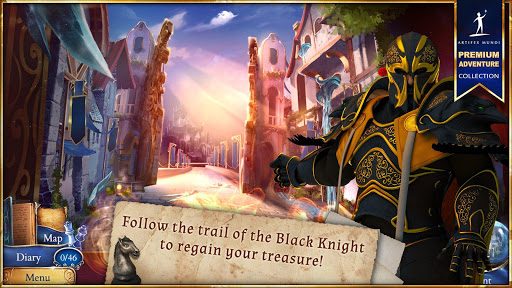
The peace in the White Kingdom is marred by the appearance of the mysterious Black Knight. His identity and intentions are unknown, but when he kidnaps your only son Nevin, you follow him in pursuit. As Gillian, explore two worlds and use the Magic Scrolls to discover the truth about a forgotten royal lineage.
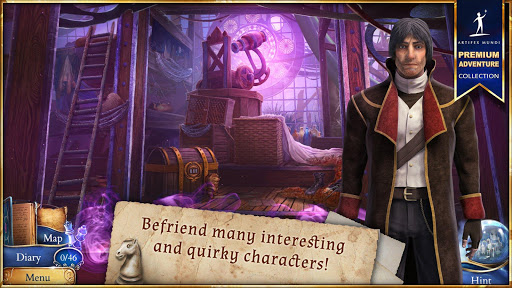
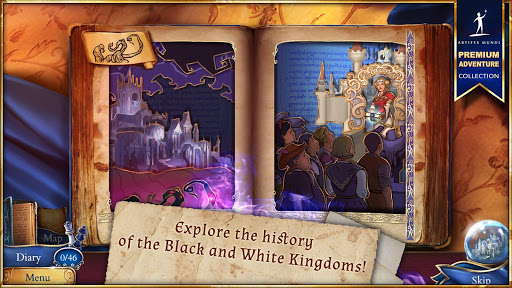
Long ago, the twin kingdoms destroyed each other in war. The White Kingdom was rebuilt with magic, but the Black Kingdom is still cursed - dark clouds envelop the sky, and dangerous vines destroy fields and houses. The noble Queen Mariette in the White Castle looks after her own subjects, but also supports the suffering inhabitants of the dark land. During your dangerous journey you will meet the inhabitants of both the White and Black Kingdoms. It won't be immediately clear who is really trustworthy. The boundaries between good and evil, magic and technology, and black and white will begin to blur, and the fate of the two kingdoms - and your son's life - will be in your hands. Will you work with the most unexpected allies? Will you stop the evil and solve the mystery of the royal blood?
• Visit 30 enchanted locations from both kingdoms!
• Discover the spell sequences hidden in Magic Scrolls!
• Solve 33 fascinating Minigames and magical sequences!
• Collect 46 uncommon Chess Figures and Crow Statues!
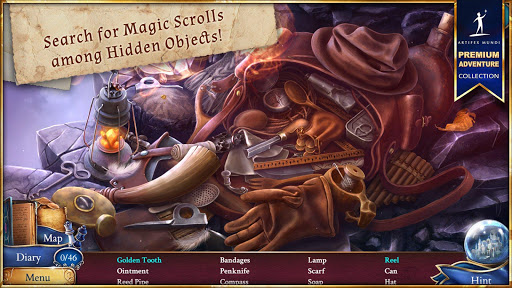
• Delve into 17 marvellous Hidden Object Puzzles!
+++ WE ARE HERE +++
WWW: http://artifexmundi.com
FACEBOOK: http://facebook.com/artifexmundi
TWITTER: http://twitter.com/ArtifexMundi
FORUM: http://forum.artifexmundi.com
YOUTUBE: http://youtube.com/user/ArtifexMundi
PINTEREST: http://pinterest.com/artifexmundi
INSTAGRAM: http://instagram.com/artifexmundi
Show more

1. Download MEmu installer and finish the setup

2. Start MEmu then open Google Play on the desktop

3. Search Chronicles of Magic (Full) in Google Play
Install
4. Download and Install Chronicles of Magic (Full)
5. On install completion click the icon to start

6. Enjoy playing Chronicles of Magic (Full) on PC with MEmu
MEmu Play is the best Android emulator and 100 million people already enjoy its superb Android gaming experience. The MEmu virtualization technology empowers you to play thousands of Android games smoothly on your PC, even the most graphic-intensive ones.
Bigger screen with better graphics; Long duration, without limitation of battery or mobile data.
Full Keymapping support for precise control of keyboard and mouse or gamepad.
Multiple game accounts or tasks on single PC at one time with Multi-Instance manager.
Play Chronicles of Magic (Full) on PC by following steps: