Rocket Punch!
Updated
Current Version
2.2.1
Offered By

With your passion for Rocket Punch!, you shouldn’t have to limit yourself to the small screen of a phone. Play like a pro and take full control of the game using a keyboard and mouse. MEmu gives you everything you’re looking for. Download and play Rocket Punch! on PC. Play as long as you want — no more worries about battery life, mobile data, or unexpected calls. The all-new MEmu 9 is the best way to play Rocket Punch! on PC. With our expertly designed keymapping system, Rocket Punch! feels just like a real PC game. The MEmu multi-instance manager lets you run two or more accounts on the same device at the same time. Most importantly, our exclusive emulation engine unlocks your PC’s full potential, delivering smooth and seamless performance.
Show more
Download Rocket Punch! on PC with MEmu Android Emulator. Enjoy playing on big screen. Are you ready for the adventure full of punches and tricks?
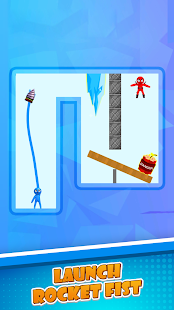
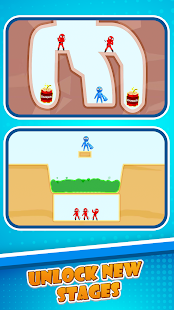
Are you ready for the adventure full of punches and tricks? Rocket Punch! Yes, that’s the name of our game!
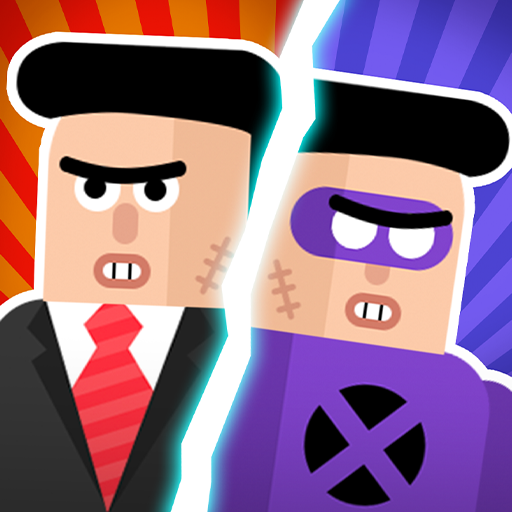
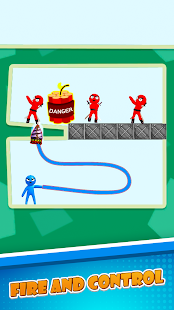
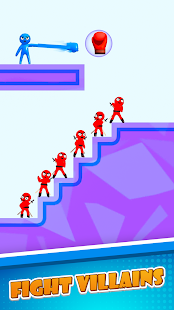
You have the chance to throw punches like you’ve never done before! Punch the enemies and knock them out! Solve the puzzling challenges. Have a look at your surroundings, take advantage of the weapons available so you can kill your enemies at the same time. Break through the wall, dig into the ground, blow up the bomb, do whatever you can to have the enemies defeated.
You have so many gloves to be revealed to use against enemies and you don’t want to miss out any single level. Relieve your stress through our punching games. Throw out some curvy punches at those people who annoy you most.
It’s definitely harder than you think, and you want to be strategic about how you will throw a punch and utilize each weapon. Are you ready for it?
Game Features:
1. Simple but addicting mechanics
Just move the joystick like how you would throw your punch - be strategic so you can kill your enemies at one time.
2. Keep on upgrading!
So many different punching gloves and characters to unlock. Pick a glove that fits you the most and throw the best punch you can.
3. Relax and play
Simple yet fun mechanics will keep you entertained for hours!
Visit https://lionstudios.cc/contact-us/ if have any feedback, need help on beating a level or have any awesome ideas you would like to see in the game!
From the Studio that brought you Mr. Bullet, Happy Glass, Ink Inc and Love Balls!
Follow us to get news and updates on our other Award Winning titles;
https://lionstudios.cc/
Facebook.com/LionStudios.cc
Instagram.com/LionStudioscc
Twitter.com/LionStudiosCC
Youtube.com/c/LionStudiosCC
Show more

1. Download MEmu installer and finish the setup

2. Start MEmu then open Google Play on the desktop

3. Search Rocket Punch! in Google Play
Install
4. Download and Install Rocket Punch!
5. On install completion click the icon to start

6. Enjoy playing Rocket Punch! on PC with MEmu
MEmu Play is the best Android emulator and 100 million people already enjoy its superb Android gaming experience. The MEmu virtualization technology empowers you to play thousands of Android games smoothly on your PC, even the most graphic-intensive ones.
Bigger screen with better graphics; Long duration, without limitation of battery or mobile data.
Full Keymapping support for precise control of keyboard and mouse or gamepad.
Multiple game accounts or tasks on single PC at one time with Multi-Instance manager.
Play Rocket Punch! on PC by following steps: