Battle Prime
Updated
Current Version
13.0.1
Offered By

With your passion for Battle Prime, you shouldn’t have to limit yourself to the small screen of a phone. Play like a pro and take full control of the game using a keyboard and mouse. MEmu gives you everything you’re looking for. Download and play Battle Prime on PC. Play as long as you want — no more worries about battery life, mobile data, or unexpected calls. The all-new MEmu 9 is the best way to play Battle Prime on PC. With our expertly designed keymapping system, Battle Prime feels just like a real PC game. The MEmu multi-instance manager lets you run two or more accounts on the same device at the same time. Most importantly, our exclusive emulation engine unlocks your PC’s full potential, delivering smooth and seamless performance.
Show more
Download Battle Prime on PC with MEmu Android Emulator. Enjoy playing on big screen. Battle Prime brings you the ultimate mobile tactical shooter experience!
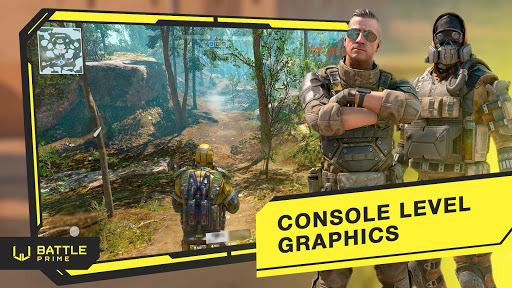
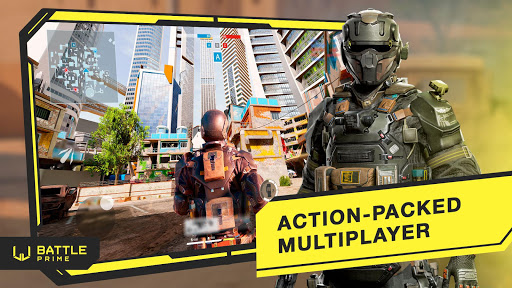
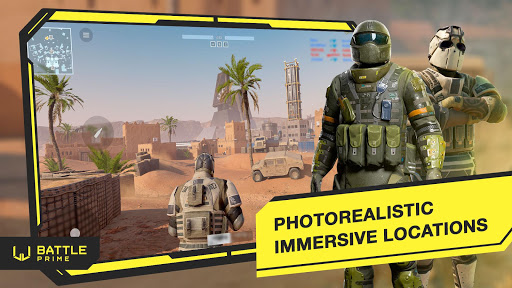
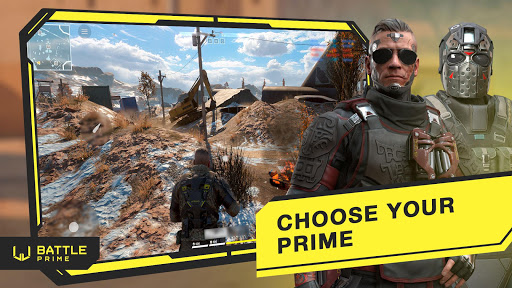
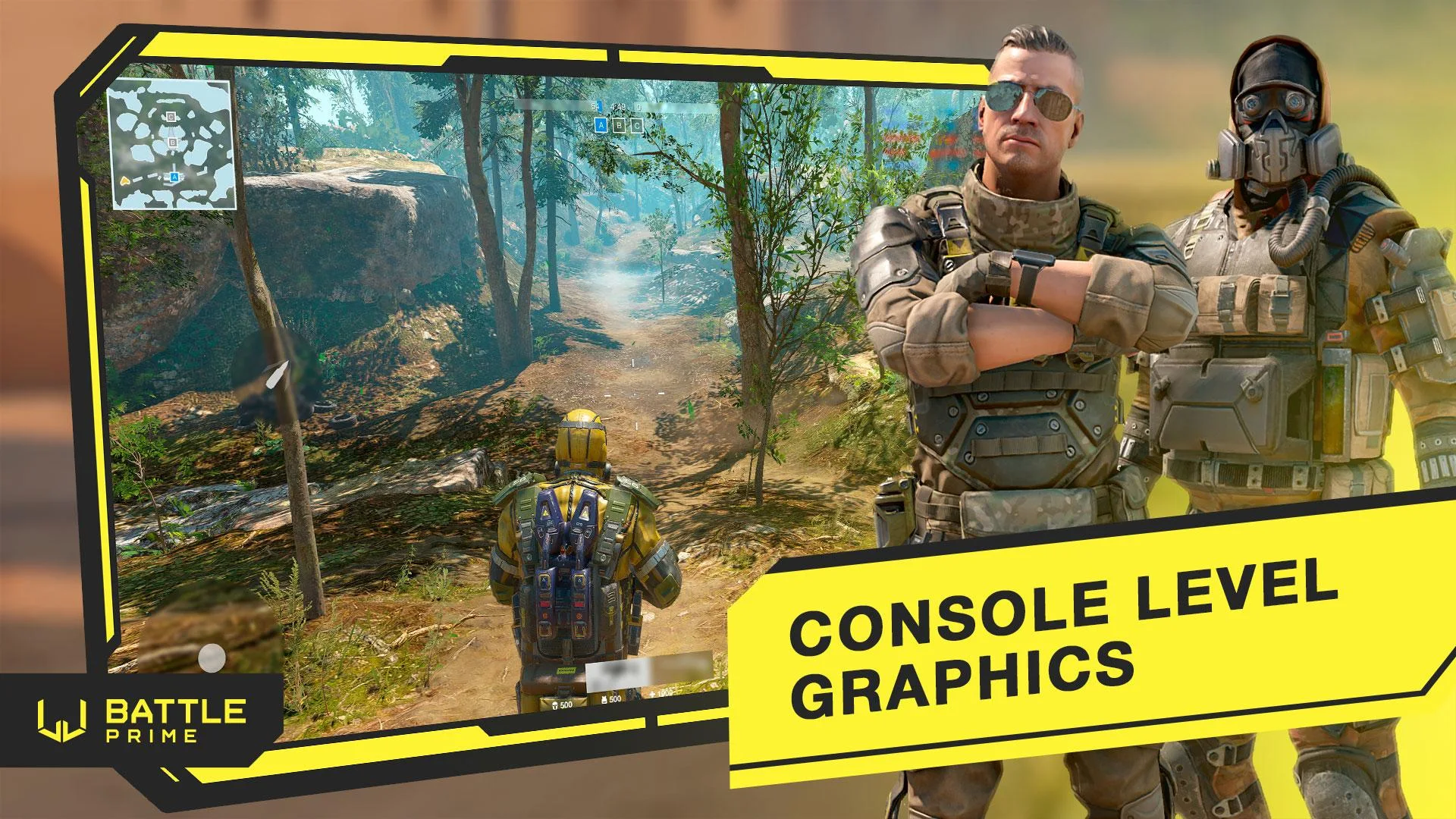
Battle Prime brings you the ultimate mobile tactical shooter experience! Unique 3rd person shooting game - engage in high-stakes multiplayer delta PVP battles, shoot the enemies, and think carefully, as every decision shapes the outcome. With console-level graphics and intense modern warfare force, this game delivers adrenaline-fueled excitement of gun right to your fingertips.
[Prepare for the Delta Action]
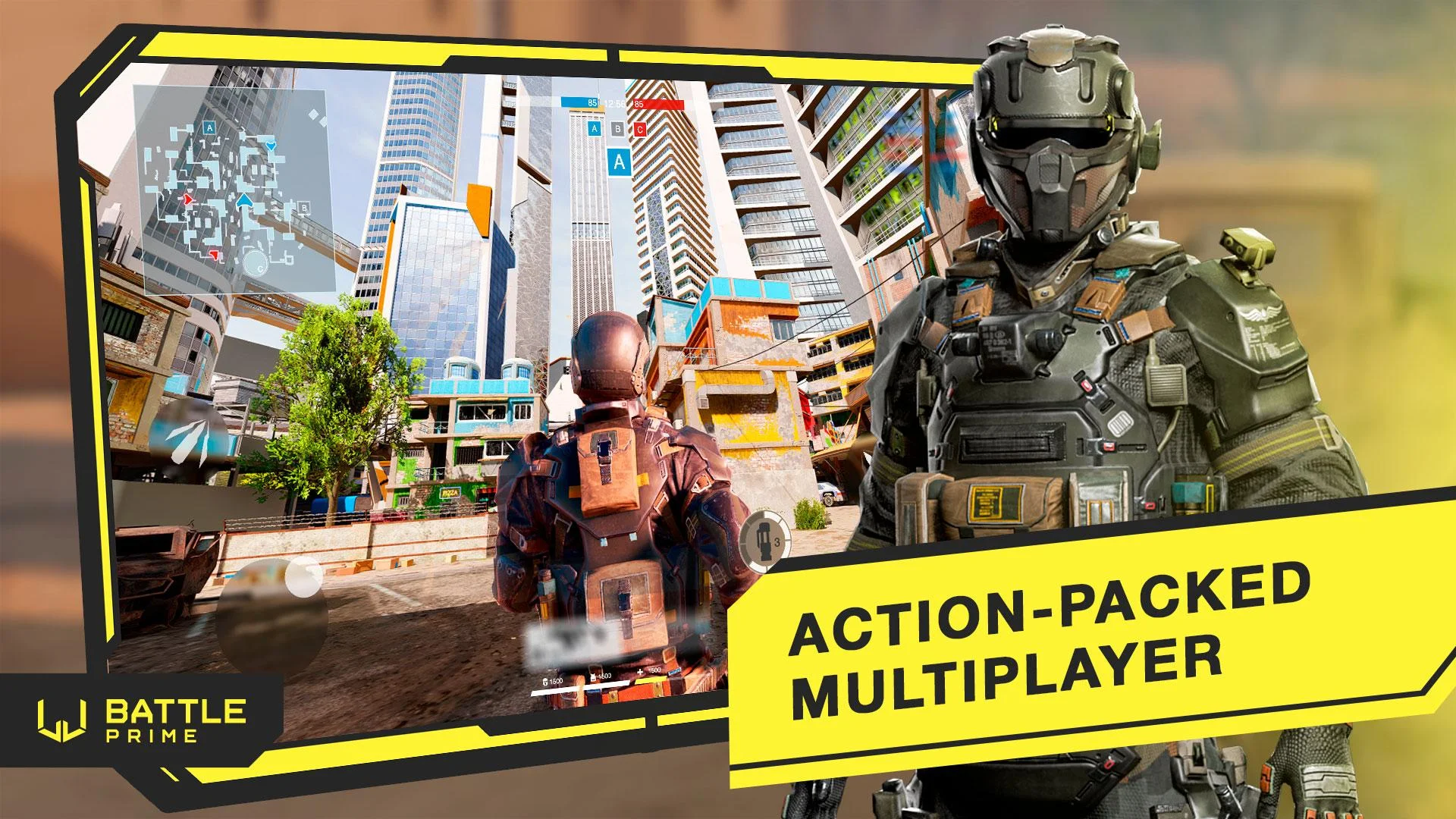
In the midst of the chaos of battle, where every step could mean life or death, Battle Prime stands as a beacon of adrenaline-fueled gun excitement. Feel the rush of combat as you engage in intense 3D gun firefights against skilled opponents from around the world. Whether you're a seasoned shooter veteran or a newcomer to the world of FPS games, there's something for everyone in this action-packed arena.
[Choose Your Prime Agent]
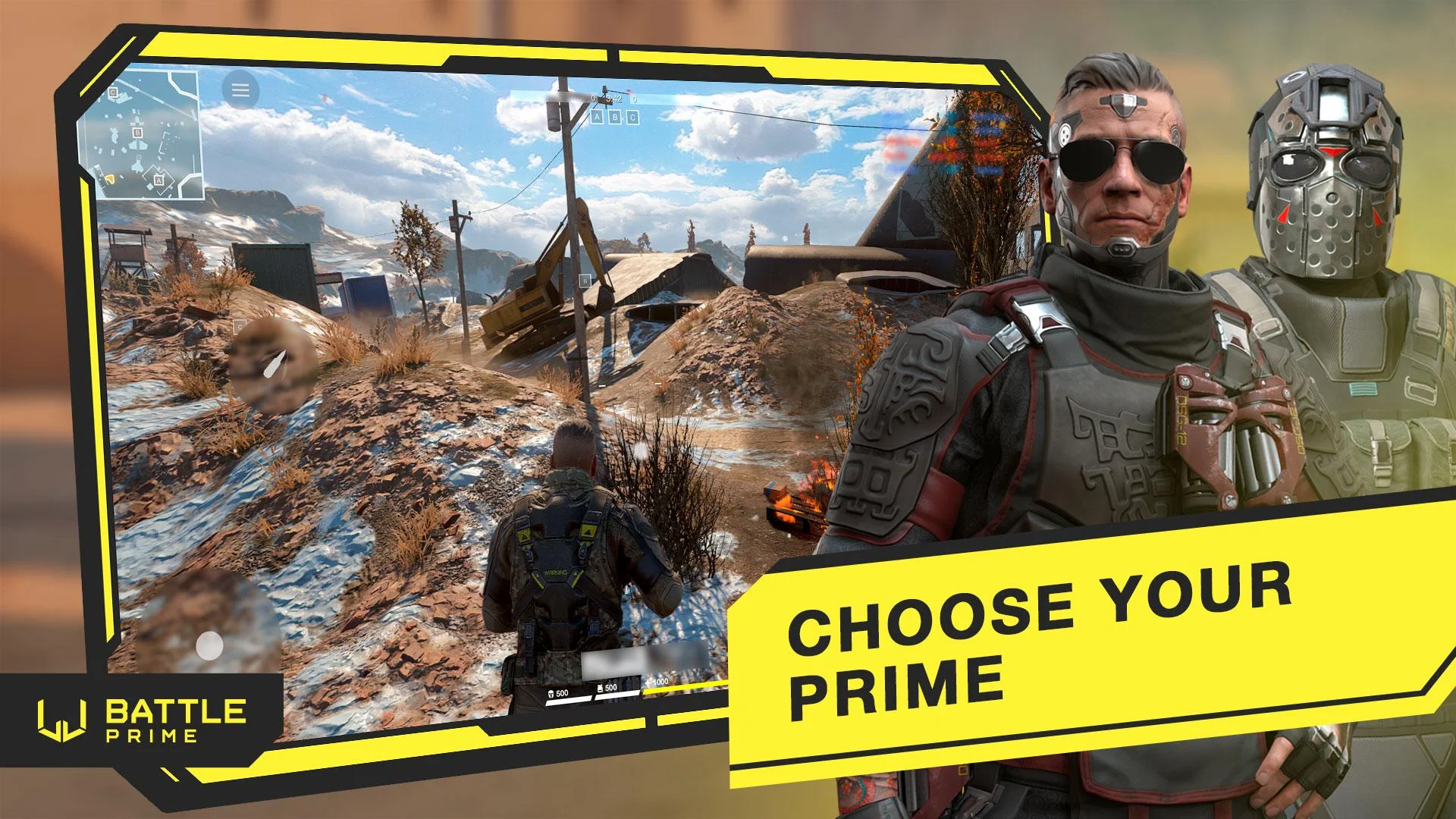
Dive into battle as one of the superpowered war heroes, each with unique abilities and a formidable arsenal. Whether you prefer the precision of a sniper or the rapid-fire chaos of an assault rifle, there's a Prime Agent for every playstyle. Equip your favourite gun and unleash devastation on the battlefield!
[Join the Delta Fight]
Team up with friends in co-op delta squads and face off against rivals in intense PVP force showdowns. In fast-paced 3v3 and 5v5 battles, teamwork force is paramount. Combine Prime Agents strategically to become an unstoppable force on the battlefield. Shift tactics on the fly and emerge victorious in the heat of combat.
[Grab Rewards]
Every victory brings you closer to becoming the coolest Prime Agent on the battlefield. Complete missions during seasons to unlock exclusive rewards, featuring new Prime Agents and powerful weapons. Dominate the arena and show everyone your prowess in PVP gun combat!
[Enjoy Stunning Graphics]
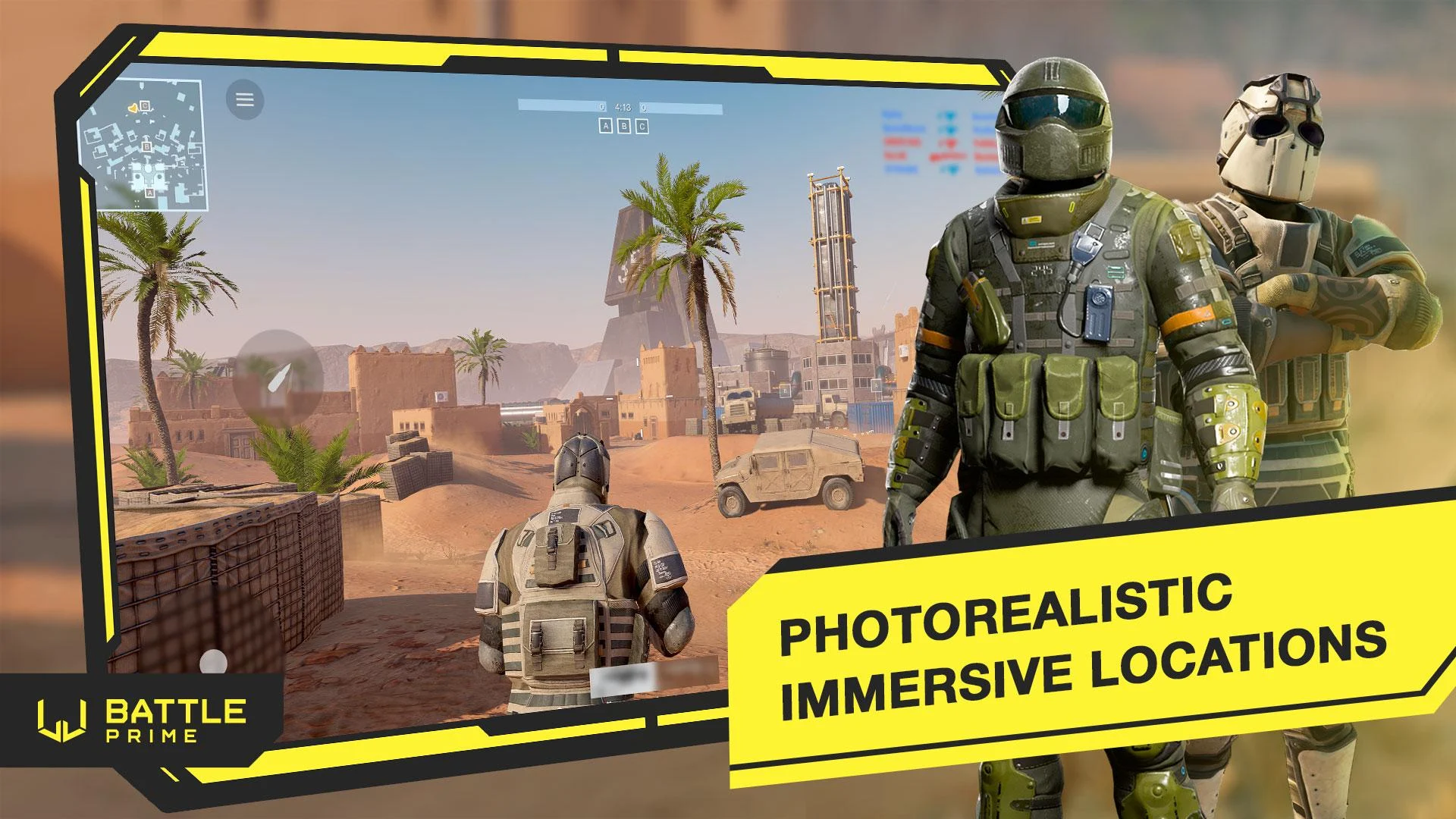
Powered by a self-developed mobile engine, Battle Prime offers photo-realistic graphics and detailed war heroes, weapons, and maps. Immerse yourself in the striking PVP modern force army world and experience the highest standard of immersion right on your mobile device.
[Join the Community]
Don't miss out on the adrenaline-pumping action – download Battle Prime now and join the global gaming community! Connect with fellow players on social media to stay updated on the latest events and engage in thrilling battles:
Facebook: https://www.facebook.com/BattlePrime
Instagram: https://www.instagram.com/battleprime
Youtube: https://www.youtube.com/channel/UCZ687ZSJqWy3LpkPZ9hKonQ
Discord: https://discord.gg/battleprime
X: https:/x.com/PrimeBattle
Reddit: https://www.reddit.com/r/BattlePrime
Please contact customer service if you encounter any problems: https://www.battleprime.com/support
Gear up, load the gun, and prepare for the battle of your life. The war is raging, the army is ready, and the bullets are whistling. Become the delta legend of Battle Prime!
Show more

1. Download MEmu installer and finish the setup

2. Start MEmu then open Google Play on the desktop

3. Search Battle Prime in Google Play
Install
4. Download and Install Battle Prime
5. On install completion click the icon to start

6. Enjoy playing Battle Prime on PC with MEmu
MEmu Play is the best Android emulator and 100 million people already enjoy its superb Android gaming experience. The MEmu virtualization technology empowers you to play thousands of Android games smoothly on your PC, even the most graphic-intensive ones.
Bigger screen with better graphics; Long duration, without limitation of battery or mobile data.
Full Keymapping support for precise control of keyboard and mouse or gamepad.
Multiple game accounts or tasks on single PC at one time with Multi-Instance manager.
Play Battle Prime on PC by following steps: