Command & Conquer™: Legions
Updated
Current Version
Offered By

With your passion for Command & Conquer™: Legions, you shouldn’t have to limit yourself to the small screen of a phone. Play like a pro and take full control of the game using a keyboard and mouse. MEmu gives you everything you’re looking for. Download and play Command & Conquer™: Legions on PC. Play as long as you want — no more worries about battery life, mobile data, or unexpected calls. The all-new MEmu 9 is the best way to play Command & Conquer™: Legions on PC. With our expertly designed keymapping system, Command & Conquer™: Legions feels just like a real PC game. The MEmu multi-instance manager lets you run two or more accounts on the same device at the same time. Most importantly, our exclusive emulation engine unlocks your PC’s full potential, delivering smooth and seamless performance.
Show more
Download Command & Conquer™: Legions on PC with MEmu Android Emulator. Enjoy playing on big screen. Welcome back, Commander!
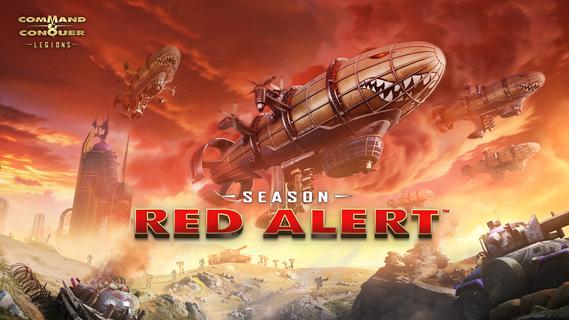
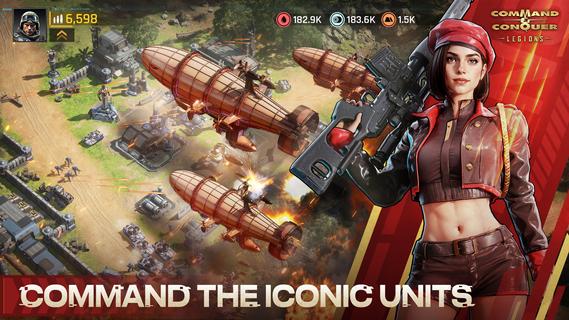
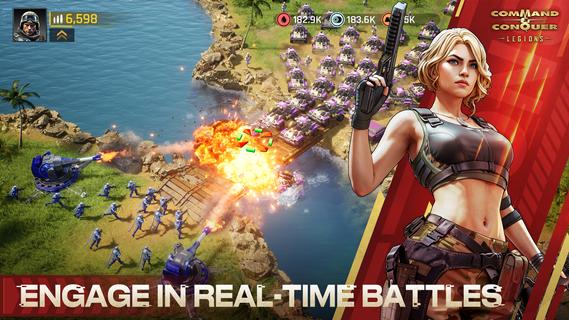
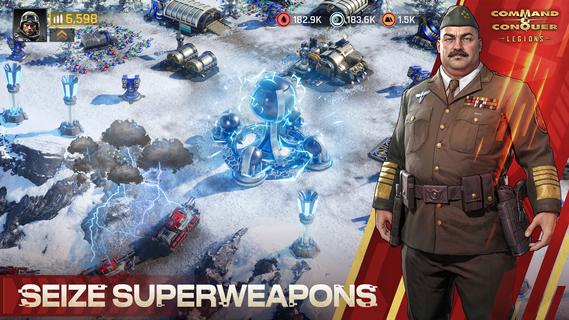
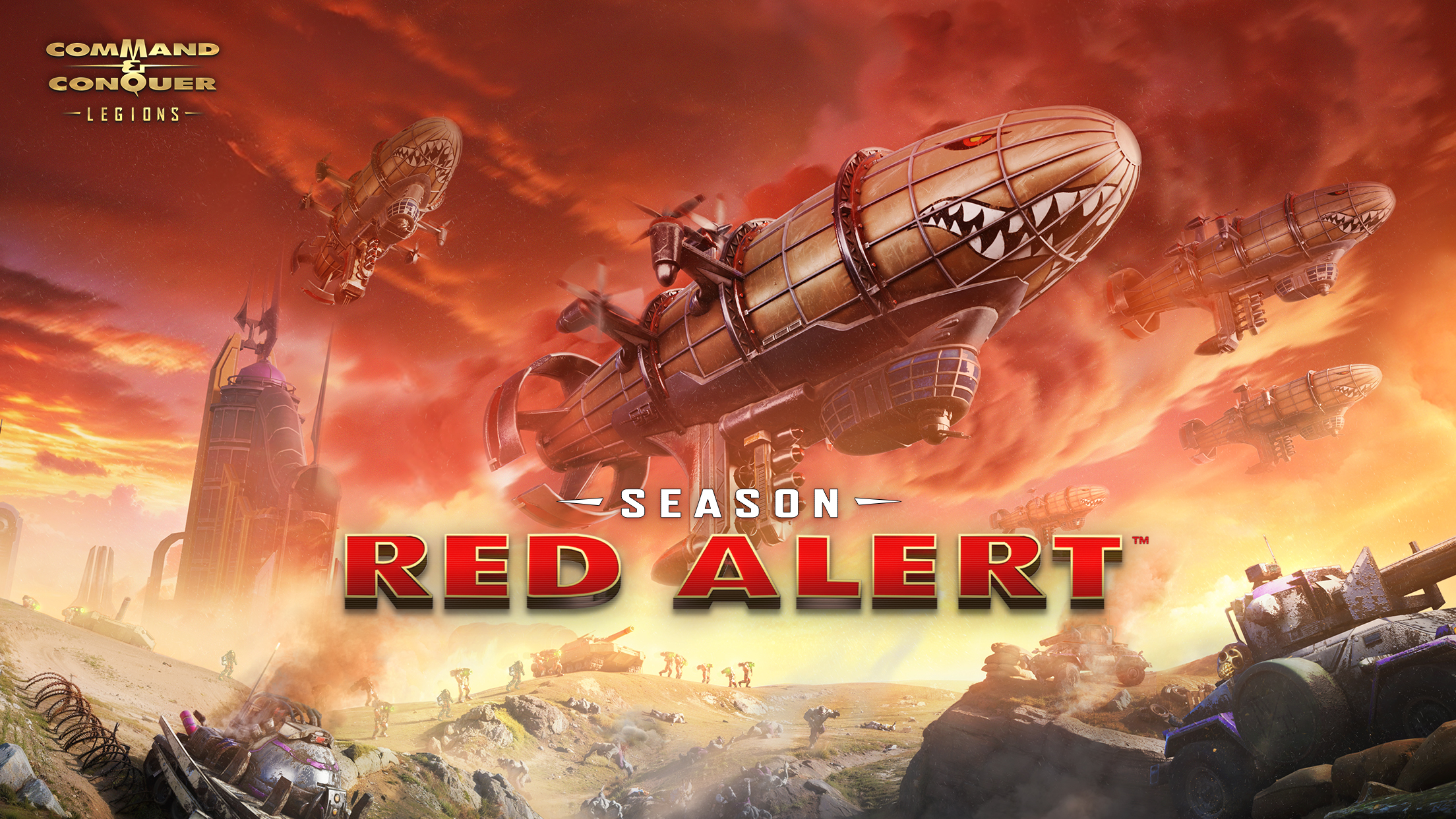
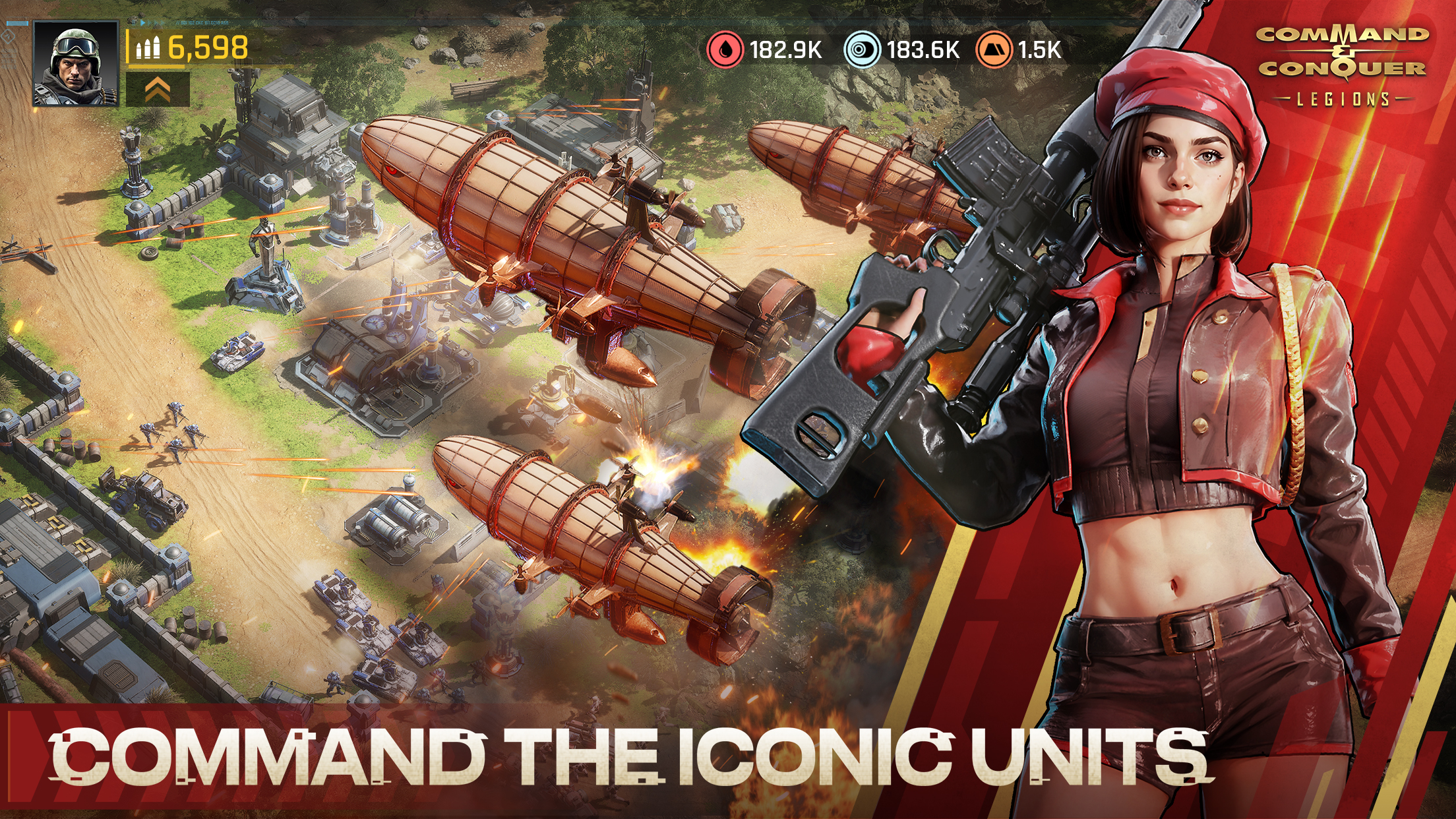
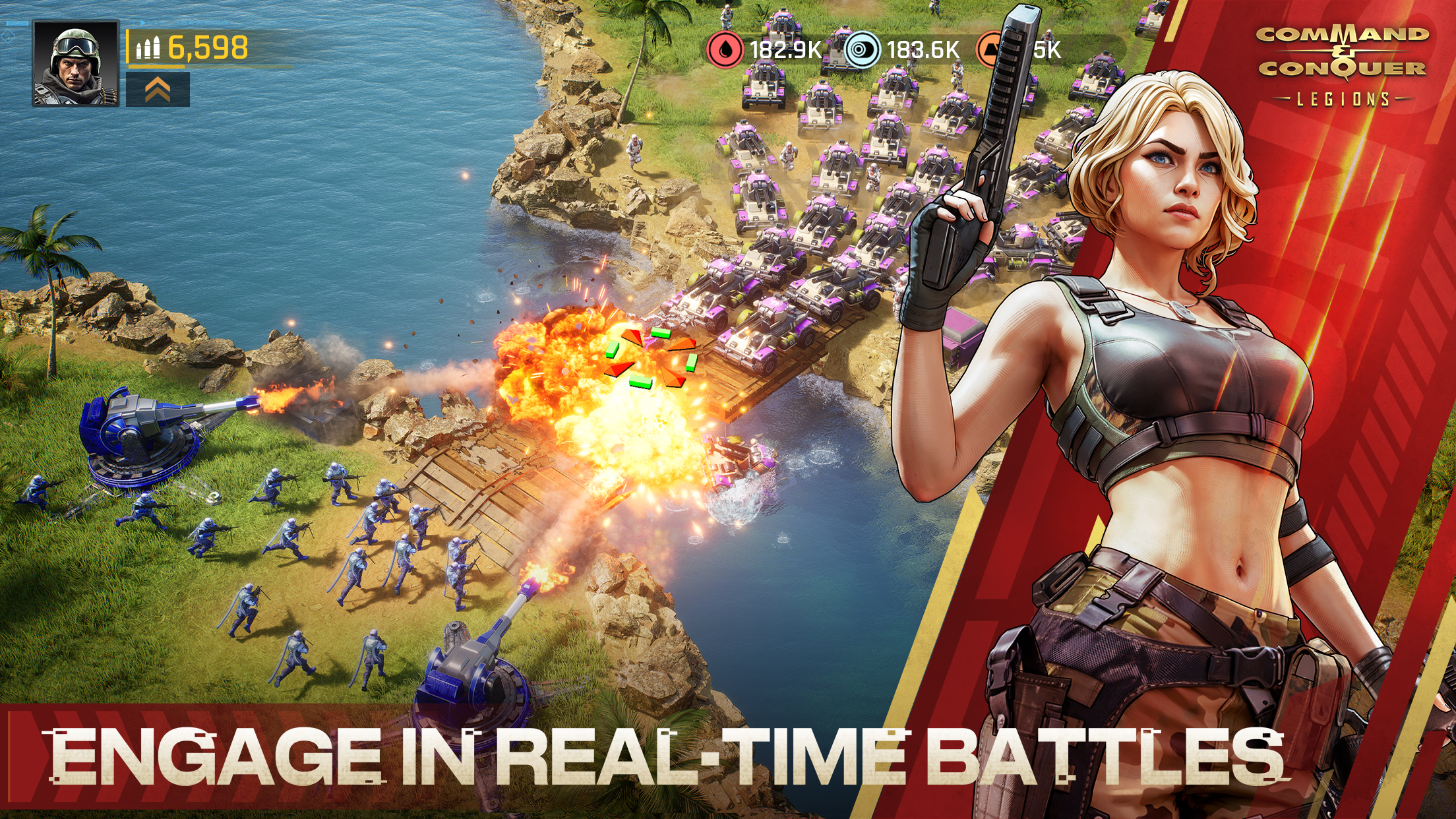
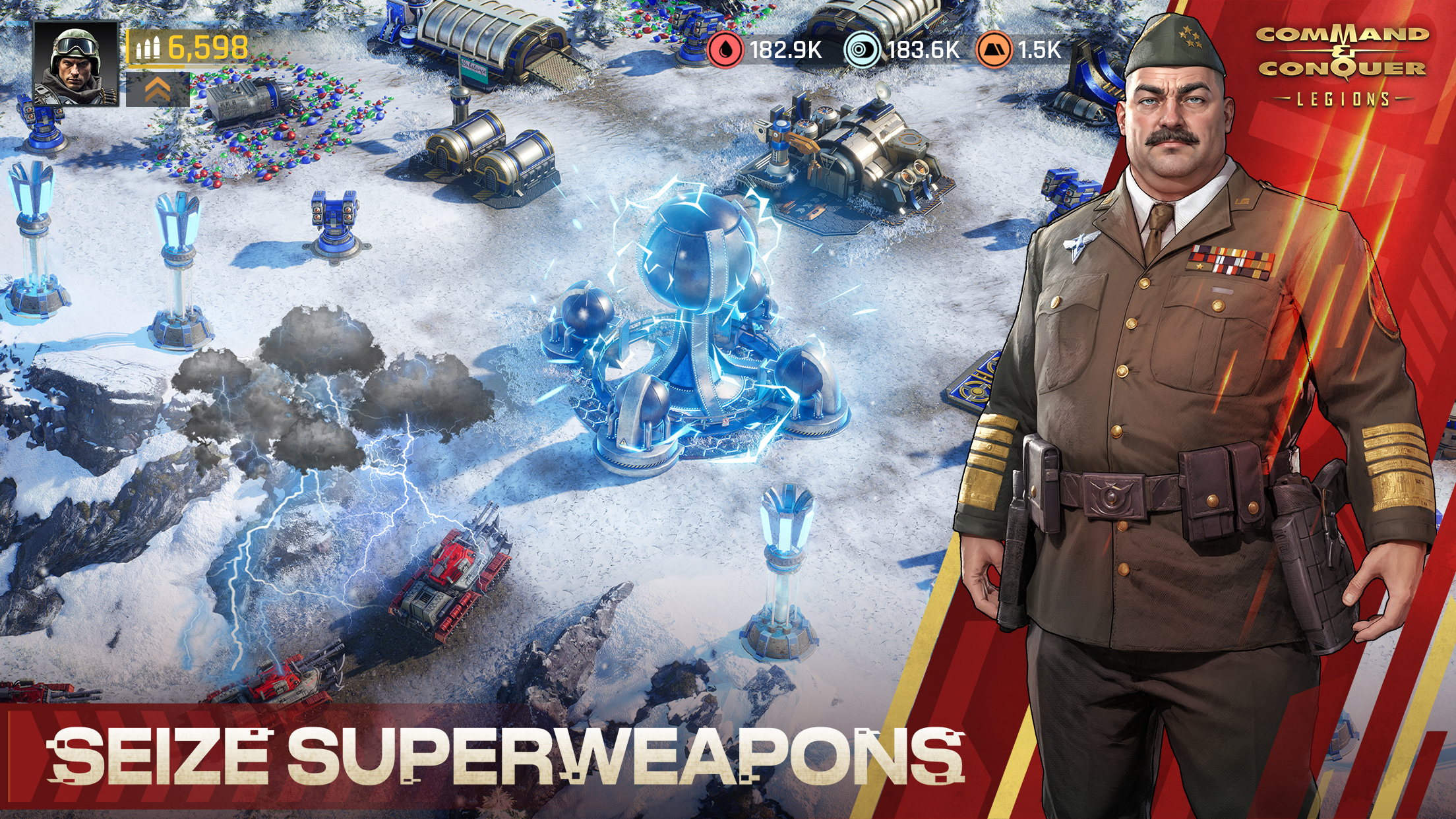
Welcome back, Commander!The war has never ended, and the Yuri Corps has risen from the ashes. The alarm of Red Alert sounds again. The boundaries of time blur, Yuri's superweapons grow ever more powerful, and his ambition to control Earth may just be the beginning.Facing the numerous blockades and the threat of superweapons from the Yuri Corps, the world is on the brink of disaster. To combat Yuri, the global factions have waged total war against him. Commander, you will lead your faction into the final battle against Yuri! The fate of the world will depend on your decisions and tactics. Good luck, Commander!EA Licensed, Relive the MemoriesImmerse yourself in the world of Red Alert with its lore and high-quality art. Lead your faction, acquire iconic heroes and weapons, and upgrade your buildings and armies to awaken your battlefield memories and potential.Strategy Focused, Enhancing the New ExperienceWe've simplified the tedious daily missions and continuously optimized mobile operations, allowing you to focus more on enhancing your strategic tactics. Whether it's in the thrilling PvP, KvK, GvG, or exploring the boundless PvE, you can discover endless potential.Multi-Dimensional Battlefield, Experience Real-Time CombatKirov Airships, Prism Tanks, MCVs, and various unit types are at your disposal. Anticipate breakthroughs and challenges in the large world map strategic skirmishes.Control Powerful Mechs, Explore Unique GameplayCustomize and command powerful mechs of your own. Build your exclusive system through precise strategic deployment and flexible skill selection to confidently face the continuous enemy challenges.Acquire Superweapons, Change the Battlefield DynamicsTake control of the Nuclear Missile Silo, unlock powerful alliance-exclusive skills, and you will have the opportunity to unleash magnetic storms or fire devastating nuclear missiles at your enemies. Join us now, lead your faction to victory, reshape the fate of the world, and write your own era!KEEP IN TOUCHFacebook: https://www.facebook.com/commandandconquerlegionsDiscord: https://discord.gg/commandandconquerlegionsTwitter: https://twitter.com/CnCL_OfficialYouTube: https://www.youtube.com/@CnCLegions_OfficialTerms of service: https://www.cnclegions.com/terms.htmlPrivacy and Cookie Policy: https://www.cnclegions.com/privacypolicy.html
Show more

1. Download MEmu installer and finish the setup

2. Start MEmu then open Google Play on the desktop

3. Search Command & Conquer™: Legions in Google Play
Install
4. Download and Install Command & Conquer™: Legions
5. On install completion click the icon to start

6. Enjoy playing Command & Conquer™: Legions on PC with MEmu
MEmu Play is the best Android emulator and 100 million people already enjoy its superb Android gaming experience. The MEmu virtualization technology empowers you to play thousands of Android games smoothly on your PC, even the most graphic-intensive ones.
Bigger screen with better graphics; Long duration, without limitation of battery or mobile data.
Full Keymapping support for precise control of keyboard and mouse or gamepad.
Multiple game accounts or tasks on single PC at one time with Multi-Instance manager.
Play Command & Conquer™: Legions on PC by following steps: