Devil Hunter: Eternal War
Updated
Current Version
1.0.8
Offered By

With your passion for Devil Hunter: Eternal War, you shouldn’t have to limit yourself to the small screen of a phone. Play like a pro and take full control of the game using a keyboard and mouse. MEmu gives you everything you’re looking for. Download and play Devil Hunter: Eternal War on PC. Play as long as you want — no more worries about battery life, mobile data, or unexpected calls. The all-new MEmu 9 is the best way to play Devil Hunter: Eternal War on PC. With our expertly designed keymapping system, Devil Hunter: Eternal War feels just like a real PC game. The MEmu multi-instance manager lets you run two or more accounts on the same device at the same time. Most importantly, our exclusive emulation engine unlocks your PC’s full potential, delivering smooth and seamless performance.
Show more
Download Devil Hunter: Eternal War on PC with MEmu Android Emulator. Enjoy playing on big screen. The roar of the Giant Gorilla resounded through the heavens and the earth, declaring an end to the legend of the Giant Roc.
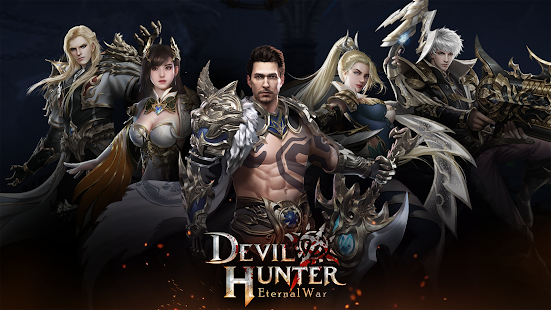
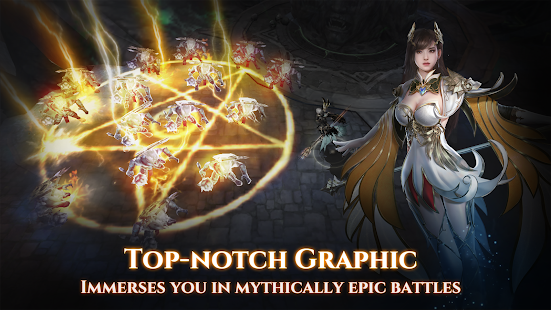
The roar of the Giant Gorilla resounded through the heavens and the earth, declaring an end to the legend of the Giant Roc.
The war between Giant Gorillas and Giant Rocs was just... a nightmare. With the end of this ancient war, the two hegemons disappeared from public memory, and the Three Realms began a new chapter.
Nowadays, the world is mixed with bad and good; immortals and devils. What does the future hold for the current Three Realms? Perhaps, it's up to you!
- Game features
▲ Autoplay:Autoplay can help you to do daily requests, kill monsters and loot Bosses! All you have to do is figure out a way to manage this messy world.
▲ Mounts and Pets:Hundreds of cool Mounts and Pets never leave you or forsake you. Their loyalty helps you dominate the whole world. Flying dragons, rhinos, giant scorpions, pegasi, dinosaurs, and even high-tech motorcycles... You can find almost everything you can think of, and they can meet all your needs.
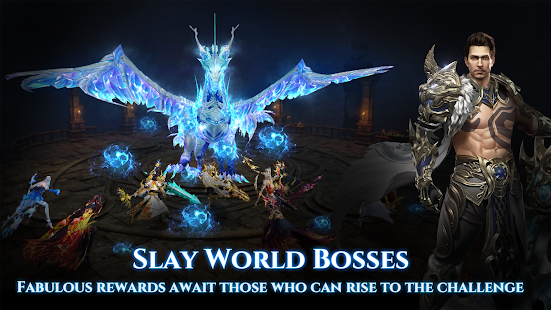
▲ World Boss:Battle against the strong World Boss with players around the globe. At this moment, your kindness to others is cruelty to yourself. Kill other players to loot the Boss's treasures; various outfits and ultimate materials await!
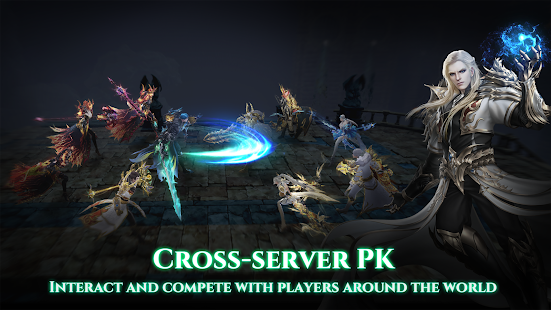
▲ Cross-server PVP:Plan well and fight together with your guild members, or even former enemies on the cross-server battlefield to occupy limited-resource tiles and honor the guild you represent!
▲ Perfect Immortal Couple:While fighting alone in the world of immortals and devils, you might feel lonely sometimes. Why not go find your perfect match, and achieve the immortality together? This way, you can get twice the results with half the effort. At the same time, you can also go hand-in-hand and enjoy an amazing view of the Three Realms.
▲ Rich Gameplay:Unexpected Fortune, Sincere Words, Guild Contests, The Peaks of Mount Kunlun...A variety of gameplay types await you every day! On the way to achieving immortality, you will never be bored!
Follow our offical Facebook Fanpage to get the latest game news:
https://www.facebook.com/DevilHunter.Eternalwar/
http://devilhunter.centurygame.com/
Show more

1. Download MEmu installer and finish the setup

2. Start MEmu then open Google Play on the desktop

3. Search Devil Hunter: Eternal War in Google Play
Install
4. Download and Install Devil Hunter: Eternal War
5. On install completion click the icon to start

6. Enjoy playing Devil Hunter: Eternal War on PC with MEmu
MEmu Play is the best Android emulator and 100 million people already enjoy its superb Android gaming experience. The MEmu virtualization technology empowers you to play thousands of Android games smoothly on your PC, even the most graphic-intensive ones.
Bigger screen with better graphics; Long duration, without limitation of battery or mobile data.
Full Keymapping support for precise control of keyboard and mouse or gamepad.
Multiple game accounts or tasks on single PC at one time with Multi-Instance manager.
Play Devil Hunter: Eternal War on PC by following steps: