指尖棋兵
Updated
Current Version
Offered By

With your passion for 指尖棋兵, you shouldn’t have to limit yourself to the small screen of a phone. Play like a pro and take full control of the game using a keyboard and mouse. MEmu gives you everything you’re looking for. Download and play 指尖棋兵 on PC. Play as long as you want — no more worries about battery life, mobile data, or unexpected calls. The all-new MEmu 9 is the best way to play 指尖棋兵 on PC. With our expertly designed keymapping system, 指尖棋兵 feels just like a real PC game. The MEmu multi-instance manager lets you run two or more accounts on the same device at the same time. Most importantly, our exclusive emulation engine unlocks your PC’s full potential, delivering smooth and seamless performance.
Show more
Download 指尖棋兵 on PC with MEmu Android Emulator. Enjoy playing on big screen. Welcome to "Fingertip Chess"!
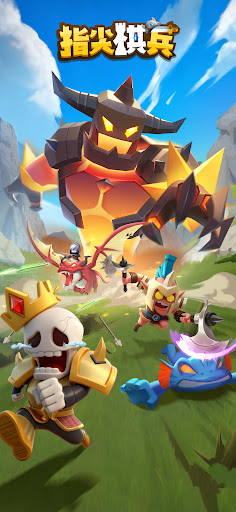
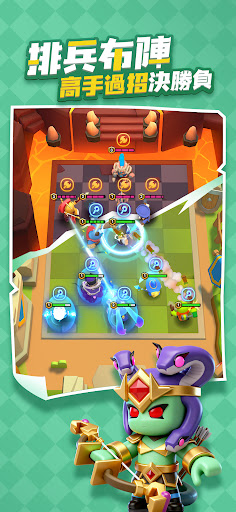
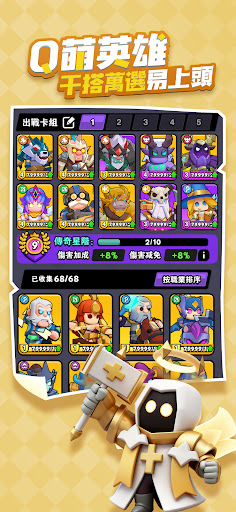
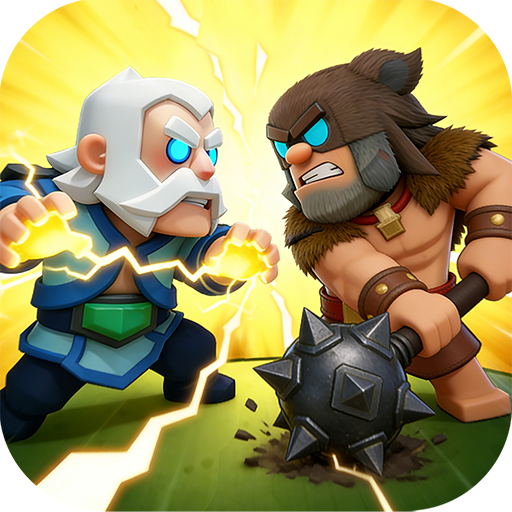
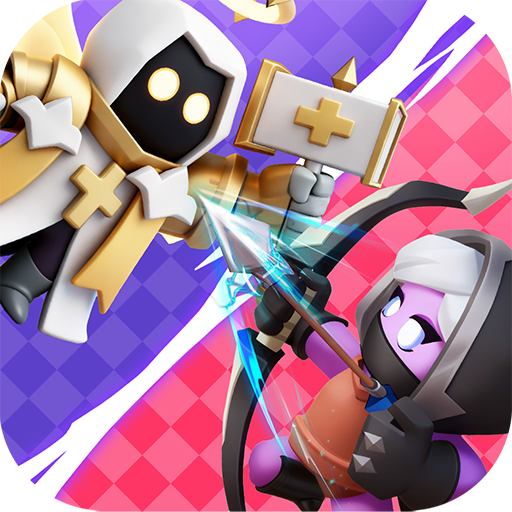
Welcome to "Fingertip Chess"! This is an incredibly addictive light strategy game. Play with just one finger, each game lasts only three minutes, so you can play anytime, anywhere! Assemble adorable heroes, freely customize your lineup, and experience the thrill of strategic battles whether you're attacking to crush your opponents or "camping" to the end for victory. Come and enjoy this simple and pure competitive fun!
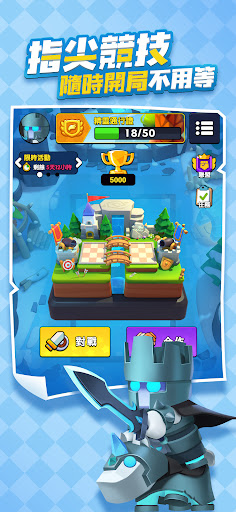
Fingertip Competition | Play Anytime, No Waiting
Play with one hand, strategize with just a tap of the screen! Fast-paced battles, each game lasting only a few minutes, perfect for a quick game while commuting, waiting in line, or during your lunch break!
Strategic Deployment | Masterful Battles
This isn't just about luck, it's a test of wits! Adapt your heroes and formations flexibly to the battlefield situation. Will you choose a full-on attack or a defensive counter-attack? Every decision will influence the outcome of the battle. Become a strategy master who crushes your opponents with your intelligence!
Cute Heroes | Countless Combinations, Addictive Gameplay
Collect dozens of adorable heroes with unique skills! Each hero possesses a unique charm. Experiment with countless combinations and strategies to create your ultimate team – guaranteed to get you hooked and unable to stop playing!
Casual Battle Royale | Survive to the End for the Final Showdown
This game incorporates classic battle royale gameplay! Fair competition from the start; you don't have to be a gunslinger. "Hiding" and developing your character is also a strategy! Survive to the end and face your final opponent in a decisive battle, experiencing the thrill of a comeback!
Team Challenges | Crush the Boss with Tactics
Not satisfied with playing alone? Call your friends! Form a team to challenge powerful world bosses. No more solo battles; clear roles and seamless teamwork are required. Use perfect team tactics to easily crush powerful enemies!
※ This software contains violent content and is classified as a Supplementary Rating 12 according to the Game Software Rating Management Regulations.
* This game is free to play, but in-game purchases of virtual currency and items are available.
* Please be mindful of your playtime and avoid becoming addicted.
* Distributor Information: Qiaowei Digital Marketing Co., Ltd.
* Membership Terms of Service: https://elftw.domozoo.com/service.html
* Privacy Policy: https://elftw.domozoo.com/privacy.html
Show more

1. Download MEmu installer and finish the setup

2. Start MEmu then open Google Play on the desktop

3. Search 指尖棋兵 in Google Play
Install
4. Download and Install 指尖棋兵
5. On install completion click the icon to start

6. Enjoy playing 指尖棋兵 on PC with MEmu
MEmu Play is the best Android emulator and 100 million people already enjoy its superb Android gaming experience. The MEmu virtualization technology empowers you to play thousands of Android games smoothly on your PC, even the most graphic-intensive ones.
Bigger screen with better graphics; Long duration, without limitation of battery or mobile data.
Full Keymapping support for precise control of keyboard and mouse or gamepad.
Multiple game accounts or tasks on single PC at one time with Multi-Instance manager.
Play 指尖棋兵 on PC by following steps: