Total Football
Updated
Current Version
2.9.115
Offered By

With your passion for Total Football, you shouldn’t have to limit yourself to the small screen of a phone. Play like a pro and take full control of the game using a keyboard and mouse. MEmu gives you everything you’re looking for. Download and play Total Football on PC. Play as long as you want — no more worries about battery life, mobile data, or unexpected calls. The all-new MEmu 9 is the best way to play Total Football on PC. With our expertly designed keymapping system, Total Football feels just like a real PC game. The MEmu multi-instance manager lets you run two or more accounts on the same device at the same time. Most importantly, our exclusive emulation engine unlocks your PC’s full potential, delivering smooth and seamless performance.
Show more
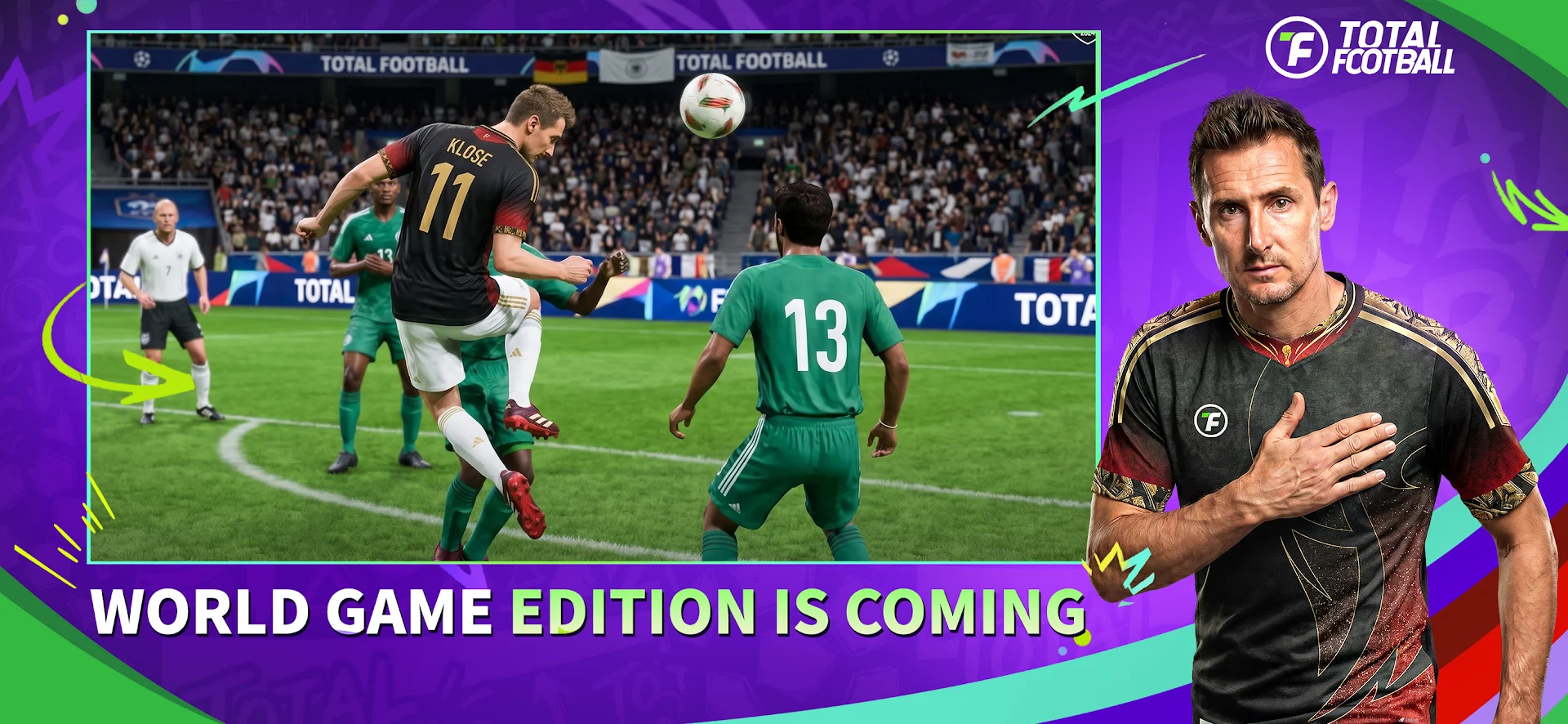
Download Total Football on PC with MEmu Android Emulator. Enjoy playing on big screen. Total Football is a thrilling competitive football sim, officially licensed by FIFPro and other top football organizations.
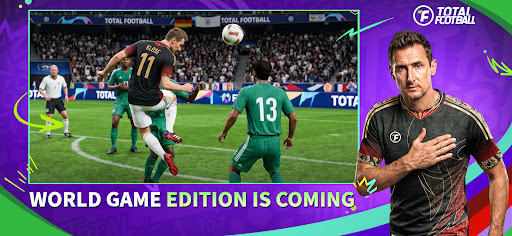
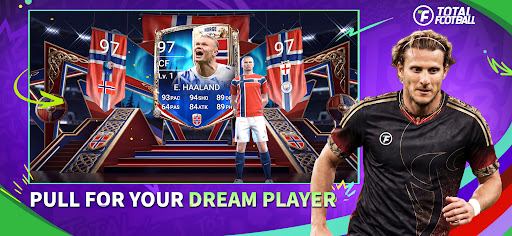

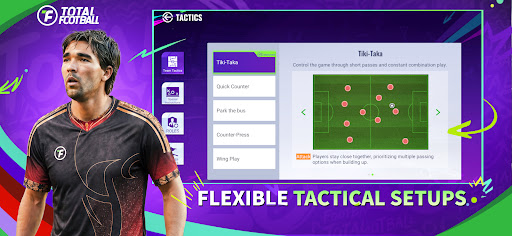
Total Football is a thrilling competitive football sim, officially licensed by FIFPro and other top football organizations.
— Official Licenses & Pure Authenticity
• 1,779 players from Europe's top leagues!
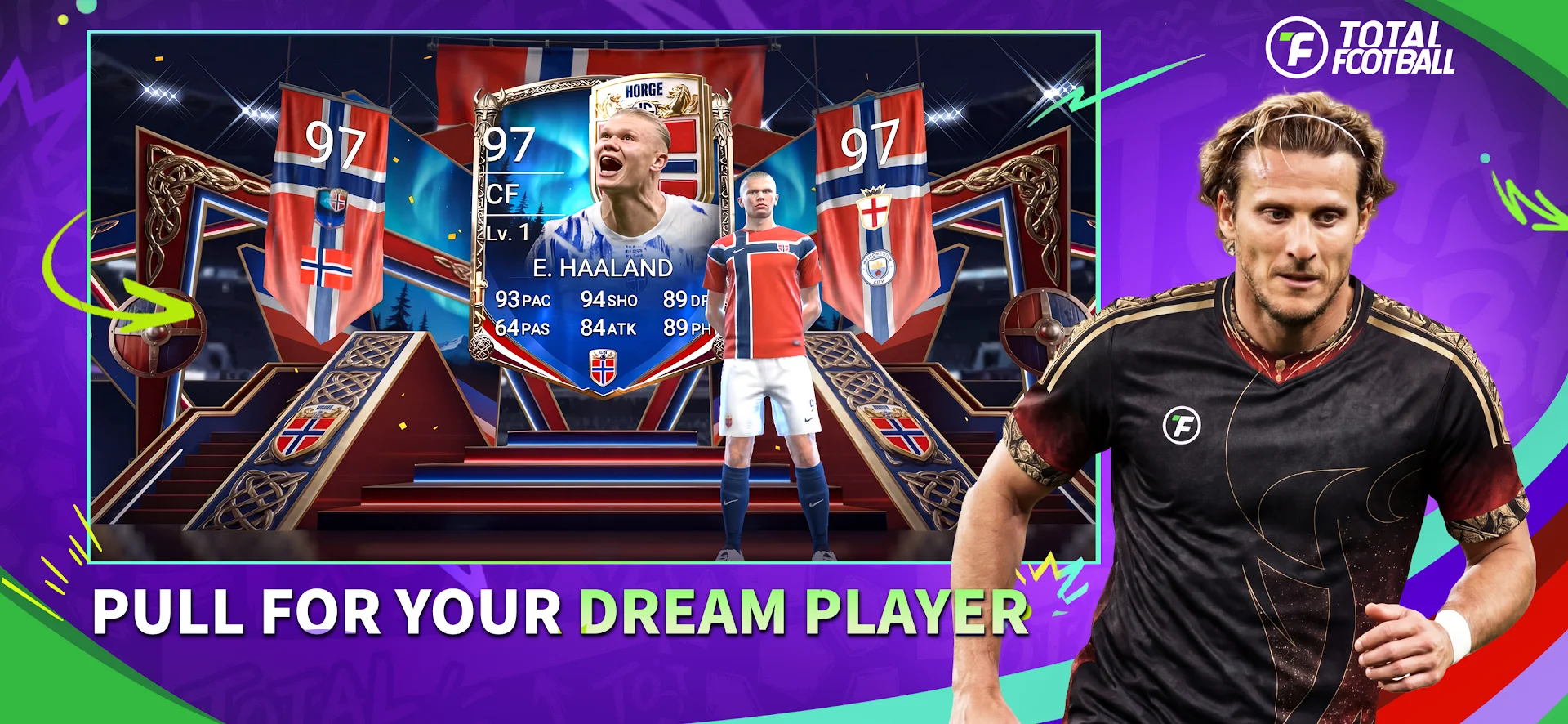
• Squads packed with football legends: Ronaldinho, Rivaldo, Cafu, Maldini, Villa, Scholes, Pirlo and many more!
• Officially licensed by FIFPro, Manchester City, Eintracht Frankfurt, Bayer Leverkusen, Ajax, Monaco and other top clubs.
— Next-Gen Technology
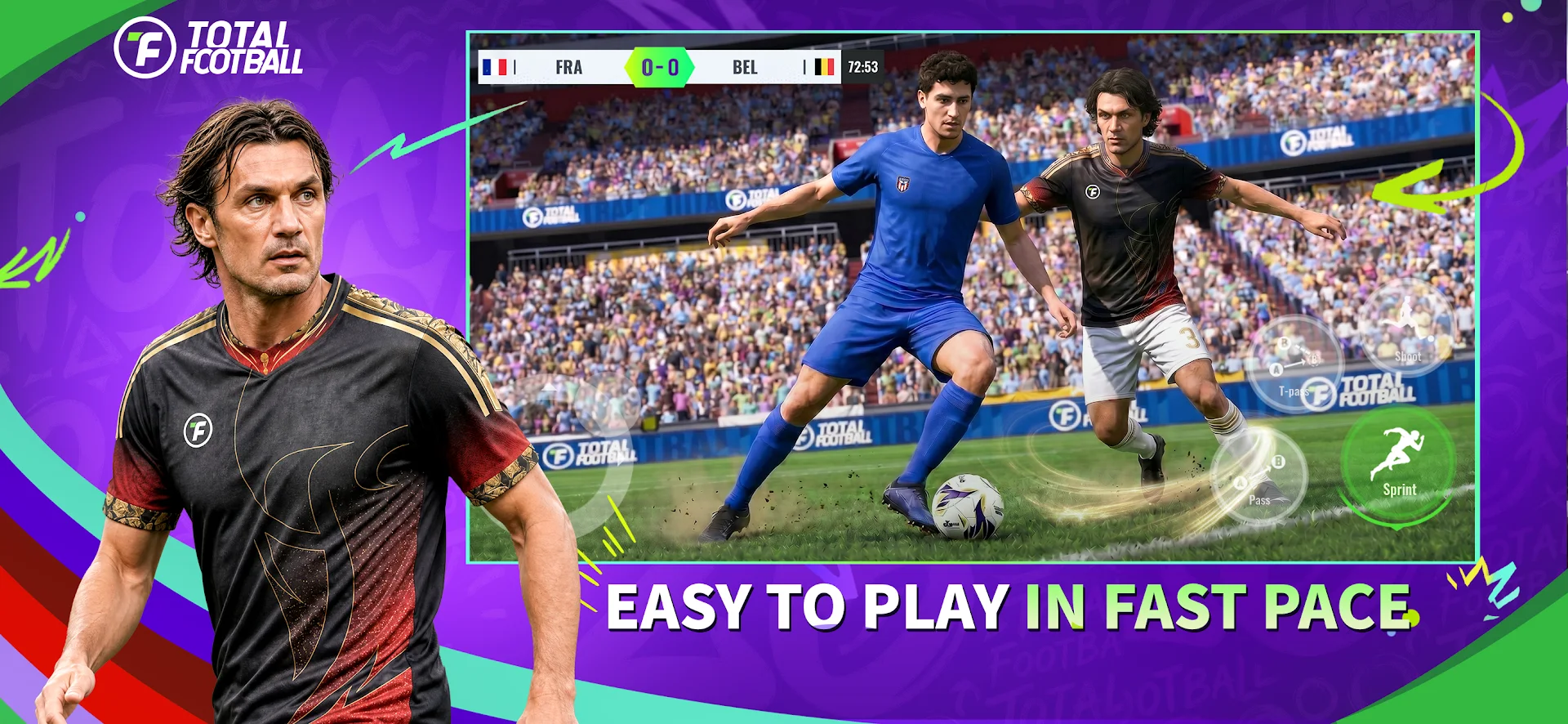
• HyperMotion animations: motion capture and AI deliver lifelike player movement, ball physics and jersey dynamics.
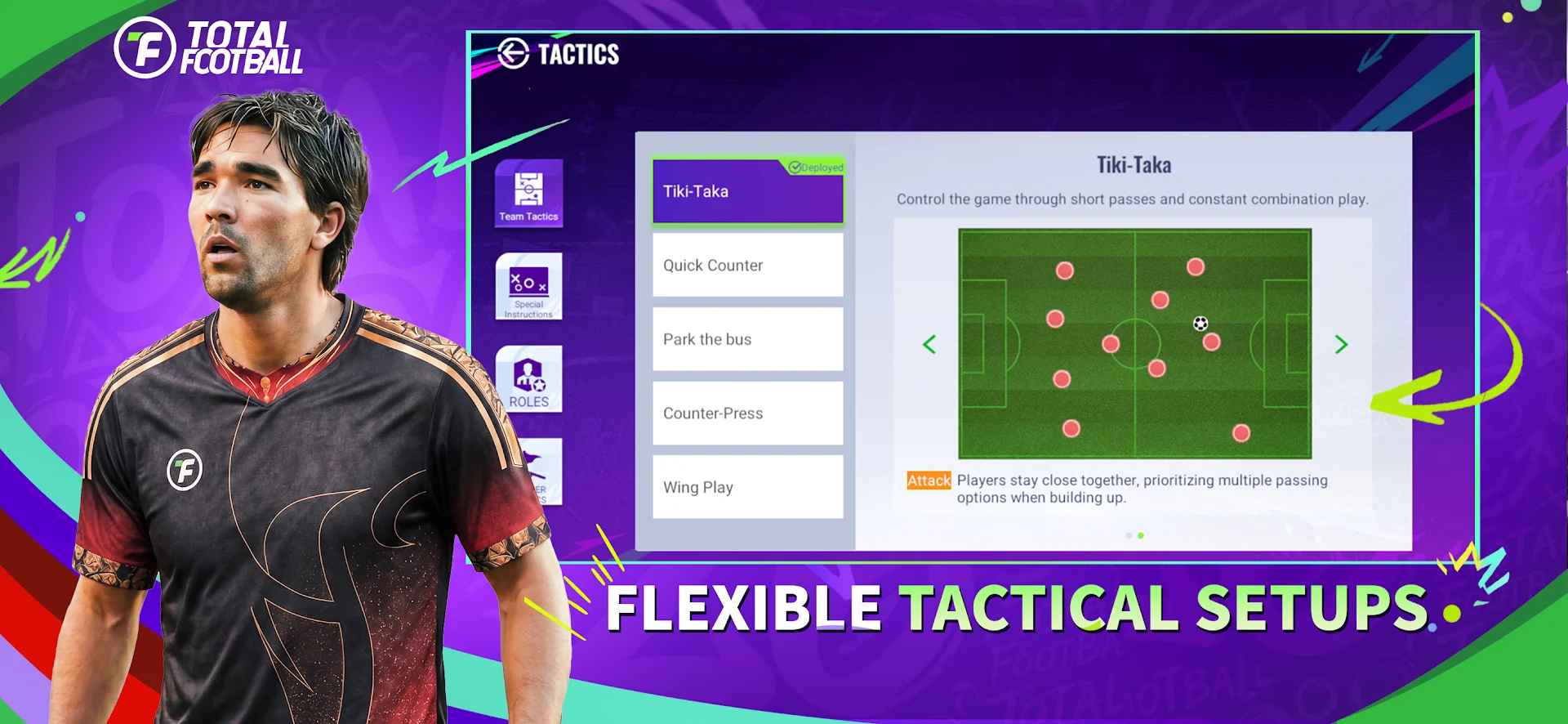
• Tactics System: over 40 preset formations, plus custom formations to build your own style!
• PvP mode: take on players from around the world online.
— Exclusive Modes & Content
• Manager Ranked mode: build your tactics, develop your players and climb to the top tier!
• Signature goal celebrations from Ronaldo, Messi, Mbappé, Haaland and more.
• Local matches supported: face your friends head-to-head, even offline.
— Customization & Localization
• Personalize your stadium, Tifos and club crests!
• Prodigy, Classic Moments, UCC Stars, and more.
— Player ratings updated in real time based on real match performances.
— An immersive 2026 Football Cup experience is on its way!
• Football Cup Stars: ratings update live — follow your favorite's form and milestones every step of the way.
— Why Total Football?
Total Football combines the depth of FC Mobile and the energy of eFootball!
Show more

1. Download MEmu installer and finish the setup

2. Start MEmu then open Google Play on the desktop

3. Search Total Football in Google Play
Install
4. Download and Install Total Football
5. On install completion click the icon to start

6. Enjoy playing Total Football on PC with MEmu
MEmu Play is the best Android emulator and 100 million people already enjoy its superb Android gaming experience. The MEmu virtualization technology empowers you to play thousands of Android games smoothly on your PC, even the most graphic-intensive ones.
Bigger screen with better graphics; Long duration, without limitation of battery or mobile data.
Full Keymapping support for precise control of keyboard and mouse or gamepad.
Multiple game accounts or tasks on single PC at one time with Multi-Instance manager.
Play Total Football on PC by following steps: