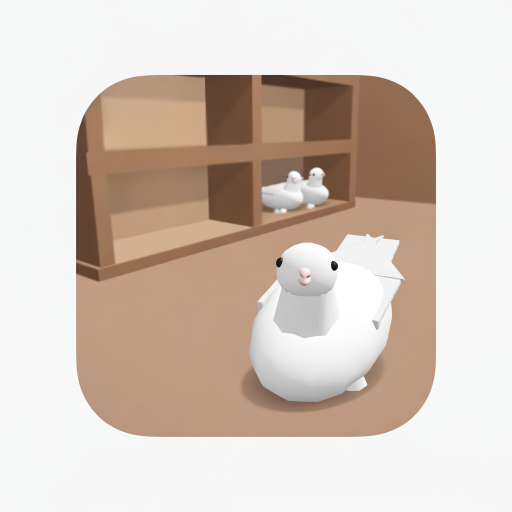
GÜVERCİN KÜMESİ 3D
Updated
Current Version
82.0.0
Offered By

With your passion for GÜVERCİN KÜMESİ 3D, you shouldn’t have to limit yourself to the small screen of a phone. Play like a pro and take full control of the game using a keyboard and mouse. MEmu gives you everything you’re looking for. Download and play GÜVERCİN KÜMESİ 3D on PC. Play as long as you want — no more worries about battery life, mobile data, or unexpected calls. The all-new MEmu 9 is the best way to play GÜVERCİN KÜMESİ 3D on PC. With our expertly designed keymapping system, GÜVERCİN KÜMESİ 3D feels just like a real PC game. The MEmu multi-instance manager lets you run two or more accounts on the same device at the same time. Most importantly, our exclusive emulation engine unlocks your PC’s full potential, delivering smooth and seamless performance.
Show more
Download GÜVERCİN KÜMESİ 3D on PC with MEmu Android Emulator. Enjoy playing on big screen. Gerçekçi 3D Güvercin Kümesi Simülasyonu!
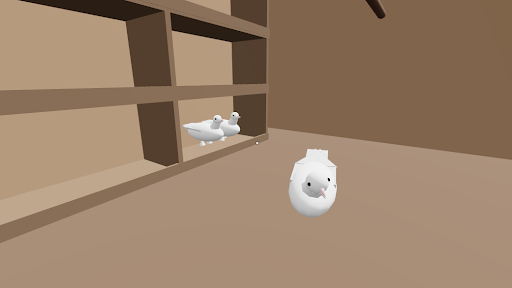
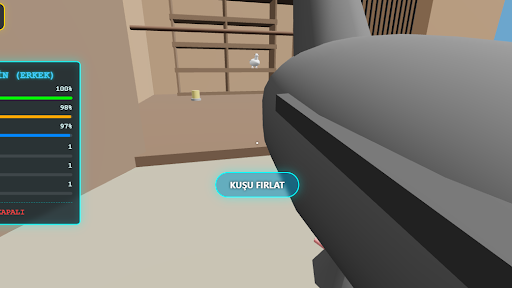
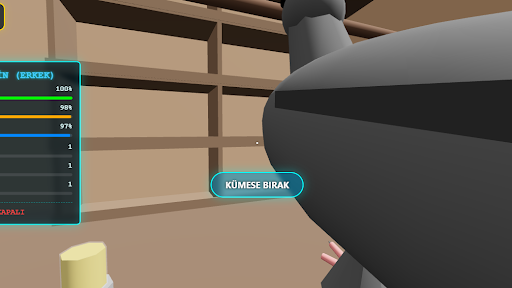
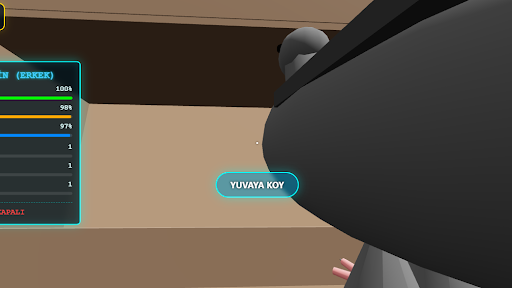
Gerçekçi 3D Güvercin Kümesi Simülasyonu!
Kendi güvercin kümeni kur, büyüt ve yönet! Gerçekçi 3D modeller, detaylı animasyonlar ve dinamik üreme sistemiyle her kuş benzersiz bir deneyim sunar. Kanat çırpışlarını izle, takla attır, yavrular yetiştir ve koleksiyonunu genişlet.
Üret & Kuluçka Sistemi
Yuvalar kur, yumurtaları takip et ve genetik karışımlarla farklı özelliklere sahip yavrular elde et. Her doğum sürprizlerle dolu!
Bakım & Yönetim
Kuşlarına yem ver, su ihtiyaçlarını karşıla, sağlık ve enerjilerini kontrol et. Doğru bakım, daha değerli güvercinler demek!
Pazar & Ticaret
Güvercinlerini pazarda satışa çıkar, değerlerini istatistiklerine göre belirle ve kazanç elde et. Stratejik kararlarla kümeni büyüt.
Oyun İçi Telefon Sistemi
Market, satış ve yönetim işlemlerini pratik bir arayüz üzerinden kolayca kontrol et.
Gerçek Zamanlı Sesler
Kanat çırpma, yem atma ve kuluçka anları gibi detaylı ses efektleriyle atmosferi hisset.
Mobil Uyumlu Oynanış
Akıcı kontroller ve optimize edilmiş grafik ayarlarıyla hem rahatlatıcı hem de stratejik bir deneyim sunar.
Koleksiyonunu oluştur, nadir özellikler keşfet ve kendi güvercin Soyunu kur kur!
Show more

1. Download MEmu installer and finish the setup

2. Start MEmu then open Google Play on the desktop

3. Search GÜVERCİN KÜMESİ 3D in Google Play
Install
4. Download and Install GÜVERCİN KÜMESİ 3D
5. On install completion click the icon to start

6. Enjoy playing GÜVERCİN KÜMESİ 3D on PC with MEmu
MEmu Play is the best Android emulator and 100 million people already enjoy its superb Android gaming experience. The MEmu virtualization technology empowers you to play thousands of Android games smoothly on your PC, even the most graphic-intensive ones.
Bigger screen with better graphics; Long duration, without limitation of battery or mobile data.
Full Keymapping support for precise control of keyboard and mouse or gamepad.
Multiple game accounts or tasks on single PC at one time with Multi-Instance manager.
Play GÜVERCİN KÜMESİ 3D on PC by following steps: