遺棄之地TD
Updated
Current Version
0.0.5
Offered By

With your passion for 遺棄之地TD, you shouldn’t have to limit yourself to the small screen of a phone. Play like a pro and take full control of the game using a keyboard and mouse. MEmu gives you everything you’re looking for. Download and play 遺棄之地TD on PC. Play as long as you want — no more worries about battery life, mobile data, or unexpected calls. The all-new MEmu 9 is the best way to play 遺棄之地TD on PC. With our expertly designed keymapping system, 遺棄之地TD feels just like a real PC game. The MEmu multi-instance manager lets you run two or more accounts on the same device at the same time. Most importantly, our exclusive emulation engine unlocks your PC’s full potential, delivering smooth and seamless performance.
Show more
Download 遺棄之地TD on PC with MEmu Android Emulator. Enjoy playing on big screen. Our Features:.
Our Features:
--【Folk-Style Light Horror Theme】
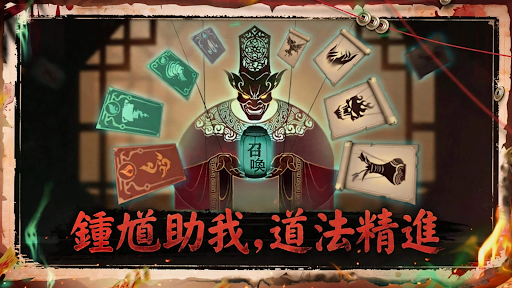
This is a game with a Chinese horror theme. Players enhance their strength by learning talismanic scriptures and collecting rare and precious materials in the Yin and Yang realms.
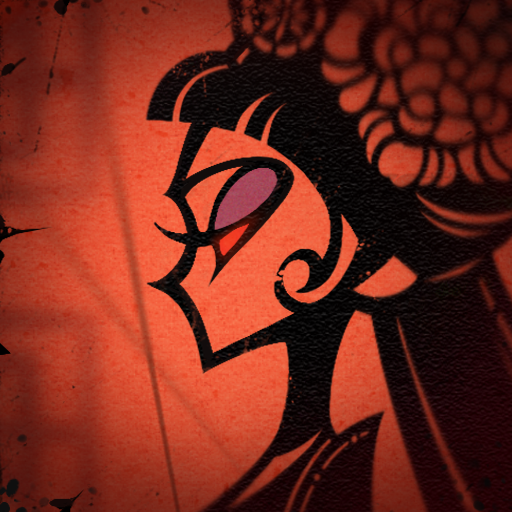
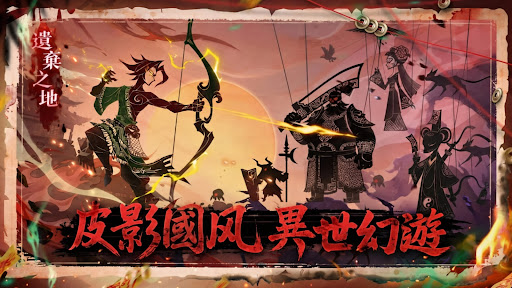
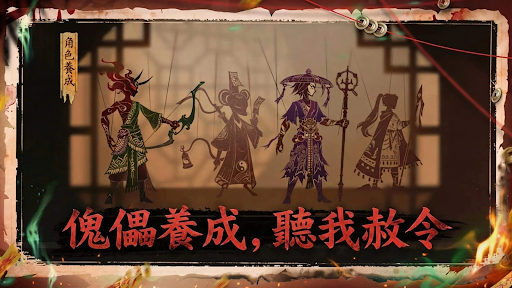
We use black and white silhouettes and Chinese shadow puppetry as our core concept to better express the aesthetics of traditional Chinese folk customs. The protagonist and boss monsters are all puppets, symbolizing their puppetry nature.
--【Randomized Combat】
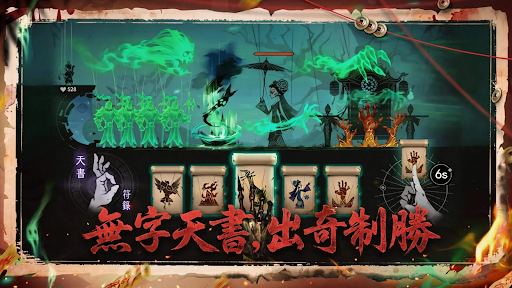
Different types and qualities of spells will be randomly obtained within levels. Victory is achieved through strategic casting and hand management.
--【Rich Strategy】
Out-of-game talismanic skill combinations combined with in-game random talisman management constitute our core combat strategy.
By strategically managing randomly acquired talisman resources, players can accumulate elemental energy while facing enemies, unleashing various talismans and refining their combat strategies.
Outside the game, players can use copper coins earned from battles at the Ghost Shop to purchase various rare and precious materials to improve their attributes and special abilities.
※This game contains mild violence and mild horror content and is classified as "Guided" according to the Game Software Rating Regulations. 12+
※This game is free-to-play. In-game purchases include virtual currency and items; please spend responsibly according to your interests and budget.
※Please be mindful of your gaming time and avoid addiction or inappropriate imitation.
※This game is distributed by Ailesi Network Co., Ltd. For any questions, please contact our customer service.
Show more

1. Download MEmu installer and finish the setup

2. Start MEmu then open Google Play on the desktop

3. Search 遺棄之地TD in Google Play
Install
4. Download and Install 遺棄之地TD
5. On install completion click the icon to start

6. Enjoy playing 遺棄之地TD on PC with MEmu
MEmu Play is the best Android emulator and 100 million people already enjoy its superb Android gaming experience. The MEmu virtualization technology empowers you to play thousands of Android games smoothly on your PC, even the most graphic-intensive ones.
Bigger screen with better graphics; Long duration, without limitation of battery or mobile data.
Full Keymapping support for precise control of keyboard and mouse or gamepad.
Multiple game accounts or tasks on single PC at one time with Multi-Instance manager.
Play 遺棄之地TD on PC by following steps: