
Among Us
Updated
Current Version
2026.9.29
Offered By

With your passion for Among Us, you shouldn’t have to limit yourself to the small screen of a phone. Play like a pro and take full control of the game using a keyboard and mouse. MEmu gives you everything you’re looking for. Download and play Among Us on PC. Play as long as you want — no more worries about battery life, mobile data, or unexpected calls. The all-new MEmu 9 is the best way to play Among Us on PC. With our expertly designed keymapping system, Among Us feels just like a real PC game. The MEmu multi-instance manager lets you run two or more accounts on the same device at the same time. Most importantly, our exclusive emulation engine unlocks your PC’s full potential, delivering smooth and seamless performance.
Show more
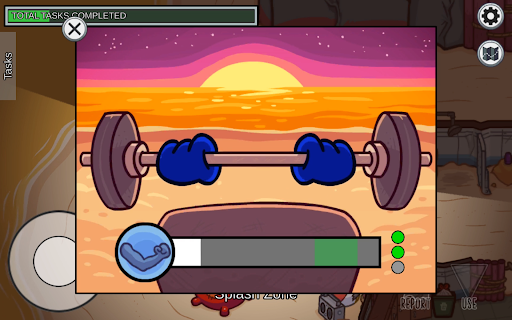
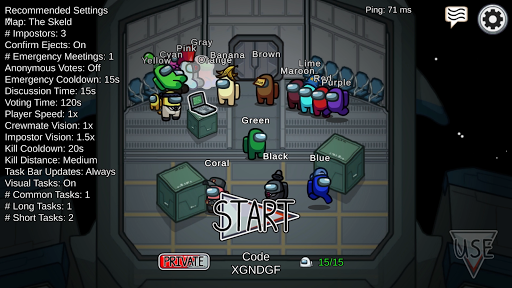
Download Among Us on PC for free with MEmu Android Emulator. Enjoy playing on the big screen. Play online or over local WiFi with 4-15 players as you attempt to prep your spaceship for departure, but beware as one will be an impostor bent on killing everyone!

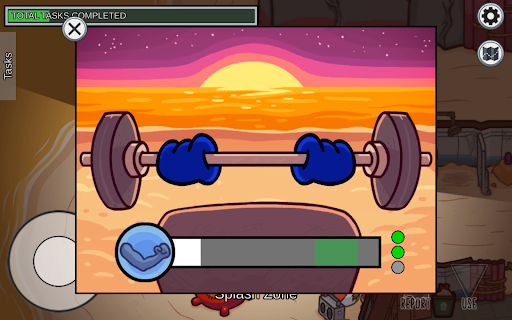
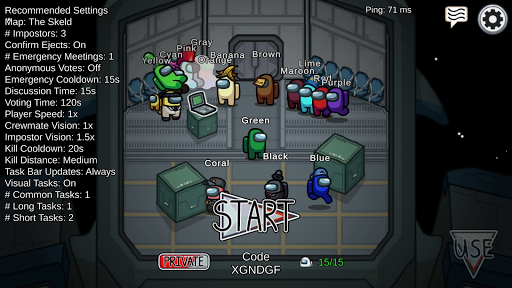
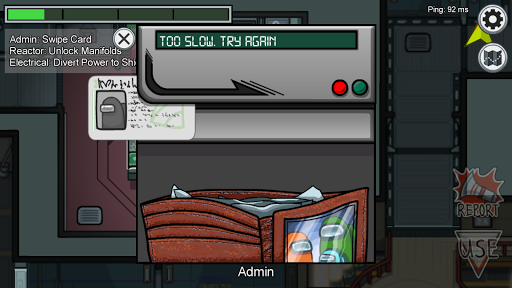
Play online or over local WiFi with 4-15 players as you attempt to prep your spaceship for departure, but beware as one will be an impostor bent on killing everyone!
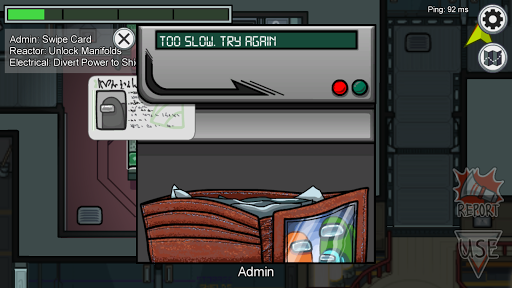
Crewmates can win by completing all tasks or discovering and voting the impostor off the ship.
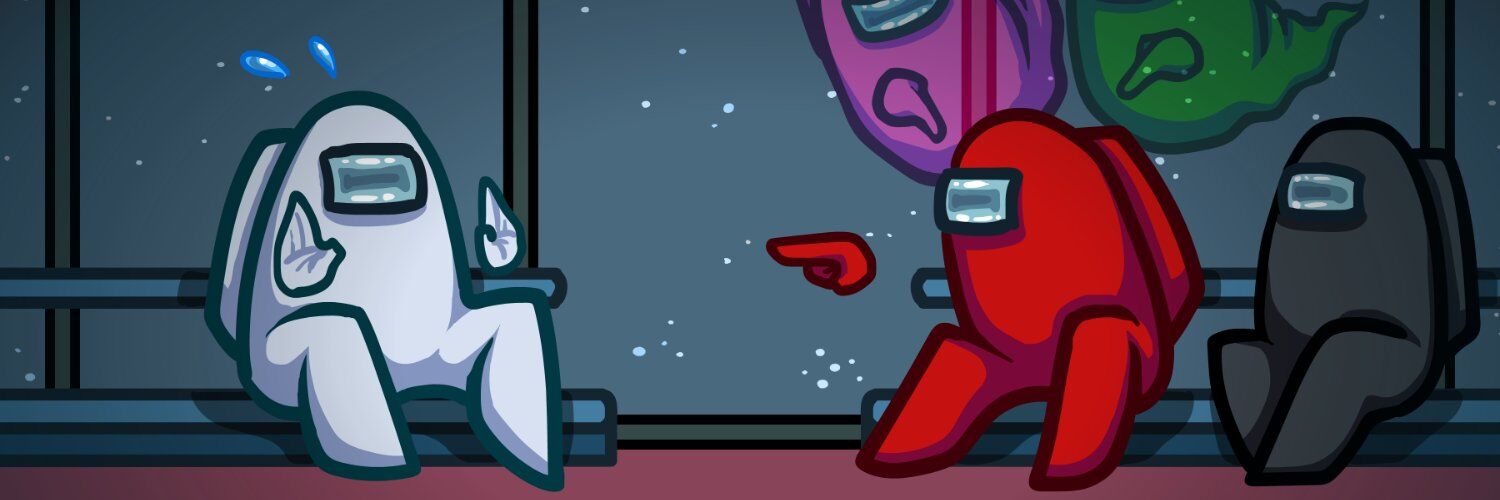
The Impostor can use sabotage to cause chaos, making for easier kills and better alibis.
Show more

1. Download MEmu installer and finish the setup

2. Start MEmu then open Google Play on the desktop

3. Search Among Us in Google Play
Install
4. Download and Install Among Us
5. On install completion click the icon to start

6. Enjoy playing Among Us on PC with MEmu
MEmu Play is the best Android emulator and 100 million people already enjoy its superb Android gaming experience. The MEmu virtualization technology empowers you to play thousands of Android games smoothly on your PC, even the most graphic-intensive ones.
Bigger screen with better graphics; Long duration, without limitation of battery or mobile data.
Full Keymapping support for precise control of keyboard and mouse or gamepad.
Multiple game accounts or tasks on single PC at one time with Multi-Instance manager.
Among Us is an online and local multiplayer social-deduction party game for 4–15 players. Crewmates complete tasks and identify the Impostor through observation, discussion, and voting. Impostors deceive the group, sabotage systems, and eliminate Crewmates. The core experience depends far more on communication, social reasoning, bluffing, and group interaction than on graphics performance or high frame rates.
MEmu Play can map movement, interaction, report, map, and meeting actions to the keyboard and mouse. Start with the default layout and adjust it through Key Mapping on the right toolbar. Among Us does not require complex combat mappings or macros.
Learn more: Key Mapping and Joystick Setup.
MEmu Play publishes a general Safety FAQ, but no official Innersloth source reviewed for this update specifically endorses MEmu Play. Among Us already has native PC versions, so the native client is usually the more direct option for PC players. The Android version may run in an emulator, but publisher support and troubleshooting are not guaranteed.
Among Us supports account linking across several services, including Steam, Epic Games, Google Play, Apple, Xbox Live, and itch.io. Linking can combine cosmetics, Beans, Stars, and experience in one account. Platform support is not identical everywhere, so use Innersloth’s current account-management page and follow the in-game linking instructions carefully before merging accounts.
Among Us is lightweight, but the emulator still has its own requirements:
No. A stable 60 FPS is sufficient for the original Among Us because the game is not reaction-heavy or graphically demanding. Higher FPS provides little practical benefit compared with stable networking, clear voice/text communication, and responsive basic controls. MEmu Play’s multi-instance feature can technically open multiple Android instances, but using multiple accounts in the same match can undermine fair play and is not recommended.
You can find the latest Among Us news and PC guides on this page.
Among Us PC Top 20 Tips for Impostors and Crewmates