
極樂淨土:歎息
Updated
Current Version
1.1.001
Offered By

With your passion for 極樂淨土:歎息, you shouldn’t have to limit yourself to the small screen of a phone. Play like a pro and take full control of the game using a keyboard and mouse. MEmu gives you everything you’re looking for. Download and play 極樂淨土:歎息 on PC. Play as long as you want — no more worries about battery life, mobile data, or unexpected calls. The all-new MEmu 9 is the best way to play 極樂淨土:歎息 on PC. With our expertly designed keymapping system, 極樂淨土:歎息 feels just like a real PC game. The MEmu multi-instance manager lets you run two or more accounts on the same device at the same time. Most importantly, our exclusive emulation engine unlocks your PC’s full potential, delivering smooth and seamless performance.
Show more
Download 極樂淨土:歎息 on PC with MEmu Android Emulator. Enjoy playing on big screen. 戰鬥吧,鬥士們!

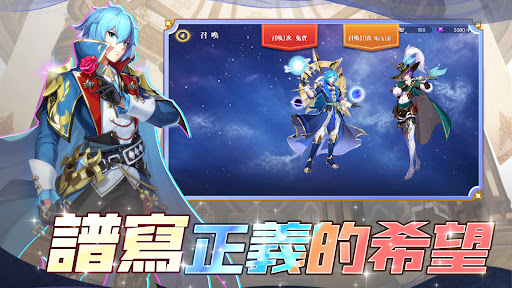
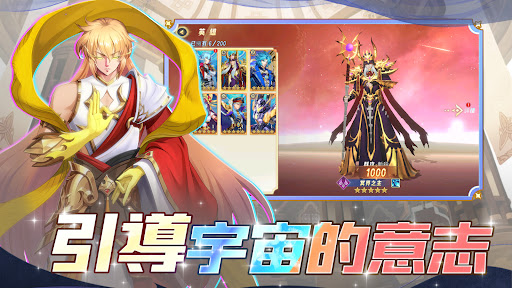

戰鬥吧,鬥士們!鬥士齊聚聖域,帶你體驗鬥士的超強實力,一起燃燒能量突破枷鎖,守護淨土。
【真實還原】
堅定的意志和不屈的信念,指引著鬥士們的前行。以經典的劇情為背景,帶來全新的遊戲體驗。
【極致戰鬥】
每個鬥士都是拳拳到肉的戰鬥模式,只要合理運用戰略,就算是青銅也能輕鬆戰勝王者。
【女神的指引】:如有任何疑問,請移步粉專或DC社區上聯繫我們。
Show more

1. Download MEmu installer and finish the setup

2. Start MEmu then open Google Play on the desktop

3. Search 極樂淨土:歎息 in Google Play
Install
4. Download and Install 極樂淨土:歎息
5. On install completion click the icon to start

6. Enjoy playing 極樂淨土:歎息 on PC with MEmu
MEmu Play is the best Android emulator and 100 million people already enjoy its superb Android gaming experience. The MEmu virtualization technology empowers you to play thousands of Android games smoothly on your PC, even the most graphic-intensive ones.
Bigger screen with better graphics; Long duration, without limitation of battery or mobile data.
Full Keymapping support for precise control of keyboard and mouse or gamepad.
Multiple game accounts or tasks on single PC at one time with Multi-Instance manager.
Play 極樂淨土:歎息 on PC by following steps:












































