UNO!™
Updated
Current Version
1.17.7566
Offered By

With your passion for UNO!™, you shouldn’t have to limit yourself to the small screen of a phone. Play like a pro and take full control of the game using a keyboard and mouse. MEmu gives you everything you’re looking for. Download and play UNO!™ on PC. Play as long as you want — no more worries about battery life, mobile data, or unexpected calls. The all-new MEmu 9 is the best way to play UNO!™ on PC. With our expertly designed keymapping system, UNO!™ feels just like a real PC game. The MEmu multi-instance manager lets you run two or more accounts on the same device at the same time. Most importantly, our exclusive emulation engine unlocks your PC’s full potential, delivering smooth and seamless performance.
Show more
Download UNO!™ on PC with MEmu Android Emulator. Enjoy playing on big screen. UNO!
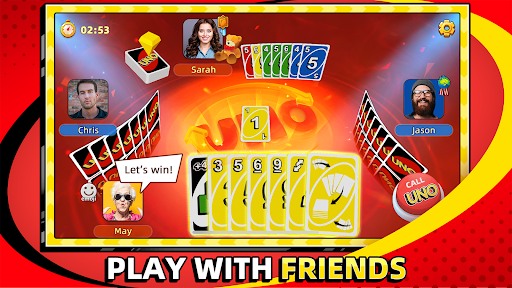
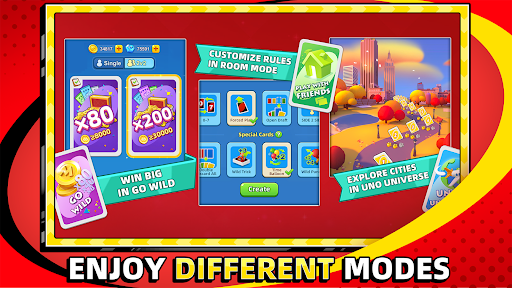
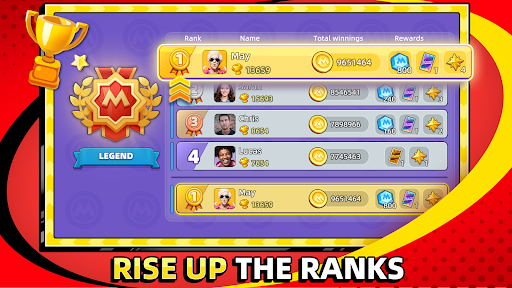
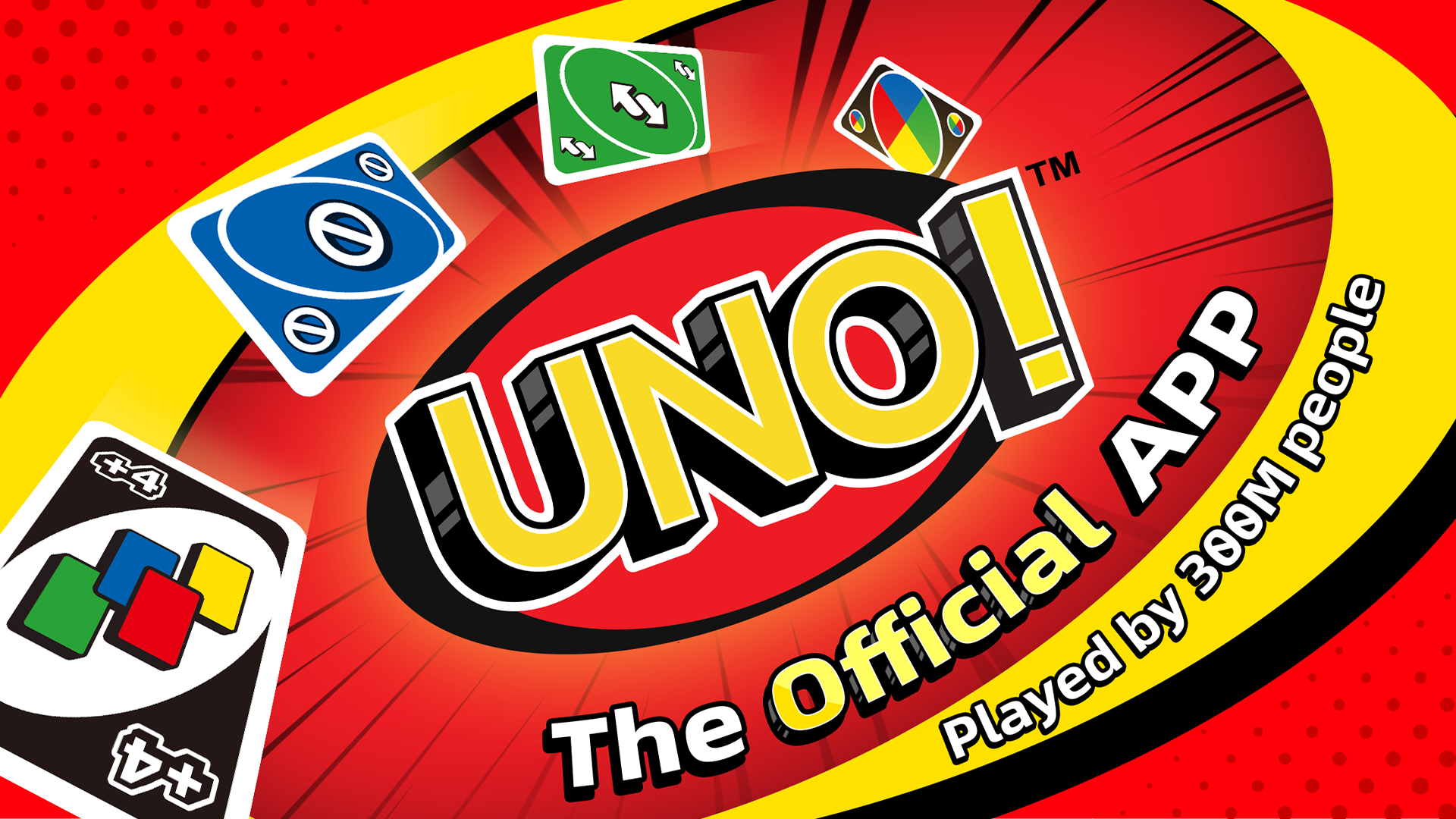
UNO!™ is now mobile! Take the classic card game from the kitchen table anywhere! Now with new rules, world series tournaments, modes of play, and much more. Whether you’re at home, on the go, an UNO!™ veteran or completely new, UNO!™ has something for everyone in the family. UNO!™ is a fun and memorable family-friendly card game wherever and whenever.
Ready. Set. UNO!™
- Play the classic card game, UNO!™, or select from a variety of house rules to play in real-time matches
- Compete in tournaments and events to win free rewards and top the leaderboards
- Partner up with friends or family, play in 2v2 mode, and collaborate to win
- Connect anytime, anywhere with family and friends from around the world.
FEATURES
The Classic Game at your Fingertips
New to UNO!™ or wanting to play your favorite card game? Tap Quick Play and start up a new game with classic UNO!™ rules. Get ready for new monthly rewards and events!
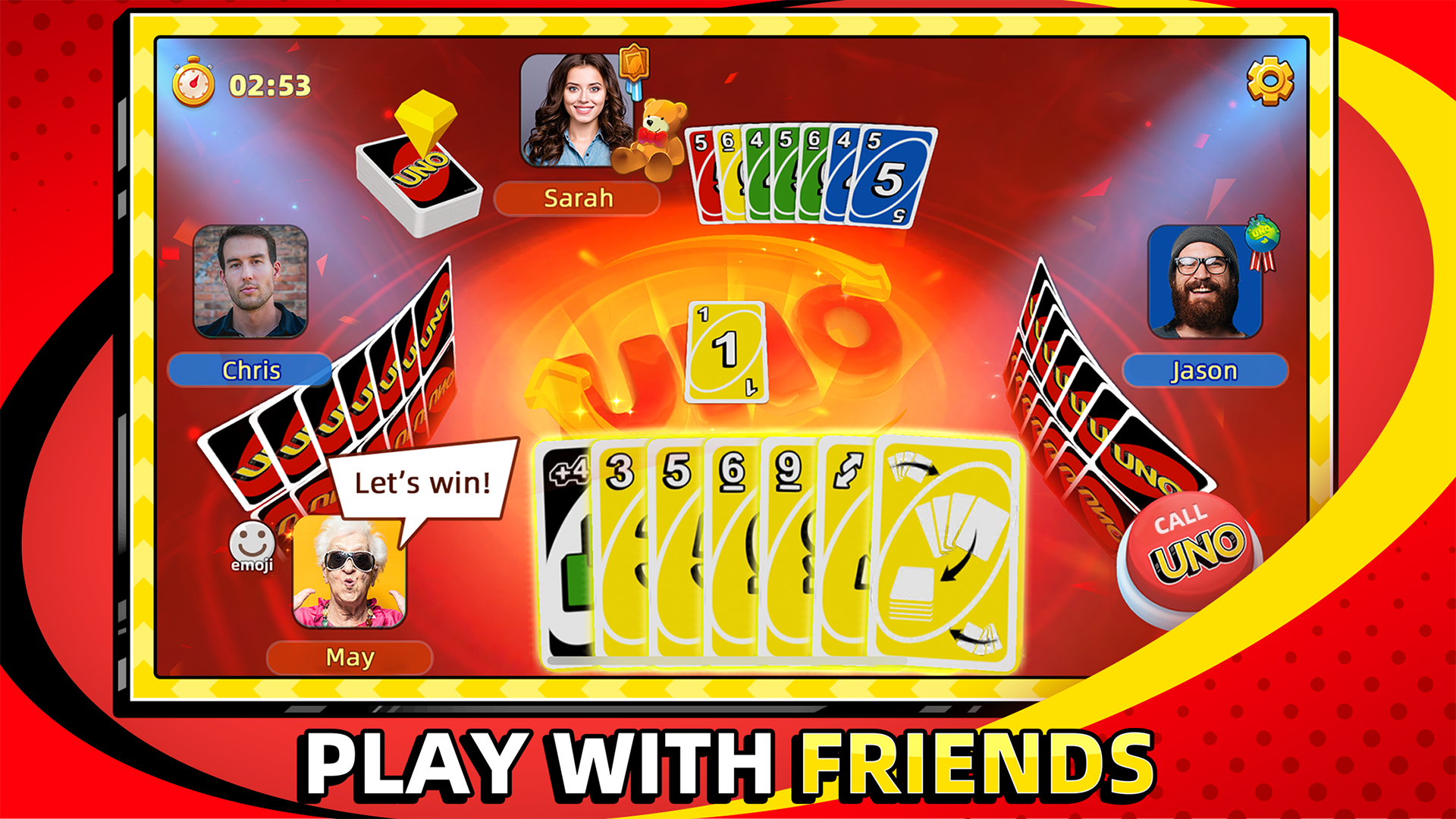
Play with Friends
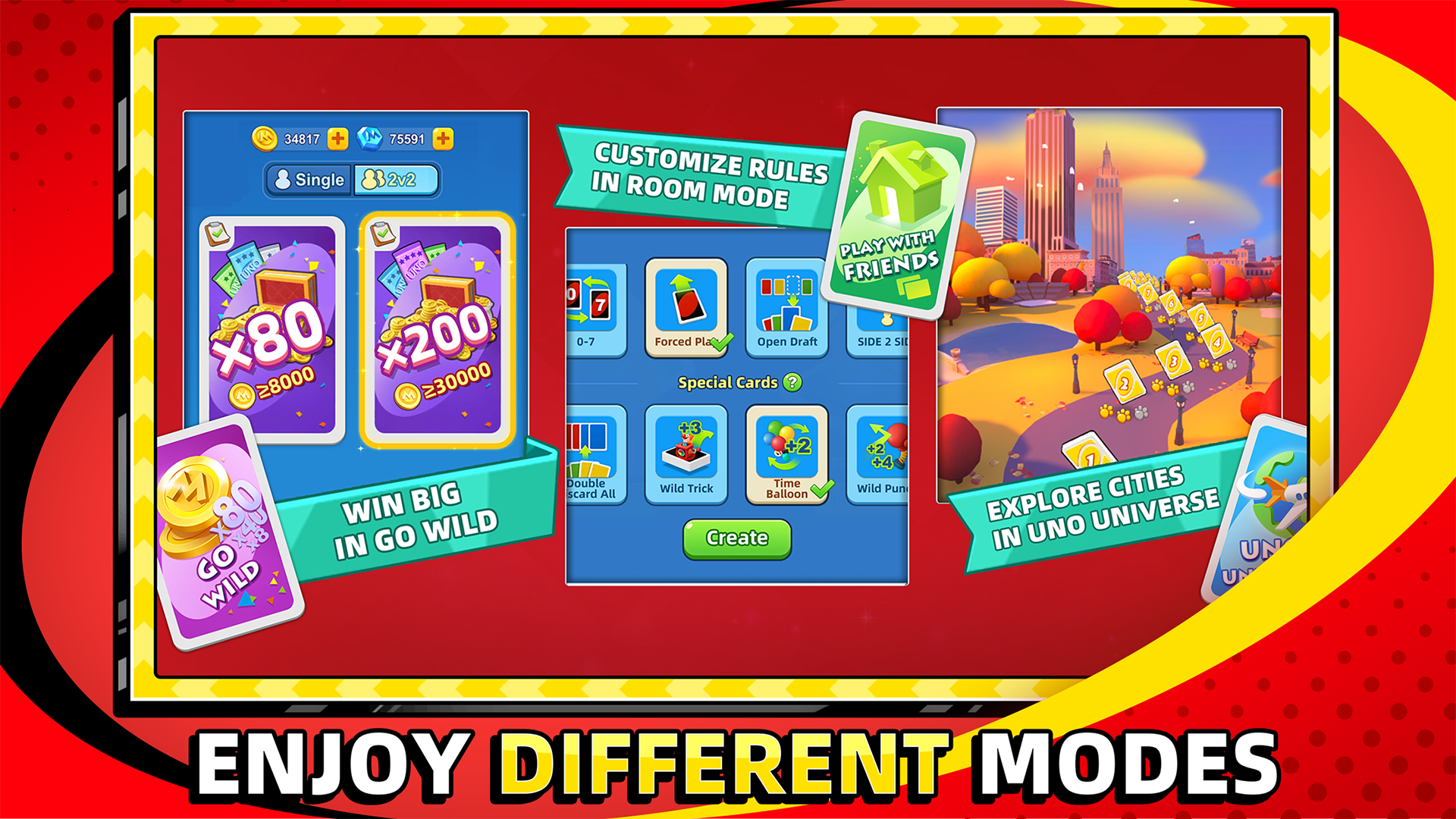
Play with friends or family! Set up your own house rules and play your way. UNO!™ is a family-friendly party that makes it free and easy for anyone to join!
Buddy Up
Find a friend or family and partner up to battle in 2 player teams. Help each other reduce your hand (or your partner’s) to zero as quickly as possible to beat the other team!
Connect, Chat, Shout UNO!™
Connect with your buddies in UNO!™ with clubs and send each other gifts. Make a strategy and remember to shout UNO before anyone else.
New Challenges at Every Level
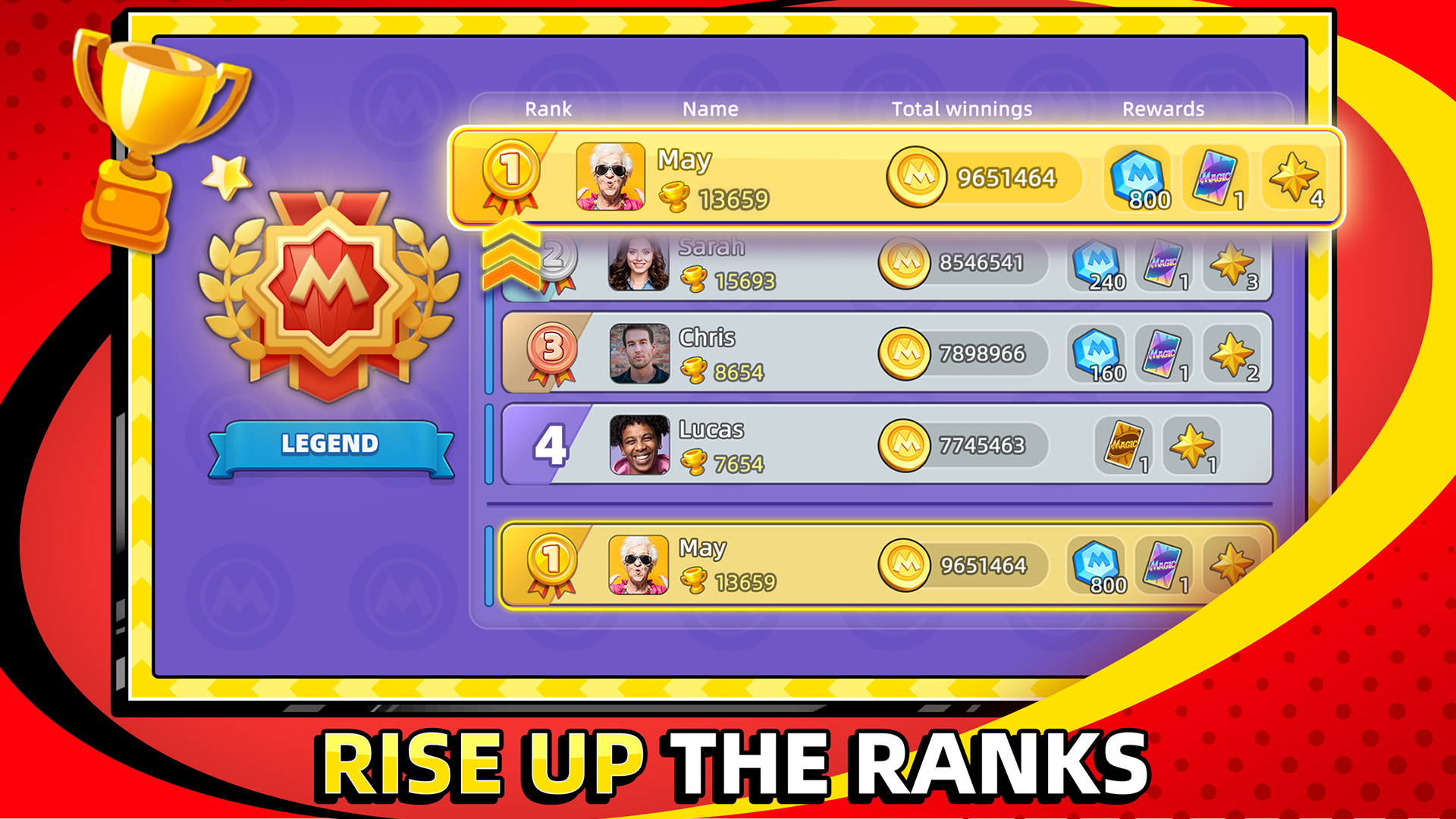
Compete in World Series tournaments and special events to win free rewards. Top the leaderboards and show off to your friends and family! Then spin the wheel and try your fortune to get free rewards every day!
Go Wild – No, Really
This no-holds-barred mode is as wacky as UNO!™ gets. Forget the classic mode - house rules on, two-deck play, and free winnings up to 600 times what you put in to make you the coin master! But beware, in this wild game mode, you win big or go home empty-handed! Are you up for the challenge?
Visit our official site at www.letsplayuno.com
Follow us on Facebook for more updates: www.facebook.com/UNOnow
Show more

1. Download MEmu installer and finish the setup

2. Start MEmu then open Google Play on the desktop

3. Search UNO!™ in Google Play
Install
4. Download and Install UNO!™
5. On install completion click the icon to start

6. Enjoy playing UNO!™ on PC with MEmu
MEmu Play is the best Android emulator and 100 million people already enjoy its superb Android gaming experience. The MEmu virtualization technology empowers you to play thousands of Android games smoothly on your PC, even the most graphic-intensive ones.
Bigger screen with better graphics; Long duration, without limitation of battery or mobile data.
Full Keymapping support for precise control of keyboard and mouse or gamepad.
Multiple game accounts or tasks on single PC at one time with Multi-Instance manager.
Play UNO!™ on PC by following steps: