Crazy Eights
Updated
Current Version
1.1.2.325
Offered By

With your passion for Crazy Eights, you shouldn’t have to limit yourself to the small screen of a phone. Play like a pro and take full control of the game using a keyboard and mouse. MEmu gives you everything you’re looking for. Download and play Crazy Eights on PC. Play as long as you want — no more worries about battery life, mobile data, or unexpected calls. The all-new MEmu 9 is the best way to play Crazy Eights on PC. With our expertly designed keymapping system, Crazy Eights feels just like a real PC game. The MEmu multi-instance manager lets you run two or more accounts on the same device at the same time. Most importantly, our exclusive emulation engine unlocks your PC’s full potential, delivering smooth and seamless performance.
Show more
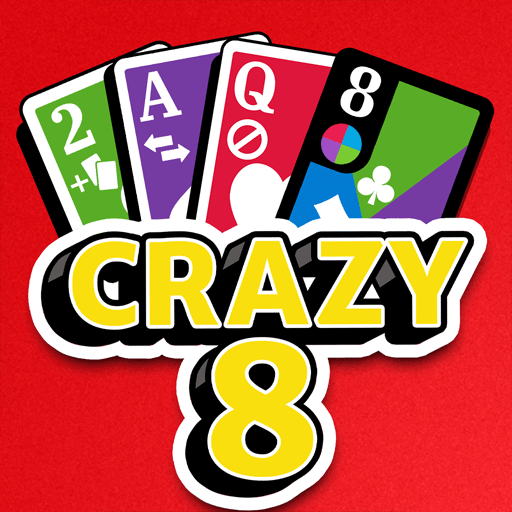
Download Crazy Eights on PC with MEmu Android Emulator. Enjoy playing on big screen. From the makers of classics like Solitaire and exciting new games like Monopoly Solitaire, we bring you our new Crazy Eights card game!
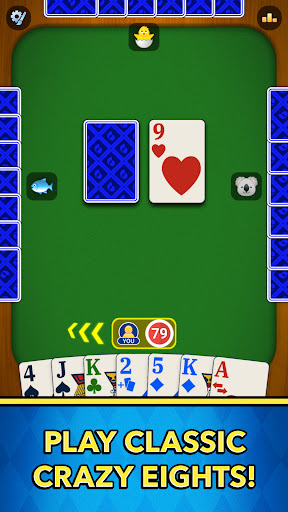
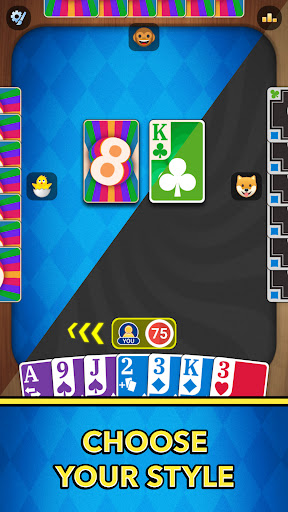
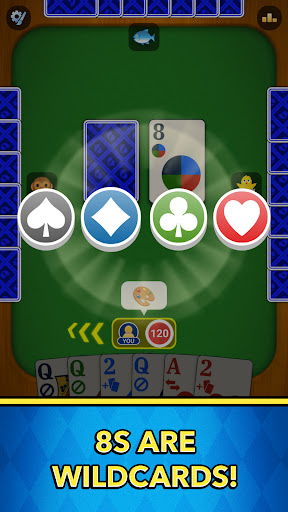
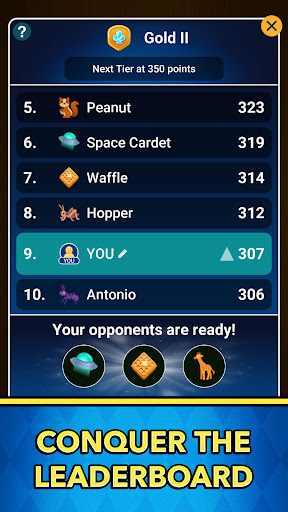
From the makers of classics like Solitaire and exciting new games like Monopoly Solitaire, we bring you our new Crazy Eights card game!
Go back in time to those crazy good ol' days of classic tabletop card games with friends. You can now play Crazy Eights with unique new rules, an exciting competitive leaderboard, various modes of play, and a groovy new theme. Whether you’re a beginner in need of helpful hints, or a veteran player looking for a challenge, Crazy Eights is the perfect escape! Capture that familiar excitement while experiencing a whole new level of fast-paced strategy.
CRAZY GOOD card game features:
Play cards with matching COLORS or NUMBERS and be the first to get rid of all your cards to win the game.
Compete in wild rounds to earn points and advance to the higher tiers of the leaderboard! With the perfect combination of luck and strategy, you can rise through the ranks and earn a spot in the most accomplished league of players.
Stack matching cards by number or rank to boost your chances of outsmarting your opponents during fast-paced gameplay.
Speaking of strategy, we've added a new level of excitement to the game! Now you can match the Draw 2 card to increase the draw to +4 for the next player - a unique game changer that might not help you make new friends, but it will certainly make you the better player.
Get the last laugh, play the LAST CARD!
- Play the classic card game, CRAZY EIGHTS with a groovy new theme!
- Go through challenging tiers of each wild league until you reach the top... if you've got what it takes
- Enhance strategic thinking and planning while the direction of the game is consistently changing
- Fun winning card animations
- Quick and easy: play offline and relax
SPECIAL CARDS
- 8's are WILDCARDS that can change the color/suit at play
- Reverse Ace: Flips the direction of playing.
- +2: Your opponent gets 2 extra cards.
- Skip Queen: Skips the next player.
Show your friends your competitive side and start stacking those wild eights today! Go and download Crazy Eights now and become a winner
http://www.mobilityware.com
Show more

1. Download MEmu installer and finish the setup

2. Start MEmu then open Google Play on the desktop

3. Search Crazy Eights in Google Play
Install
4. Download and Install Crazy Eights
5. On install completion click the icon to start

6. Enjoy playing Crazy Eights on PC with MEmu
MEmu Play is the best Android emulator and 100 million people already enjoy its superb Android gaming experience. The MEmu virtualization technology empowers you to play thousands of Android games smoothly on your PC, even the most graphic-intensive ones.
Bigger screen with better graphics; Long duration, without limitation of battery or mobile data.
Full Keymapping support for precise control of keyboard and mouse or gamepad.
Multiple game accounts or tasks on single PC at one time with Multi-Instance manager.
Play Crazy Eights on PC by following steps: