Monster Demolition - Giants 3D
Updated
Current Version
1.4.11
Offered By

With your passion for Monster Demolition - Giants 3D, you shouldn’t have to limit yourself to the small screen of a phone. Play like a pro and take full control of the game using a keyboard and mouse. MEmu gives you everything you’re looking for. Download and play Monster Demolition - Giants 3D on PC. Play as long as you want — no more worries about battery life, mobile data, or unexpected calls. The all-new MEmu 9 is the best way to play Monster Demolition - Giants 3D on PC. With our expertly designed keymapping system, Monster Demolition - Giants 3D feels just like a real PC game. The MEmu multi-instance manager lets you run two or more accounts on the same device at the same time. Most importantly, our exclusive emulation engine unlocks your PC’s full potential, delivering smooth and seamless performance.
Show more
Download Monster Demolition - Giants 3D on PC with MEmu Android Emulator. Enjoy playing on big screen. IT’S A SMASH HIT GAME!
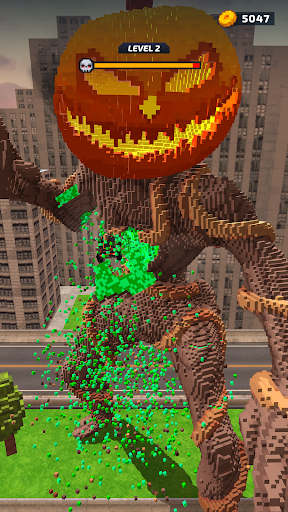
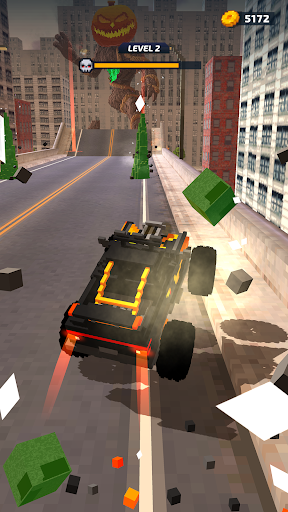
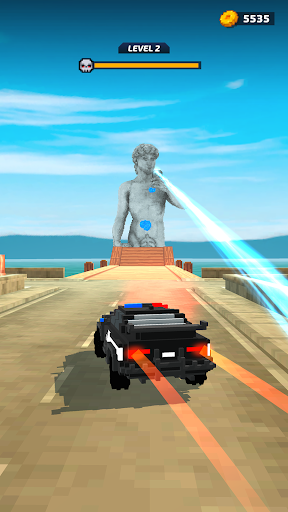
IT’S A SMASH HIT GAME!
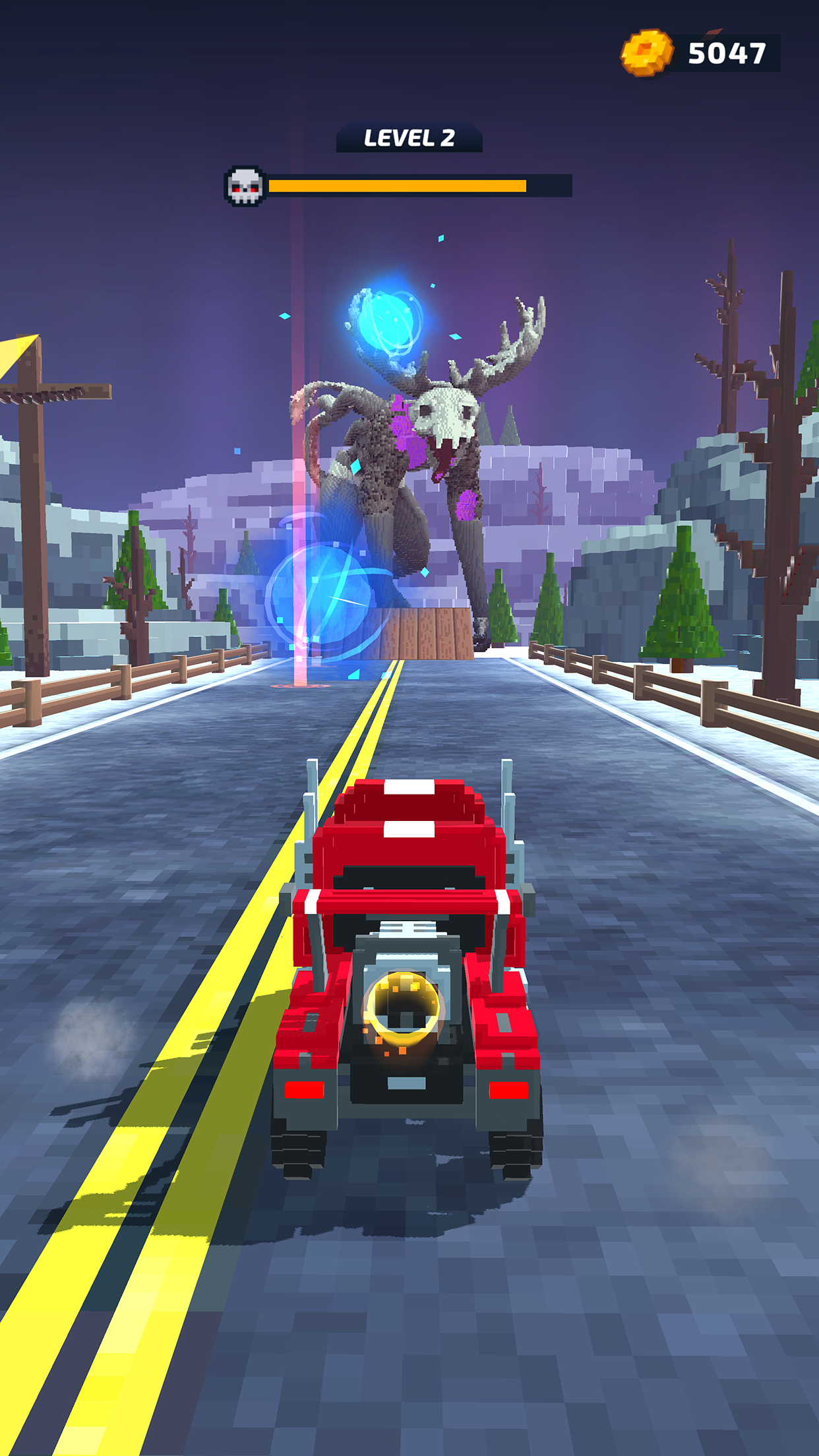
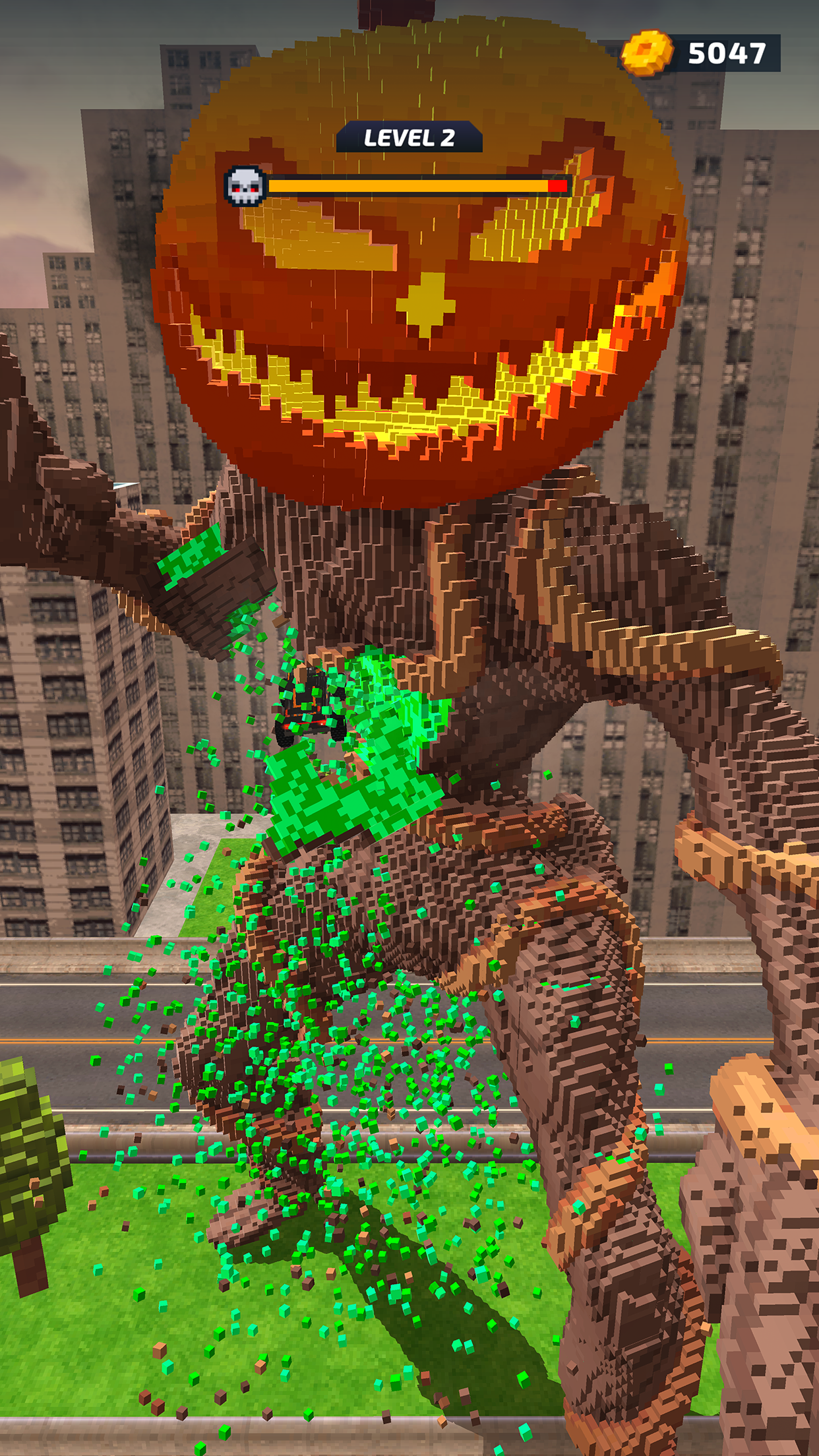
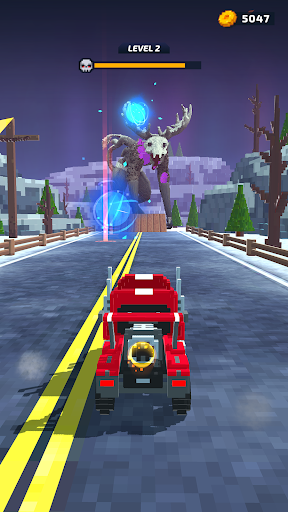
The pixelated apocalypse is here, and all that stands between humanity and the forces of destruction is you and your truck. So climb up to the cab, put your foot to the floor, and race straight for the action in this wildly entertaining demolition game where the only way to win is to hit the giant monsters head-on with all you've got. Then do it again, and again, and again…
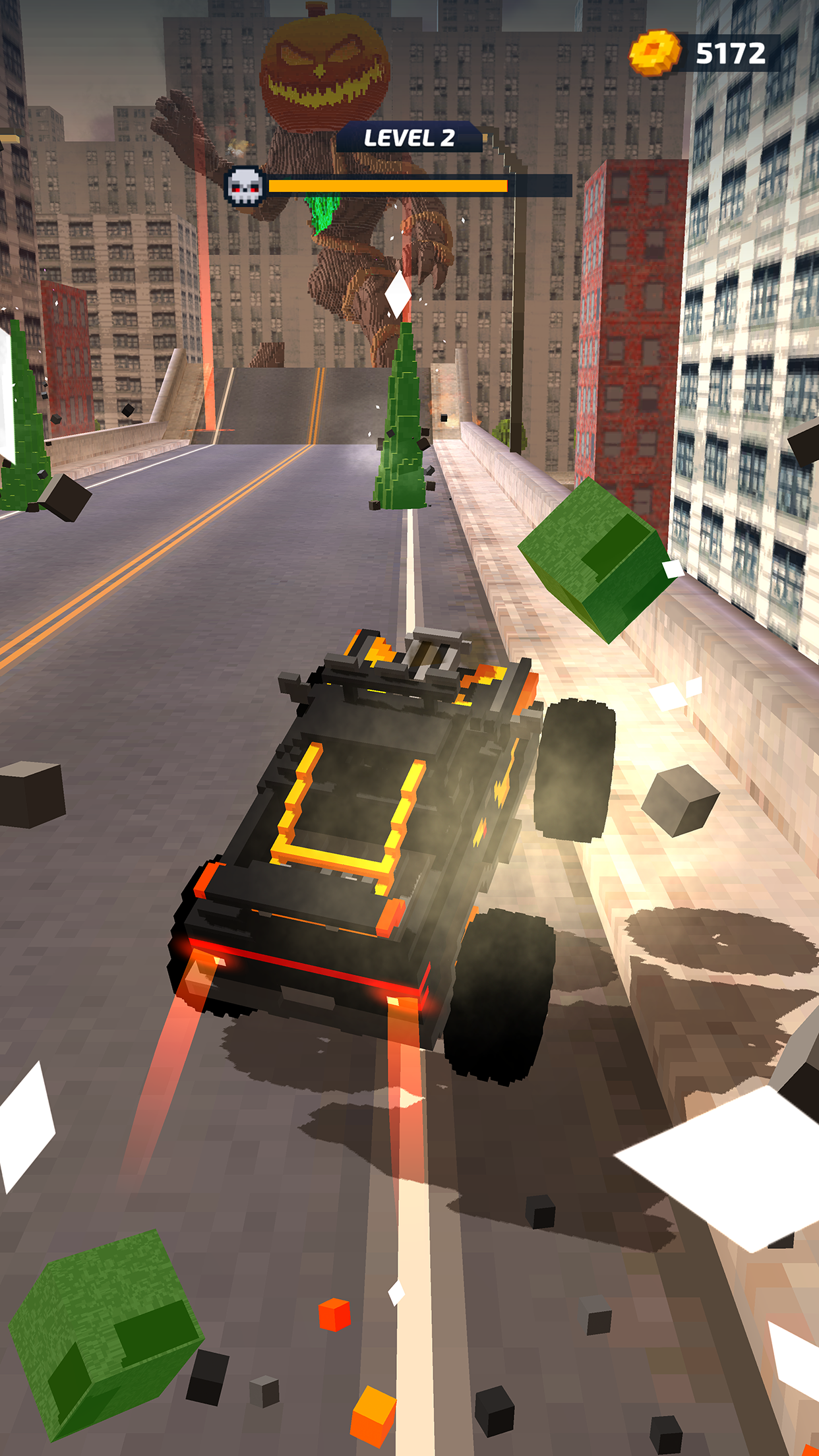
Start the demolition derby: It's a one-way street headed straight for the monsters, pick your trajectory, hit the ramp and crash straight into the enemy, trying to cause maximum destruction.
Keep chipping away: Even the perfect crash isn't going to bring these giant monsters down first time, so chip away at them with multiple attacks until they finally crumble.
Study all angles: This is an all-action game, but it pays to use a little strategy if you want to destroy the monsters in the fewest number of moves. Judge the angle and velocity of your truck to maximize damage from each crash and try to bring your enemy tumbling down by hitting their support.
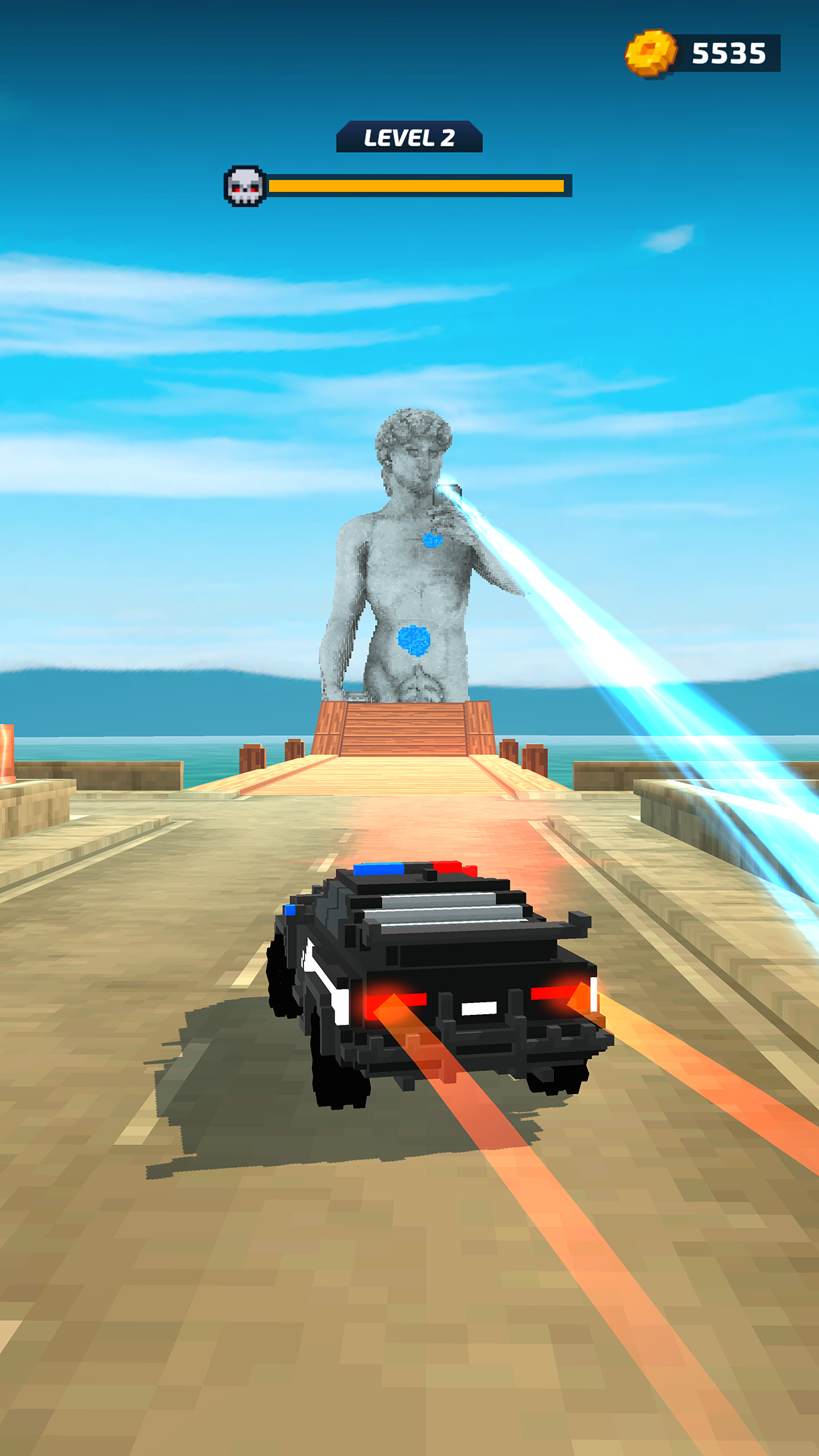
They won't go down without a fight: Monsters aren't just going to stand there while you keep ramming into them. Get ready to dodge a whole arsenal of fireballs, spikes on the road, and tossed bombs.
So hit them where it hurts: If you want to make your life easier, aim your first assaults at the monster's power source. That way you'll have less to deal with on the road to destruction.
And you've got something up your sleeve too: Each time you deal damage to a monster, you gain cogs, which you can spend on augmentations – including rocket launchers, giant bombs, or a size increase for your vehicle – or boosters to increase your armor, power, or bonus for the next crash.
Where did they come from and how did they get so big? The game has 52 different animated giant monsters to demolish, from dinosaurs to superheroes to horror legends to ancient myths. Each has their particular powers and weak points, so you'll have to adapt your smash tactics for every level to make progress in the game.
Fight the monsters with monster trucks: As you advance in the game, you'll be able to upgrade your pickup for even greater demolition damage, and eventually move on to bigger and better vehicles, including a police car and a full-size semi-truck.
Lovely views, shame about the weather: There are eight unique and beautiful locations in the game, from city high-rises to snowy mountain peaks and from abandoned parking lots to outer space, so be sure to enjoy the view while you're there. Unfortunately, you'll also have to deal with the local conditions, which include tornadoes, meteorites and lightning storms.
KEEP IN TRUCKING
Looking for an original action adventure with simple but addictive gameplay and increasingly challenging opponents? Ready to demolish an awesome range of massive monsters block by block? Then download Monster Demolition now, set your GPS to Destroy and hit the highway!
Privacy Policy: https://say.games/privacy-policy
Terms of Use: https://say.games/terms-of-use
Show more

1. Download MEmu installer and finish the setup

2. Start MEmu then open Google Play on the desktop

3. Search Monster Demolition - Giants 3D in Google Play
Install
4. Download and Install Monster Demolition - Giants 3D
5. On install completion click the icon to start

6. Enjoy playing Monster Demolition - Giants 3D on PC with MEmu
MEmu Play is the best Android emulator and 100 million people already enjoy its superb Android gaming experience. The MEmu virtualization technology empowers you to play thousands of Android games smoothly on your PC, even the most graphic-intensive ones.
Bigger screen with better graphics; Long duration, without limitation of battery or mobile data.
Full Keymapping support for precise control of keyboard and mouse or gamepad.
Multiple game accounts or tasks on single PC at one time with Multi-Instance manager.
Play Monster Demolition - Giants 3D on PC by following steps: