Blade&Soul Revolution
Updated
Current Version
2.01.236.1
Offered By

With your passion for Blade&Soul Revolution, you shouldn’t have to limit yourself to the small screen of a phone. Play like a pro and take full control of the game using a keyboard and mouse. MEmu gives you everything you’re looking for. Download and play Blade&Soul Revolution on PC. Play as long as you want — no more worries about battery life, mobile data, or unexpected calls. The all-new MEmu 9 is the best way to play Blade&Soul Revolution on PC. With our expertly designed keymapping system, Blade&Soul Revolution feels just like a real PC game. The MEmu multi-instance manager lets you run two or more accounts on the same device at the same time. Most importantly, our exclusive emulation engine unlocks your PC’s full potential, delivering smooth and seamless performance.
Show more
Download Blade&Soul Revolution on PC with MEmu Android Emulator. Enjoy playing on big screen. ▣ Game Introduction ▣.
▣ Game Introduction ▣
The ultimate MMORPG - Play the Revolution!
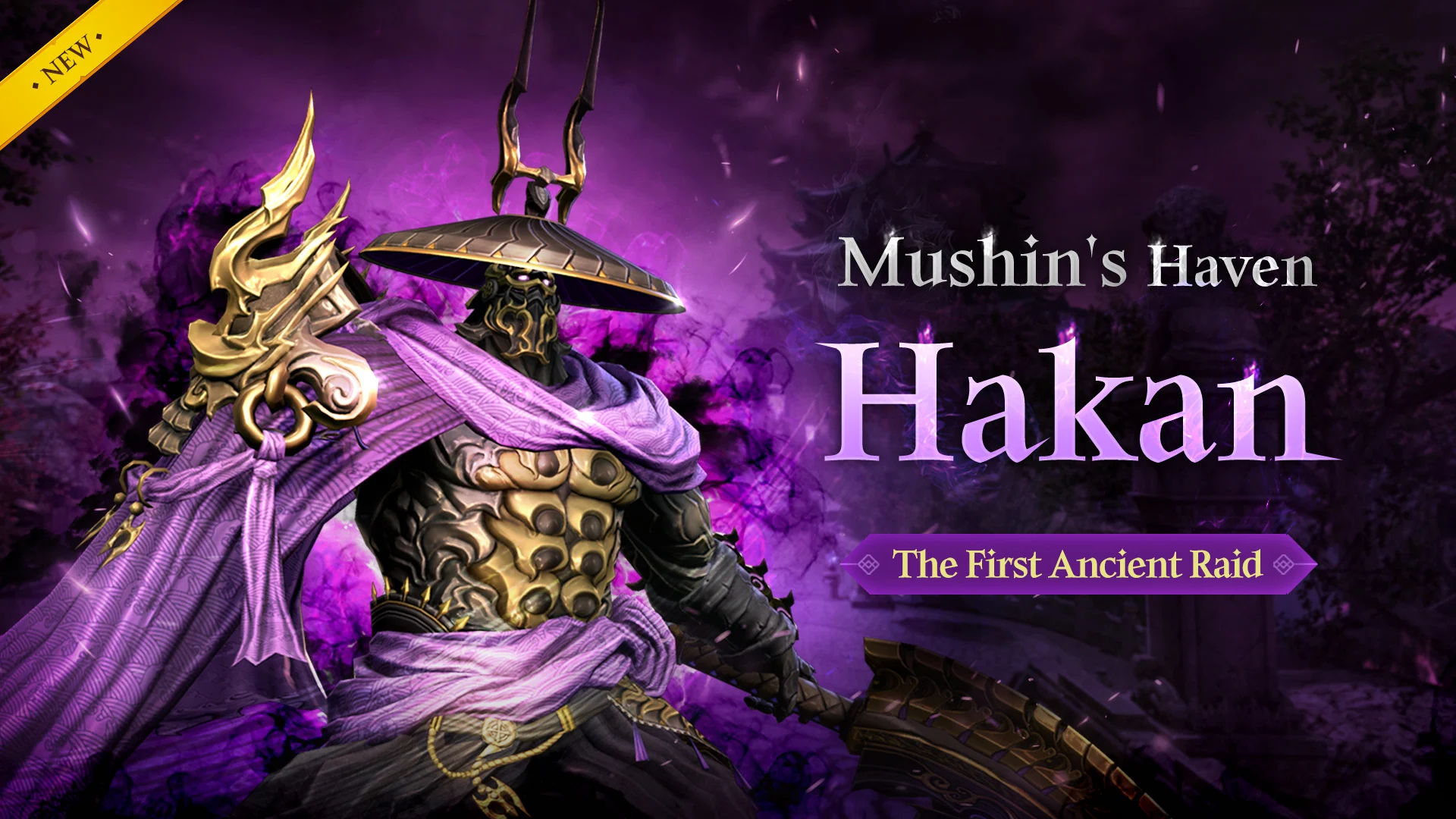
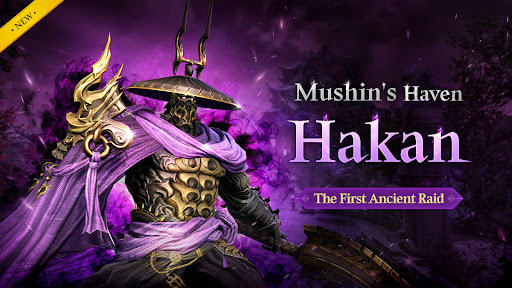
◈ The First Ancient Raid Update ◈
▶ The First Ancient Raid "Mushin's Haven" is Available
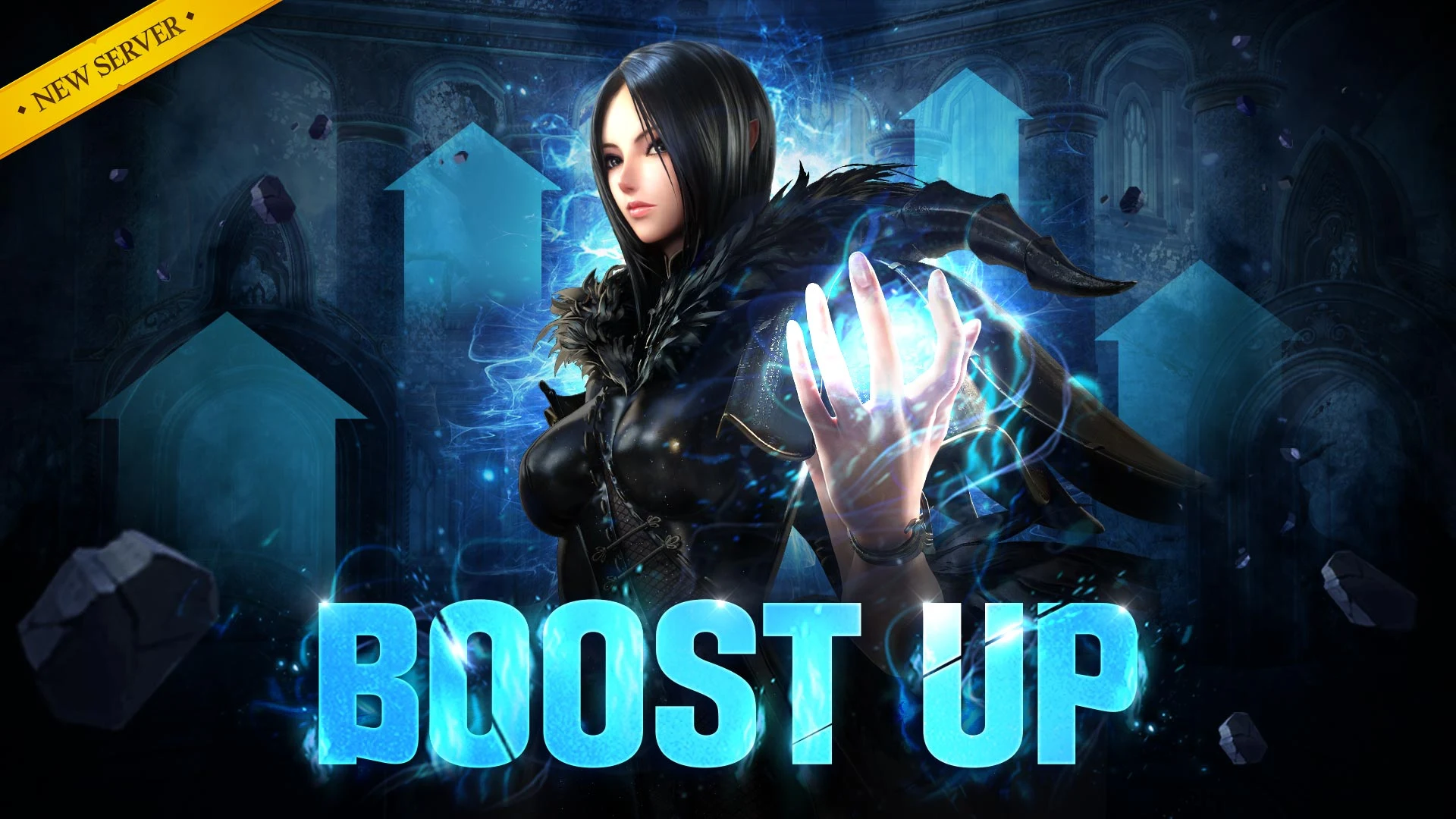
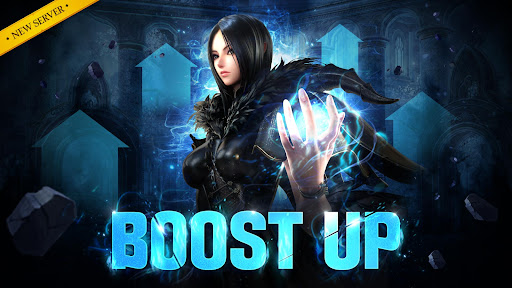
▶ Reinforcement-Specific BOOST Server Added
▶ Massive Class Balances Revamp
▶ Skills Potential Expanded
▶ Radiant Ancient Hunt Type Equipment "Black Storm" Added
▶ Ancient Hunt Type Soul Shield "Young Sulhui Soul Shield" Added
▷ Check the official forum for more details.
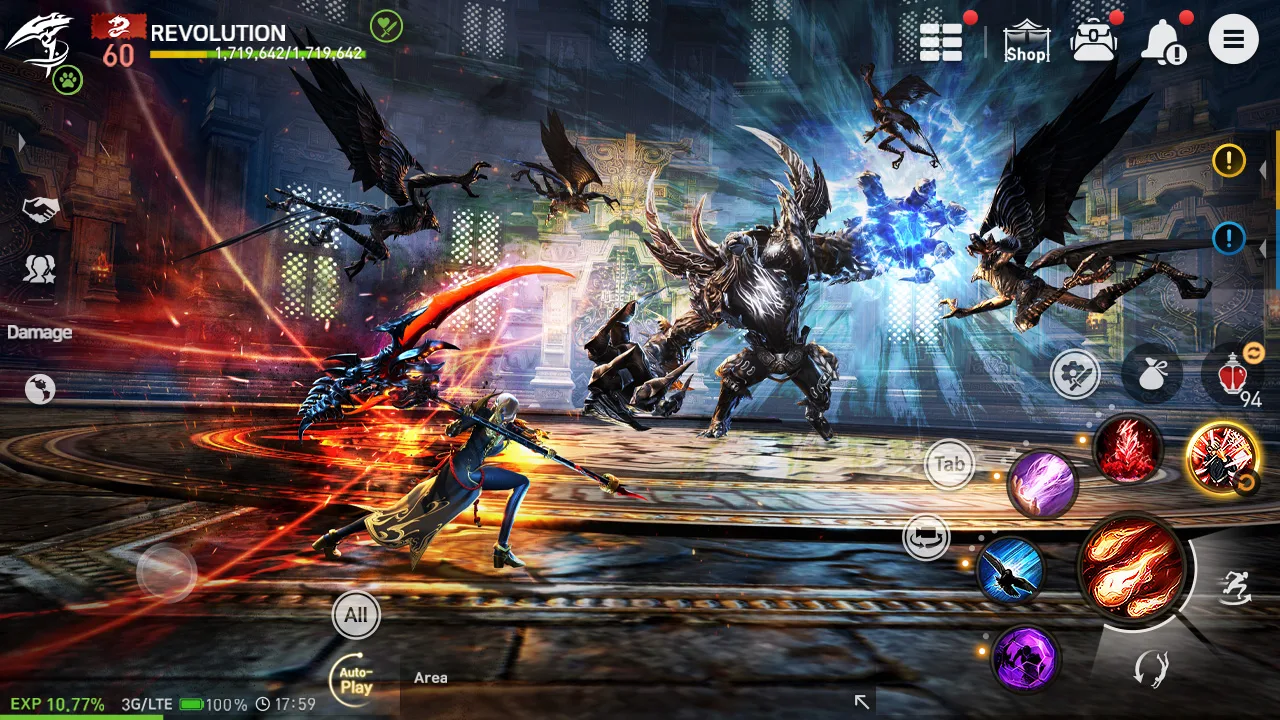
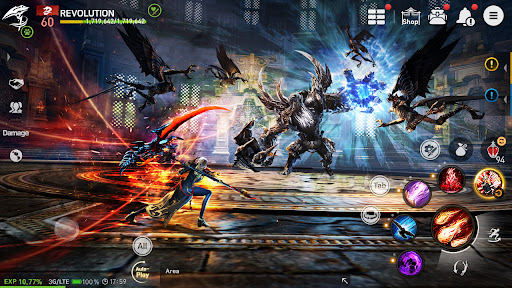
■▶ Skill combinations that feel like a fighting game.
Each class has special skills with their own combinations.
Joint-Attack lets you deliver powerful blows with your teammates.
Move while you use your skills.
You won't be able to take your eyes off the action-packed battle.
■▶ All players can join the Open Field Faction War.
A strategic battle between Cerulean and Crimson
War in a massive scale played out in real time in an open field.
Join the Faction War with up to 500 players for each server!
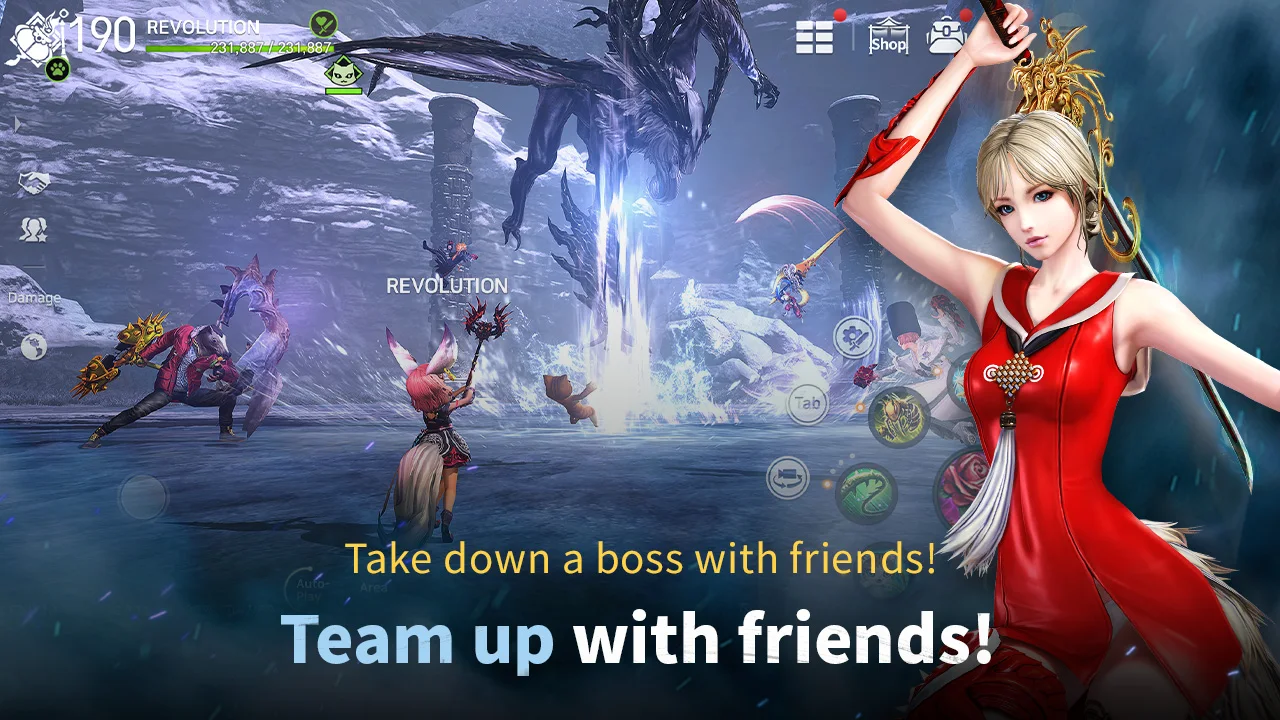
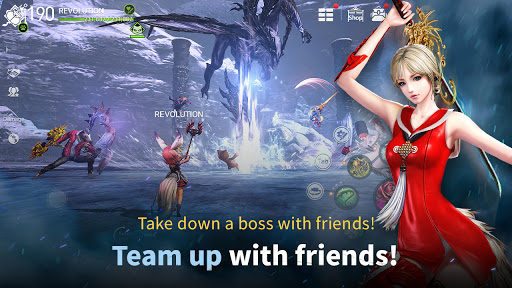
■▶ A true community MMORPG.
Create your story by working together, and sometimes even fight against one another.
Join a clan help out your faction as a clan!
The community awaits you!
■▶ A cinematic story
Watch the tale of revenge play out before your eyes, following the original story.
Over 150 high-quality cinematics
Your path of vengeance against Jinsoyun, your master's murderer, begins.
■▶ Windwalk across sky, land, and water!
Windwalk lets you soar across the MMORPG's humongous field.
Beautiful scenery with full 3D backgrounds.
Experience the liberating feeling of windwalking through the open field!
For the fastest news updates on Blade&Soul Revolution...
◈ Visit the Official Website: https://bnsr.netmarble.com
◈ Visit the Official Facebook Page: https://www.facebook.com/bnsrENG/
[Reward Info and Terms of Use]
*When purchasing cash items, a separate fee will be charged.
*You can play smoothly on a tablet device as well.
Terms of Use and Period: Subject to notices in the game.
(If the period of use is not indicated, the period until the end of the service is considered as the period of use)
-Payment Amount and Method: Follows the payment amount and payment method declared for each product.
(In case of foreign currency payment, it may be different from the actual billing amount due to exchange rates and fees, etc.)
-Product Distribution: Instant payment with the ID (character) purchased in the game.
-Minimum specification: 3GB RAM, OS 6 or higher.
-Recommended device: Galaxy S7 or higher
※ This app offer in-app purchases. You can disable this feature by adjusting your device’s settings.
※ By downloading this game, you are agreeing to our Terms of Service and Privacy Policy.
- Terms of Service: http://help.netmarble.com/policy/terms_of_service.asp?locale=en
- Privacy Policy: https://help.netmarble.com/privacy_policy/bnsmasia
-Confirm / Contact Business Information: https://help.netmarble.com/game/bnsmasia
Show more

1. Download MEmu installer and finish the setup

2. Start MEmu then open Google Play on the desktop

3. Search Blade&Soul Revolution in Google Play
Install
4. Download and Install Blade&Soul Revolution
5. On install completion click the icon to start

6. Enjoy playing Blade&Soul Revolution on PC with MEmu
MEmu Play is the best Android emulator and 100 million people already enjoy its superb Android gaming experience. The MEmu virtualization technology empowers you to play thousands of Android games smoothly on your PC, even the most graphic-intensive ones.
Bigger screen with better graphics; Long duration, without limitation of battery or mobile data.
Full Keymapping support for precise control of keyboard and mouse or gamepad.
Multiple game accounts or tasks on single PC at one time with Multi-Instance manager.
Play Blade&Soul Revolution on PC by following steps: