Panda Games: Town Home
Updated
Current Version
8.71.09.00
Offered By

With your passion for Panda Games: Town Home, you shouldn’t have to limit yourself to the small screen of a phone. Play like a pro and take full control of the game using a keyboard and mouse. MEmu gives you everything you’re looking for. Download and play Panda Games: Town Home on PC. Play as long as you want — no more worries about battery life, mobile data, or unexpected calls. The all-new MEmu 9 is the best way to play Panda Games: Town Home on PC. With our expertly designed keymapping system, Panda Games: Town Home feels just like a real PC game. The MEmu multi-instance manager lets you run two or more accounts on the same device at the same time. Most importantly, our exclusive emulation engine unlocks your PC’s full potential, delivering smooth and seamless performance.
Show more
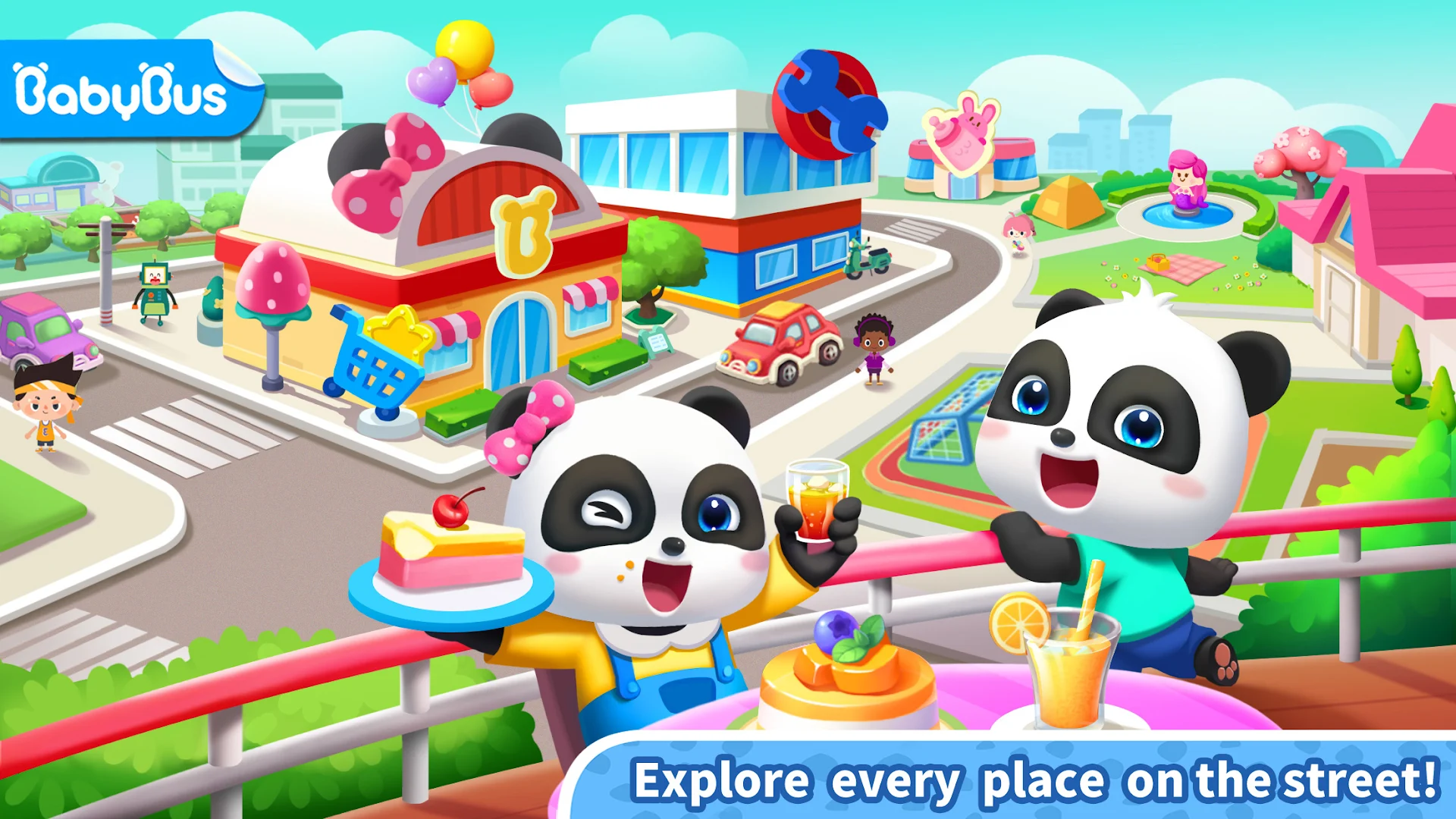
Download Panda Games: Town Home on PC with MEmu Android Emulator. Enjoy playing on big screen. Come to Town: Street and create nice memories!
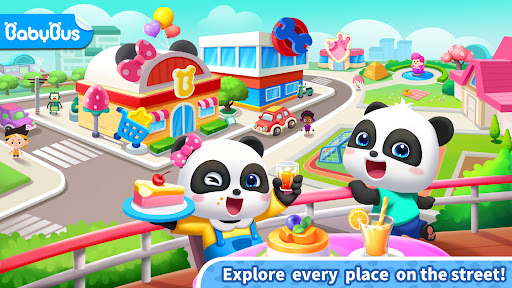
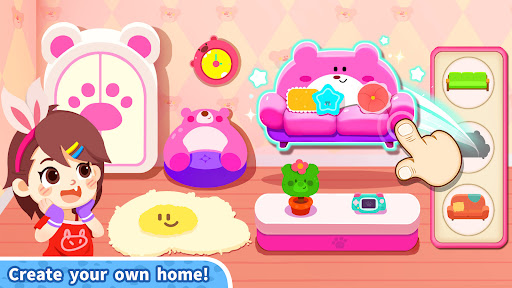
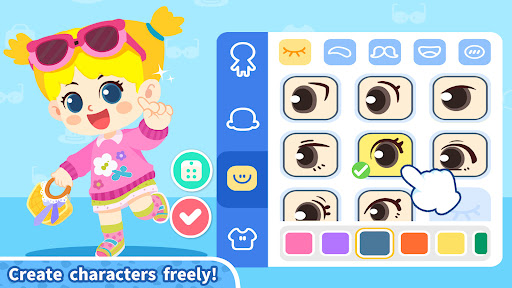

Come to Town: Street and create nice memories! Shop at the supermarket with your friends, cook food, take care of babies, and have a relaxing time! You can play all day long on the town street!
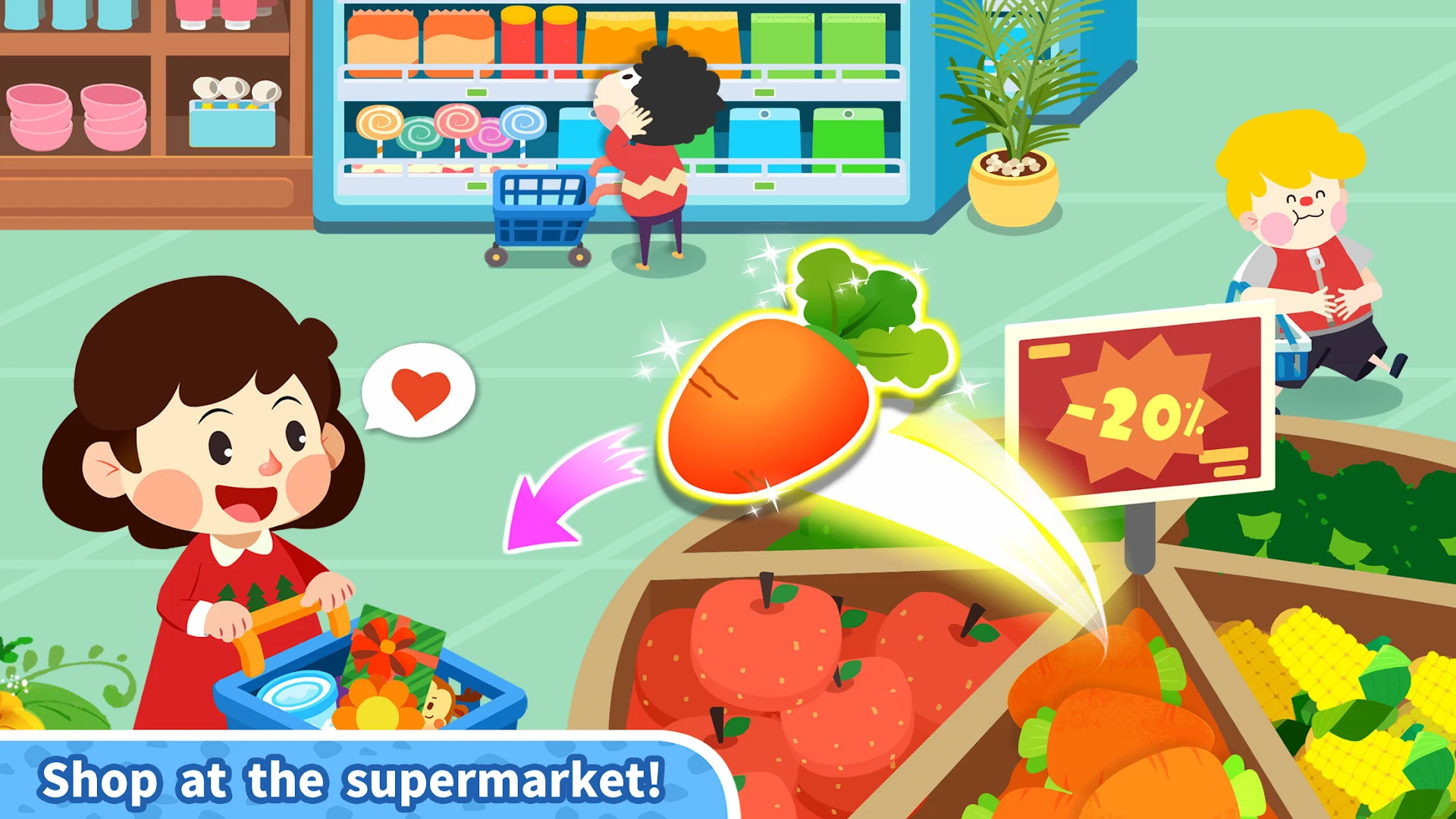
SHOP AT THE SUPERMARKET
First of all, let's go shopping at the new supermarket in town! From fruits, vegetables, and fresh food to drinks and desserts, the supermarket has just about everything you could wish for! Pick your favorite items, add them to your cart, and pay for them!
COOK FOOD
Then return to your apartment and hold a food party by preparing a big dinner with the ingredients you bought from the supermarket! Cook delicious burgers, bake fruit cakes, and more! Then, invite your friends and share with them!
TAKE CARE OF BABIES
After the party, let's go to the cozy nursery! Shh! Keep your voice down in here! The babies are napping! After they wake up from their nap, play music instruments together!
MEET ANIMALS
Now let's go for a walk in Mermaid Park! Here, you will meet many little animals, such as kittens and puppies! Adopt a cute puppy, feed it, play with it, dress it up, and take it home!
There are more surprises in Little Panda's Town: Street for you to discover!
FEATURES:
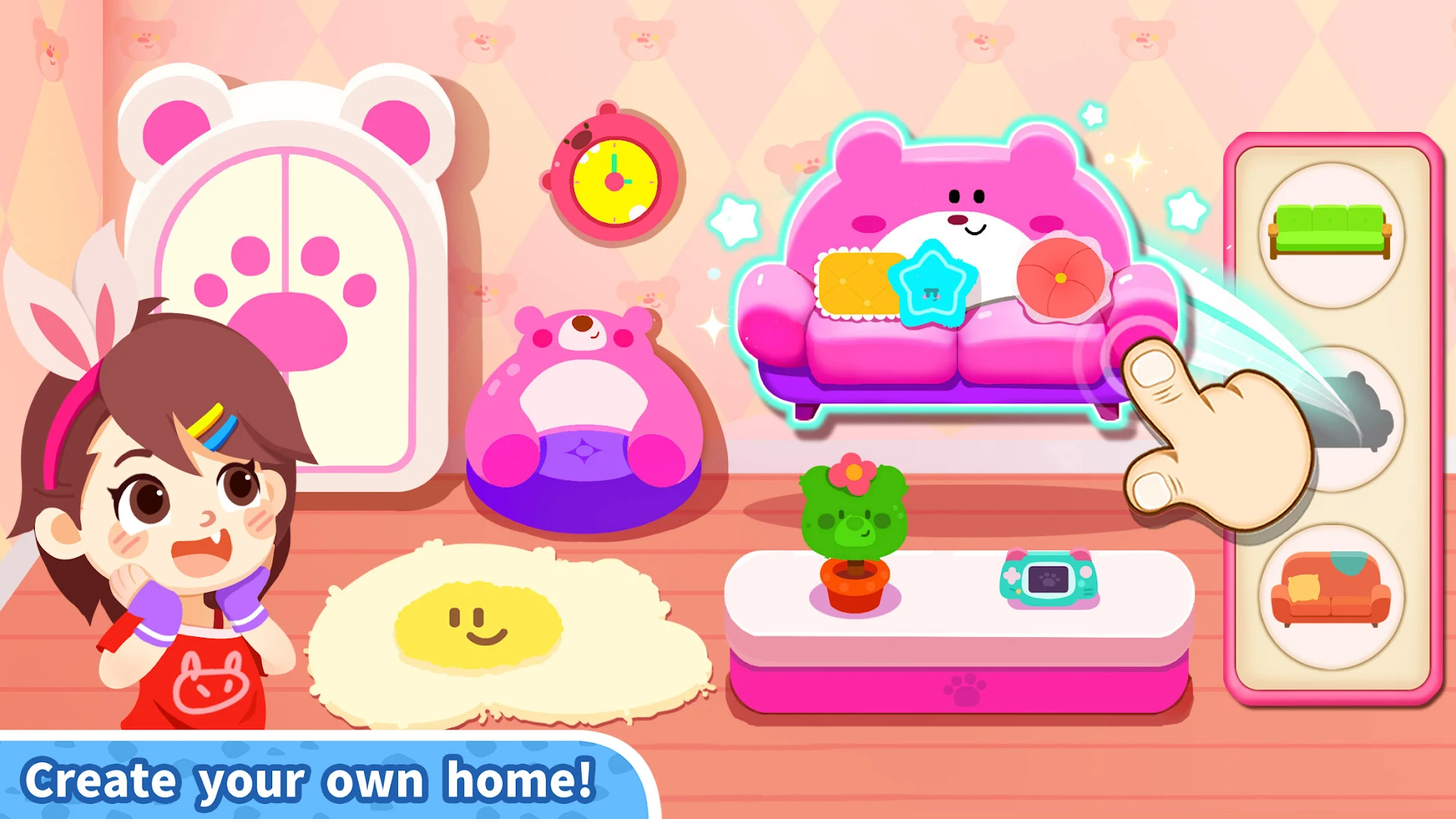
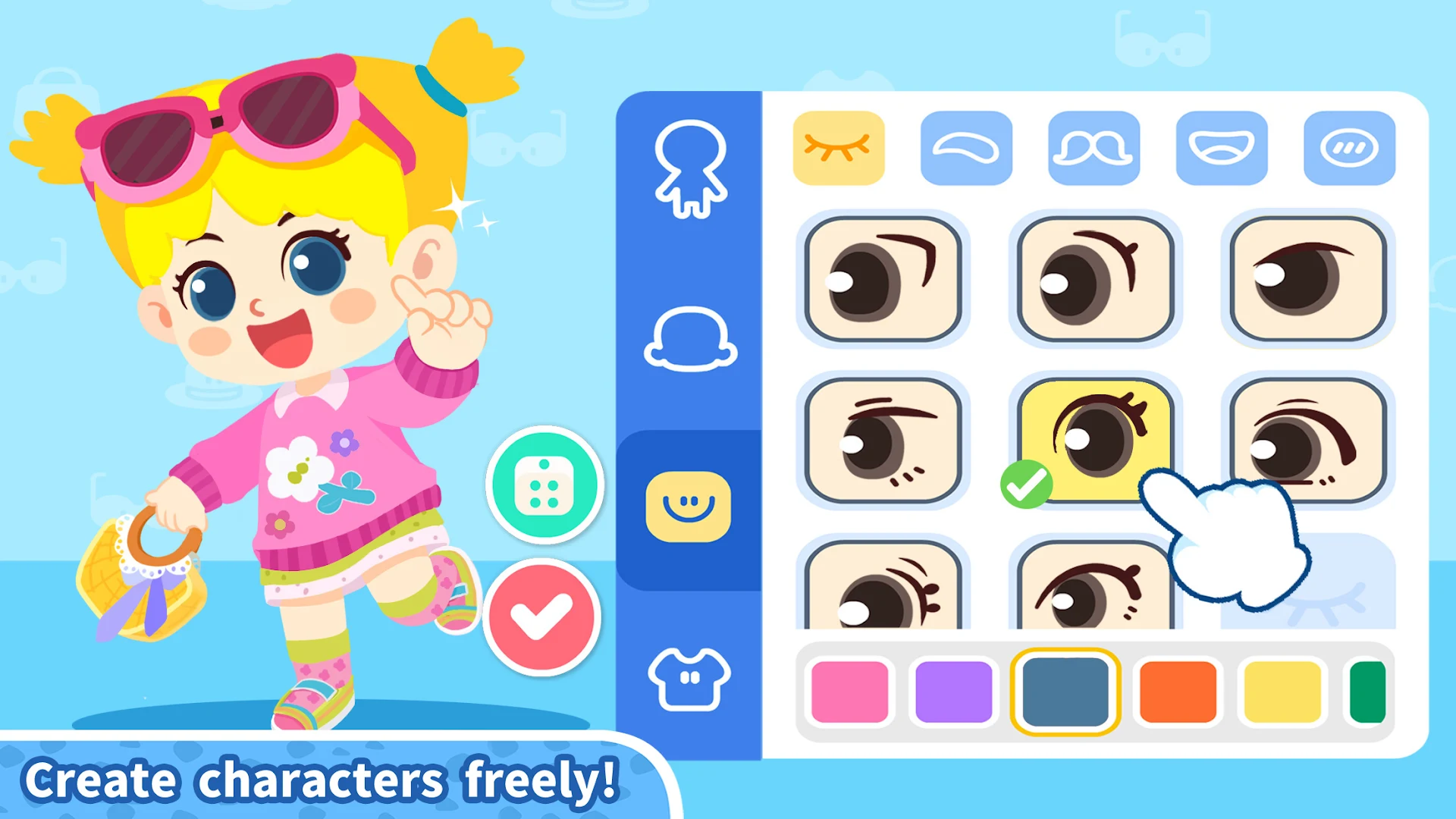
- Explore an open world the way you like and create your own street story;
- Discover new worlds from 6 scenes;
- Realistic simulation to restore an ideal street life;
- Hundreds of items and rich interaction for you to explore;
- 37 cute characters to play with you all day long!
About BabyBus
—————
At BabyBus, we dedicate ourselves to sparking kids' creativity, imagination and curiosity,and designing our products through the kids' perspective to help them explore the world on their own.
Now BabyBus offers a wide variety of products, videos and other educational content for over 600 million fans from ages 0-8 around the world! We have released over 200 children's apps, over 2500 episodes of nursery rhymes and animations, over 9000 stories of various themes spanning the Health, Language, Society, Science, Art and other fields.
—————
Contact us: ser@babybus.com
Visit us: http://www.babybus.com
Show more

1. Download MEmu installer and finish the setup

2. Start MEmu then open Google Play on the desktop

3. Search Panda Games: Town Home in Google Play
Install
4. Download and Install Panda Games: Town Home
5. On install completion click the icon to start

6. Enjoy playing Panda Games: Town Home on PC with MEmu
MEmu Play is the best Android emulator and 100 million people already enjoy its superb Android gaming experience. The MEmu virtualization technology empowers you to play thousands of Android games smoothly on your PC, even the most graphic-intensive ones.
Bigger screen with better graphics; Long duration, without limitation of battery or mobile data.
Full Keymapping support for precise control of keyboard and mouse or gamepad.
Multiple game accounts or tasks on single PC at one time with Multi-Instance manager.
Play Panda Games: Town Home on PC by following steps: