Saint Seiya Awakening: Knights of the Zodiac
Updated
Current Version
1.6.56.1
Offered By

With your passion for Saint Seiya Awakening: Knights of the Zodiac, you shouldn’t have to limit yourself to the small screen of a phone. Play like a pro and take full control of the game using a keyboard and mouse. MEmu gives you everything you’re looking for. Download and play Saint Seiya Awakening: Knights of the Zodiac on PC. Play as long as you want — no more worries about battery life, mobile data, or unexpected calls. The all-new MEmu 9 is the best way to play Saint Seiya Awakening: Knights of the Zodiac on PC. With our expertly designed keymapping system, Saint Seiya Awakening: Knights of the Zodiac feels just like a real PC game. The MEmu multi-instance manager lets you run two or more accounts on the same device at the same time. Most importantly, our exclusive emulation engine unlocks your PC’s full potential, delivering smooth and seamless performance.
Show more
Download Saint Seiya Awakening: Knights of the Zodiac on PC with MEmu Android Emulator. Enjoy playing on big screen. Dear players, .
Dear players,
Due to the change of Facebook’s login policy, Facebook users can continue to log in to the game with Facebook only if they have downloaded the Facebook client. You can also try to go to our official website to bind your GTA account.
————————————————————————————————————————————
The Classic is BACK! Burn Your COSMO!
Saint Seiya Awakening: Knights of the Zodiac - The Hades Chapter!
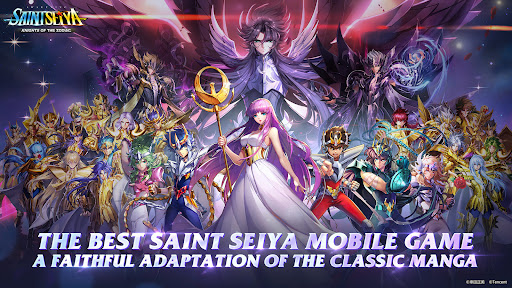
The officially licensed hero collection strategy RPG based on Masami Kurumada’s renowned Saint Seiya series is now available! Relive the epic saga, enriched with stunning landscapes and beautiful graphics to bring all your favorite Saints to life in full 3D! Enjoy the original BGM from the show as well as performances from the official Japanese voice actors for a truly first-class audiovisual experience!
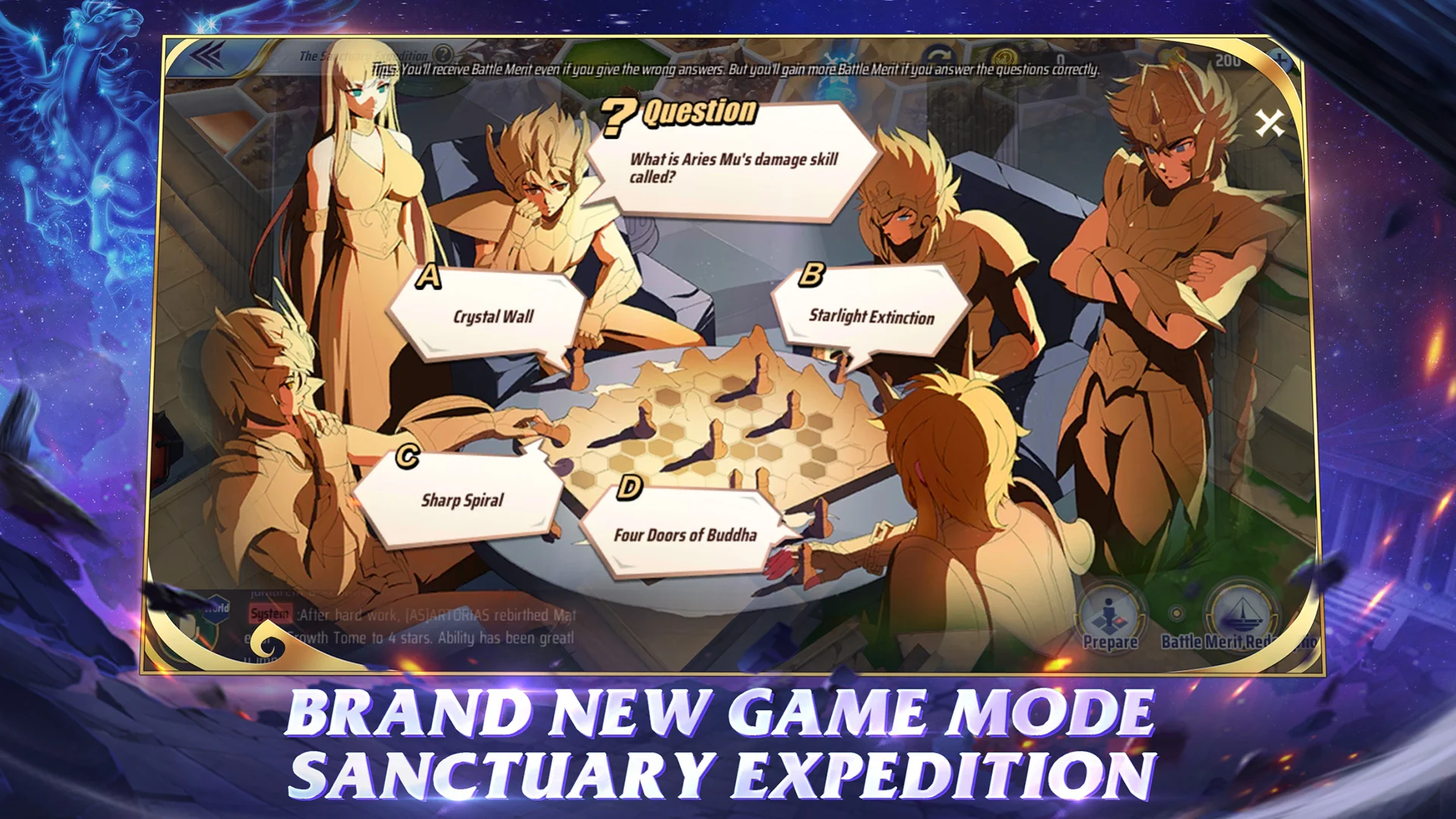
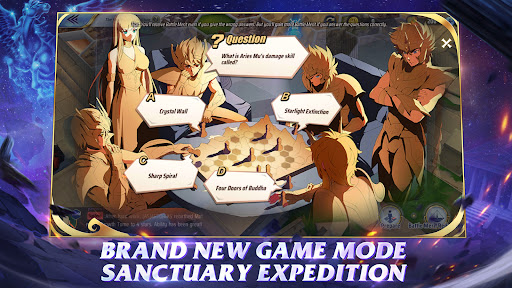
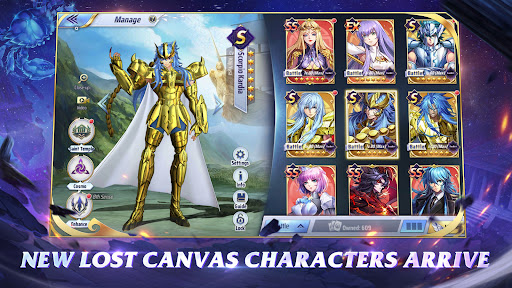
Collect every character from the series! Mix and match to create your own strategies. In Knights of the Zodiac, even the weak can overcome the strong! Try out a wide range of engaging game modes~
[Thirty-Five Years - The Return of a Classic]
The Japanese manga classic returns in style!
As a next-generation game licensed by Kurumada Productions,
Saint Seiya Awakening: Knights of the Zodiac lets you experience the time-honored battle manga like never before, from the Galactic Duel to Sanctuary's Twelve Temples; from Poseidon's Temple, to the Wailing Wall, and finally to Elysion!
Take a trip down memory lane with classic tracks such as "Pegasus Fantasy." Burn! My Cosmo, burn!
[Saints by the Hundreds: Ready for Action]
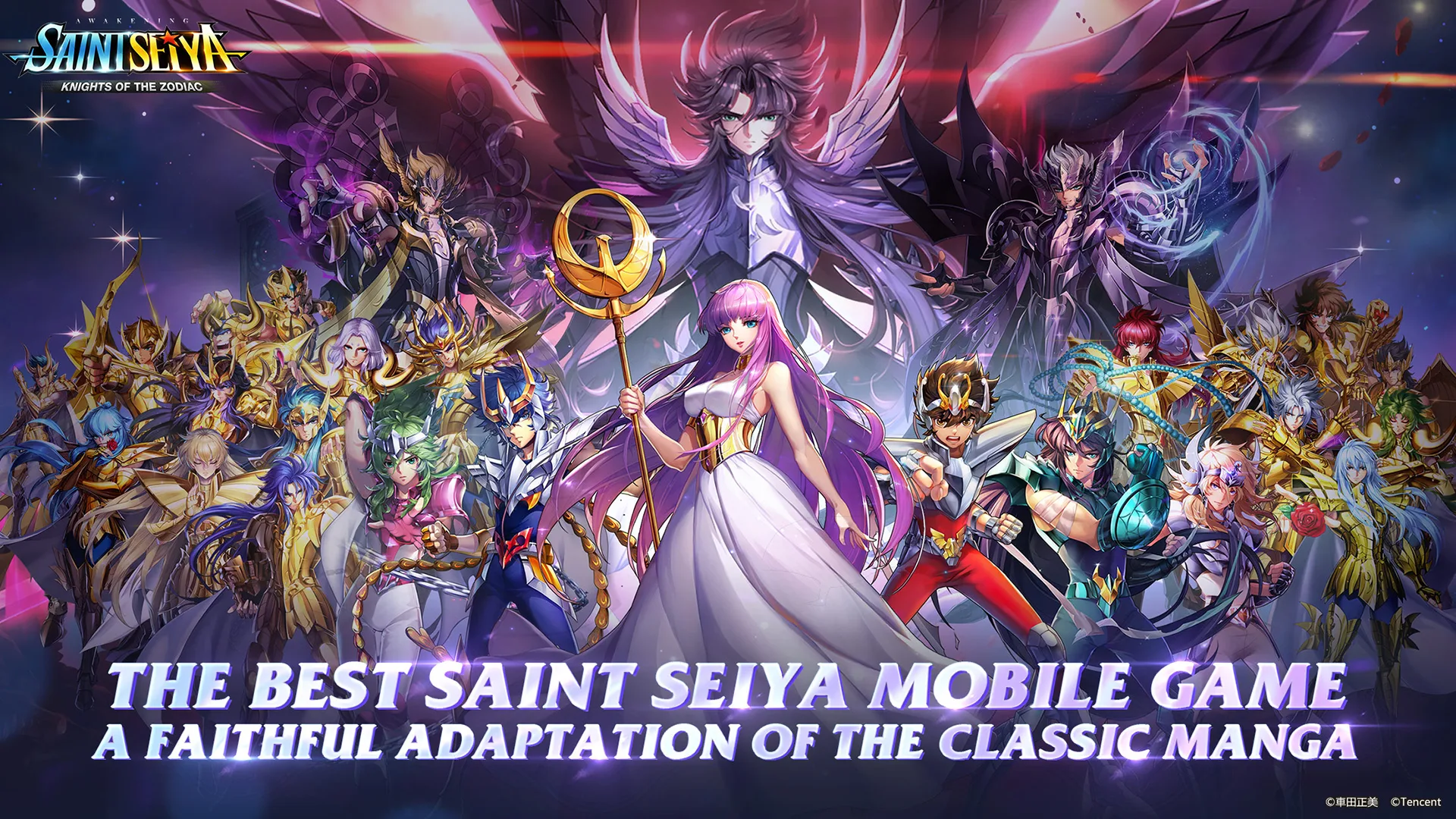
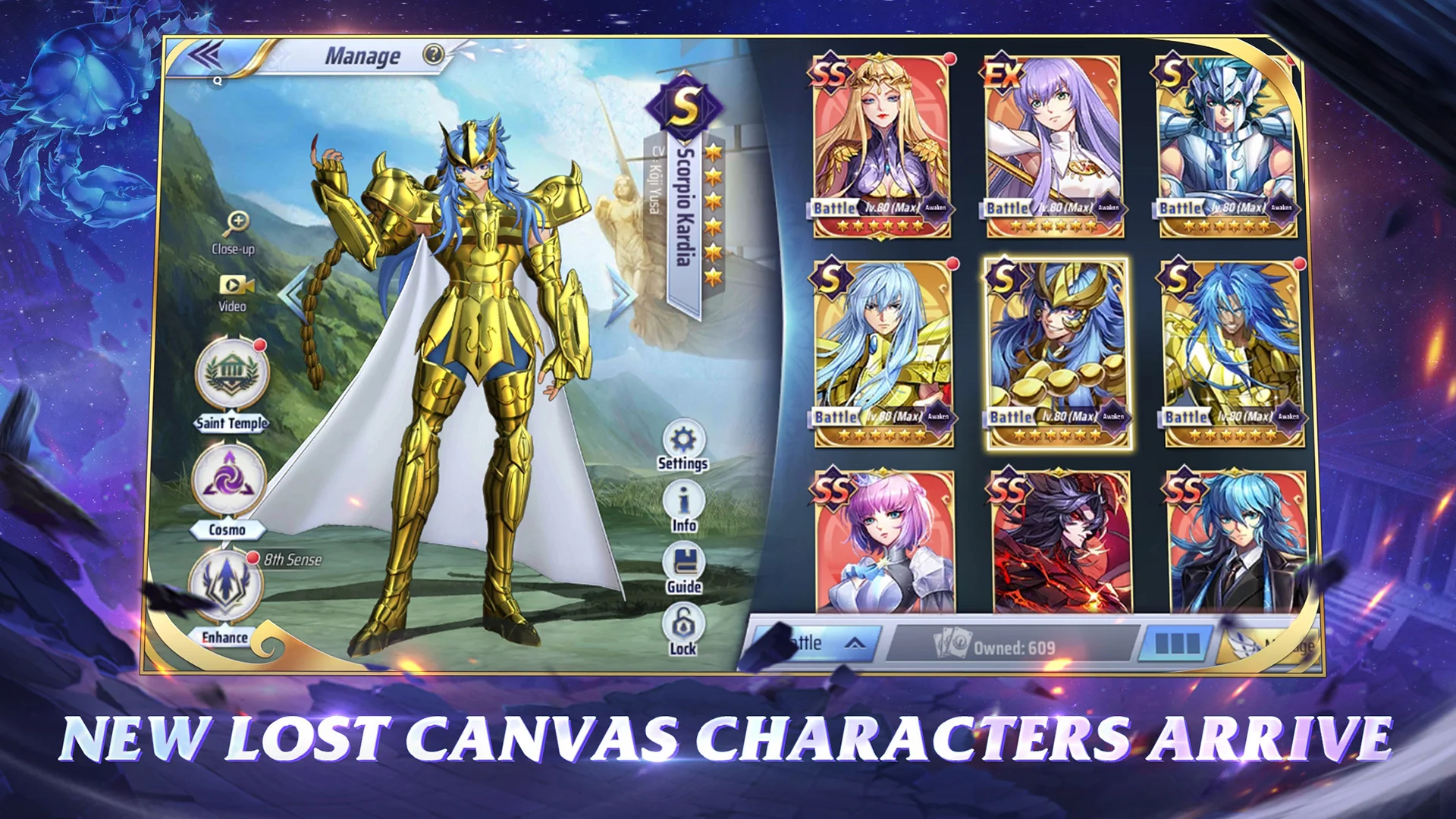
Your favorite heroes and villains are all here. Whether it's the unstoppable Pegasus Seiya, the compassionate Andromeda Shun, the Twelve Gold Saints, the Specters, or even the Goddess Athena herself: they're all waiting for you to summon them into battle.
The game brings over one hundred of Masami Kurumada’s original characters to your mobile device. Witness the birth of a new legend!
[Team Synergies & Epic Battles]
Build your dream team from a comprehensive selection of Saints, each with unique abilities and traits. With the right synergy, even Bronze Saints can defeat Gold Saint opponents! Use your strategy and wits to claim victory over the odds! Unleash your Saint's powerful abilities with just the tap of a finger and activate their Seventh Sense to unlock their true battle potential!
[Galactic Duels, Global Pick & Ban Duels]
Enter the Galactic Duels stage where Saints fight for the Gold Cloth! Test your skills against players from around the world in real-time PvP battles with balanced matchmaking! Utilize the Pick & Ban duel system adopted from the MOBA genre to take your strategy to the next level!
Show more

1. Download MEmu installer and finish the setup

2. Start MEmu then open Google Play on the desktop

3. Search Saint Seiya Awakening: Knights of the Zodiac in Google Play
Install
4. Download and Install Saint Seiya Awakening: Knights of the Zodiac
5. On install completion click the icon to start

6. Enjoy playing Saint Seiya Awakening: Knights of the Zodiac on PC with MEmu
MEmu Play is the best Android emulator and 100 million people already enjoy its superb Android gaming experience. The MEmu virtualization technology empowers you to play thousands of Android games smoothly on your PC, even the most graphic-intensive ones.
Bigger screen with better graphics; Long duration, without limitation of battery or mobile data.
Full Keymapping support for precise control of keyboard and mouse or gamepad.
Multiple game accounts or tasks on single PC at one time with Multi-Instance manager.
Play Saint Seiya Awakening: Knights of the Zodiac on PC by following steps: