X-Clash
Updated
Current Version
1.0.129
Offered By

With your passion for X-Clash, you shouldn’t have to limit yourself to the small screen of a phone. Play like a pro and take full control of the game using a keyboard and mouse. MEmu gives you everything you’re looking for. Download and play X-Clash on PC. Play as long as you want — no more worries about battery life, mobile data, or unexpected calls. The all-new MEmu 9 is the best way to play X-Clash on PC. With our expertly designed keymapping system, X-Clash feels just like a real PC game. The MEmu multi-instance manager lets you run two or more accounts on the same device at the same time. Most importantly, our exclusive emulation engine unlocks your PC’s full potential, delivering smooth and seamless performance.
Show more
Download X-Clash on PC with MEmu Android Emulator. Enjoy playing on big screen. The Evil Void tears the continent asunder, while the Undead Plague devours the last remnants of civilization!
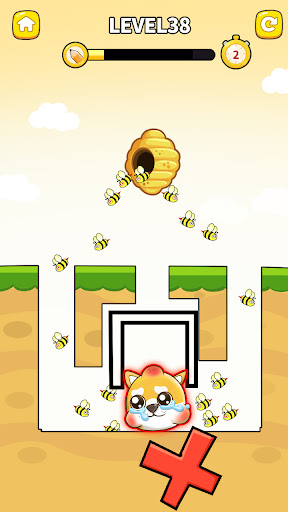
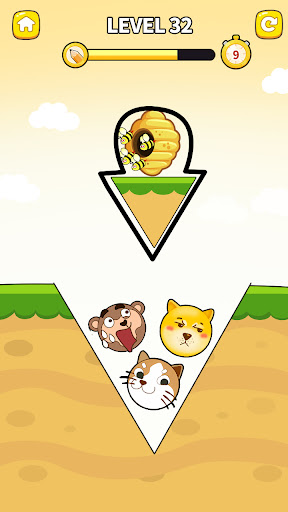
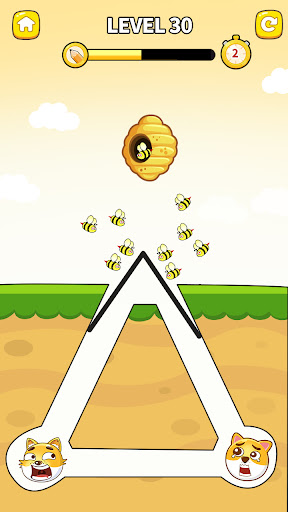
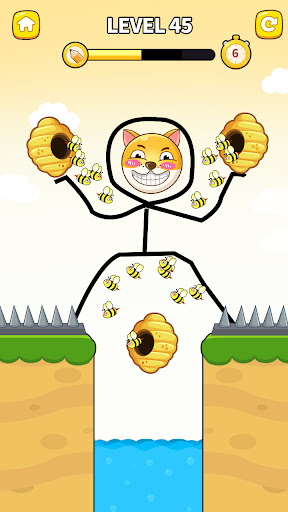
The Evil Void tears the continent asunder, while the Undead Plague devours the last remnants of civilization! In this dual apocalypse, only the worthy shall rebuild the realm!
To survive this cataclysm, you must master both strategic command and survival instinct!
Here's a tip for champions: True power lies not in brute strength, but in forging unbreakable bonds with your companions. Assemble your fellowship wisely - their lineage holds the key to victory.
Highlighted Features:
- Brand new level experience with multiple choices
- Play One-Handed to dominate the continent!
- Unveil the mysteries and experience various strategic gameplays
- Collect and match, unravel the mysteries of the void
- Strengthen your power, and form alliances with others to receive the greatest support!
Show more

1. Download MEmu installer and finish the setup

2. Start MEmu then open Google Play on the desktop

3. Search X-Clash in Google Play
Install
4. Download and Install X-Clash
5. On install completion click the icon to start

6. Enjoy playing X-Clash on PC with MEmu
MEmu Play is the best Android emulator and 100 million people already enjoy its superb Android gaming experience. The MEmu virtualization technology empowers you to play thousands of Android games smoothly on your PC, even the most graphic-intensive ones.
Bigger screen with better graphics; Long duration, without limitation of battery or mobile data.
Full Keymapping support for precise control of keyboard and mouse or gamepad.
Multiple game accounts or tasks on single PC at one time with Multi-Instance manager.
Play X-Clash on PC by following steps: