Light of Thel: Glory of Cepheus
Updated
Current Version
0.13.1459
Offered By

With your passion for Light of Thel: Glory of Cepheus, you shouldn’t have to limit yourself to the small screen of a phone. Play like a pro and take full control of the game using a keyboard and mouse. MEmu gives you everything you’re looking for. Download and play Light of Thel: Glory of Cepheus on PC. Play as long as you want — no more worries about battery life, mobile data, or unexpected calls. The all-new MEmu 9 is the best way to play Light of Thel: Glory of Cepheus on PC. With our expertly designed keymapping system, Light of Thel: Glory of Cepheus feels just like a real PC game. The MEmu multi-instance manager lets you run two or more accounts on the same device at the same time. Most importantly, our exclusive emulation engine unlocks your PC’s full potential, delivering smooth and seamless performance.
Show more
Download Light of Thel: Glory of Cepheus on PC with MEmu Android Emulator. Enjoy playing on big screen. **Game Intro**.


**Game Intro**
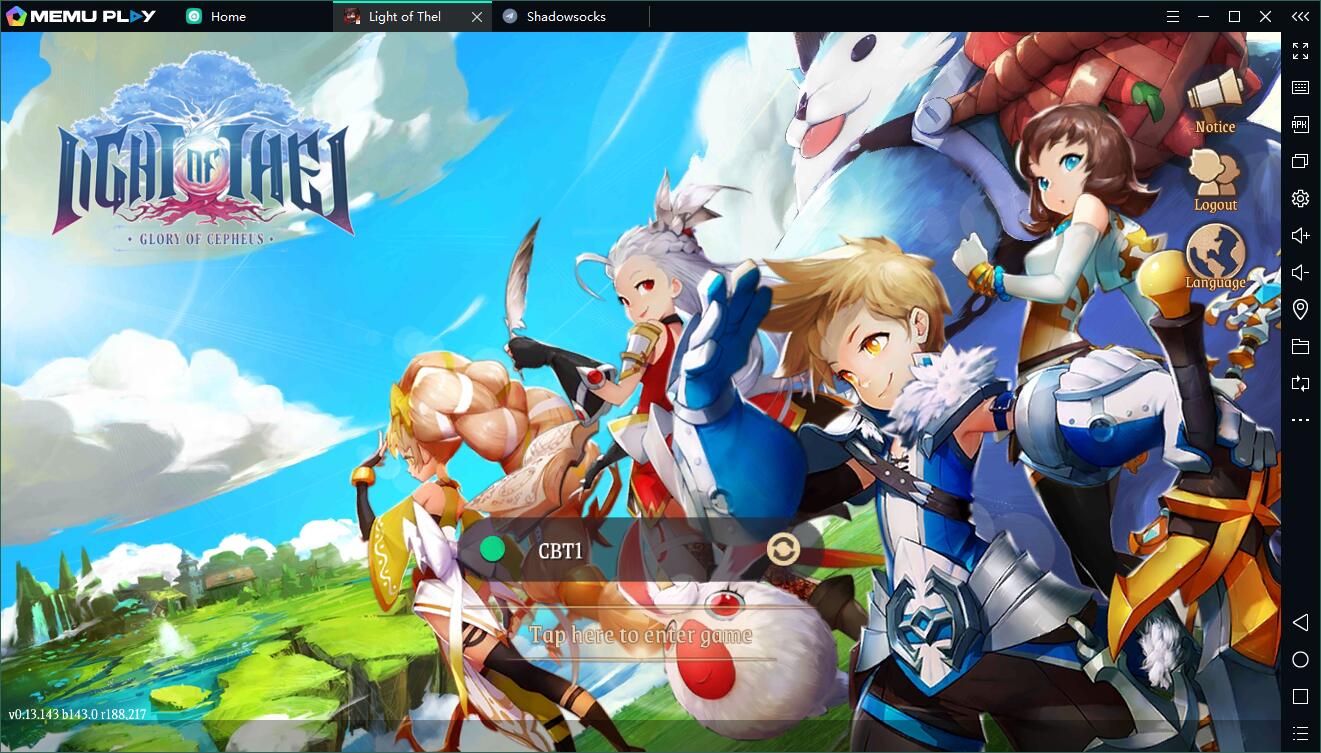
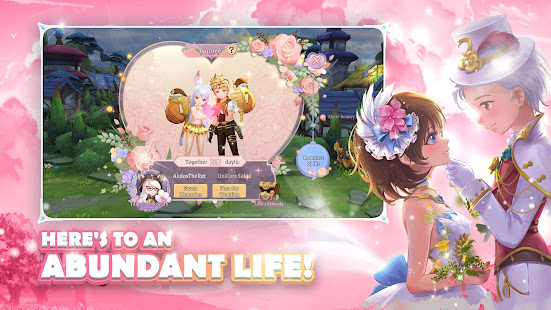
'Light of Thel' is an action-adventure game for mobile devices, set in an open, expansive world. It features gorgeous cartoon-style animation, slick visuals, a cute and colorful cast of characters and a rich variety of game modes to satisfy all your fantasy cravings!
Please like our Fan page, get the latest game information and have the opportunity to get the rewards
https://www.facebook.com/lightofthel/
-----------------------
**Game Highlights**
Switch between 5 classes!
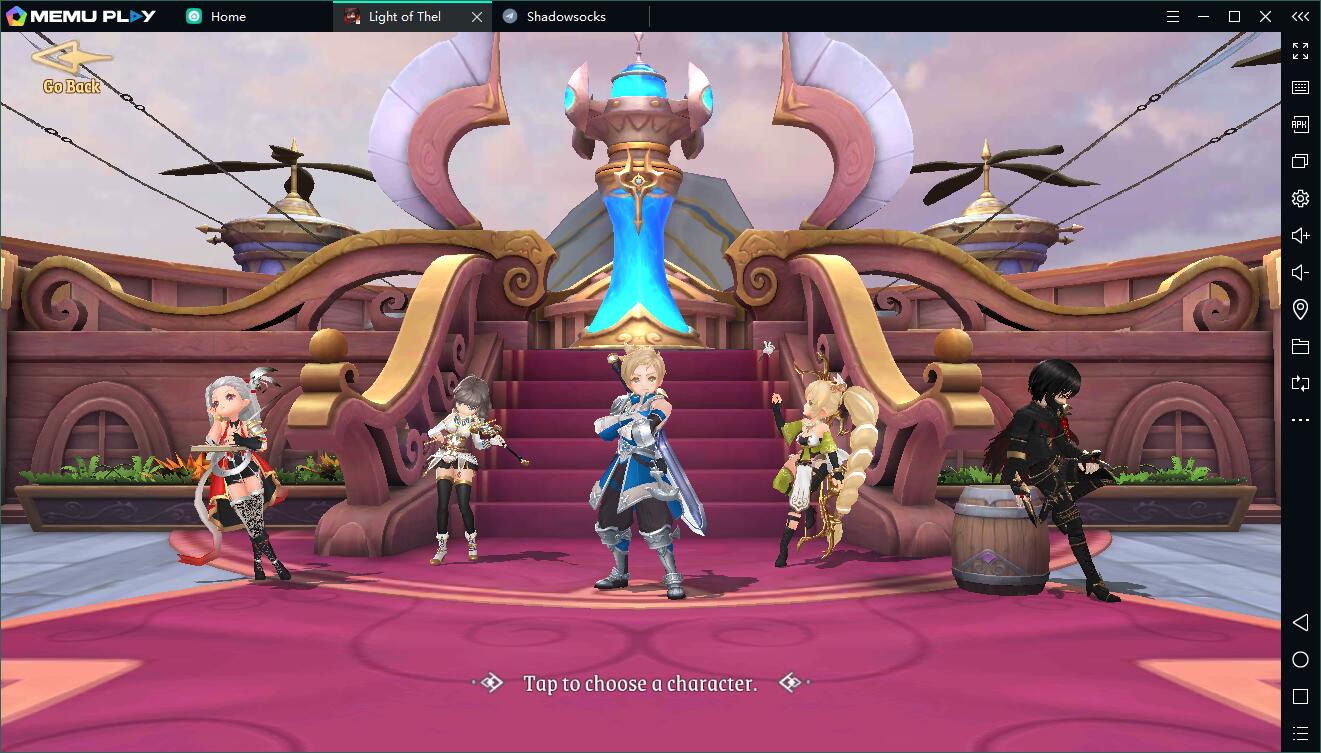
Choose from five powerful classes: the invincible Omni Warrior who can take and deal out a lot of punishment, the mighty Rune Mage who wields devastating area-of-effect spells, the agile Elven Archer who dishes out massive amounts of single-target damage, the sneaky Shadow Assassin who uses stealth to kill and the Holy Priest who provides supportive buffs. Each class is unique and you can switch them around in order to gain the full range of combat experience!
Thrilling team dungeons!
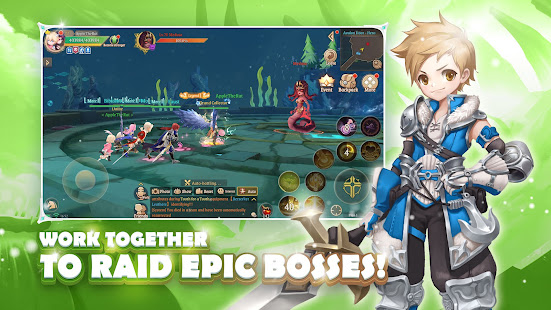
Many powerful bosses wait to be challenged. Defeating them requires not only personal skill and courage, but also careful teamwork. If the thrill of victory alone is not enough of a reward, precious treasure and superb equipment can be obtained in raids. What are you waiting for? Go and fight, do not waste your chance to become one of Thel’s mightiest champions!
Sit back and relax with a fishing rod in hand!
Endless battling, however exciting, can be exhausting. Fortunately, there are also many relaxing casual game modes to be experienced! The land of Thel is full of fishing spots and buried treasure waiting to be discovered. Clattering mining picks and clanging blacksmith hammers sing a glorious song of profitable gathering and crafting work!
Pets: Cute but deadly!
Along the way you’ll get a chance to capture a wide variety of Battle Pets, each with their own unique Talent Skills to aid and protect you on your journey. Mounts of all shapes, sizes, and colors can bolster your travel speed and make your adventures all the more exciting. Digging for treasure and undertaking Expeditions can bring you profits even when you’re offline!
Flaunt your unique style!
Customize your appearance with plenty of diverse equipment sets and fashion items. Express yourself with a variety of emotes. Adventure is no longer a lonely business! Sing, dance, exchange greetings or play pranks with your friends and significant others.
Publish Area: Southease-Asia
Support Language: 简体中文, English, ภาษาไทย, Bahasa Indonesia, Tiếng Việt
-----------------------
**Contact us**
Facebook: https://www.facebook.com/lightofthel/
E-mail: lot@gtarcade.com
-----------------------
**Android minimum specification**
Android 4.4
RAM ≥ 2GB
ROM ≥ 4GB
Show more

1. Download MEmu installer and finish the setup

2. Start MEmu then open Google Play on the desktop

3. Search Light of Thel: Glory of Cepheus in Google Play
Install
4. Download and Install Light of Thel: Glory of Cepheus
5. On install completion click the icon to start

6. Enjoy playing Light of Thel: Glory of Cepheus on PC with MEmu
MEmu Play is the best Android emulator and 100 million people already enjoy its superb Android gaming experience. The MEmu virtualization technology empowers you to play thousands of Android games smoothly on your PC, even the most graphic-intensive ones.
Bigger screen with better graphics; Long duration, without limitation of battery or mobile data.
Full Keymapping support for precise control of keyboard and mouse or gamepad.
Multiple game accounts or tasks on single PC at one time with Multi-Instance manager.
Play Light of Thel: Glory of Cepheus on PC by following steps: