
Crystal Saga Nova
Updated
Current Version
Offered By

With your passion for Crystal Saga Nova, you shouldn’t have to limit yourself to the small screen of a phone. Play like a pro and take full control of the game using a keyboard and mouse. MEmu gives you everything you’re looking for. Download and play Crystal Saga Nova on PC. Play as long as you want — no more worries about battery life, mobile data, or unexpected calls. The all-new MEmu 9 is the best way to play Crystal Saga Nova on PC. With our expertly designed keymapping system, Crystal Saga Nova feels just like a real PC game. The MEmu multi-instance manager lets you run two or more accounts on the same device at the same time. Most importantly, our exclusive emulation engine unlocks your PC’s full potential, delivering smooth and seamless performance.
Show more
Download Crystal Saga Nova on PC with MEmu Android Emulator. Enjoy playing on big screen. After years of anticipation, the legendary Crystal Saga series returns with a brand-new adventure!
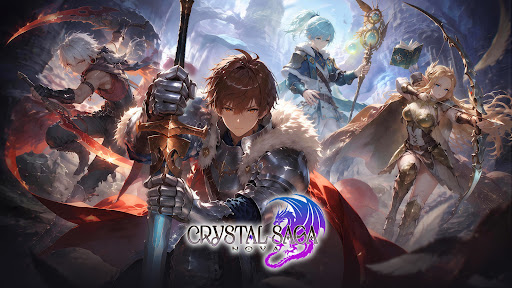
After years of anticipation, the legendary Crystal Saga series returns with a brand-new adventure! Now expanding from the browser MMORPG experience to mobile, Crystal Saga Nova brings the beloved fantasy world to your fingertips anytime, anywhere!
Crystal Saga Nova is a fantasy MMORPG that brings you into a magical world filled with thrilling boss battles, real-time combat, and endless adventures. Choose destiny as a mighty Knight, powerful Mage, devoted Priest, deadly Rogue or masterful Pixie. Explore a vast fantasy realm and forge your legend through countless adventures.
- Game Features -
[Immersive Fantasy Adventure]
Step into a breathtaking fantasy world inspired by Greek and Roman mythology. Explore mysterious lands, discover hidden treasures, and encounter powerful enemies as you uncover the secrets of the realm.
[Classic MMORPG Real-time Combat]
Experience the iconic real-time MMO combat of Crystal Saga Nova with smooth mobile controls. Master powerful skills, challenge mighty bosses, and enjoy fast-paced battles anytime, anywhere.
[Legendary Classes & Heroic Battles]
Choose your path among classic fantasy classes, each with unique abilities and combat styles. Build your strength, master your skills, and become the hero the realm needs.
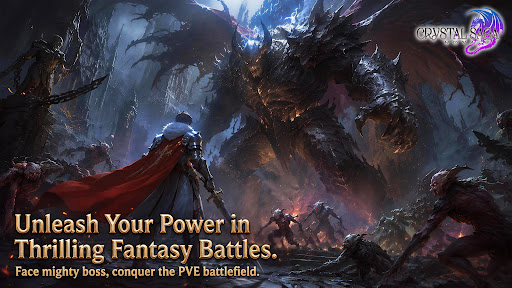
[Thrilling Boss Battles & Dungeons]
Challenge epic bosses, conquer dangerous dungeons, and fight for rare rewards. Team up with allies, overcome difficult trials, and prove your power in unforgettable battles. From PvE adventures to PvP battles, there's always something new to conquer.
[Guilds & Social Adventure]
Join forces with players around the world, create powerful guilds, participate in team battles, and experience the true spirit of MMORPG adventure.
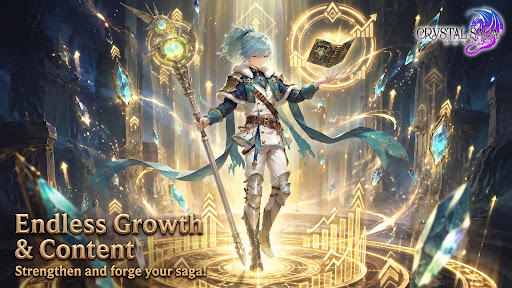
[Endless Growth & Customization]
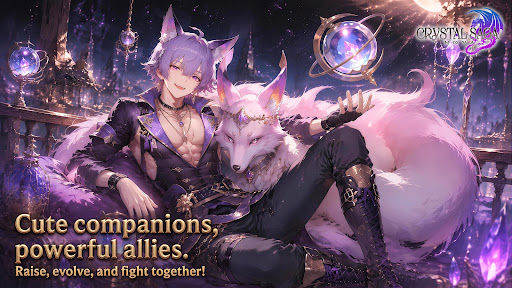
Upgrade your equipment, strengthen your character, unlock powerful wings, collect companions, and customize your hero with stunning outfits. Your journey to greatness never ends.
The world of Crystal Saga Nova awaits! Experience the next chapter of the legendary Crystal Saga series on mobile and begin your epic adventure today.
Facebook: https://www.facebook.com/crystalsaganova
Discord: https://discord.gg/UnSTsSreDQ
YouTube: https://www.youtube.com/@crystalsaganova
Show more

1. Download MEmu installer and finish the setup

2. Start MEmu then open Google Play on the desktop

3. Search Crystal Saga Nova in Google Play
Install
4. Download and Install Crystal Saga Nova
5. On install completion click the icon to start

6. Enjoy playing Crystal Saga Nova on PC with MEmu
MEmu Play is the best Android emulator and 100 million people already enjoy its superb Android gaming experience. The MEmu virtualization technology empowers you to play thousands of Android games smoothly on your PC, even the most graphic-intensive ones.
Bigger screen with better graphics; Long duration, without limitation of battery or mobile data.
Full Keymapping support for precise control of keyboard and mouse or gamepad.
Multiple game accounts or tasks on single PC at one time with Multi-Instance manager.
Play Crystal Saga Nova on PC by following steps: