Downhill Racer
Updated
Current Version
27.0.0
Offered By

With your passion for Downhill Racer, you shouldn’t have to limit yourself to the small screen of a phone. Play like a pro and take full control of the game using a keyboard and mouse. MEmu gives you everything you’re looking for. Download and play Downhill Racer on PC. Play as long as you want — no more worries about battery life, mobile data, or unexpected calls. The all-new MEmu 9 is the best way to play Downhill Racer on PC. With our expertly designed keymapping system, Downhill Racer feels just like a real PC game. The MEmu multi-instance manager lets you run two or more accounts on the same device at the same time. Most importantly, our exclusive emulation engine unlocks your PC’s full potential, delivering smooth and seamless performance.
Show more
Download Downhill Racer on PC with MEmu Android Emulator. Enjoy playing on big screen. Race to Victory in Downhill Racer!
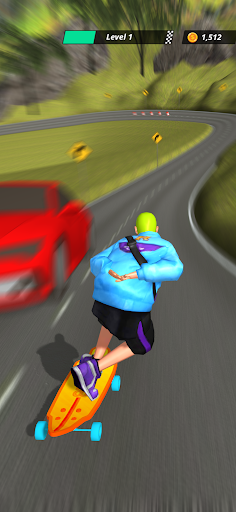
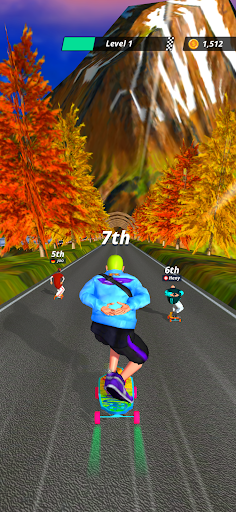
Race to Victory in Downhill Racer!
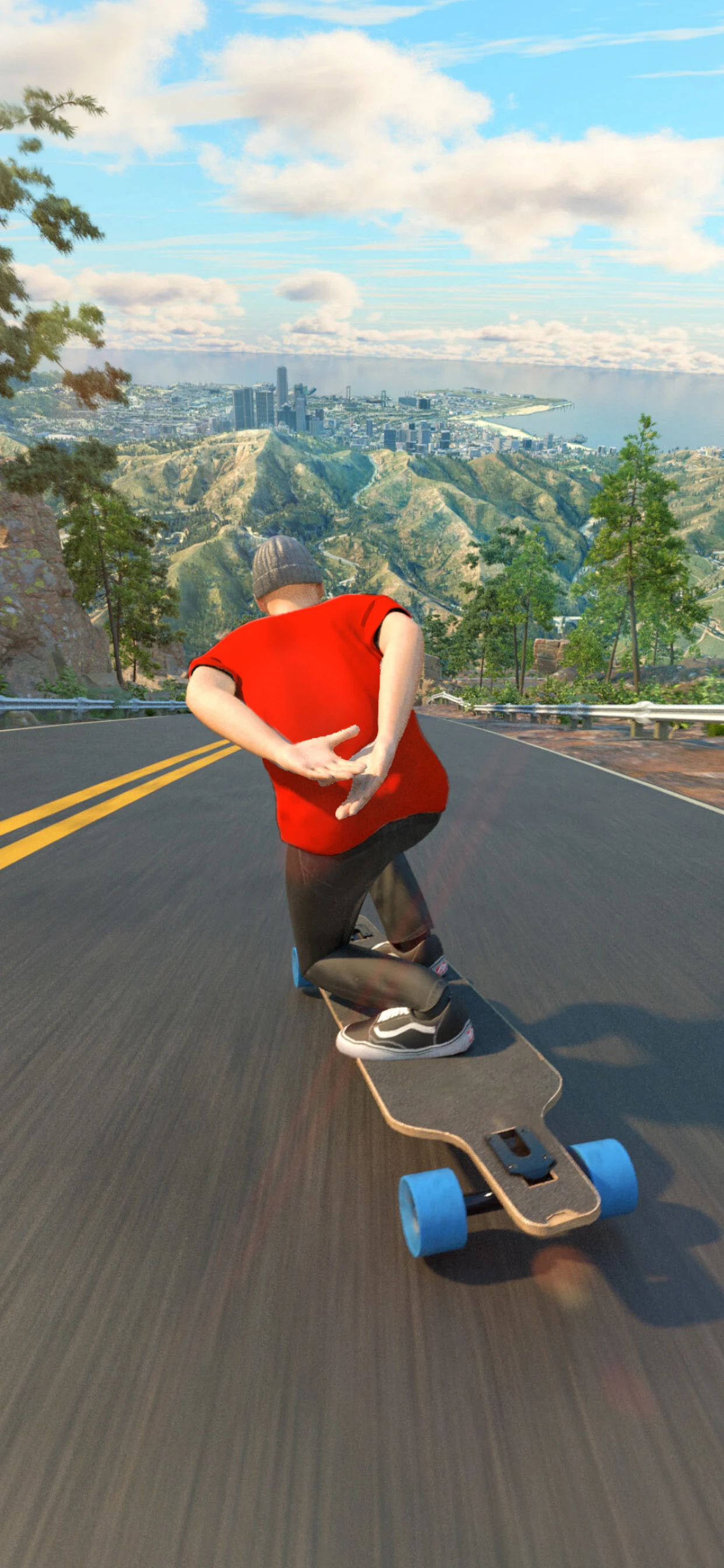
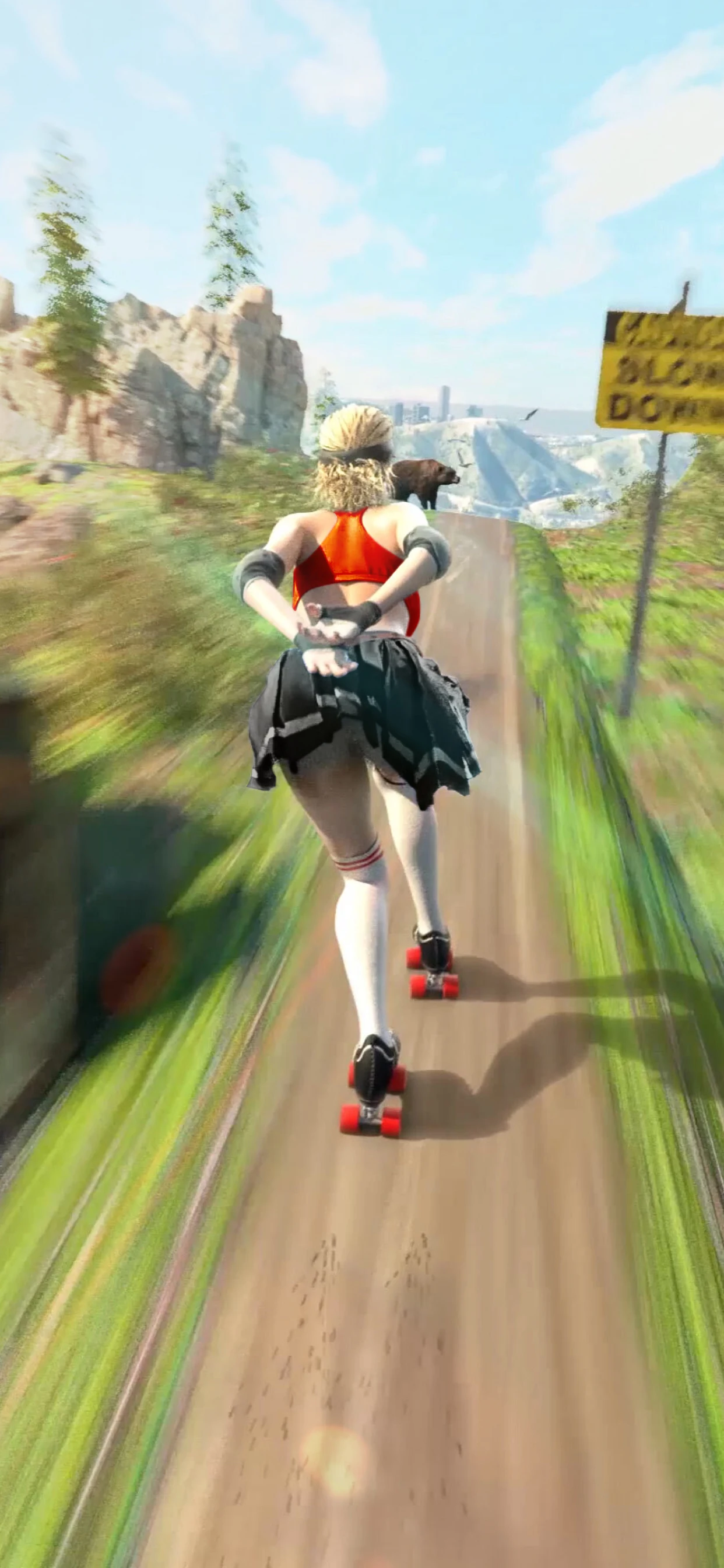
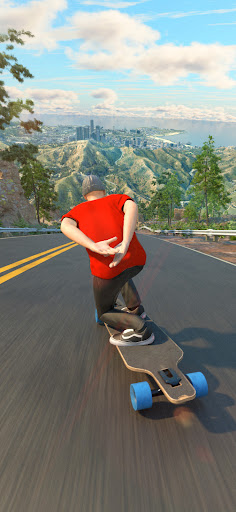
Feel the heart-pounding adventure with Downhill Racer, the ultimate thrill ride for speed lovers and racing enthusiasts. Dive into a world where speed, strategy, and excitement collide. Navigate beautiful mountain landscapes, master the art of drifting, and race your way to the finish line in this adrenaline-fueled adventure.
Game Features
High-Speed Racing
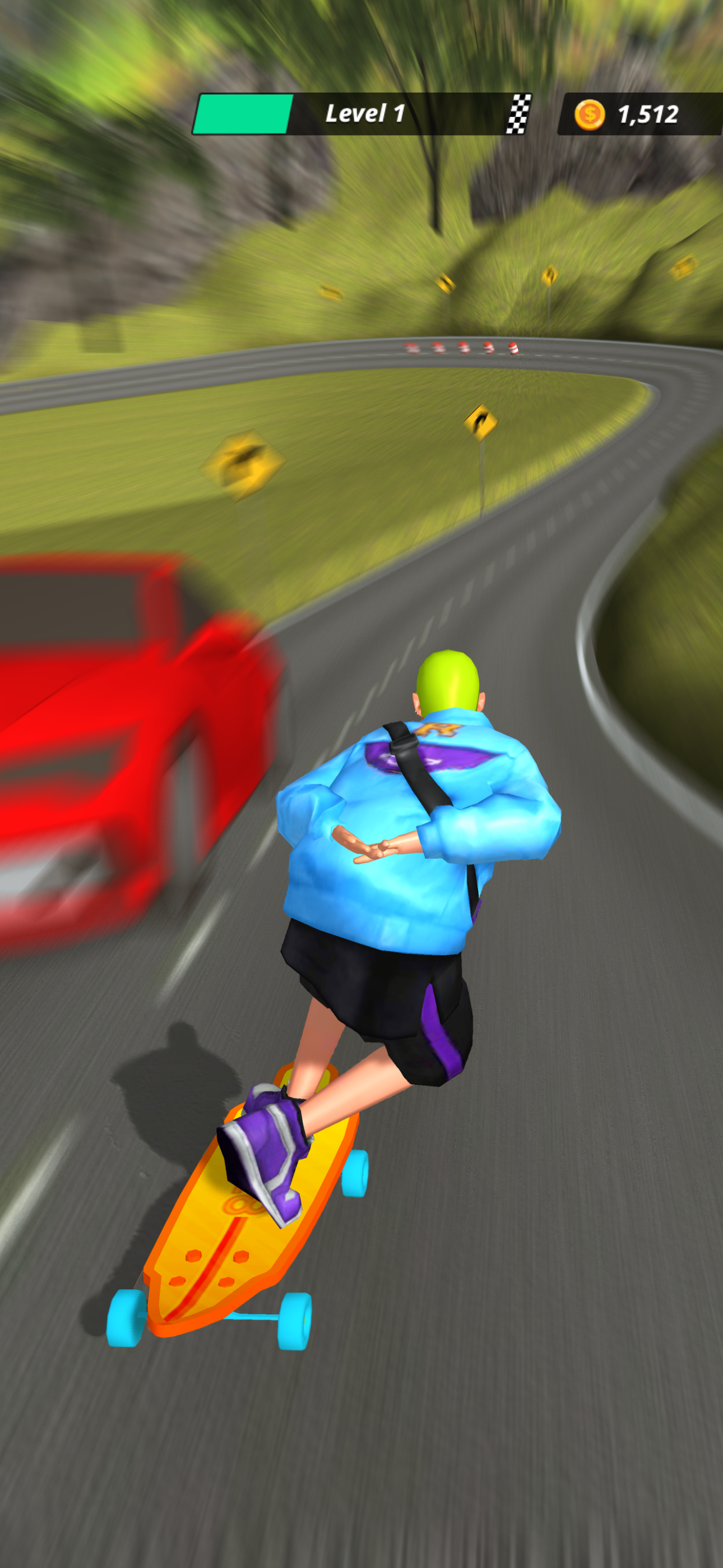
Experience the pure excitement of racing downhill on a longboard. You'll feel the thrill of high-speed racing like never before. Feel the adrenaline rush as you speed down challenging slopes, navigating tight corners and dodging obstacles. Perfect your racing skills and leave your competitors in the dust.
Leaderboard Clash
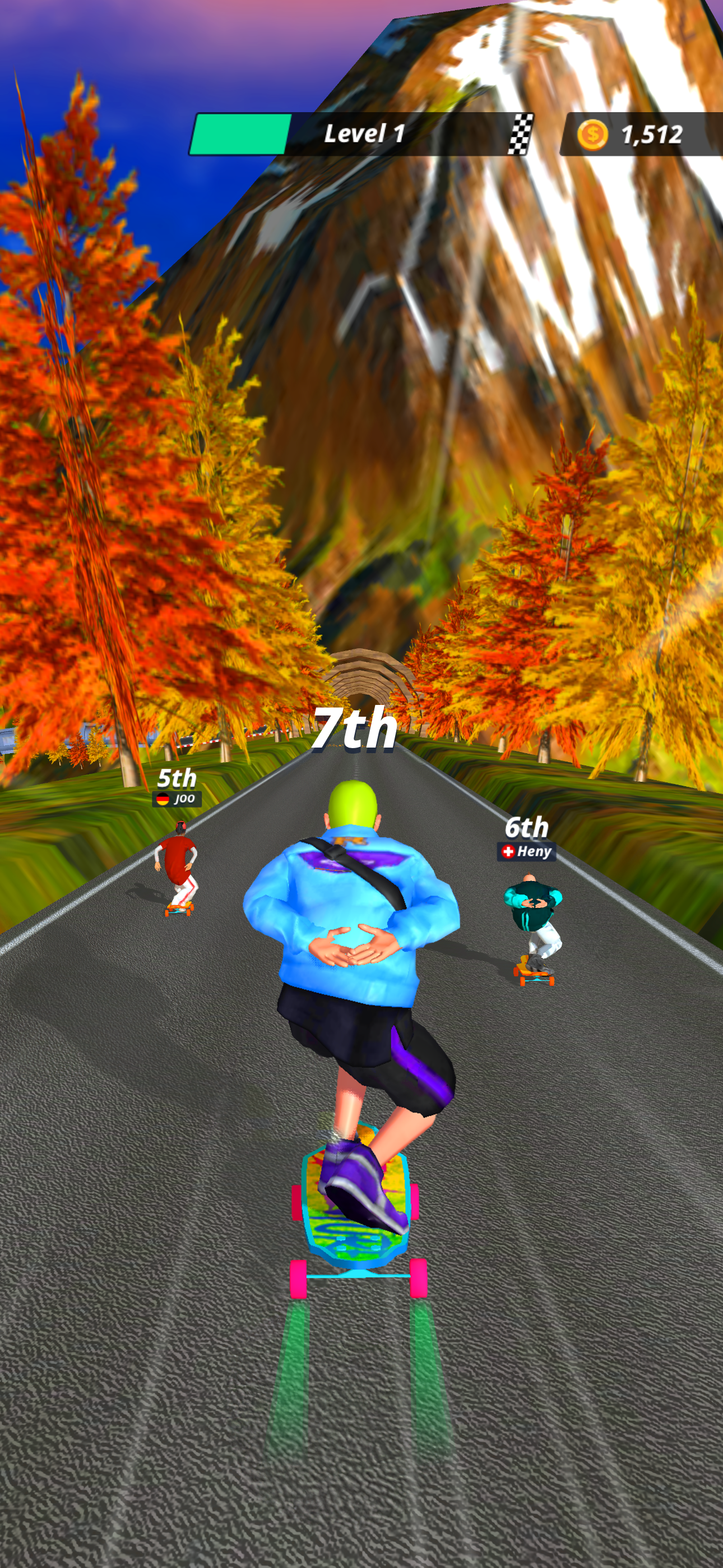
Compete against other players in intense competitions. Use your skills to outrun your rivals and clash against them to send them flying, clearing your way to victory. Show your dominance on the downhill slopes and become the top racer.
Coin Chase
Collect coins scattered across the tracks to unlock powerful upgrades. Enhance your board for better speed, handling, and boost capabilities to gain the upper hand in races. The more coins you collect, the higher your score and the more you can improve your gear.
Board Upgrades
Use the coins you collect to customize and upgrade your longboard faster, accelerate quicker, and handle better, keeping you ahead of the competition. Whether you prefer speed, control, or a balance of both, there’s an upgrade for you.
Character Selection
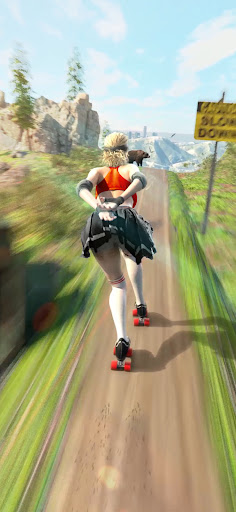
Choose from a diverse roster of characters, each with unique appearances and styles. Whether you prefer a daring daredevil in street-style outfits or a racer with eye-catching attire, there's a character that matches your personality. Find the one that suits you best and hit the trails in style, making every race a personal expression of your racing identity.
Tired of mundane racing games that lack excitement and depth? Downhill Racer solves this by delivering an authentic, heart-pounding racing experience that combines speed, strategy, and stunning visuals. Downhill Racer keeps you on the edge of your seat with its fast-paced and exciting gameplay.
Download Downhill Racer now and dive into the ultimate racing adventure! Feel the rush, master the hills, and become the top racer in this electrifying game. Get ready to race, boost, and drift your way to victory!
Show more

1. Download MEmu installer and finish the setup

2. Start MEmu then open Google Play on the desktop

3. Search Downhill Racer in Google Play
Install
4. Download and Install Downhill Racer
5. On install completion click the icon to start

6. Enjoy playing Downhill Racer on PC with MEmu
MEmu Play is the best Android emulator and 100 million people already enjoy its superb Android gaming experience. The MEmu virtualization technology empowers you to play thousands of Android games smoothly on your PC, even the most graphic-intensive ones.
Bigger screen with better graphics; Long duration, without limitation of battery or mobile data.
Full Keymapping support for precise control of keyboard and mouse or gamepad.
Multiple game accounts or tasks on single PC at one time with Multi-Instance manager.
Play Downhill Racer on PC by following steps: