Snake Clash!
Updated
Current Version
77.3.0
Offered By

With your passion for Snake Clash!, you shouldn’t have to limit yourself to the small screen of a phone. Play like a pro and take full control of the game using a keyboard and mouse. MEmu gives you everything you’re looking for. Download and play Snake Clash! on PC. Play as long as you want — no more worries about battery life, mobile data, or unexpected calls. The all-new MEmu 9 is the best way to play Snake Clash! on PC. With our expertly designed keymapping system, Snake Clash! feels just like a real PC game. The MEmu multi-instance manager lets you run two or more accounts on the same device at the same time. Most importantly, our exclusive emulation engine unlocks your PC’s full potential, delivering smooth and seamless performance.
Show more
Download Snake Clash! on PC with MEmu Android Emulator. Enjoy playing on big screen. Snake Clash × Pororo Collab is LIVE!
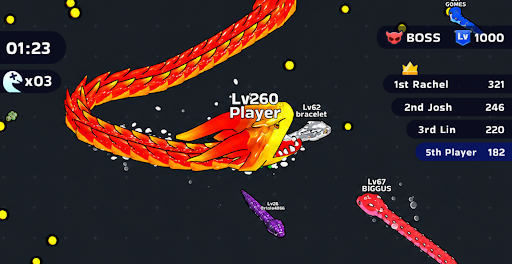
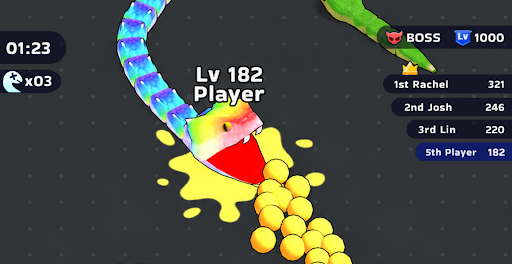
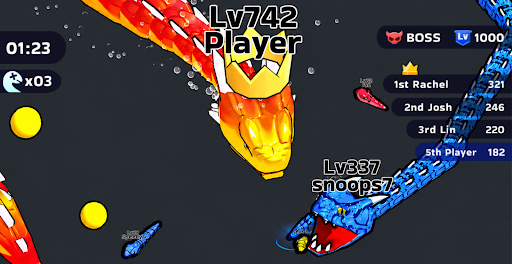
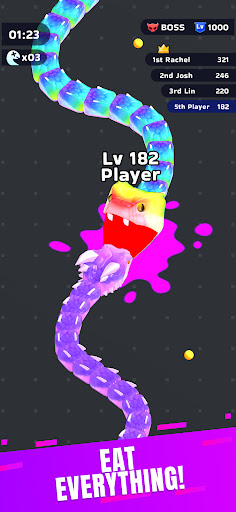
Snake Clash × Pororo Collab is LIVE! Play as Pororo in the snake battle enjoyed by over 100 million!
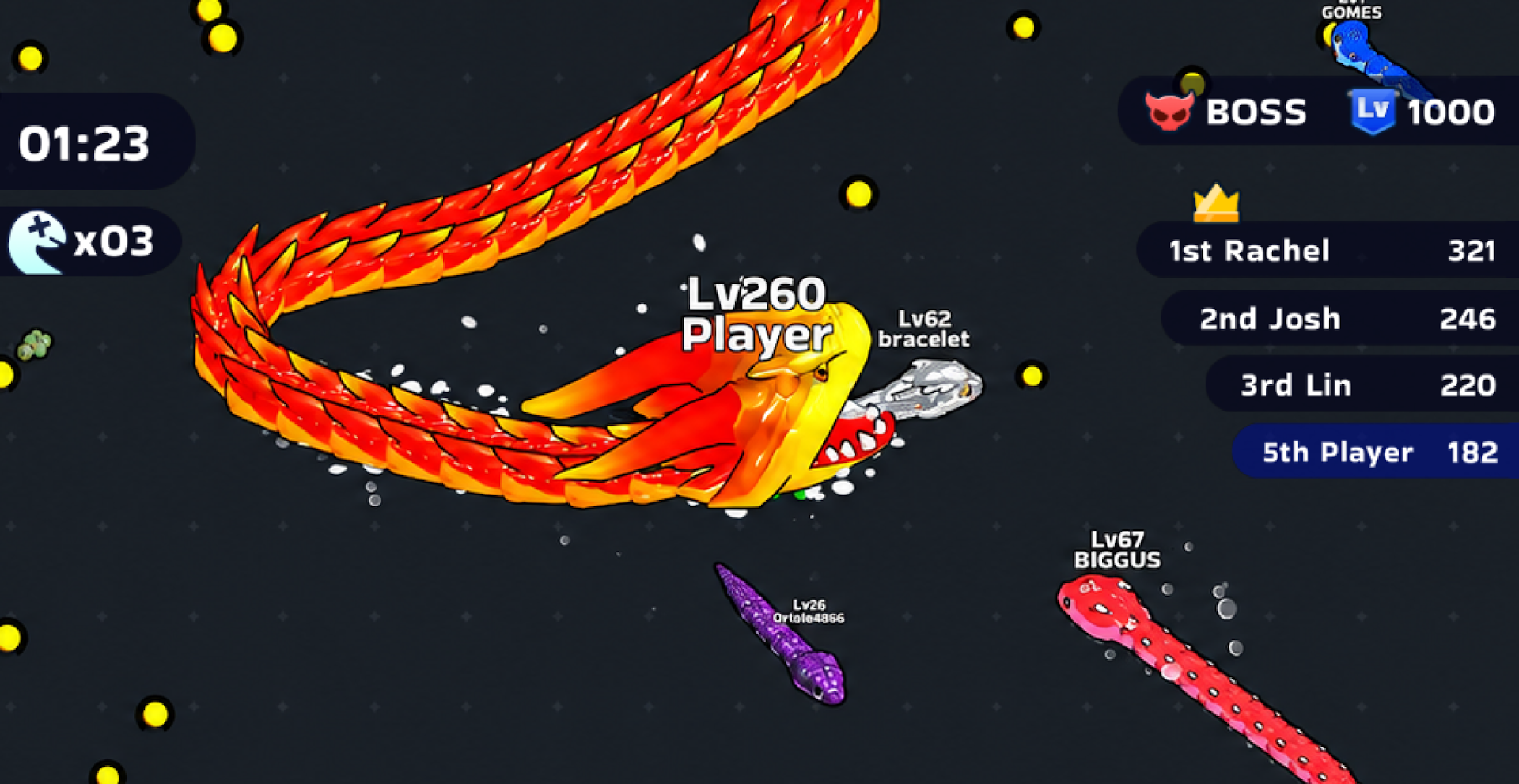
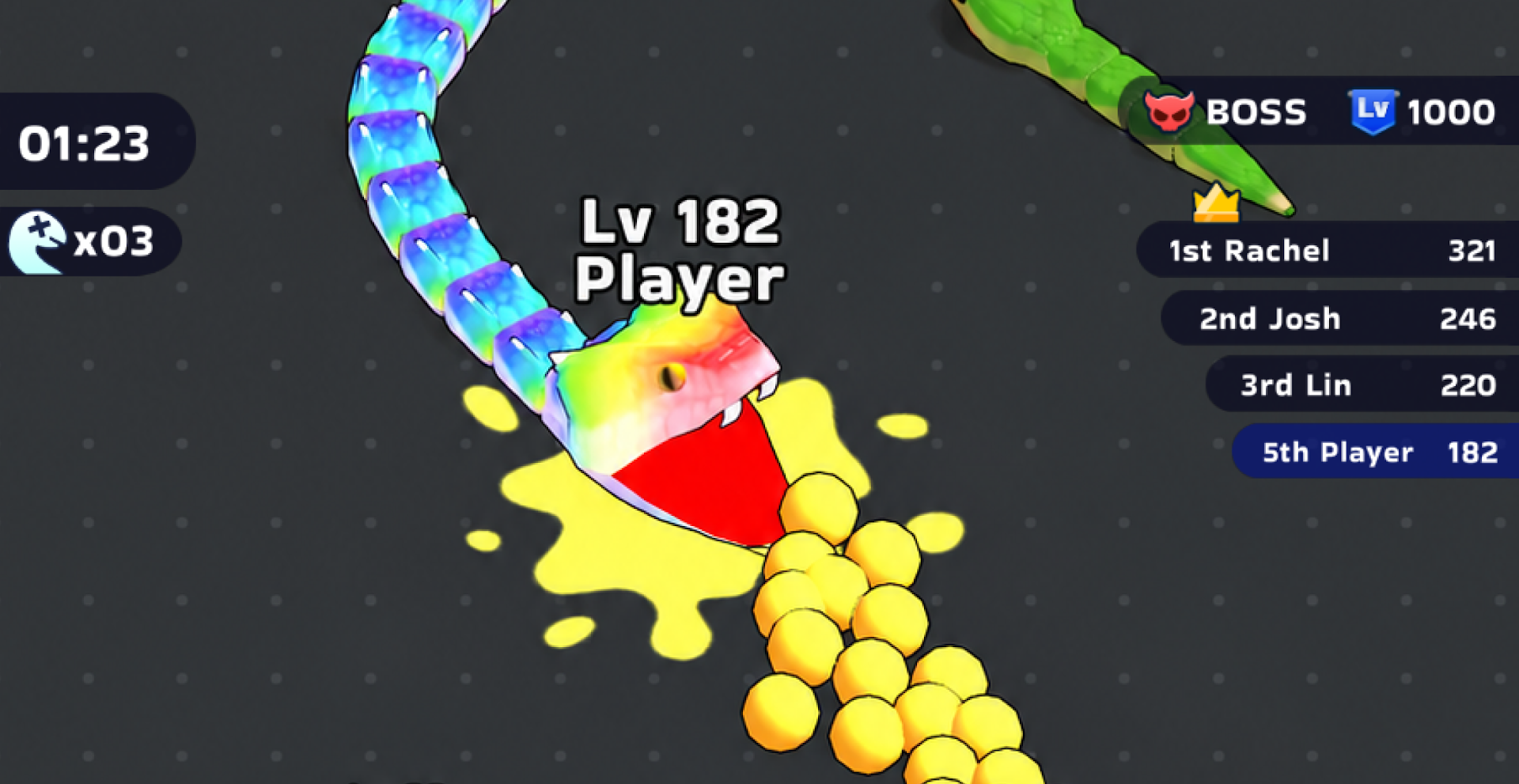
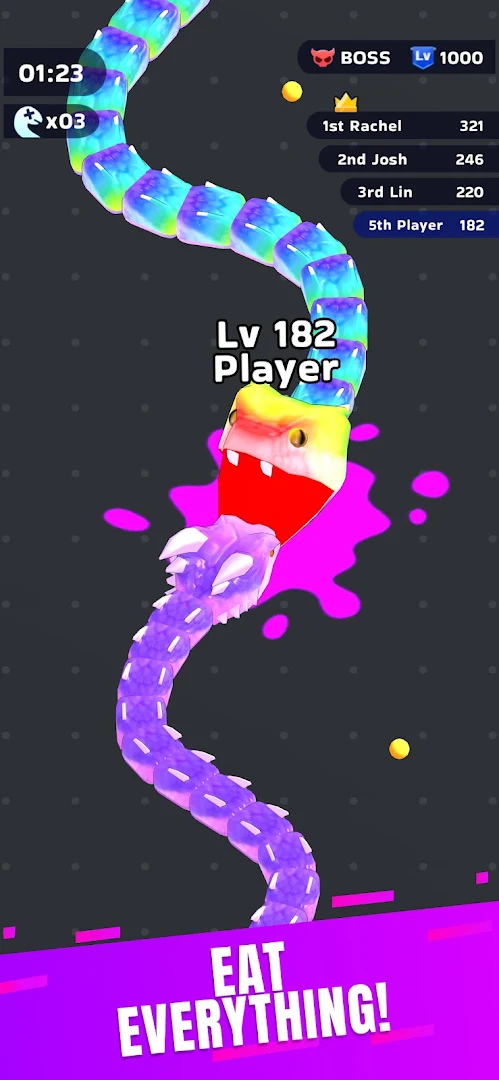
Welcome to Snake Clash, a fast and fun action battle game where you slither, eat, grow, and survive. Start small and hungry, slither through the arena, eat food and smaller enemies, and become big, powerful, and ready to dominate the battlefield.
Eat, Grow, and Survive
Slither through a fierce arena full of worms and nonstop action. Eat fast, grow big, and challenge every rival that gets in your way. The more you eat, the bigger you become, giving you more power, more presence, and a better chance to survive.
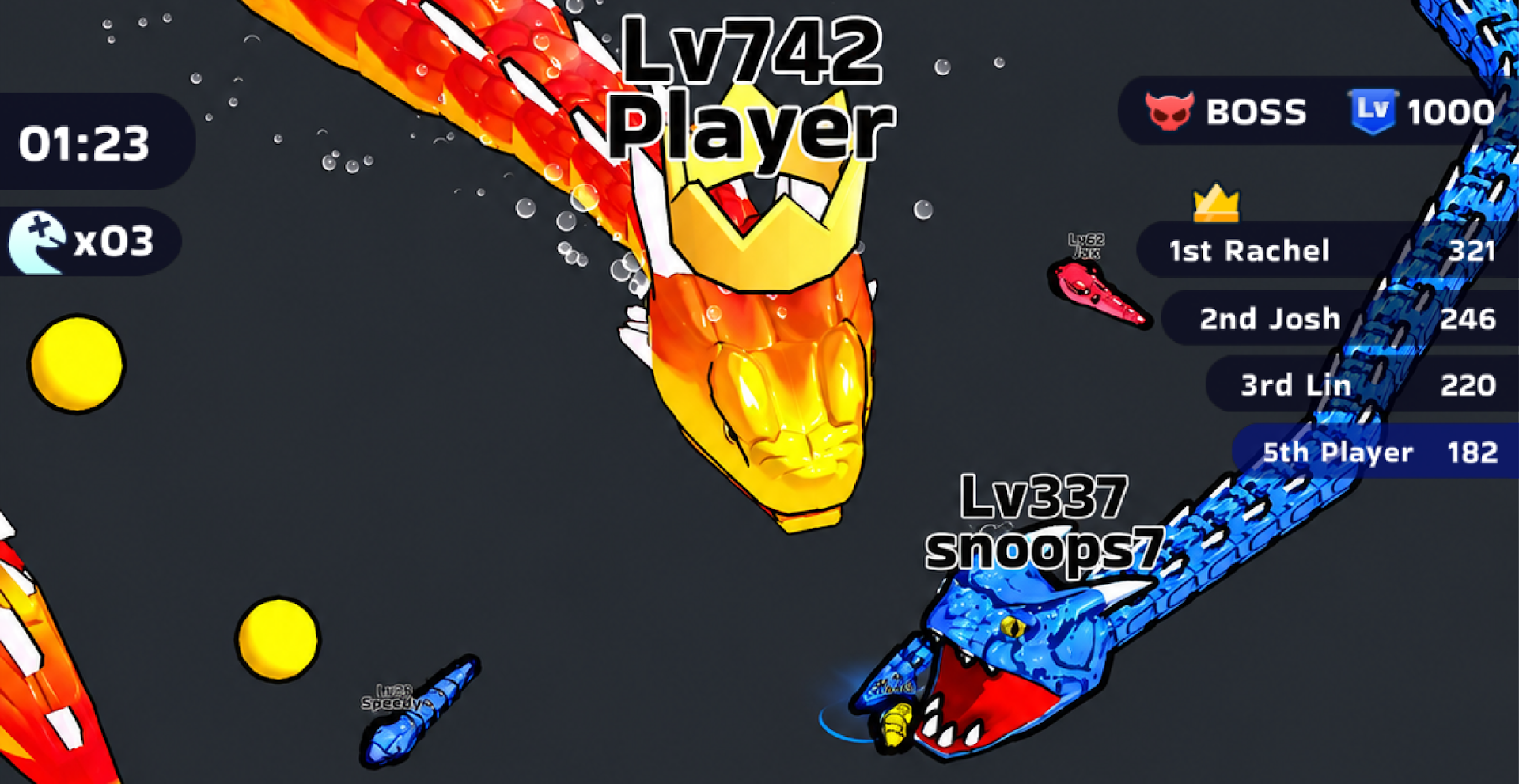
But be careful. Bigger rivals are always hunting, and one quick mistake can end the game. Slither smart, react fast, and become the last one standing.
Collect Skins
Make it truly yours. Collect colorful skins, funny worm designs, flashy looks, and unique styles as you play. Whether you want a cute worm, a cool look, or a big legendary serpent, there are plenty of ways to customize your style and stand out in every battle.
Play Online iO Battles
Jump into multiplayer iO mode and play online against friends or players around the world. Slither into real-time action, eat smaller rivals, avoid bigger enemies, and grow fast before your opponents take over the arena.
Every online match is full of fun, speed, and challenge. Slither smart, survive longer, and become the top player.
Challenge Global Rankings
Challenge the Tower of Challenges, join seasonal events, and climb the global rankings. Collect rewards, earn special titles, and prove that you have what it takes to become #1.
Play Free Anytime
Snake Clash is free to play and easy to enjoy anytime, anywhere. No Wi-Fi? No problem. Slither, eat, grow, survive, and enjoy fast action wherever you are.
Download Snake Clash now and become the biggest in the arena!
Show more

1. Download MEmu installer and finish the setup

2. Start MEmu then open Google Play on the desktop

3. Search Snake Clash! in Google Play
Install
4. Download and Install Snake Clash!
5. On install completion click the icon to start

6. Enjoy playing Snake Clash! on PC with MEmu
MEmu Play is the best Android emulator and 100 million people already enjoy its superb Android gaming experience. The MEmu virtualization technology empowers you to play thousands of Android games smoothly on your PC, even the most graphic-intensive ones.
Bigger screen with better graphics; Long duration, without limitation of battery or mobile data.
Full Keymapping support for precise control of keyboard and mouse or gamepad.
Multiple game accounts or tasks on single PC at one time with Multi-Instance manager.
Play Snake Clash! on PC by following steps: