Fish Eat Fish.io
Updated
Current Version
1.1.36
Offered By

With your passion for Fish Eat Fish.io, you shouldn’t have to limit yourself to the small screen of a phone. Play like a pro and take full control of the game using a keyboard and mouse. MEmu gives you everything you’re looking for. Download and play Fish Eat Fish.io on PC. Play as long as you want — no more worries about battery life, mobile data, or unexpected calls. The all-new MEmu 9 is the best way to play Fish Eat Fish.io on PC. With our expertly designed keymapping system, Fish Eat Fish.io feels just like a real PC game. The MEmu multi-instance manager lets you run two or more accounts on the same device at the same time. Most importantly, our exclusive emulation engine unlocks your PC’s full potential, delivering smooth and seamless performance.
Show more
Download Fish Eat Fish.io on PC with MEmu Android Emulator. Enjoy playing on big screen. Classic "Big Fish Eat Little Fish" is back!
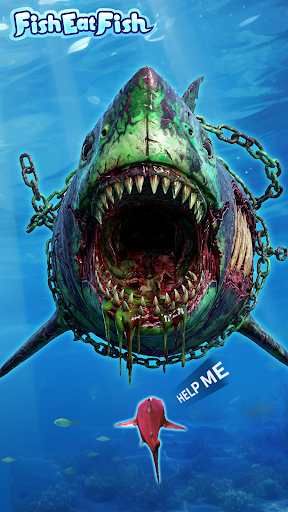
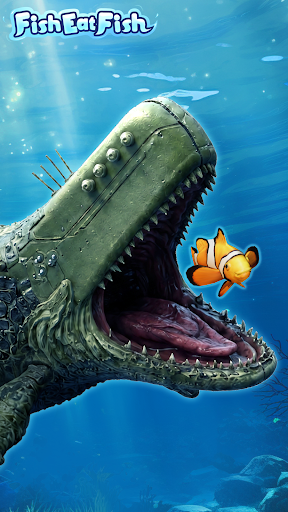
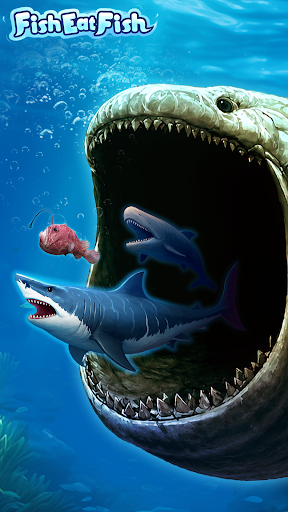
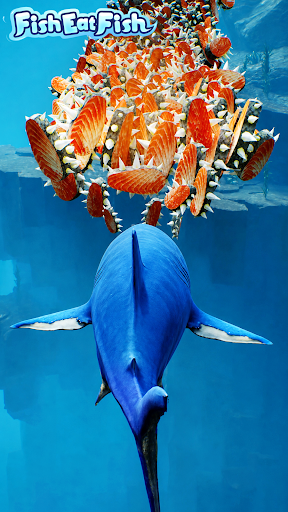
Classic "Big Fish Eat Little Fish" is back!
Experience the traditional gameplay with a fresh twist. Dive into this oceanic adventure now!
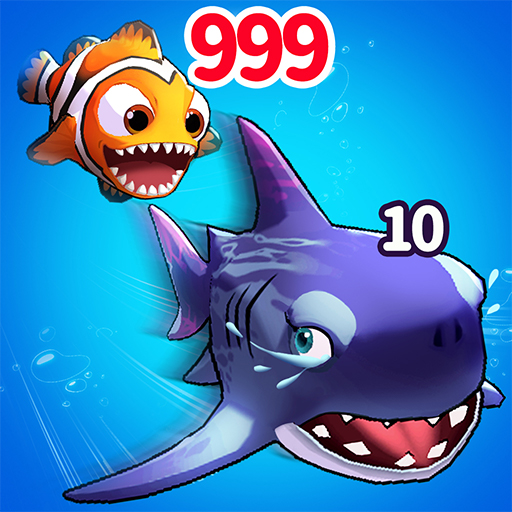
Start small as a tiny fish in the vast ocean. To survive, you must constantly feed and grow, unlocking incredible abilities to devour various marine creatures and rise to become the apex ocean predator!
Each ocean is teeming with unique marine life. Every fish species comes with its own special skills, making every encounter exciting! From fierce sharks and playful dolphins to chill sea turtles, stunning seahorses, and clever octopuses... Over 100 different species are available for you!
Hidden within mysterious whirlpools, you’ll even find ancient creatures waiting to be discovered!
Each ocean also features exclusive "Great Hoard" that grant your fish special powers, helping you dominate the sea world! Plus, with the Codex feature, you can collect and learn about the habits of every fish you encounter, diving deeper into the underwater world!
Join this thrilling oceanic survival challenge and become the ultimate ruler of the seas!
========Follow Us========
Join our Facebook fan group to get the latest news and gifts for limited-time events!
※Official fan group: https://www.facebook.com/profile.php?id=61570913290183
※Official Discord Channel:https://discord.gg/mrGKhBFfVn
※Official email: help@mobibrain.net
Show more

1. Download MEmu installer and finish the setup

2. Start MEmu then open Google Play on the desktop

3. Search Fish Eat Fish.io in Google Play
Install
4. Download and Install Fish Eat Fish.io
5. On install completion click the icon to start

6. Enjoy playing Fish Eat Fish.io on PC with MEmu
MEmu Play is the best Android emulator and 100 million people already enjoy its superb Android gaming experience. The MEmu virtualization technology empowers you to play thousands of Android games smoothly on your PC, even the most graphic-intensive ones.
Bigger screen with better graphics; Long duration, without limitation of battery or mobile data.
Full Keymapping support for precise control of keyboard and mouse or gamepad.
Multiple game accounts or tasks on single PC at one time with Multi-Instance manager.
Play Fish Eat Fish.io on PC by following steps: