Flame of Valhalla
Updated
Current Version
4.8
Offered By

With your passion for Flame of Valhalla, you shouldn’t have to limit yourself to the small screen of a phone. Play like a pro and take full control of the game using a keyboard and mouse. MEmu gives you everything you’re looking for. Download and play Flame of Valhalla on PC. Play as long as you want — no more worries about battery life, mobile data, or unexpected calls. The all-new MEmu 9 is the best way to play Flame of Valhalla on PC. With our expertly designed keymapping system, Flame of Valhalla feels just like a real PC game. The MEmu multi-instance manager lets you run two or more accounts on the same device at the same time. Most importantly, our exclusive emulation engine unlocks your PC’s full potential, delivering smooth and seamless performance.
Show more
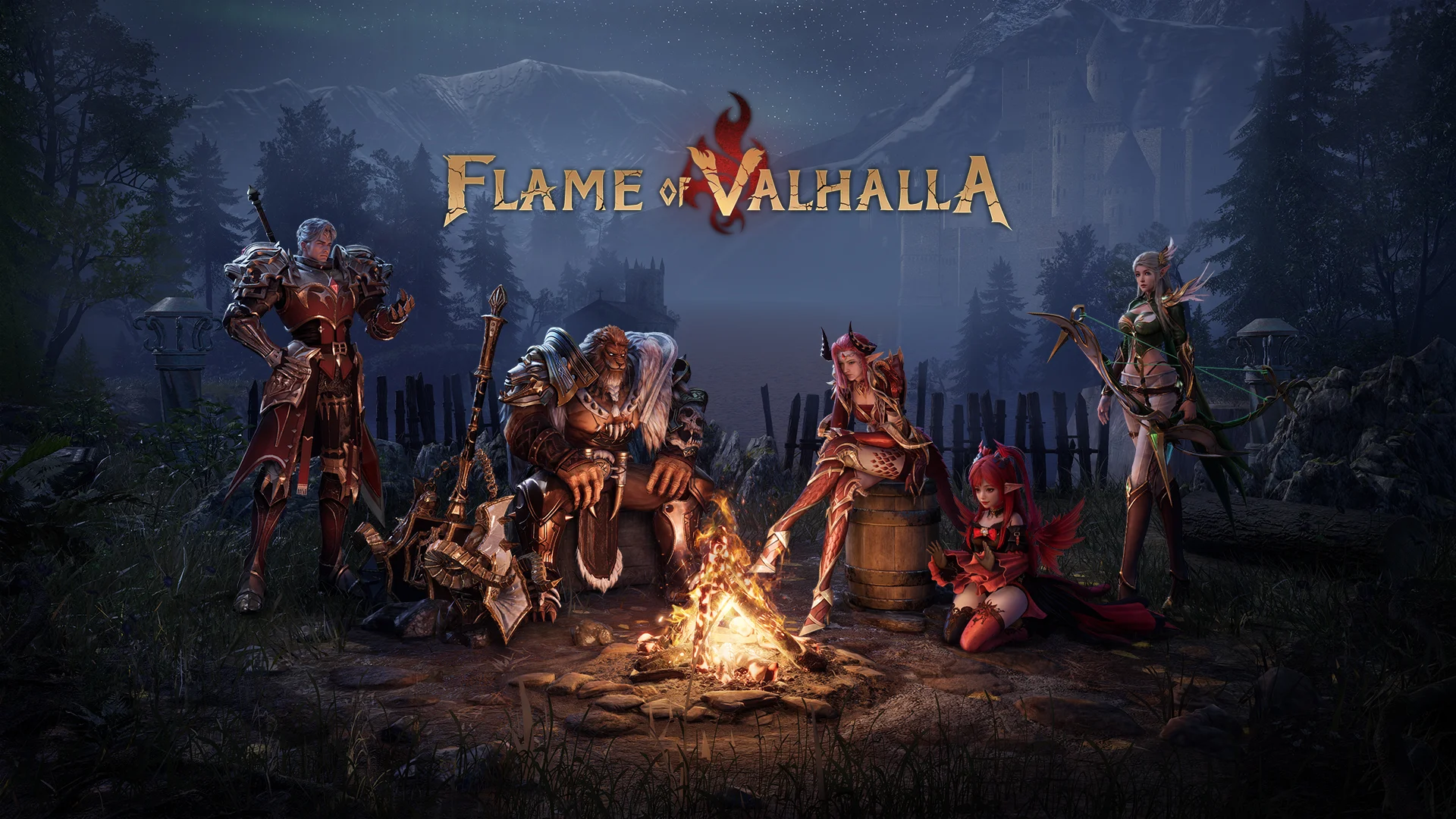
Download Flame of Valhalla on PC with MEmu Android Emulator. Enjoy playing on big screen. Once upon a time, in the mystical realm of Asgard, the World Tree Yggdrasil stood tall and proud, its branches reaching towards the heavens.
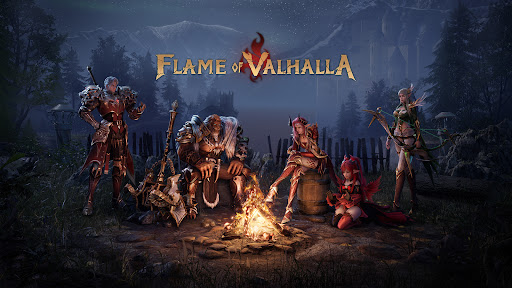
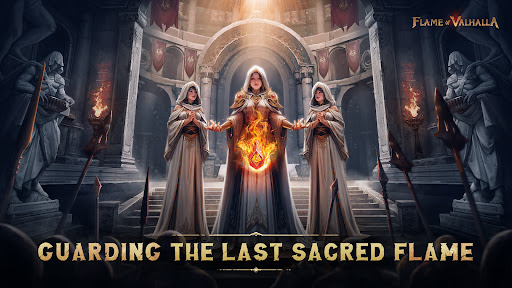
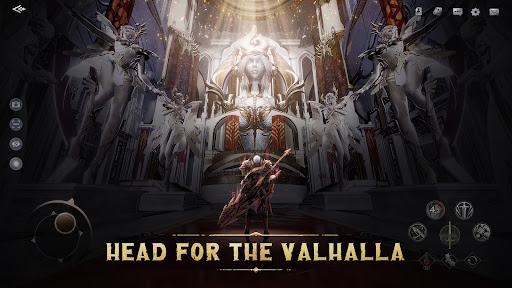
Once upon a time, in the mystical realm of Asgard, the World Tree Yggdrasil stood tall and proud, its branches reaching towards the heavens. The gods of Asgard, led by Odin, revered the magnificent tree, for it was the lifeline that connected their realm with the rest of the cosmos.
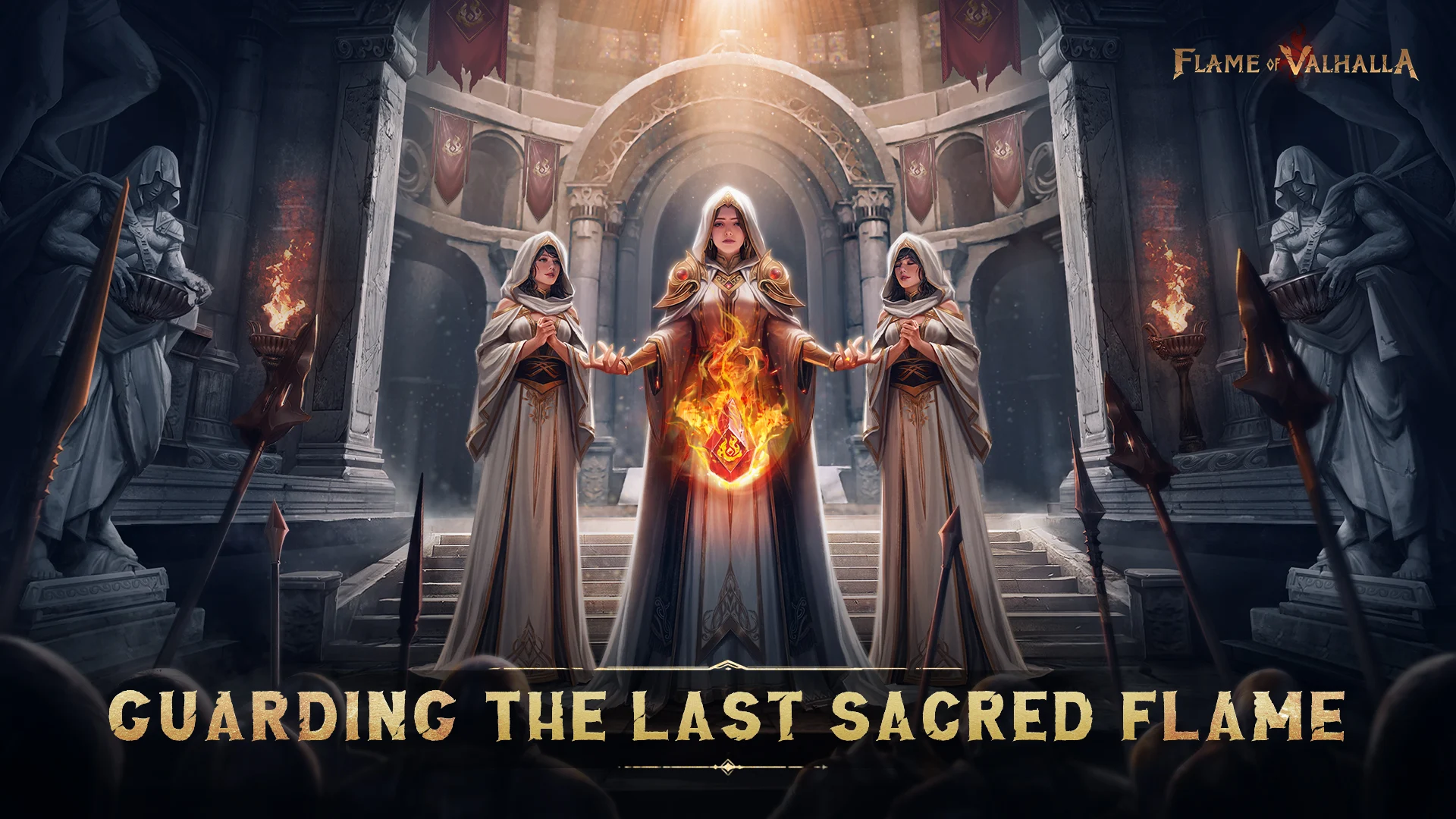
However, as the Twilight of the Gods descends, a colossal explosion engulfs the World Tree, causing it to burn and shatter, giving rise to fragments imbued with potent energy known as "The Sacred Flame" scattered throughout the vastness of the cosmos. In their unending journey, the exiles of the sacred realm stumble upon these shattered fragments, and some among them gain the power of the Flame, ascending as new gods.
But not all welcome the arrival of the new gods, especially those displaced, the old gods. And thus, a war spanning thousands of years, the "War of the Gods," erupts.
As the Chosen One, your destiny awaits on this legendary continent, where you shall forge your own tale of greatness...
=====Features=====
【Nordic Fantasy Open World】
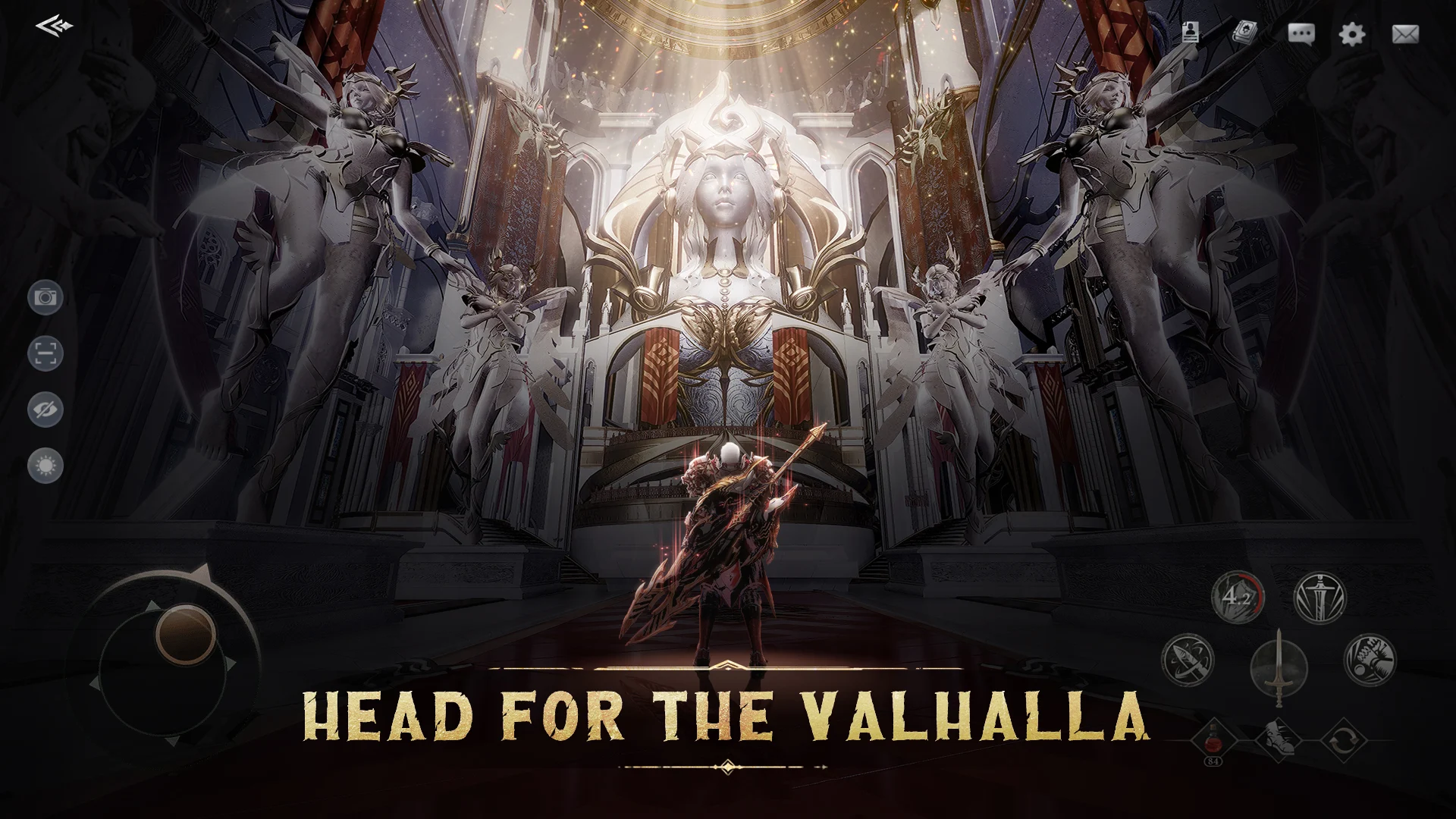
Step into the world of Norse mythology and embark on your adventure beneath the mysterious, colossal World Tree. Accompanied by a brand-new realistic weather simulation system, where various weather conditions change in real-time, every step you take allows you to admire breathtaking scenery.
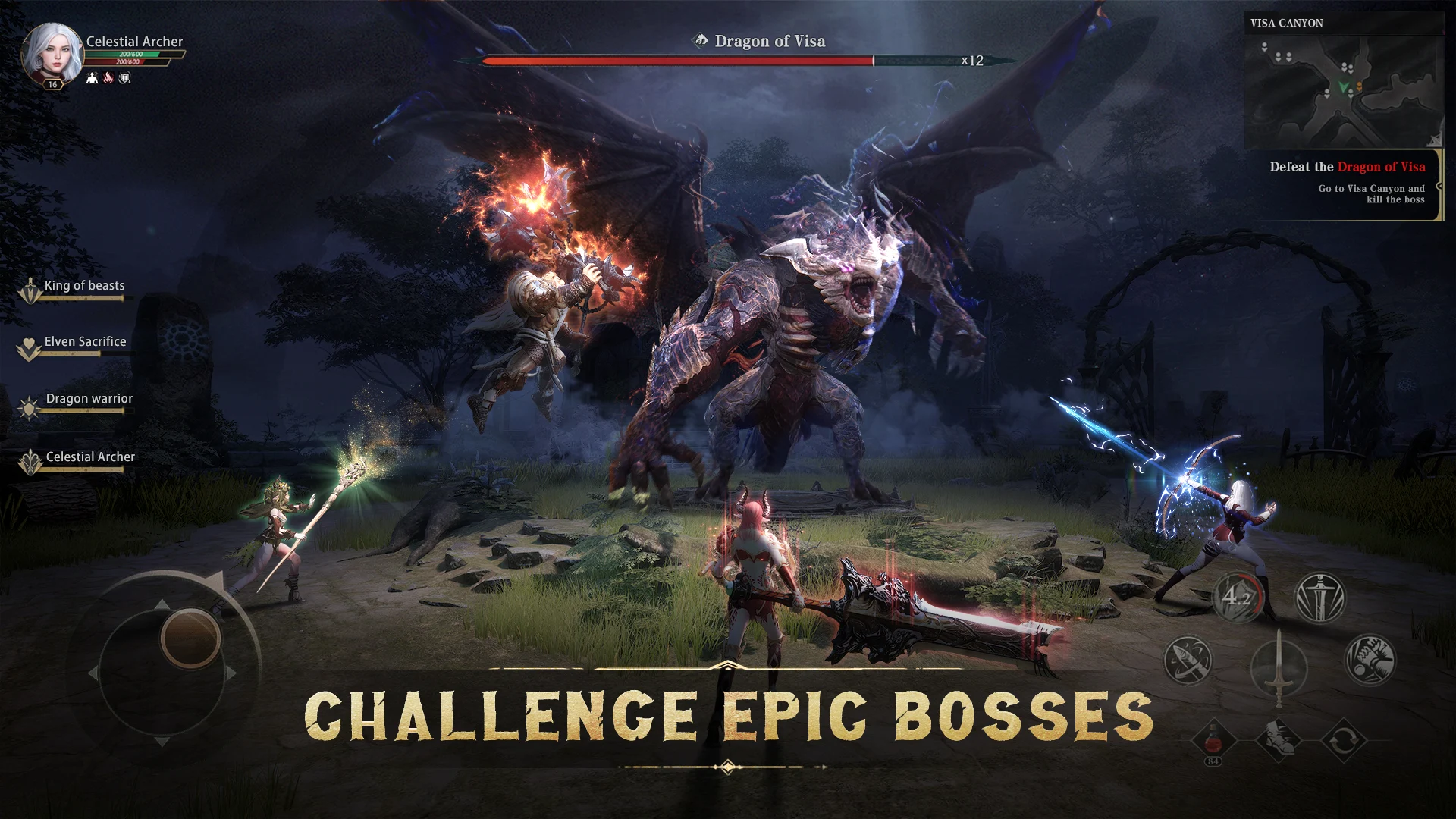
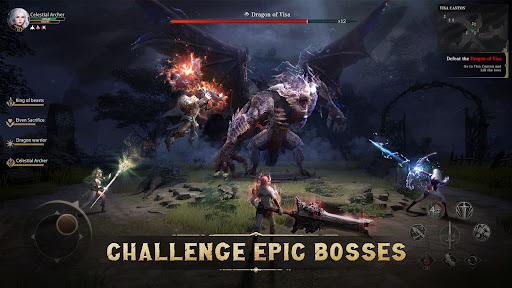
【Challenge Epic Bosses】
The bravest warriors will challenge the fiercest enemies! Cooperate with your team and defeat powerful, epic bosses!
【Lead The Global Combat】
Engage in the real-time extensive server-wide war, fighting for the honor of your alliance! Lead elite squads, hack your way through the battlefield, and let your fame echo throughout the world!
【Adventure With Valkyrie 】
Forge deep bonds with Valkyries amidst thrilling adventures, mutually redeeming each other in times of peril!
【Customize Mythic Image】
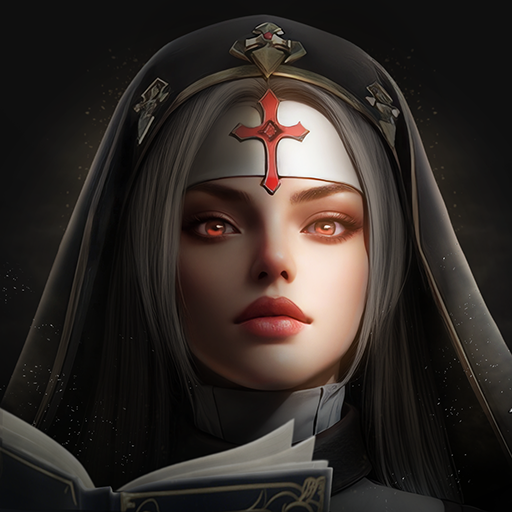
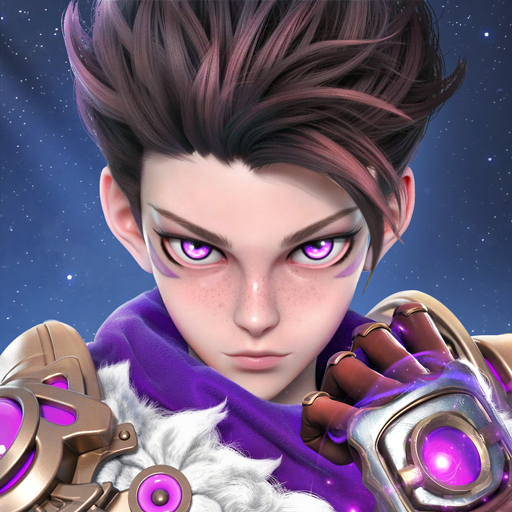
The game employs the latest facial realism system, enabling you to finely customize facial features and even the texture of your character's skin. Unrestricted by skin color and body type, embark on your adventure in the image you prefer!
【Build Your Skill Tree】
Make strategic use of the skill tree system, customizing your exclusive skills for different combat scenes!
Show more

1. Download MEmu installer and finish the setup

2. Start MEmu then open Google Play on the desktop

3. Search Flame of Valhalla in Google Play
Install
4. Download and Install Flame of Valhalla
5. On install completion click the icon to start

6. Enjoy playing Flame of Valhalla on PC with MEmu
MEmu Play is the best Android emulator and 100 million people already enjoy its superb Android gaming experience. The MEmu virtualization technology empowers you to play thousands of Android games smoothly on your PC, even the most graphic-intensive ones.
Bigger screen with better graphics; Long duration, without limitation of battery or mobile data.
Full Keymapping support for precise control of keyboard and mouse or gamepad.
Multiple game accounts or tasks on single PC at one time with Multi-Instance manager.
Play Flame of Valhalla on PC by following steps: