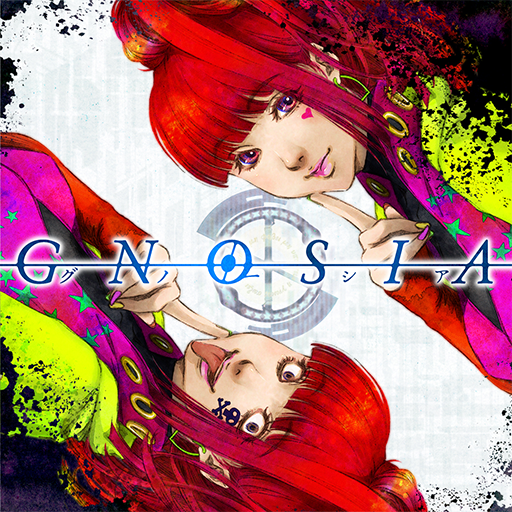
GNOSIA
Updated
Current Version
Offered By

With your passion for GNOSIA, you shouldn’t have to limit yourself to the small screen of a phone. Play like a pro and take full control of the game using a keyboard and mouse. MEmu gives you everything you’re looking for. Download and play GNOSIA on PC. Play as long as you want — no more worries about battery life, mobile data, or unexpected calls. The all-new MEmu 9 is the best way to play GNOSIA on PC. With our expertly designed keymapping system, GNOSIA feels just like a real PC game. The MEmu multi-instance manager lets you run two or more accounts on the same device at the same time. Most importantly, our exclusive emulation engine unlocks your PC’s full potential, delivering smooth and seamless performance.
Show more
Download GNOSIA on PC with MEmu Android Emulator. Enjoy playing on big screen. The Gnosia lie.

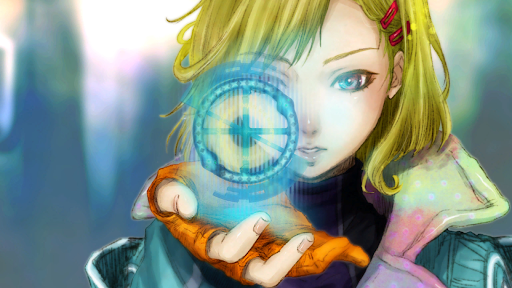

The Gnosia lie. Pretending to be human, they’ll get in close, trick and deceive, and then eliminate one victim at a time...
The crew of a drifting spaceship, facing off against a mysterious and deadly threat known as the “Gnosia” and having no idea who among them is really the enemy, formulate a desperate plan for survival. The most suspicious among them will be put into “cold sleep” one by one, in an effort to rid the ship of Gnosia.
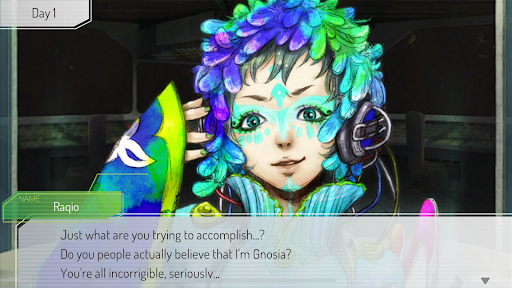
Gnosia is a Sci-Fi Social Deduction RPG in which you will engage in discussion with a variety of unique characters, with the aim of identifying the Gnosia among the group. Players will have to use what information they can gather during the discussions to ascertain whom they think is Gnosia and then vote to put them into cold sleep. As you progress, your abilities will improve - but so will those of the crew.
As the numbers of crew members, Gnosia, and various “roles” increase, it will become increasingly difficult to determine who is telling the truth. Work in collaboration with or against other crew members to ensure your survival until the end.
・Repeatedly play through “loops”, triggering special events to unravel mysteries in a uniquely original narrative. Certain events will unlock new commands for you to use during discussions.
・Step into a variety of roles to develop different character builds. Your stats will determine how effectively you can sway the group’s opinion or lie, and will also affect your likelihood of being selected for cold sleep.
・Engage with an engrossing and eclectic cast of characters and experience randomly triggered events, each one unique to its subject. Character events will reveal information about your crewmates in the form of special “Notes”.
Show more

1. Download MEmu installer and finish the setup

2. Start MEmu then open Google Play on the desktop

3. Search GNOSIA in Google Play
Install
4. Download and Install GNOSIA
5. On install completion click the icon to start

6. Enjoy playing GNOSIA on PC with MEmu
MEmu Play is the best Android emulator and 100 million people already enjoy its superb Android gaming experience. The MEmu virtualization technology empowers you to play thousands of Android games smoothly on your PC, even the most graphic-intensive ones.
Bigger screen with better graphics; Long duration, without limitation of battery or mobile data.
Full Keymapping support for precise control of keyboard and mouse or gamepad.
Multiple game accounts or tasks on single PC at one time with Multi-Instance manager.
Play GNOSIA on PC by following steps: