Granny remake mobile
Updated
Current Version
0.1
Offered By

With your passion for Granny remake mobile, you shouldn’t have to limit yourself to the small screen of a phone. Play like a pro and take full control of the game using a keyboard and mouse. MEmu gives you everything you’re looking for. Download and play Granny remake mobile on PC. Play as long as you want — no more worries about battery life, mobile data, or unexpected calls. The all-new MEmu 9 is the best way to play Granny remake mobile on PC. With our expertly designed keymapping system, Granny remake mobile feels just like a real PC game. The MEmu multi-instance manager lets you run two or more accounts on the same device at the same time. Most importantly, our exclusive emulation engine unlocks your PC’s full potential, delivering smooth and seamless performance.
Show more
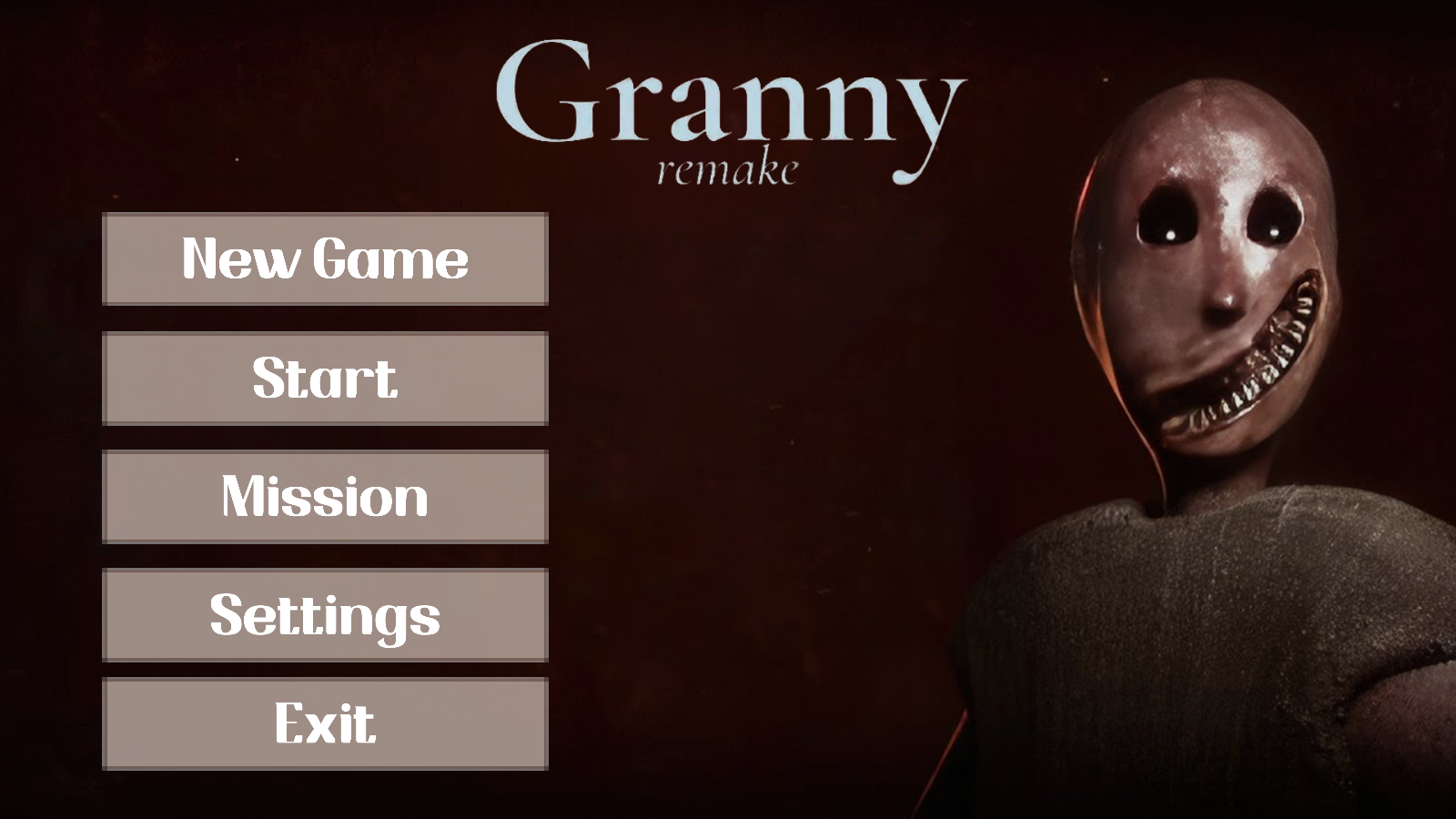
Download Granny remake mobile on PC with MEmu Android Emulator. Enjoy playing on big screen. with Granny Remake Prepare yourself for an adrenaline-fueled experienceGranny Remake is a truly terrifying and immersive survival horror game that will send chills down your spine.
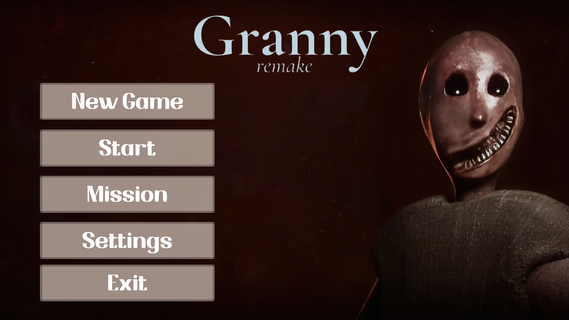
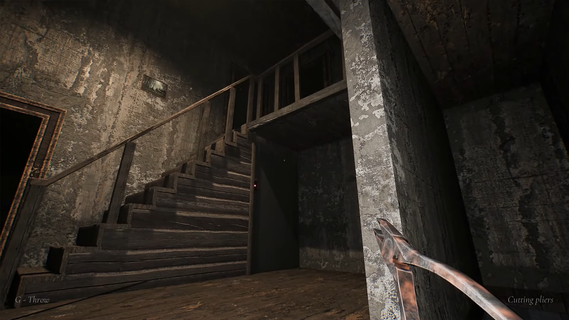
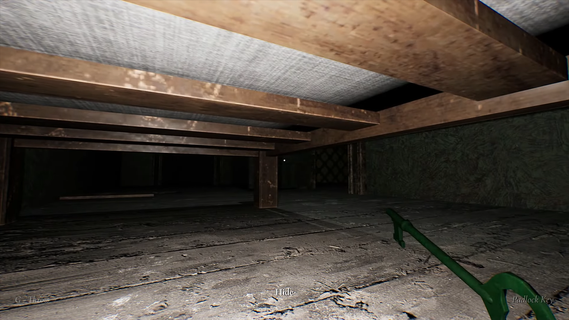
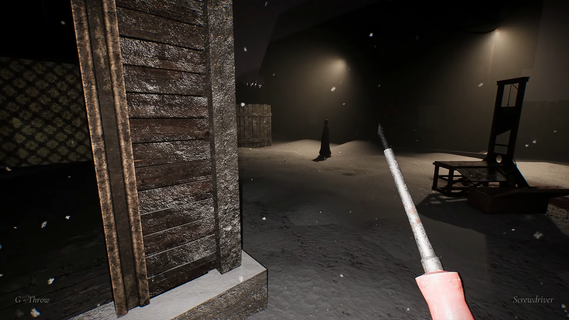
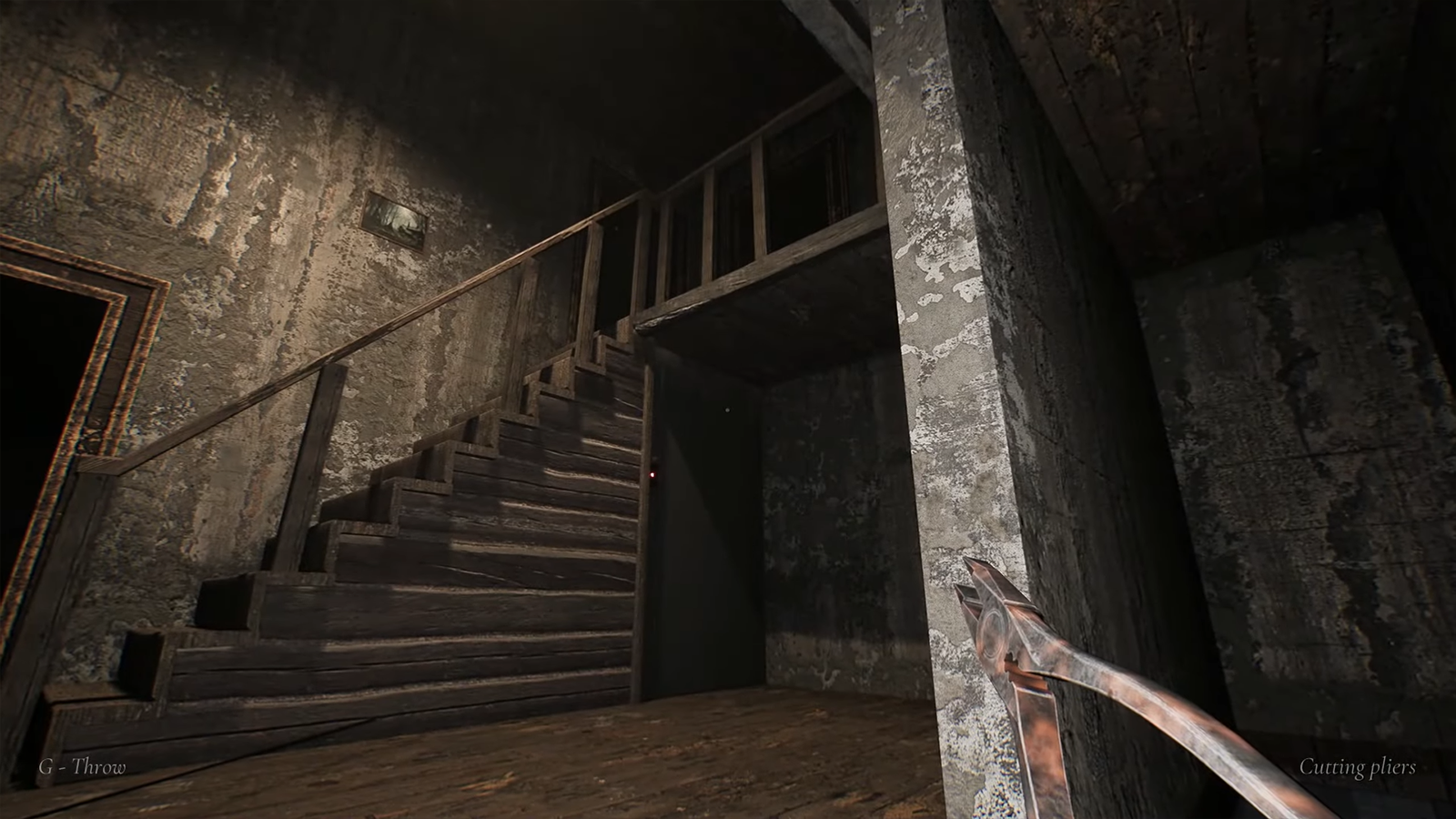
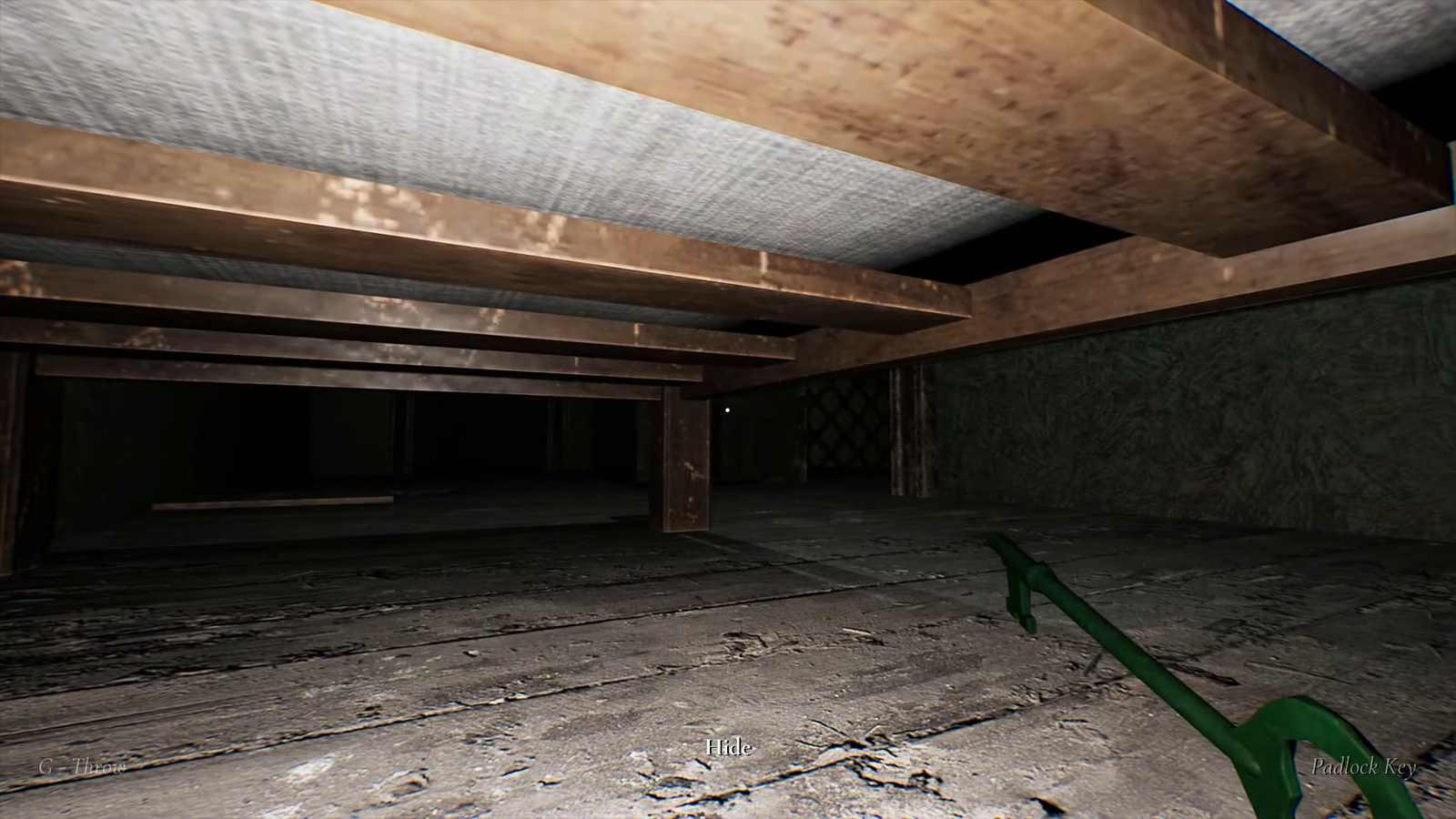
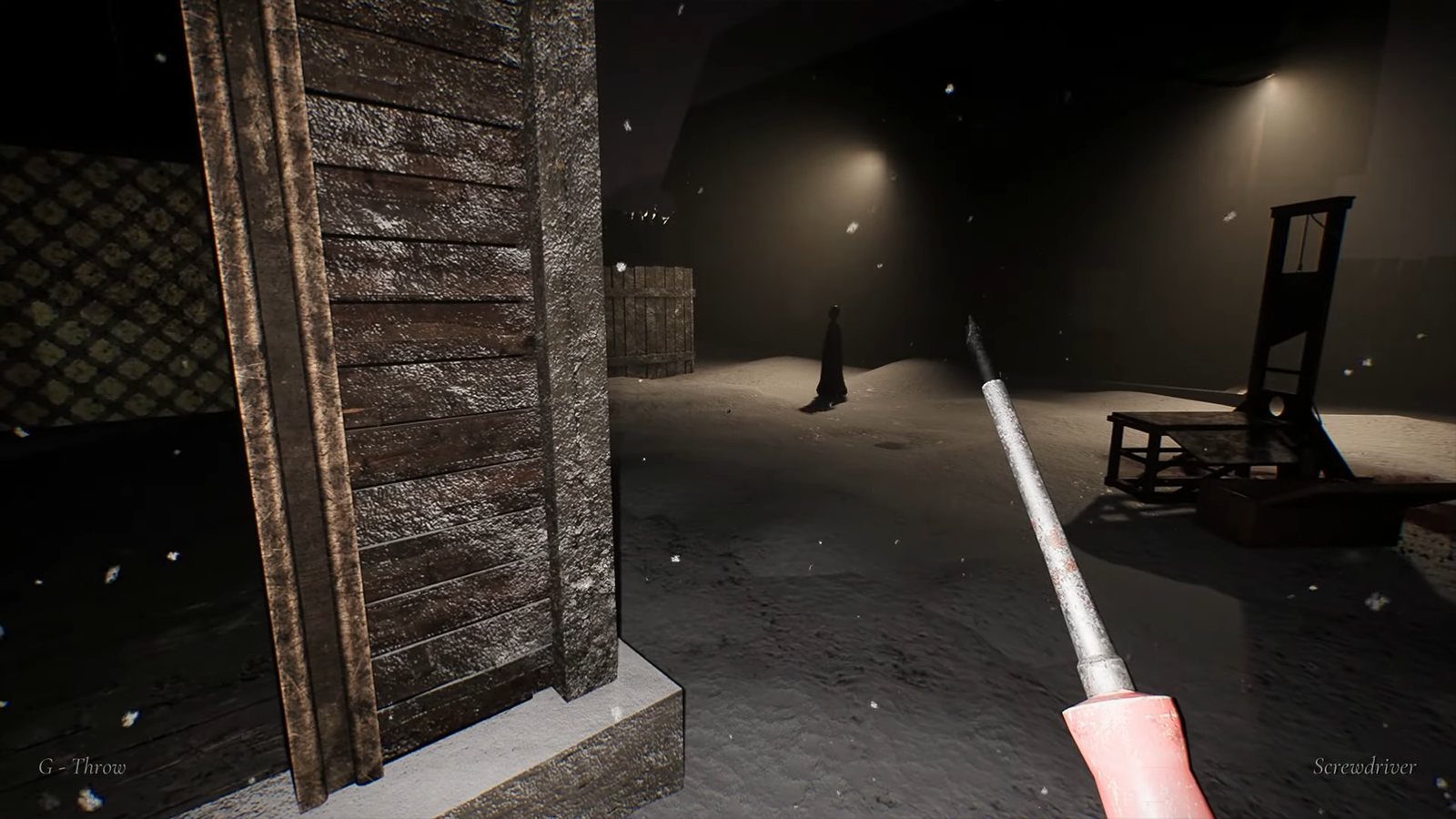
with Granny Remake Prepare yourself for an adrenaline-fueled experienceGranny Remake is a truly terrifying and immersive survival horror game that will send chills down your spine. As a player, you wake up in a dimly lit and eerie abandoned house with the daunting task of escaping within five days. However, lurking within the shadows is Granny, a menacing and malevolent character who will stop at nothing to capture you.To survive this nightmare, you must rely on your wit, courage, and nerves of steel. Granny Remake presents you with a series of challenging puzzles and treacherous rooms that you must navigate while avoiding Granny's grasp. Stealth becomes your closest ally as you must move silently and tactfully to outsmart your pursuer.As you explore the house, you will uncover dark secrets and unravel the haunting history that has left this place cursed. Every creaking floorboard and unsettling noise will keep you on edge, heightening the tension and fear that permeates the air.Granny Remake's atmospheric graphics and chilling sound design create a truly immersive experience that will leave you feeling constantly on edge. The sense of impending danger is palpable as you never know when Granny will strike. The unpredictability of her movements and the ever-present threat of being caught add an extra layer of intensity to the gameplay.In addition to Granny herself, you will also encounter other hazards and obstacles that stand in your way. From hidden traps to locked doors and secret passages, each new discovery brings both hope and dread. It is up to you to devise a strategy and use your surroundings to your advantage.Granny Remake has gained immense popularity on social media platforms, attracting a dedicated fanbase and countless gameplay videos. with Granny Remake Prepare yourself for a heart-pounding, adrenaline-fueled experience that will test your problem-solving skills, stealth abilities, and ability to keep calm under pressure. Can you escape Granny's clutches and survive the horror that awaits you? Enter the nightmare and find out.
Show more

1. Download MEmu installer and finish the setup

2. Start MEmu then open Google Play on the desktop

3. Search Granny remake mobile in Google Play
Install
4. Download and Install Granny remake mobile
5. On install completion click the icon to start

6. Enjoy playing Granny remake mobile on PC with MEmu
MEmu Play is the best Android emulator and 100 million people already enjoy its superb Android gaming experience. The MEmu virtualization technology empowers you to play thousands of Android games smoothly on your PC, even the most graphic-intensive ones.
Bigger screen with better graphics; Long duration, without limitation of battery or mobile data.
Full Keymapping support for precise control of keyboard and mouse or gamepad.
Multiple game accounts or tasks on single PC at one time with Multi-Instance manager.
Play Granny remake mobile on PC by following steps: