Homerun Clash 2: Legends Derby
Updated
Current Version
1.0.2.0
Offered By

With your passion for Homerun Clash 2: Legends Derby, you shouldn’t have to limit yourself to the small screen of a phone. Play like a pro and take full control of the game using a keyboard and mouse. MEmu gives you everything you’re looking for. Download and play Homerun Clash 2: Legends Derby on PC. Play as long as you want — no more worries about battery life, mobile data, or unexpected calls. The all-new MEmu 9 is the best way to play Homerun Clash 2: Legends Derby on PC. With our expertly designed keymapping system, Homerun Clash 2: Legends Derby feels just like a real PC game. The MEmu multi-instance manager lets you run two or more accounts on the same device at the same time. Most importantly, our exclusive emulation engine unlocks your PC’s full potential, delivering smooth and seamless performance.
Show more
Download Homerun Clash 2: Legends Derby on PC with MEmu Android Emulator. Enjoy playing on big screen. A home run derby featuring legendary batters you can play with one hand!
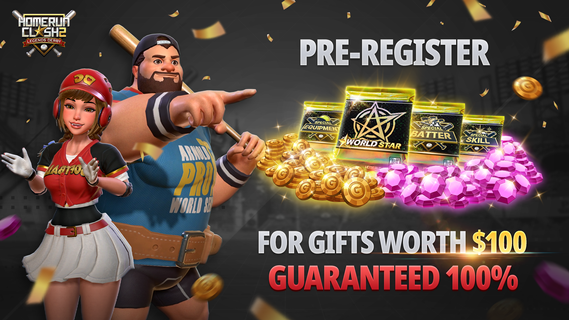
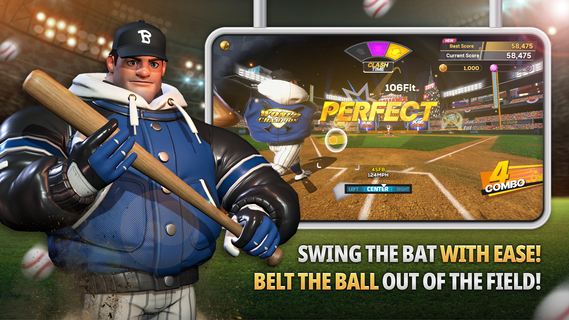
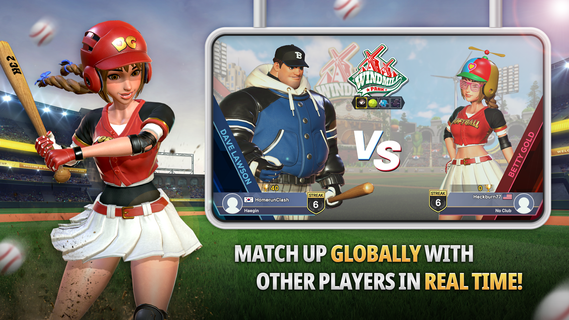
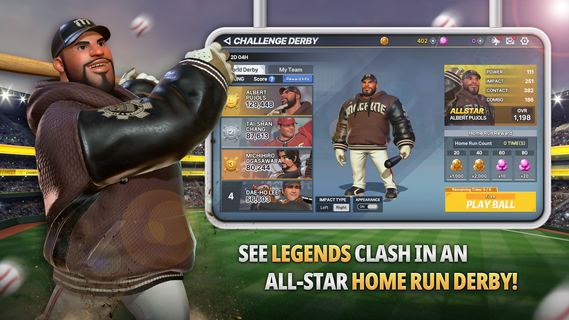
A home run derby featuring legendary batters you can play with one hand![The Arrival of a Legend]The legendary Albert Pujols is here to play ball!See if you have what it takes to beat the legendary record held by Albert "The Machine" Pujols![The Legend Continues]The sequel of the legendary home run derby game enjoyed by 12 million players is here. The next chapter of Homerun Clash begins now! [Experience All the Thrills With the Edge of Your Finger!]Time your control perfectly and swing with ease!Experience all the thrills of hitting an electrifying home run with simple controls![Match With Others Globally in Real Time]Match up and compete with sluggers from around the world in real time! Get a perfect win for the crowd that is cheering you on![Never a Dull Moment With Various Modes]Choose from a variety of game modes such as 1vs1, 2vs2, Challenge, World Star, Club Battle, and more to enjoy the game your way!* Although it is free to play, this game contains optional in-app purchases that may incur additional charges. Please note that refund of in-app purchases may be limited depending on circumstance.* For our usage policy (including refunds & termination of service), please read the Terms of Service available in the game.* Use of illegal programs, modified apps, and other unauthorized methods to access the game may result in service restrictions, removal of game accounts and data, claims for compensation of damages, and other remedies deemed necessary under the Terms of Service.▶About App Access Permissions◀In order to provide you with game services listed below, the app will ask you for permission to grant access as follows.[Required Permissions]Access to Files/Media/Photos: This allows the game to save data on your device, and to store any gameplay footage or screenshots you take within the game.[How to Revoke Permissions]▶ Android 6.0 and above: Device Settings > Apps > select app > App Permissions > grant or revoke permission▶ Below Android 6.0: Upgrade your OS version to revoke the access permissions as above, or delete the app※ You can revoke your permission for the app to access game files from your device by following the instructions above.※ If you are using a device which runs below Android 6.0, you will not be able to set permissions manually, so we recommend that you upgrade your OS to Android 6.0 or higher.[Caution]Revoking the required access permissions may prevent you from accessing the game and/or cause termination of game resources that are running on your device.
Show more

1. Download MEmu installer and finish the setup

2. Start MEmu then open Google Play on the desktop

3. Search Homerun Clash 2: Legends Derby in Google Play
Install
4. Download and Install Homerun Clash 2: Legends Derby
5. On install completion click the icon to start

6. Enjoy playing Homerun Clash 2: Legends Derby on PC with MEmu
MEmu Play is the best Android emulator and 100 million people already enjoy its superb Android gaming experience. The MEmu virtualization technology empowers you to play thousands of Android games smoothly on your PC, even the most graphic-intensive ones.
Bigger screen with better graphics; Long duration, without limitation of battery or mobile data.
Full Keymapping support for precise control of keyboard and mouse or gamepad.
Multiple game accounts or tasks on single PC at one time with Multi-Instance manager.
Play Homerun Clash 2: Legends Derby on PC by following steps: