Hundredth Global
Updated
Current Version
1749436814
Offered By

With your passion for Hundredth Global, you shouldn’t have to limit yourself to the small screen of a phone. Play like a pro and take full control of the game using a keyboard and mouse. MEmu gives you everything you’re looking for. Download and play Hundredth Global on PC. Play as long as you want — no more worries about battery life, mobile data, or unexpected calls. The all-new MEmu 9 is the best way to play Hundredth Global on PC. With our expertly designed keymapping system, Hundredth Global feels just like a real PC game. The MEmu multi-instance manager lets you run two or more accounts on the same device at the same time. Most importantly, our exclusive emulation engine unlocks your PC’s full potential, delivering smooth and seamless performance.
Show more
Download Hundredth Global on PC with MEmu Android Emulator. Enjoy playing on big screen. Welcome to the enchanting world of "Hundredth"!
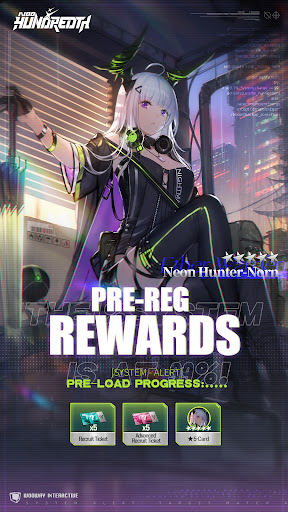
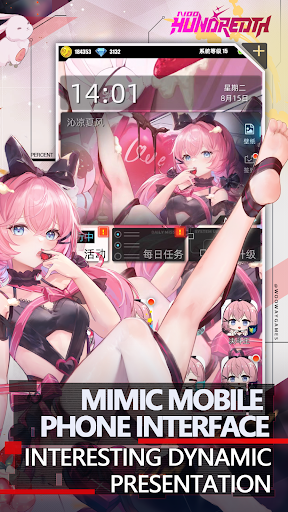
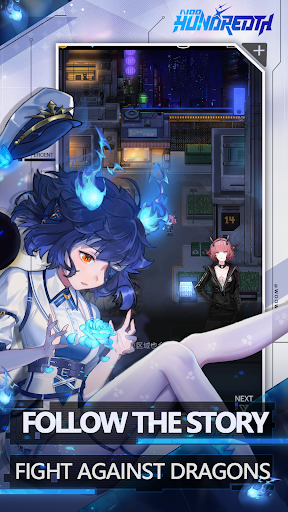
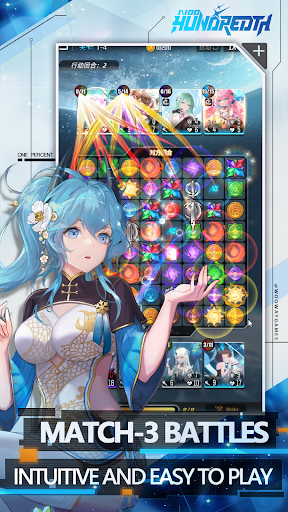
Welcome to the enchanting world of "Hundredth"!
Embark on a journey filled with magic and adventure in this perfectly blended card game of strategy and leisure. No matter where you are, with just a single touch, you can immerse yourself in a game world rich in strategic depth and delightful surprises.
[A Union of Art and Fantasy | The Masterpieces of Yoshitaka Amano and Global Artists]
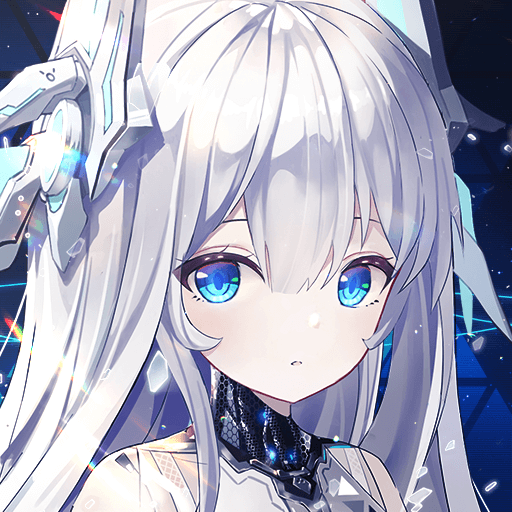
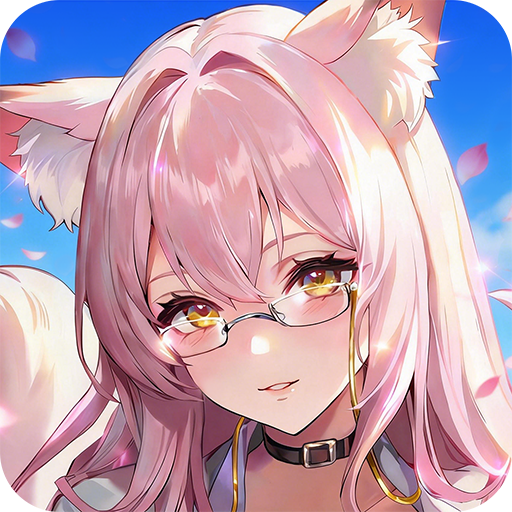
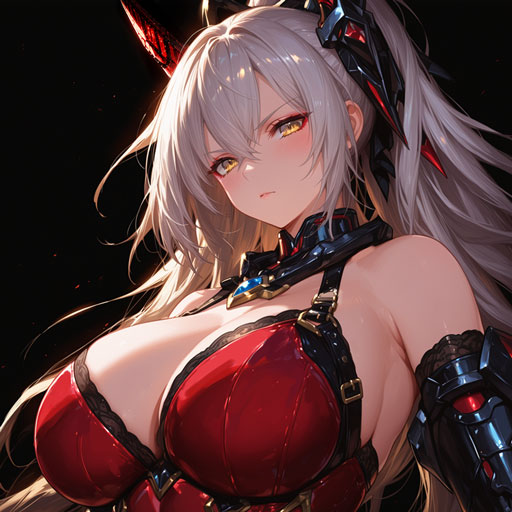
"Hundredth" is honored to have collaborated with the world-renowned artist Yoshitaka Amano, along with other distinguished global artists, to craft unique characters for the game. Their distinctive artistic styles seamlessly blend fantasy and reality, bringing an unparalleled visual feast to the game. In this world, you will stand shoulder to shoulder with legendary heroes, crafted by these masters, and pen your own epic tale.
[Easy to Pick Up | The Joy of Automatic Combat]
The game's automatic combat system allows you to make progress and enjoy the fun of the game, even amidst a busy lifestyle. The perfect fusion of strategy and leisure enables you to effortlessly become a card master, whether you're enjoying a leisurely afternoon at a café or on your daily commute.
[Luxurious Login Rewards | Exclusive Skins Designed by Yoshitaka Amano]
By logging in to "Hundredth" consecutively, you will receive exclusive character skins designed personally by Yoshitaka Amano. These exquisite skins not only enhance the visual experience but also empower your battle team with unique flair and strength.
[Deep Strategy | Infinite Combinations of Cards]
The game offers a rich array of card interactions and strategic combinations, with each hero boasting unique skills and attributes. Through careful selection and tactical adjustments, you can maximize the potential of each card and experience the endless possibilities in battle. Every fight is a test of your wisdom, and every victory is an affirmation of your strategy.
[Thrilling Battles | Challenging Powerful Foes]
Are you ready to face the challenges? Lead your team against formidable enemies in intense battles. In this world brimming with magic and legend, every victory brings you closer to becoming a true strategy master. Your every decision is crucial, and every battle can become a legend.
Join "Hundredth" now and begin your journey of strategic card play. In this world filled with fantasy and challenge, your adventure, your legend, starts now!
Customer Service Email:3458318167@qq.com
Official Site:http://www.bfzygame.com/
Discord: https://discord.gg/JjUQTZGQAe
Show more

1. Download MEmu installer and finish the setup

2. Start MEmu then open Google Play on the desktop

3. Search Hundredth Global in Google Play
Install
4. Download and Install Hundredth Global
5. On install completion click the icon to start

6. Enjoy playing Hundredth Global on PC with MEmu
MEmu Play is the best Android emulator and 100 million people already enjoy its superb Android gaming experience. The MEmu virtualization technology empowers you to play thousands of Android games smoothly on your PC, even the most graphic-intensive ones.
Bigger screen with better graphics; Long duration, without limitation of battery or mobile data.
Full Keymapping support for precise control of keyboard and mouse or gamepad.
Multiple game accounts or tasks on single PC at one time with Multi-Instance manager.
Play Hundredth Global on PC by following steps: