Keroro Gun Shooting
Updated
Current Version
2.0
Offered By

With your passion for Keroro Gun Shooting, you shouldn’t have to limit yourself to the small screen of a phone. Play like a pro and take full control of the game using a keyboard and mouse. MEmu gives you everything you’re looking for. Download and play Keroro Gun Shooting on PC. Play as long as you want — no more worries about battery life, mobile data, or unexpected calls. The all-new MEmu 9 is the best way to play Keroro Gun Shooting on PC. With our expertly designed keymapping system, Keroro Gun Shooting feels just like a real PC game. The MEmu multi-instance manager lets you run two or more accounts on the same device at the same time. Most importantly, our exclusive emulation engine unlocks your PC’s full potential, delivering smooth and seamless performance.
Show more
Download Keroro Gun Shooting on PC with MEmu Android Emulator. Enjoy playing on big screen. ■ Official Community Channels ■.
■ Official Community Channels ■
- Official Discord: https://discord.gg/ENwSVEYg9u
- Official Facebook: https://www.facebook.com/KeroroGunShooting
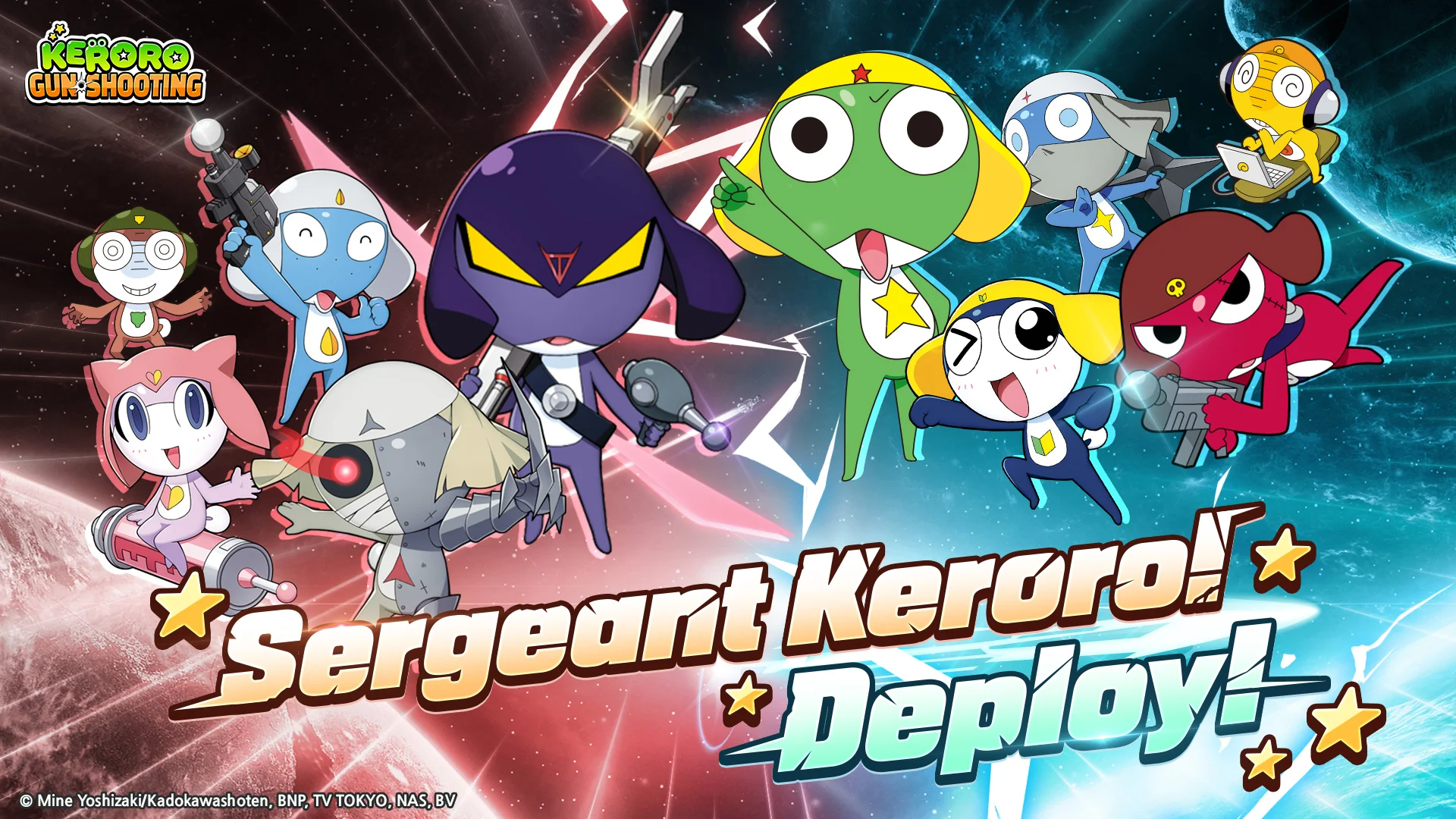
"I am none other than Sergeant Keroro, Leader of the Planet Keron Special Tactics Platoon!"
On a mission to conquer Pekopon,
Sergeant Keroro and his platoon have arrived to gather intel!
Join these mischievous frogs in a Pekopon gun-shooting adventure!
Now, enjoy the fun casually on mobile!
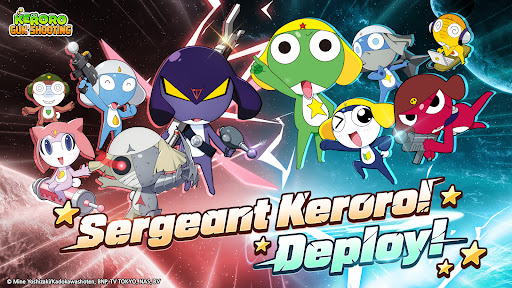
"Keroro Platoon, full deployment!"
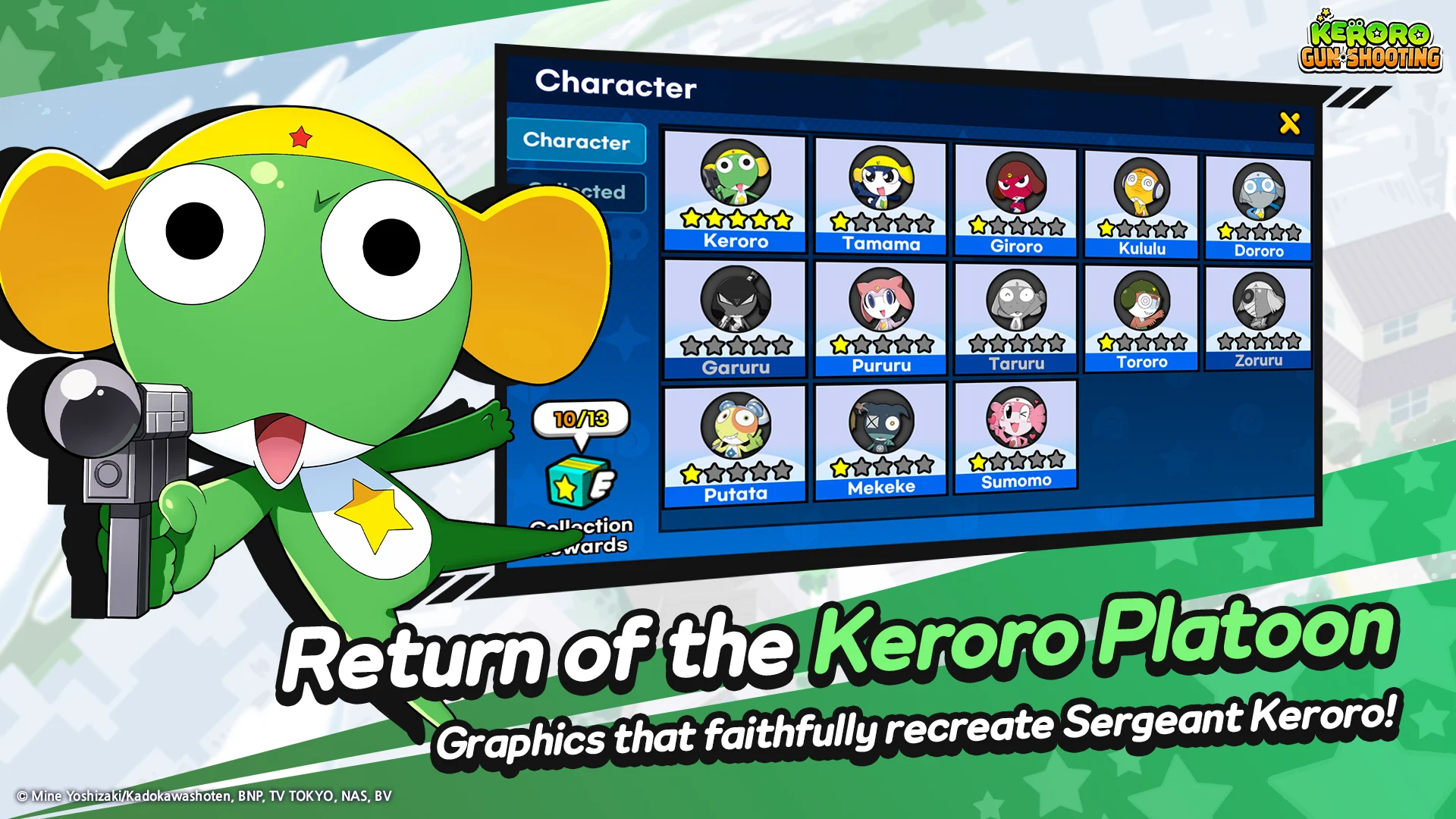
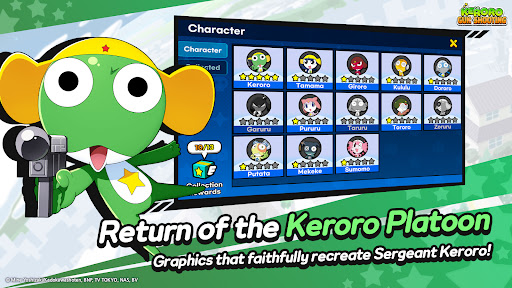
Adorable characters faithfully recreated from the original!
Meet the classic frogs brought to life just like the original!
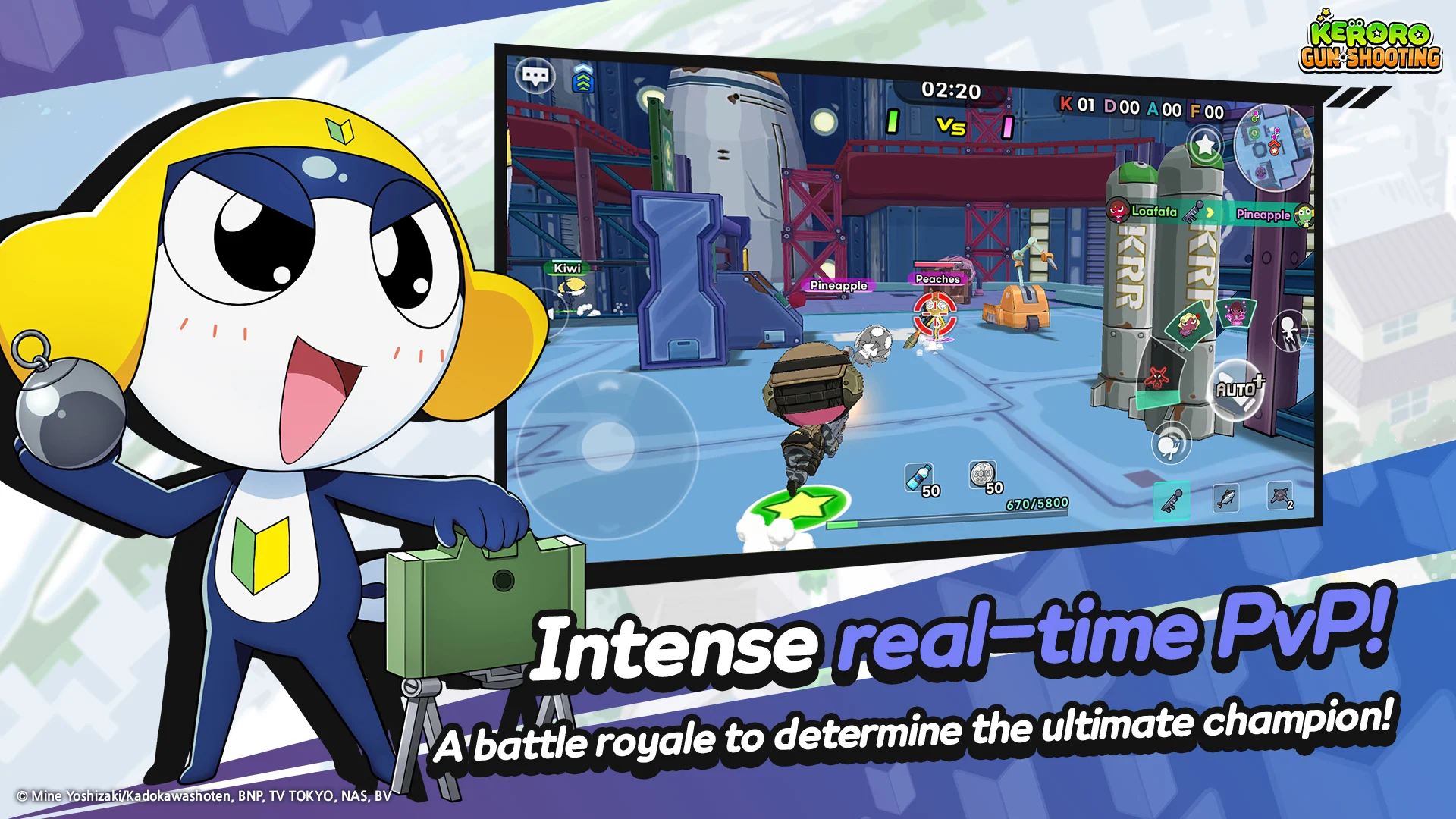
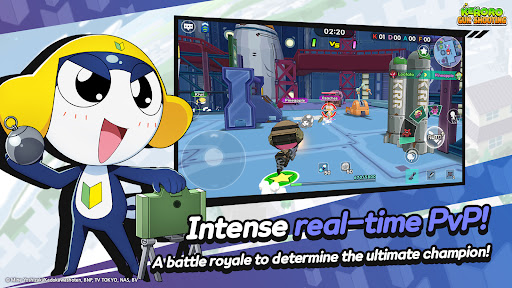
Enjoy real-time battles right at your fingertips!
Dive into live PvP action with players from around the world!
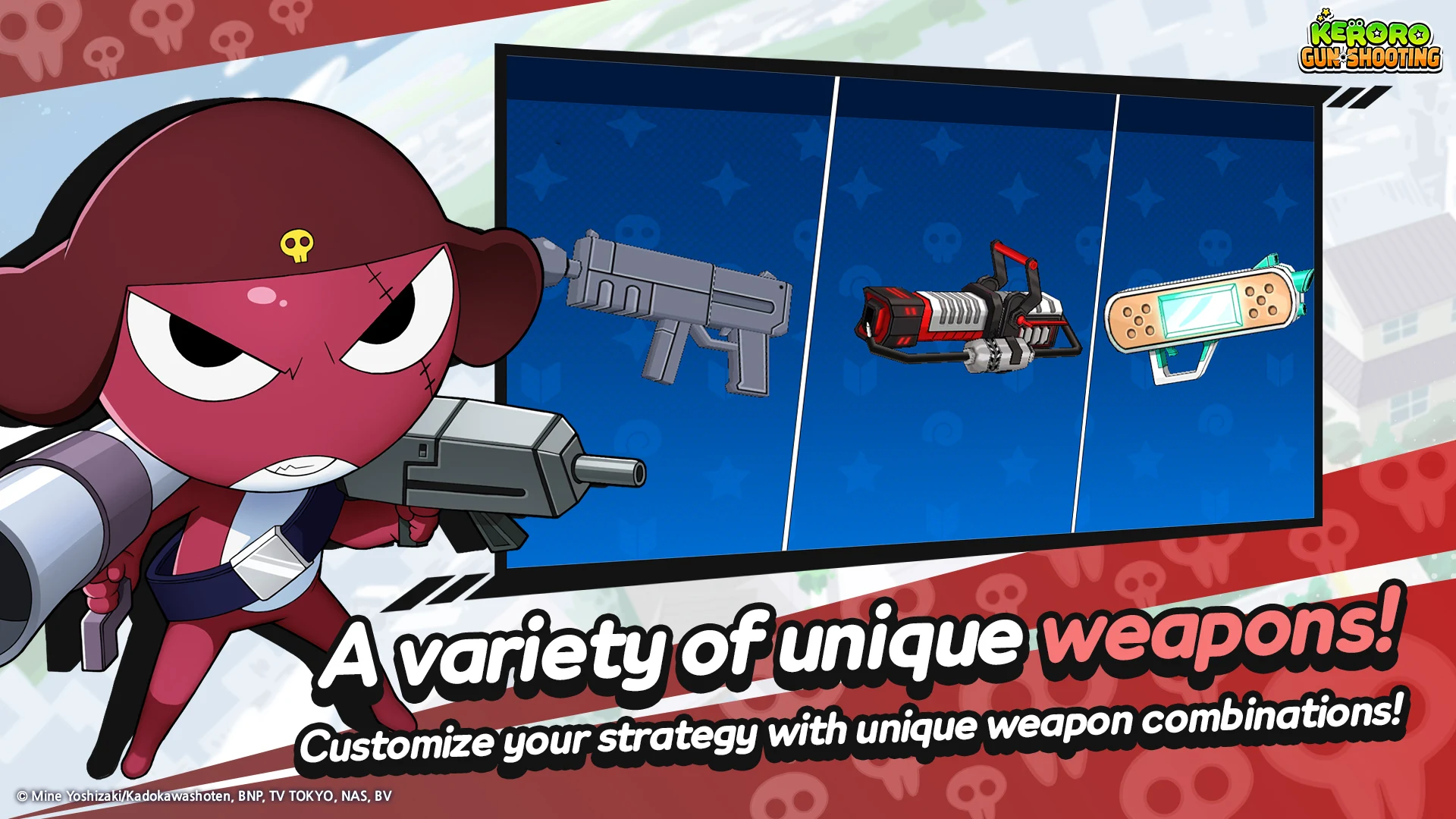
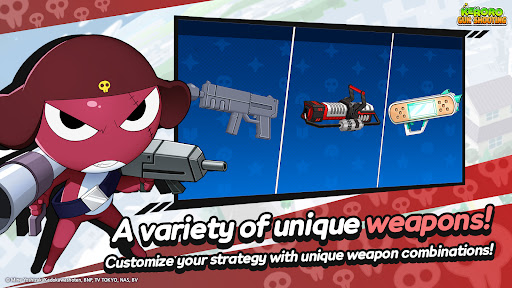
Over a hundred unique weapons to choose from!
Combine faithfully recreated weapons from the original to claim victory in battle!
Style your cute frogs with costumes from the original and beyond!
Deck out your unique frog characters with a variety of fun outfits!
Exclusive nonstop content in Keroro Gun Shooting!
Experience a variety of exciting content without a break!
■ Operational Policies ■
- Privacy Policy: https://dashboard-api.gamepot.ntruss.com/pages/575c2208-570a-40a6-95c4-4172c5468cac
- Terms of Service: https://dashboard-api.gamepot.ntruss.com/pages/220accd7-2a38-4b90-9ca3-855fe5e33805
▣ Smartphone App Permissions ▣
To provide the following services during app usage, we request access permissions.
[Required Access Permissions]
Photos/Media/Files: Necessary for storing game installation and update files,
as well as uploading materials to customer support.
[Optional Access Permissions]
Camera: Allows taking photos and videos for upload purposes.
▣ How to Withdraw Access Permissions ▣
[Method for Withdrawing Access Permissions]
▶ Android 6.0 and above: Go to Settings > Apps > Select Permissions > Permission List > Choose to Allow or Withdraw Access Permissions.
▶ Below Android 6.0: Due to OS limitations, permissions cannot be individually withdrawn. Permissions can only be withdrawn by deleting the app. We recommend upgrading to Android 6.0 or higher.
※ The app may not offer individual consent settings, so you can manage access permissions using the methods above.
Show more

1. Download MEmu installer and finish the setup

2. Start MEmu then open Google Play on the desktop

3. Search Keroro Gun Shooting in Google Play
Install
4. Download and Install Keroro Gun Shooting
5. On install completion click the icon to start

6. Enjoy playing Keroro Gun Shooting on PC with MEmu
MEmu Play is the best Android emulator and 100 million people already enjoy its superb Android gaming experience. The MEmu virtualization technology empowers you to play thousands of Android games smoothly on your PC, even the most graphic-intensive ones.
Bigger screen with better graphics; Long duration, without limitation of battery or mobile data.
Full Keymapping support for precise control of keyboard and mouse or gamepad.
Multiple game accounts or tasks on single PC at one time with Multi-Instance manager.
Play Keroro Gun Shooting on PC by following steps: