Legend of YMIR
Updated
Current Version
1.31.6
Offered By

With your passion for Legend of YMIR, you shouldn’t have to limit yourself to the small screen of a phone. Play like a pro and take full control of the game using a keyboard and mouse. MEmu gives you everything you’re looking for. Download and play Legend of YMIR on PC. Play as long as you want — no more worries about battery life, mobile data, or unexpected calls. The all-new MEmu 9 is the best way to play Legend of YMIR on PC. With our expertly designed keymapping system, Legend of YMIR feels just like a real PC game. The MEmu multi-instance manager lets you run two or more accounts on the same device at the same time. Most importantly, our exclusive emulation engine unlocks your PC’s full potential, delivering smooth and seamless performance.
Show more
Download Legend of YMIR on PC with MEmu Android Emulator. Enjoy playing on big screen. Unleash the Storm of Runes.
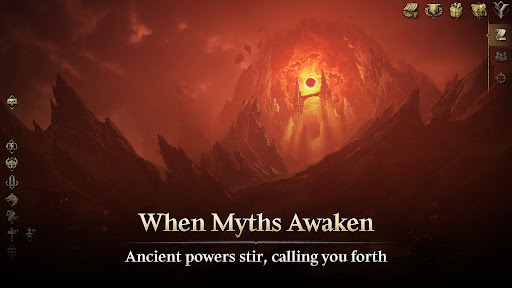
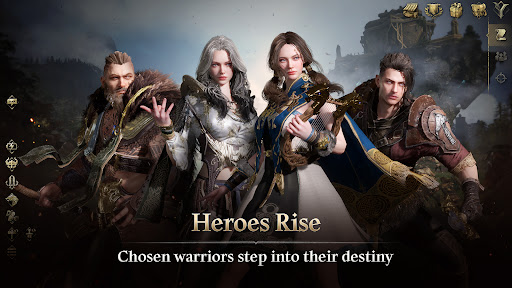
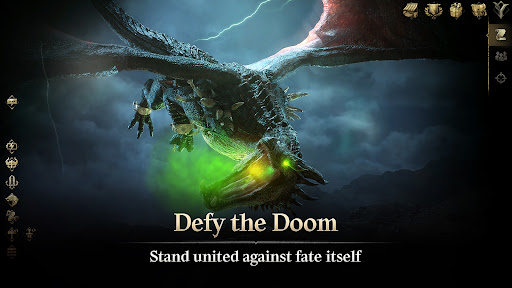
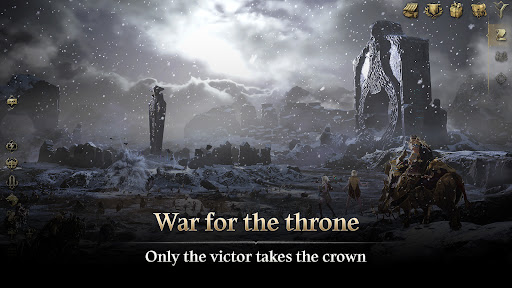
Unleash the Storm of Runes
From Asgard's shadows emerges a guardian,
A supreme striker who shatters the battlefield in defiance of fate.
New Class Update: Rune Fighter
Official Website: https://www.legendofymir.com
▣ Synopsis
A world of Ragnarok that repeats every 9,000 years.
The will to stop Ragnarok is passed down to the chosen ones awakened by fate;
and through endless cycles of reincarnation, a new hero of Ymir shall rise.
A grand tale of heroes who transcend the cycles of rebirth amidst the wars and conflicts between races.
The myth of the land of Ymir shall unfold once more.
▣ Game Features
► Imagination meets reality
Experience the awe-inspiring details of Norse mythology brought to life with Unreal Engine 5.
Step into a vivid and immersive world where ancient legends come alive.
► YMIR season system bringing fresh new air
Each season introduces new battlefields, stories, enemies, and events.
Escape the monotony of fixed systems and embrace the ever-evolving combat that changes moment by moment.
► Detailed hit-confirm controls
Feel the thrill at your fingertips with intricate controls and convenient automatic systems.
Redefining the excitement of combats through an immersive hit-confirmation system and evade controls.
►Build your own growth path
Your adventures, your choices. Every action and decision shapes your path, carving out your own unique journey.
Start an adventure that begins with you and create a story that only you can tell.
▣ About App Permissions
To provide the following services while you use the app, we request access permissions as outlined below.
[Required Permissions]
None
[Optional Permissions]
None
[How to Revoke Permissions]
▶ For Android 6.0 or higher: Settings > Apps > Select the app > Permissions > Choose to grant or revoke access
▶ For Android below 6.0: Upgrade your OS to revoke permissions or uninstall the app
※ Some apps may not support individual permission settings. For such cases, permissions can be revoked using the method shown above.
Developer Contact
Address: WEMADE Tower, 49, Daewangpangyo-ro 644beon-gil, Bundang-gu, Seongnam-si, Gyeonggi-do, Republic of Korea
Email: legendofymirhelp@wemade.com
Show more

1. Download MEmu installer and finish the setup

2. Start MEmu then open Google Play on the desktop

3. Search Legend of YMIR in Google Play
Install
4. Download and Install Legend of YMIR
5. On install completion click the icon to start

6. Enjoy playing Legend of YMIR on PC with MEmu
MEmu Play is the best Android emulator and 100 million people already enjoy its superb Android gaming experience. The MEmu virtualization technology empowers you to play thousands of Android games smoothly on your PC, even the most graphic-intensive ones.
Bigger screen with better graphics; Long duration, without limitation of battery or mobile data.
Full Keymapping support for precise control of keyboard and mouse or gamepad.
Multiple game accounts or tasks on single PC at one time with Multi-Instance manager.
Play Legend of YMIR on PC by following steps: