Let's Go Legends!
Updated
Current Version
1.20.5
Offered By

With your passion for Let's Go Legends!, you shouldn’t have to limit yourself to the small screen of a phone. Play like a pro and take full control of the game using a keyboard and mouse. MEmu gives you everything you’re looking for. Download and play Let's Go Legends! on PC. Play as long as you want — no more worries about battery life, mobile data, or unexpected calls. The all-new MEmu 9 is the best way to play Let's Go Legends! on PC. With our expertly designed keymapping system, Let's Go Legends! feels just like a real PC game. The MEmu multi-instance manager lets you run two or more accounts on the same device at the same time. Most importantly, our exclusive emulation engine unlocks your PC’s full potential, delivering smooth and seamless performance.
Show more
Download Let's Go Legends! on PC with MEmu Android Emulator. Enjoy playing on big screen. Sword?
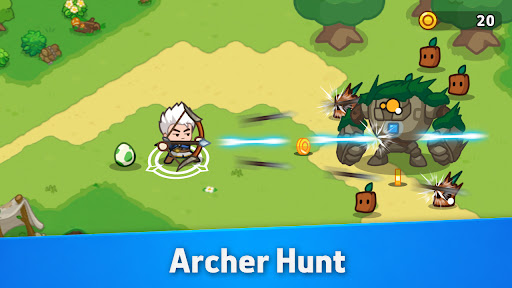
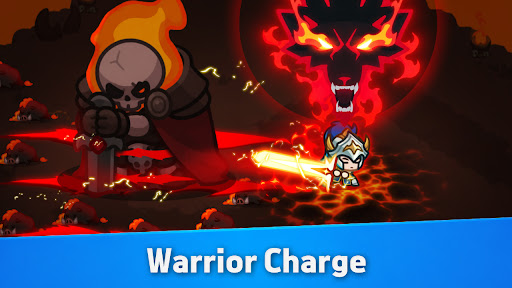
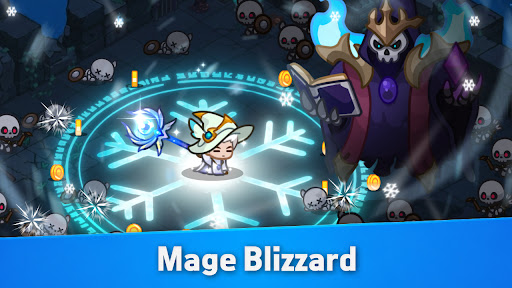
Sword? Bow? Staff? Fight Your Way!
The king has vanished…
Darkness is spreading across the kingdom…
And guess what? YOU might just be the next Legend to rise!
You're not a hero—yet. But destiny won't wait.
Grab your sword, rally your crew, and dive into a wild adventure packed with charm, chaos, and courage.
Small heroes. Big adventure. Epic stakes.
The kingdom needs a legend—will it be you?
Game Highlights
▶︎ Power Up with Every Battle
Don’t let the cuteness fool you—this game hits hard.
Every battle makes you stronger, leveling up your power and skills.
Fast-paced combat meets satisfying growth in every tap.
▶︎ Smart Strategy Wins the Day
Auto battle? Only works when your setup is smart.
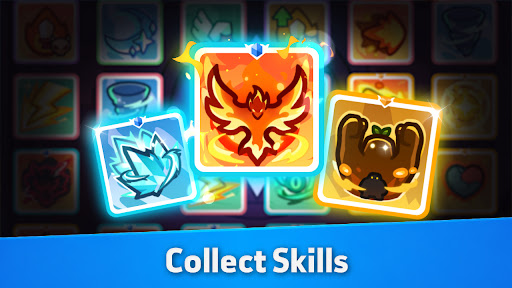
Mix and match gear and skills to build your ultimate loadout.
True Legends think before they strike.
▶︎ Explore a World Full of Wonder
Flaming volcanoes. Frozen tundras. Floating islands.
Journey through magical lands, uncover hidden loot, and never stop exploring.
▶︎ Build Your Squad and Conquer Together
Join a guild, rally your team, and take down powerful bosses together.
Because every adventure is better with allies by your side.
▶︎ Cute, Custom, and Totally YOU
Design your own hero, pick your favorite pet, and bring your own, unique vibe into every battle.
It’s cozy meets chaos—and you’ll love every second of it.
Now’s your shot at becoming a legend.
Download ⭐Let’s Go Legend⭐, the RPG where strategy, adventure, and irresistible charm collide!
Show more

1. Download MEmu installer and finish the setup

2. Start MEmu then open Google Play on the desktop

3. Search Let's Go Legends! in Google Play
Install
4. Download and Install Let's Go Legends!
5. On install completion click the icon to start

6. Enjoy playing Let's Go Legends! on PC with MEmu
MEmu Play is the best Android emulator and 100 million people already enjoy its superb Android gaming experience. The MEmu virtualization technology empowers you to play thousands of Android games smoothly on your PC, even the most graphic-intensive ones.
Bigger screen with better graphics; Long duration, without limitation of battery or mobile data.
Full Keymapping support for precise control of keyboard and mouse or gamepad.
Multiple game accounts or tasks on single PC at one time with Multi-Instance manager.
Play Let's Go Legends! on PC by following steps: