
Lunar Order
Updated
Current Version
0.5.3
Offered By

With your passion for Lunar Order, you shouldn’t have to limit yourself to the small screen of a phone. Play like a pro and take full control of the game using a keyboard and mouse. MEmu gives you everything you’re looking for. Download and play Lunar Order on PC. Play as long as you want — no more worries about battery life, mobile data, or unexpected calls. The all-new MEmu 9 is the best way to play Lunar Order on PC. With our expertly designed keymapping system, Lunar Order feels just like a real PC game. The MEmu multi-instance manager lets you run two or more accounts on the same device at the same time. Most importantly, our exclusive emulation engine unlocks your PC’s full potential, delivering smooth and seamless performance.
Show more
Download Lunar Order on PC with MEmu Android Emulator. Enjoy playing on big screen. Born in the shadows, forged by vengeance.
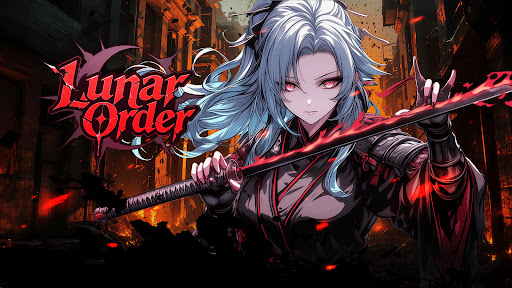
Born in the shadows, forged by vengeance.
Lunar Order is a hardcore 3D collectible action RPG that combines real-time combat, strategic builds, and a dark assassin world.
Take up the blade, uncover hidden truths, and rewrite your fate.
Key Features:
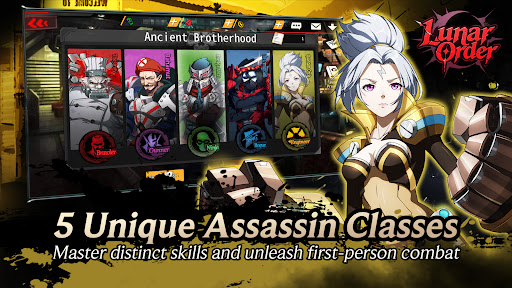
▸5 Assassin Classes
Rogue, Gunner, Ninja, Brawler, Engineer — each with unique skills and weapons.
Switch between first-person precision and free action control.
Find your own rhythm and dominate the battlefield.
▸Fast and Lethal Combat
Unleash fluid skill combos and experience real-time impact feedback.
Every strike, dodge, and counterattack flows seamlessly.
Feel the tempo of an assassin who lives between one breath and the next.
▸Collect Your Assassin
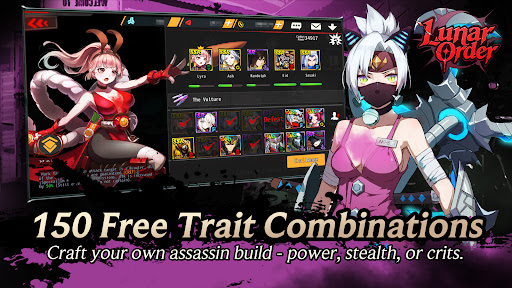
Over 150 free trait combinations — power, stealth, critical, evasion, and more.
Shape your own build and awaken the assassin that fits your playstyle.
No two killers walk the same path.
▸Cross-Server Red Name System
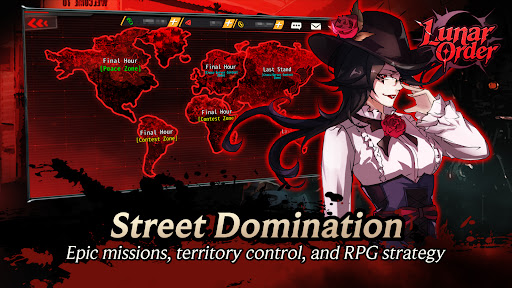
PvP freely available in outdoor fields.
Track rivals across servers, hunt red names, and rise in PK rankings.
Complete assassination missions and carve your legend in blood and shadow.
▸Customize Legendary Assassins
Recruit SSR, SR, and R characters with distinct stories and 3D animations.
Each character has a dedicated illustration, voice actor, story, and animation cutscenes. CV: Participation of famous voice actors such as Saori Onishi and Yuka Iguchi.
The blade remembers every betrayal.
Step into the shadows and reclaim your destiny in Lunar Order.
Show more

1. Download MEmu installer and finish the setup

2. Start MEmu then open Google Play on the desktop

3. Search Lunar Order in Google Play
Install
4. Download and Install Lunar Order
5. On install completion click the icon to start

6. Enjoy playing Lunar Order on PC with MEmu
MEmu Play is the best Android emulator and 100 million people already enjoy its superb Android gaming experience. The MEmu virtualization technology empowers you to play thousands of Android games smoothly on your PC, even the most graphic-intensive ones.
Bigger screen with better graphics; Long duration, without limitation of battery or mobile data.
Full Keymapping support for precise control of keyboard and mouse or gamepad.
Multiple game accounts or tasks on single PC at one time with Multi-Instance manager.
Play Lunar Order on PC by following steps: