Machinika: Atlas
Updated
Current Version
1727943959
Offered By

With your passion for Machinika: Atlas, you shouldn’t have to limit yourself to the small screen of a phone. Play like a pro and take full control of the game using a keyboard and mouse. MEmu gives you everything you’re looking for. Download and play Machinika: Atlas on PC. Play as long as you want — no more worries about battery life, mobile data, or unexpected calls. The all-new MEmu 9 is the best way to play Machinika: Atlas on PC. With our expertly designed keymapping system, Machinika: Atlas feels just like a real PC game. The MEmu multi-instance manager lets you run two or more accounts on the same device at the same time. Most importantly, our exclusive emulation engine unlocks your PC’s full potential, delivering smooth and seamless performance.
Show more
Download Machinika: Atlas on PC with MEmu Android Emulator. Enjoy playing on big screen. Machinika: Atlas is free to download.
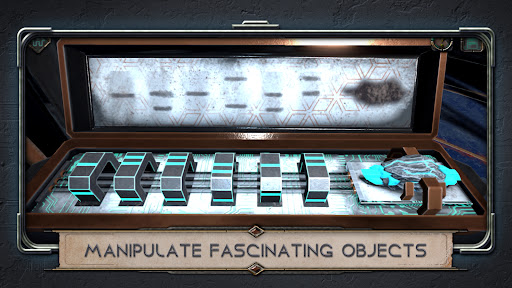
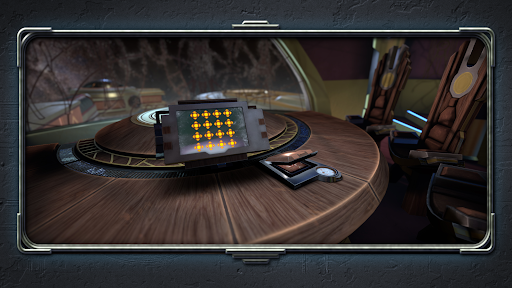
Machinika: Atlas is free to download. An in-app purchase is required to unlock the full experience.
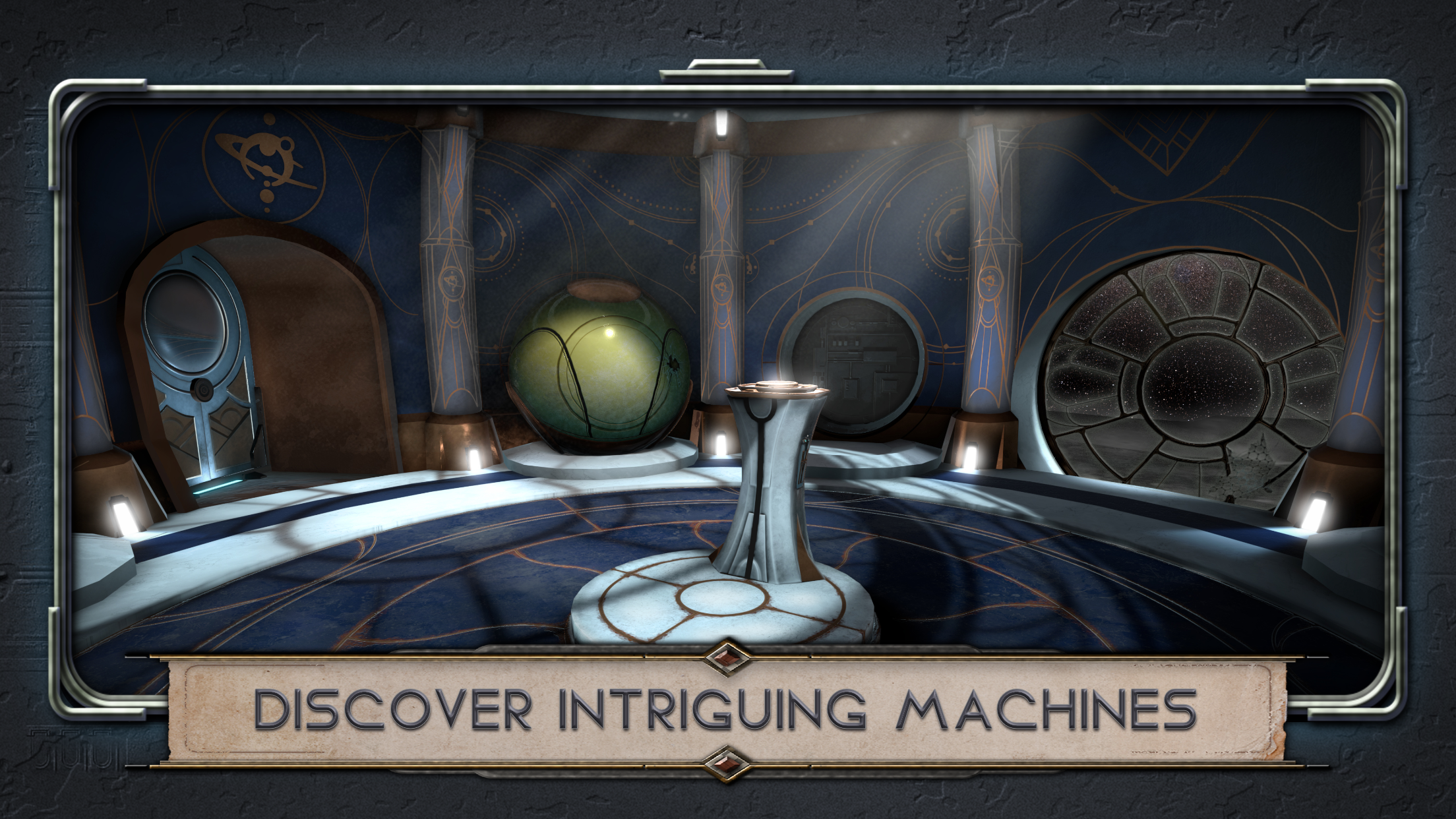
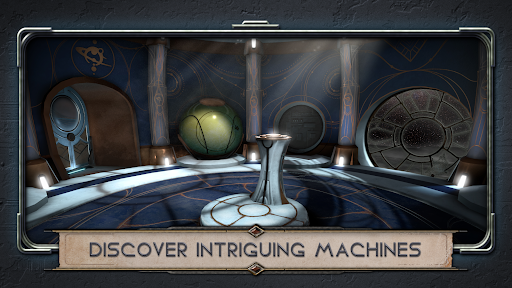
Embark on a mesmerizing puzzle game adventure with Machinika: Atlas. Stranded within a crashed alien ship on Saturn's moon, "Atlas", assume the role of the museum researcher, the protagonist of Machinika: Museum, whose escape pod led them to the heart of an alien vessel.
Machinika: Atlas is the direct sequel to Machinika: Museum, unfolding its narrative on Atlas, a moon of Saturn. While the storyline ties into Machinika: Museum, prior play is not required for enjoying Machinika: Atlas.
Prepare to embark on a cosmic odyssey filled with mystery, cryptic puzzles, and a narrative that keeps you on the edge of discovery. Explore the unknown depths of Machinika: Atlas, where every answer unveils a new enigma.
Key Features:
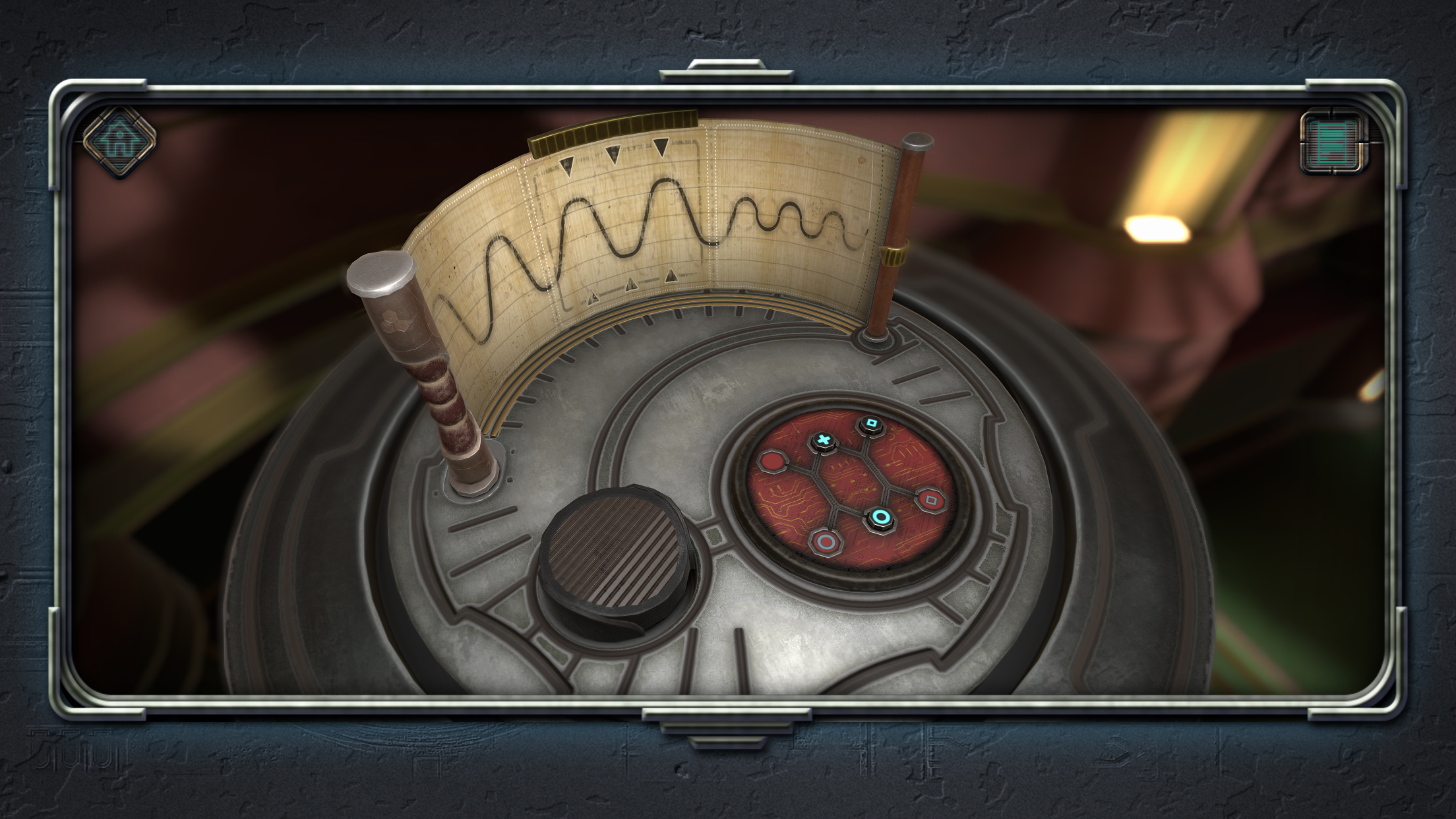
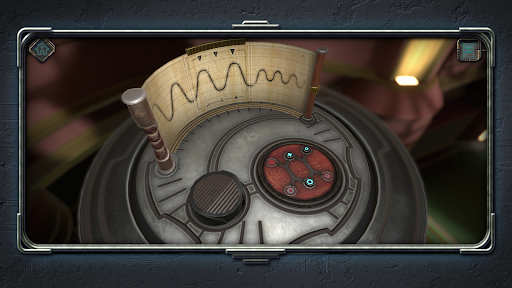
- Engage your sharp logic skills and keen sense of observation to conquer puzzles.
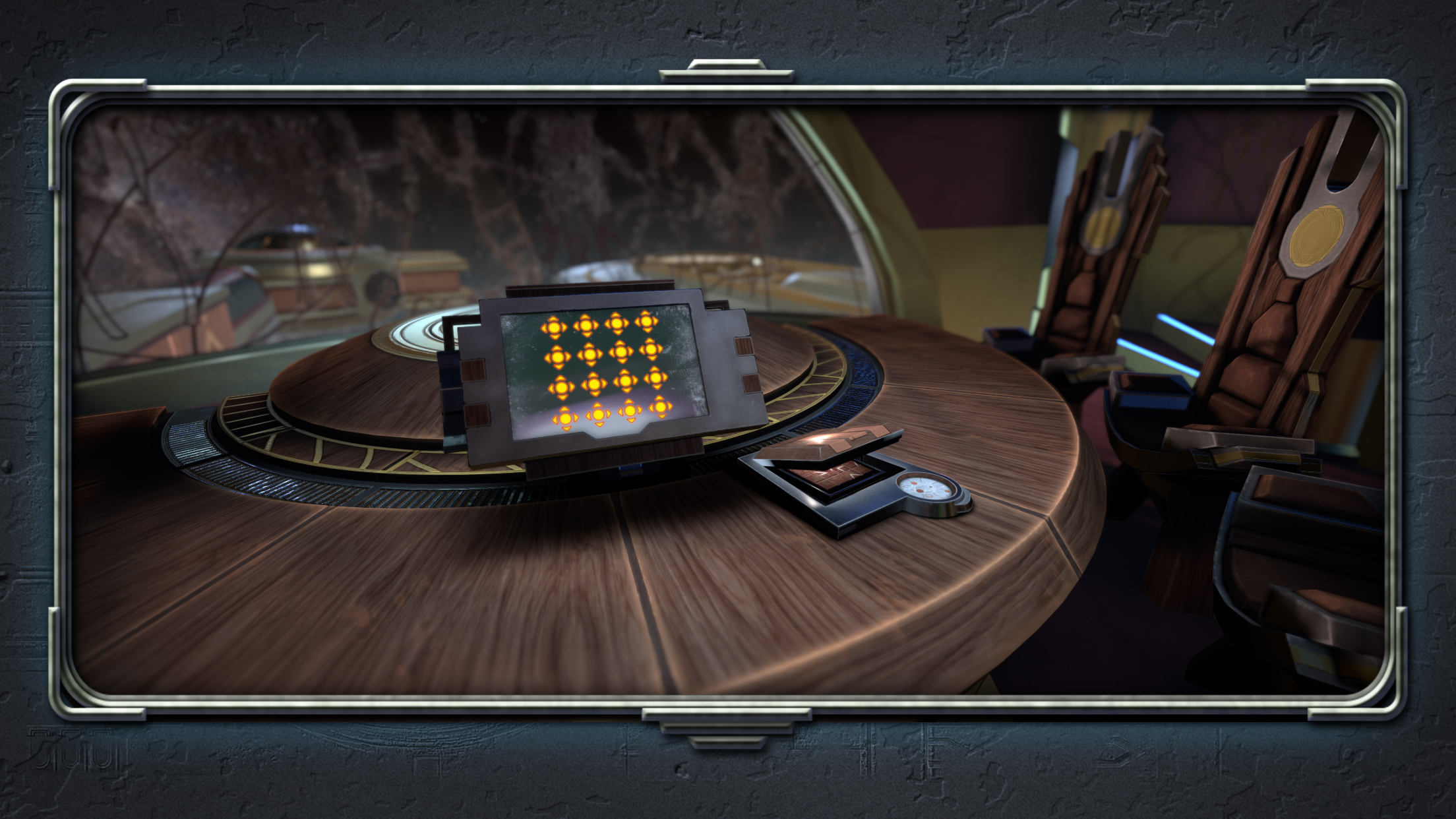
- Immerse yourself in a sci-fi ambiance filled with unknowns, where every step brings you closer to unveiling the truth behind the ship’s mystery
- Play effortlessly with intuitive and enjoyable controls, ensuring that the complexity lies within the puzzles, not the gameplay.
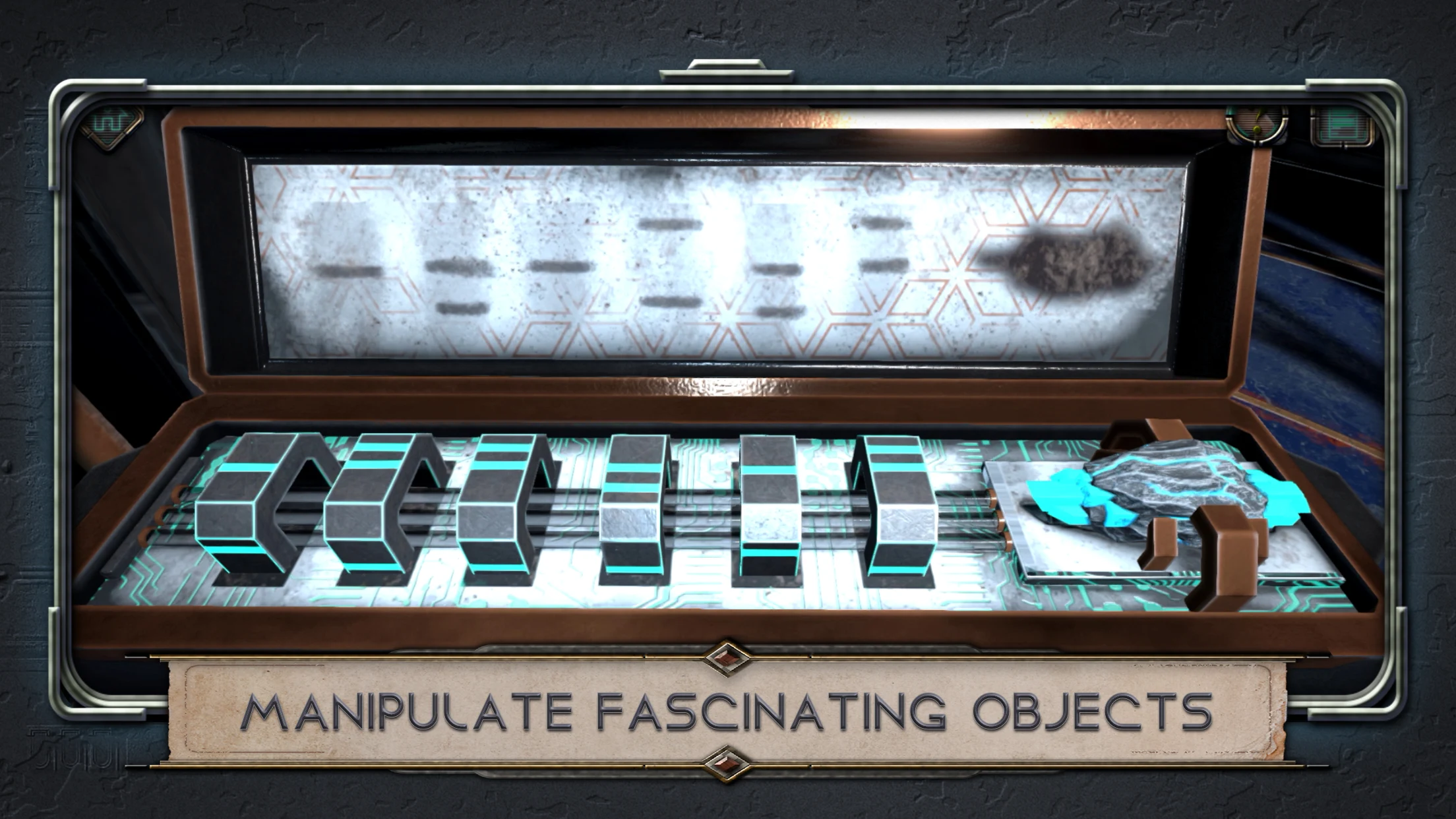
- Dive into a mysterious narrative that beckons you to uncover the secrets hidden behind these intricate devices.
- Enjoy controller support or play with touch controls, it's up to you!
Show more

1. Download MEmu installer and finish the setup

2. Start MEmu then open Google Play on the desktop

3. Search Machinika: Atlas in Google Play
Install
4. Download and Install Machinika: Atlas
5. On install completion click the icon to start

6. Enjoy playing Machinika: Atlas on PC with MEmu
MEmu Play is the best Android emulator and 100 million people already enjoy its superb Android gaming experience. The MEmu virtualization technology empowers you to play thousands of Android games smoothly on your PC, even the most graphic-intensive ones.
Bigger screen with better graphics; Long duration, without limitation of battery or mobile data.
Full Keymapping support for precise control of keyboard and mouse or gamepad.
Multiple game accounts or tasks on single PC at one time with Multi-Instance manager.
Play Machinika: Atlas on PC by following steps: