Marvel Rivals
Updated
Current Version
Offered By

With your passion for Marvel Rivals, you shouldn’t have to limit yourself to the small screen of a phone. Play like a pro and take full control of the game using a keyboard and mouse. MEmu gives you everything you’re looking for. Download and play Marvel Rivals on PC. Play as long as you want — no more worries about battery life, mobile data, or unexpected calls. The all-new MEmu 9 is the best way to play Marvel Rivals on PC. With our expertly designed keymapping system, Marvel Rivals feels just like a real PC game. The MEmu multi-instance manager lets you run two or more accounts on the same device at the same time. Most importantly, our exclusive emulation engine unlocks your PC’s full potential, delivering smooth and seamless performance.
Show more
Download Marvel Rivals on PC with MEmu Android Emulator. Enjoy playing on big screen. Marvel Rivals is a Super Hero Team-Based PVP Shooter!
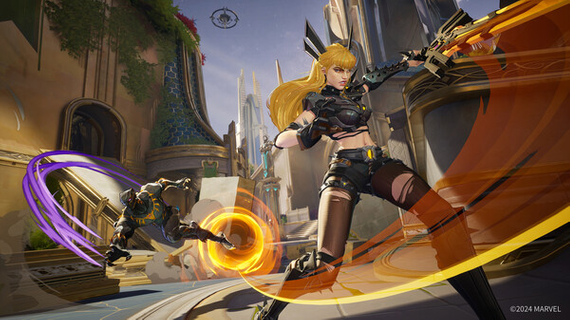
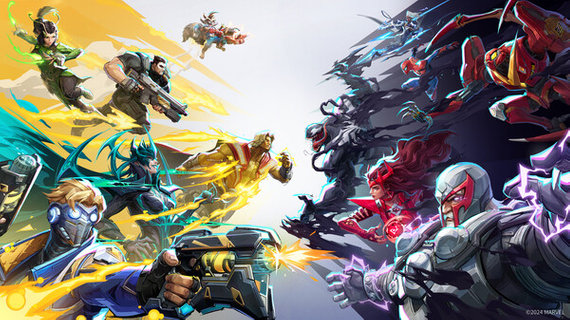
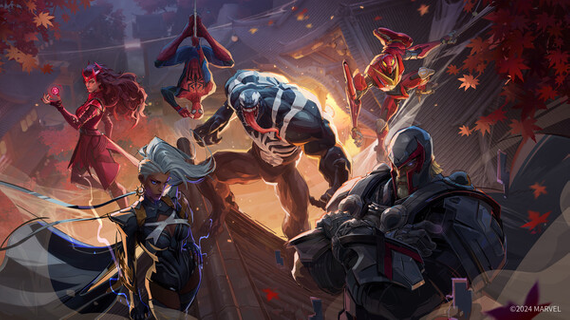
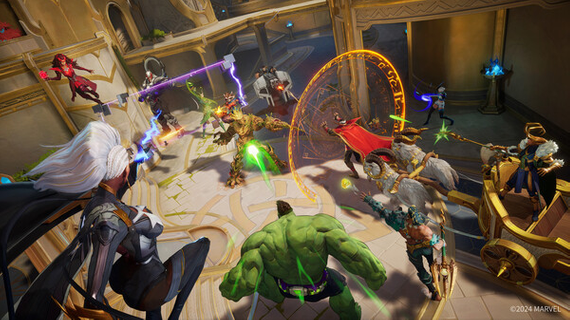
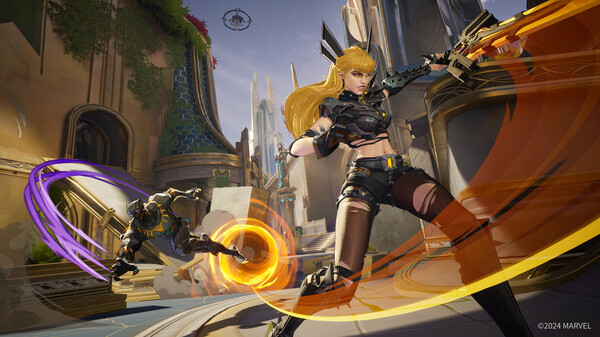
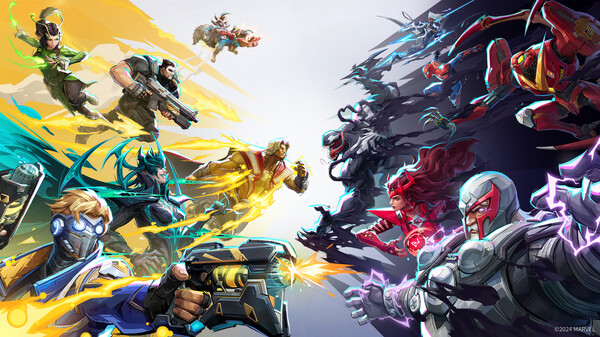
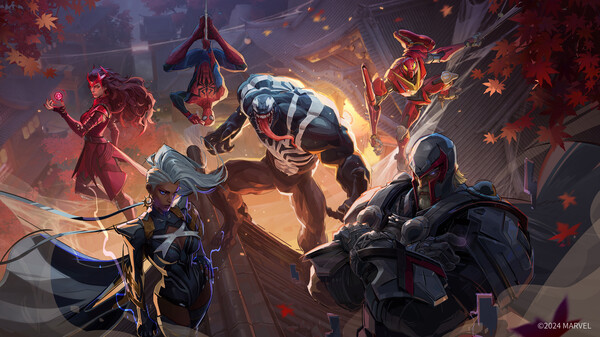
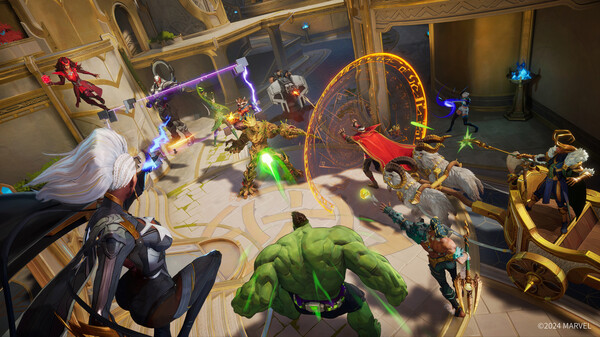
Marvel Rivals is a Super Hero Team-Based PVP Shooter!Assemble an all-star Marvel squad, devise countless strategies by combining powers to form unique Team-Up skills and fight in destructible, ever-changing battlefields across the continually evolving Marvel universe! A Deep and Varied Marvel RosterChoose from a vast array of fan-favorite and cult-classic Marvel Super Heroes and Super Villains from across the Avengers, Guardians of the Galaxy, X-Men, and many more from across the Marvel Multiverse. Fast and Fun 6v6 Action with Ever-Changing Game DynamicsWith intricate environments, fast-paced gameplay, and ever-changing battlefields, there's never a dull moment in Marvel Rivals! Battle as Super Heroes and Super Villains with incredible abilities and combine your powers to bring unexpected fun to the battlefield in a matter of seconds. Dynamic Hero SynergyCoordinate unique combinations between characters to ignite surprising Team-Up Skills! Unleash the synergy of combined superpowers and invent new tactics that can turn the tide of combat. Ride on Groot's back as Rocket Raccoon to take on your enemies as a dangerous duo, unleash Gamma energy as Hulk to charge Iron Man's armor for massive damage, and so much more! Creative Environment DestructionTear your way through iconic Marvel worlds across destructible environments! From Asgard to the Tokyo of 2099, use superpowers to alter these environments, reshape the terrain, and craft a strategic advantage on the battlefield! Take cover to dodge attacks or use makeshift weapons to strike down enemies. Players will find countless ways to utilize the environment to claim victory! Continually Evolving Universe and Robust Post-Launch UpdatesThe Marvel Multiverse brings infinite possibilities! Each seasonal drop will introduce new Super Heroes to the battlefield along with challenging and diverse maps! Unlock new content to implement across various gameplay strategies while experiencing thrilling action and endless possibilities in these adventurous team battles!
Show more

1. Download MEmu installer and finish the setup

2. Start MEmu then open Google Play on the desktop

3. Search Marvel Rivals in Google Play
Install
4. Download and Install Marvel Rivals
5. On install completion click the icon to start

6. Enjoy playing Marvel Rivals on PC with MEmu
MEmu Play is the best Android emulator and 100 million people already enjoy its superb Android gaming experience. The MEmu virtualization technology empowers you to play thousands of Android games smoothly on your PC, even the most graphic-intensive ones.
Bigger screen with better graphics; Long duration, without limitation of battery or mobile data.
Full Keymapping support for precise control of keyboard and mouse or gamepad.
Multiple game accounts or tasks on single PC at one time with Multi-Instance manager.
Play Marvel Rivals on PC by following steps: