Dark Dungeon Survival -Lophis Fate Card Roguelike
Updated
Current Version
1.4.0
Offered By

With your passion for Dark Dungeon Survival -Lophis Fate Card Roguelike, you shouldn’t have to limit yourself to the small screen of a phone. Play like a pro and take full control of the game using a keyboard and mouse. MEmu gives you everything you’re looking for. Download and play Dark Dungeon Survival -Lophis Fate Card Roguelike on PC. Play as long as you want — no more worries about battery life, mobile data, or unexpected calls. The all-new MEmu 9 is the best way to play Dark Dungeon Survival -Lophis Fate Card Roguelike on PC. With our expertly designed keymapping system, Dark Dungeon Survival -Lophis Fate Card Roguelike feels just like a real PC game. The MEmu multi-instance manager lets you run two or more accounts on the same device at the same time. Most importantly, our exclusive emulation engine unlocks your PC’s full potential, delivering smooth and seamless performance.
Show more
Download Dark Dungeon Survival -Lophis Fate Card Roguelike on PC with MEmu Android Emulator. Enjoy playing on big screen. Dreamsky: Just be Happy!
Dreamsky: Just be Happy!
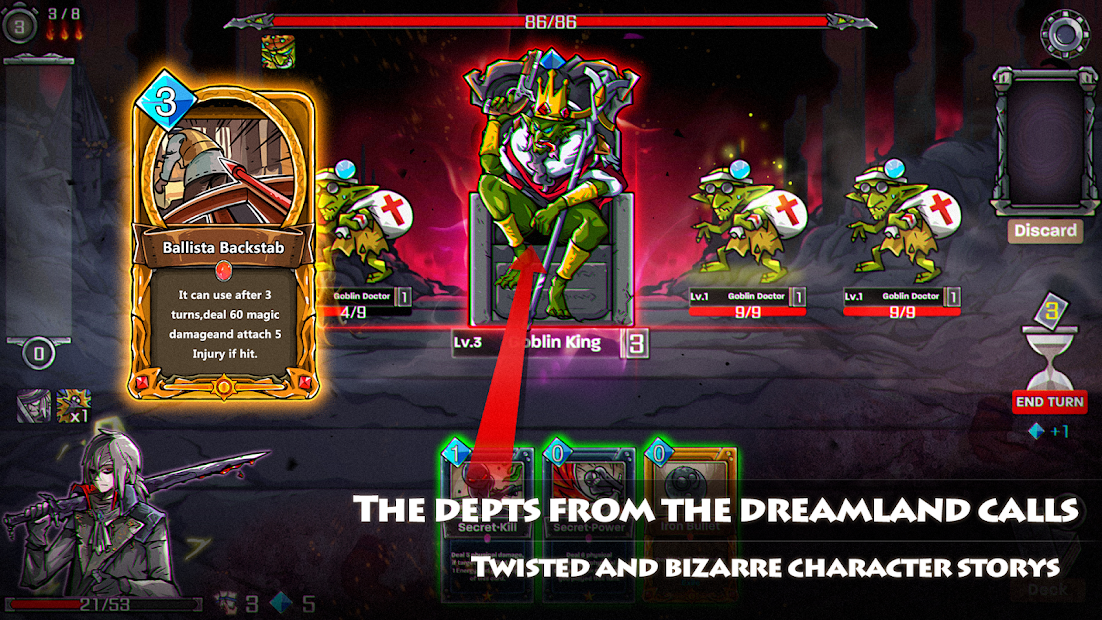
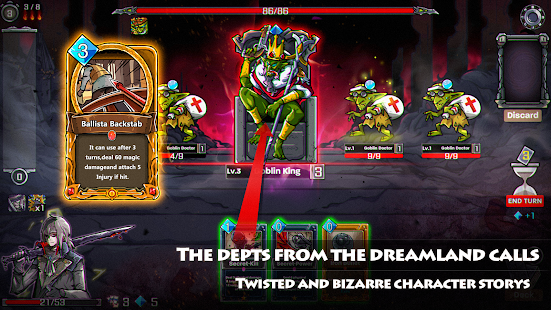
We fused card games and roguelikes together to make the best single player deckbuilder we could. Craft a unique deck, encounter bizarre creatures, discover relics of immense power, and Dark Dungeon Survival -Lophis Fate Card Rougelike is a single-player RPG card game.
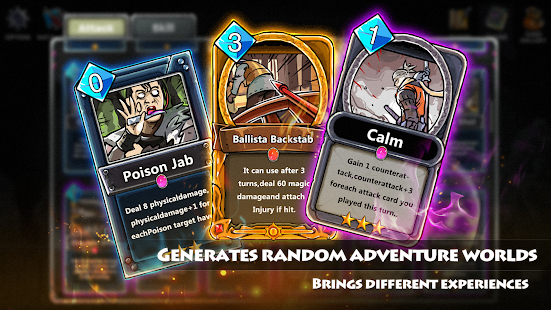
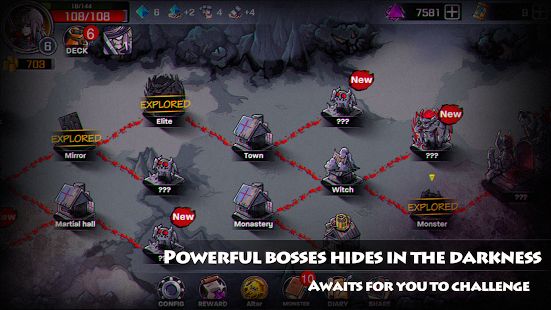
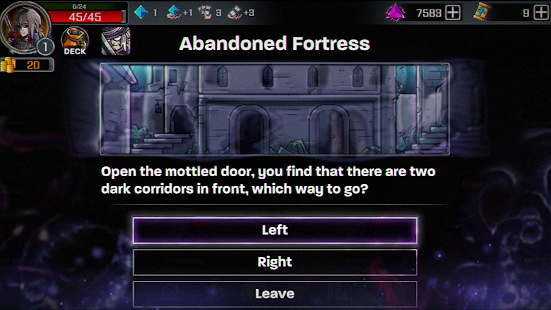
The game incorporates the popular Roguelike game elements and creates rich unknowns and diversity, ensuring that the game experience is different for each time. In the game world, players need to make choices when encounter emergencies, and defeat the enemies in the adventure combat by establishing card group strategies so as to complete the adventure tour of the roles.
【Independent role story】
There are six different careers of roles with different career skills and exclusive cards. Each role has an independent plot and independent battle ending.
【Different chapters of the plot】
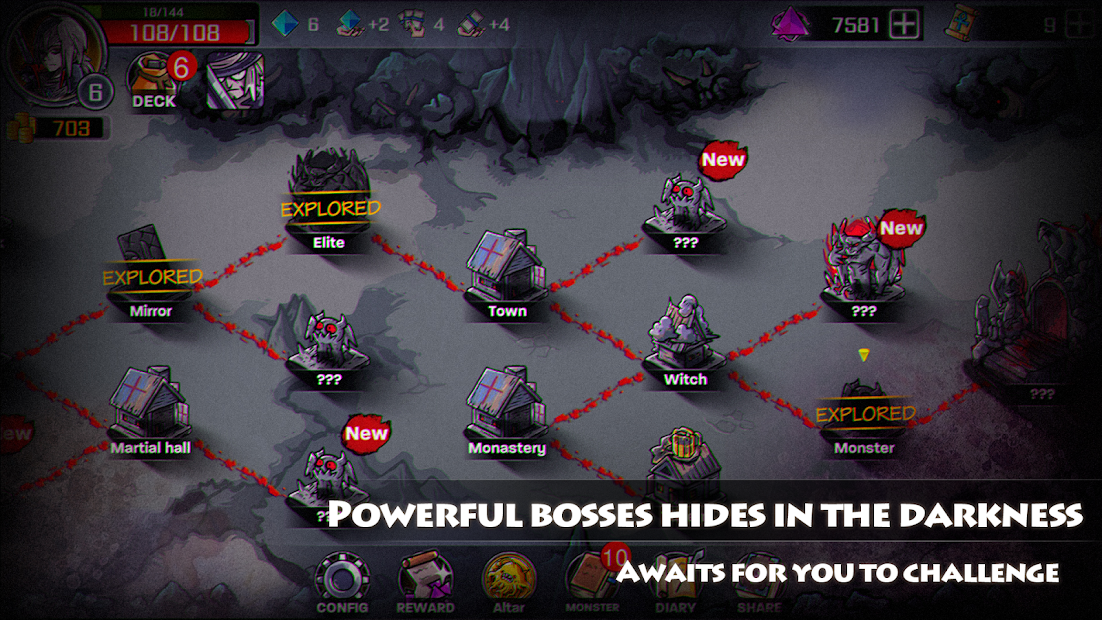
A total of four chapters are included. Maps and the regional guardians of each chapter are randomly generated. Players need to defeat the final boss to clear the stage.
【A Large number of emergencies】
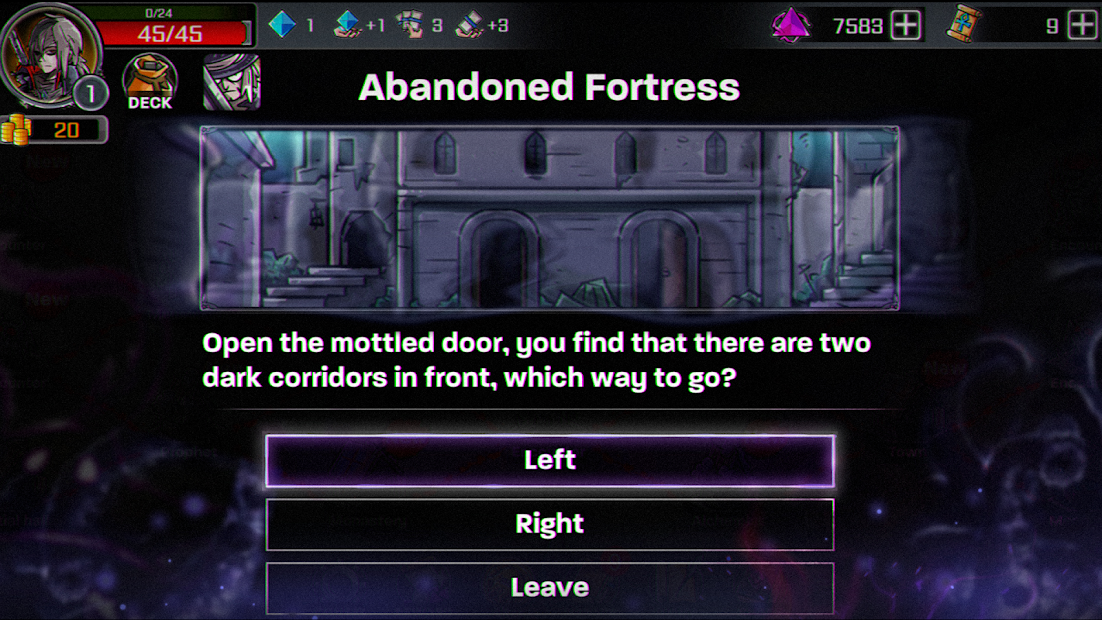
Random emergencies will occur during the game and different decisions need to be made so the entire adventure may be influenced. Currently more than 60 emergencies have been designed in the game.
【Brain-burning card group building】
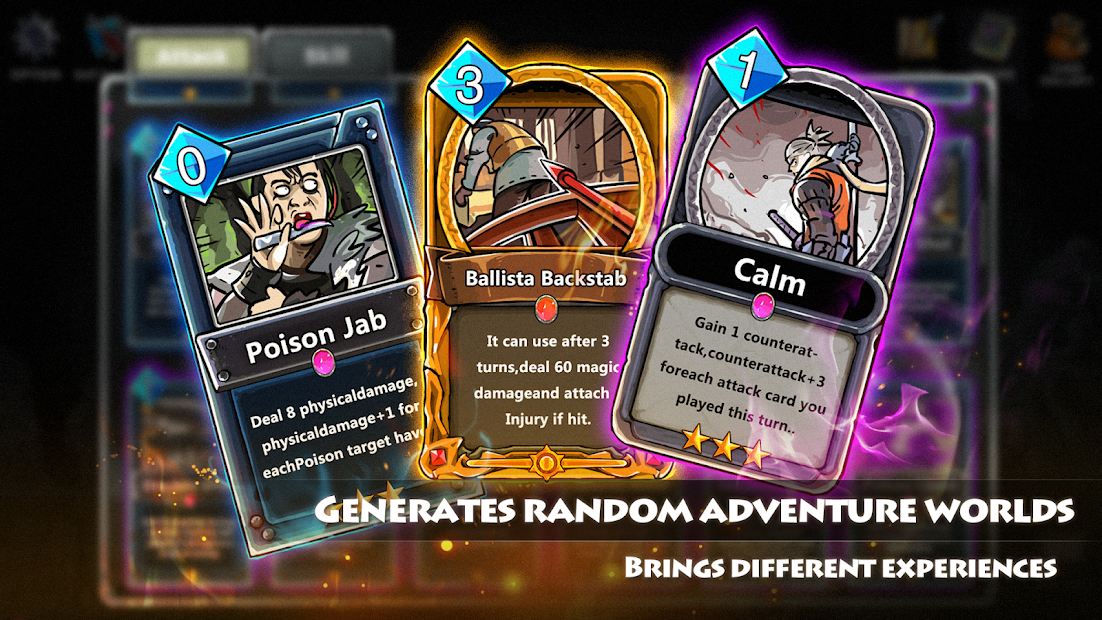
The card group building in the game adopts the method of DBG, which means players do not have to choose from a big card pool to build their own card group. There will be a set of initial card groups according to different careers. Players can constantly acquire other cards during the game process and gradually perfect the card groups that are suit them.
Contact with us:
Facebook: https://www.facebook.com/LophisRoguelike/
Show more

1. Download MEmu installer and finish the setup

2. Start MEmu then open Google Play on the desktop

3. Search Dark Dungeon Survival -Lophis Fate Card Roguelike in Google Play
Install
4. Download and Install Dark Dungeon Survival -Lophis Fate Card Roguelike
5. On install completion click the icon to start

6. Enjoy playing Dark Dungeon Survival -Lophis Fate Card Roguelike on PC with MEmu
MEmu Play is the best Android emulator and 100 million people already enjoy its superb Android gaming experience. The MEmu virtualization technology empowers you to play thousands of Android games smoothly on your PC, even the most graphic-intensive ones.
Bigger screen with better graphics; Long duration, without limitation of battery or mobile data.
Full Keymapping support for precise control of keyboard and mouse or gamepad.
Multiple game accounts or tasks on single PC at one time with Multi-Instance manager.
Play Dark Dungeon Survival -Lophis Fate Card Roguelike on PC by following steps: