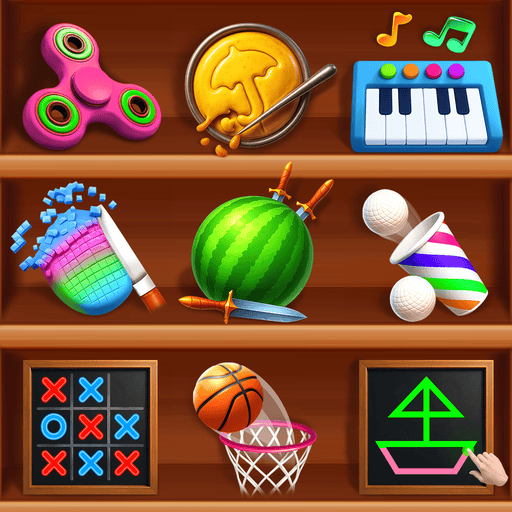
Mini Games and Relaxing Toys
Updated
Current Version
0.1.7
Offered By

With your passion for Mini Games and Relaxing Toys, you shouldn’t have to limit yourself to the small screen of a phone. Play like a pro and take full control of the game using a keyboard and mouse. MEmu gives you everything you’re looking for. Download and play Mini Games and Relaxing Toys on PC. Play as long as you want — no more worries about battery life, mobile data, or unexpected calls. The all-new MEmu 9 is the best way to play Mini Games and Relaxing Toys on PC. With our expertly designed keymapping system, Mini Games and Relaxing Toys feels just like a real PC game. The MEmu multi-instance manager lets you run two or more accounts on the same device at the same time. Most importantly, our exclusive emulation engine unlocks your PC’s full potential, delivering smooth and seamless performance.
Show more
Download Mini Games and Relaxing Toys on PC with MEmu Android Emulator. Enjoy playing on big screen. Relax your mind!
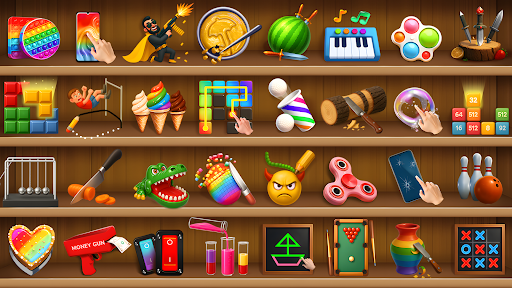
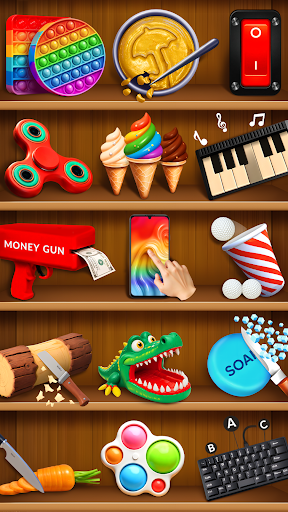
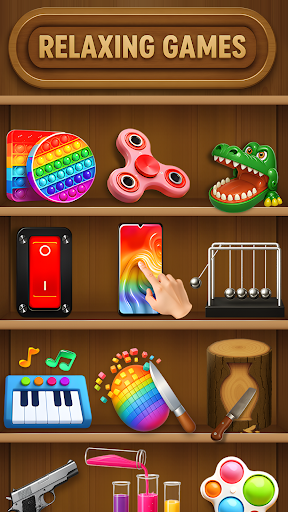
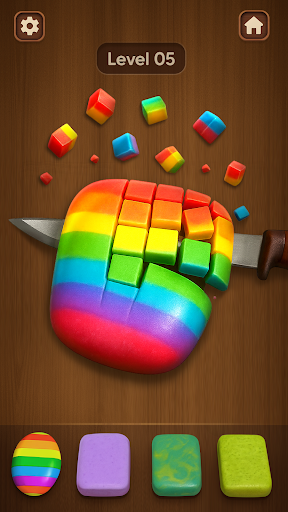
Relax your mind!
Designed to soothe your mind and ease your stress, this anti-stress relaxing game offers a delightful collection of mini-games. Engage in a variety of calming activities, each carefully crafted to provide a sense of peace and joy.
Have a break!
Relax your mind, relieve your stress and enjoy challenging yet relaxing puzzles. The gameplay is designed to be non-competitive and stress-free, with no pressure to achieve perfection. Instead, the focus is on providing a peaceful environment where players can engage in repetitive, satisfying tasks that naturally encourage relaxation.
Thera are more than 15 mini games available for you to enjoy.
Some core mini games of Mini Games and Relaxing Toys:
1. Kinfe hit –Destroy objects using a knife.
2. Bubble up– Pop the bubbles.
3. Fidget spinner– Spin the virtual fidgets to release your stress.
4. Glass crack– Crack the glass of mobile phone as you wish.
5. Lighting bulb– Turn on and off the lighting bulb.
6. Pendulum– Enjoy the pendulum by using newton’s cradle.
7. Pop it game– Pop the different shapes to relax.
8. Speaker– Plug-in the wires and enjoy music.
9. Sticker peel– Peel the stickers to get relaxing feel.
10. Tap tap shots– Dunk the ball into the basket.
11. Tile puzzle block– Solve the tile puzzle.
12. Tic tac toe– Clear the tik tac toe puzzle.
13. Stamp it– Stamp applications.
14. Shape pop it– Pop different shapes.
15. Snooker– Pot the balls and enjoy.
16. Gyroballs– Keep the ball spinning for as long as possible.
17. Flip card– Collect the most matching pairs to win the game.
18. Blackboard– Write whatever you want on blackboard.
19. Pong ball– Throw ball into the cups.
20. Insect Swat– Tap the screen to swat insects.
Overall, an anti-stress relaxing game provides a peaceful escape from the pressures of daily life with perfect blend of simplicity, beauty, and calmness.
Show more

1. Download MEmu installer and finish the setup

2. Start MEmu then open Google Play on the desktop

3. Search Mini Games and Relaxing Toys in Google Play
Install
4. Download and Install Mini Games and Relaxing Toys
5. On install completion click the icon to start

6. Enjoy playing Mini Games and Relaxing Toys on PC with MEmu
MEmu Play is the best Android emulator and 100 million people already enjoy its superb Android gaming experience. The MEmu virtualization technology empowers you to play thousands of Android games smoothly on your PC, even the most graphic-intensive ones.
Bigger screen with better graphics; Long duration, without limitation of battery or mobile data.
Full Keymapping support for precise control of keyboard and mouse or gamepad.
Multiple game accounts or tasks on single PC at one time with Multi-Instance manager.
Play Mini Games and Relaxing Toys on PC by following steps: