NARUTO: Ultimate Ninja STORM
Updated
Current Version
1.2.9
Offered By

With your passion for NARUTO: Ultimate Ninja STORM, you shouldn’t have to limit yourself to the small screen of a phone. Play like a pro and take full control of the game using a keyboard and mouse. MEmu gives you everything you’re looking for. Download and play NARUTO: Ultimate Ninja STORM on PC. Play as long as you want — no more worries about battery life, mobile data, or unexpected calls. The all-new MEmu 9 is the best way to play NARUTO: Ultimate Ninja STORM on PC. With our expertly designed keymapping system, NARUTO: Ultimate Ninja STORM feels just like a real PC game. The MEmu multi-instance manager lets you run two or more accounts on the same device at the same time. Most importantly, our exclusive emulation engine unlocks your PC’s full potential, delivering smooth and seamless performance.
Show more
Download NARUTO: Ultimate Ninja STORM on PC with MEmu Android Emulator. Enjoy playing on big screen. [Warning] Please Read Before Purchasing.
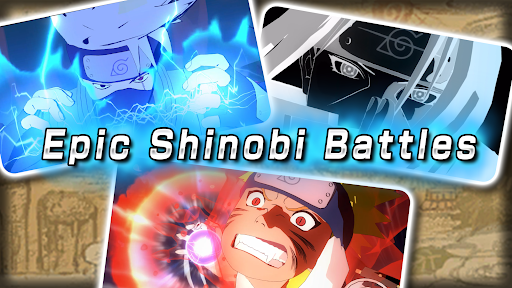
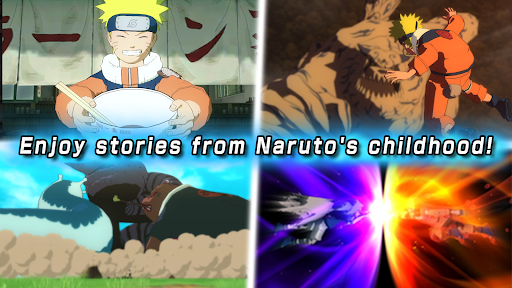
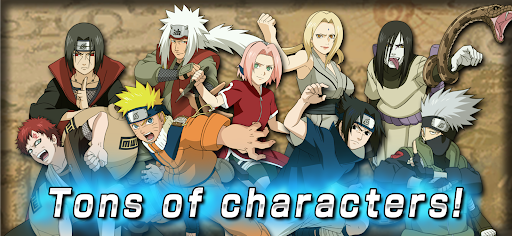
[Warning] Please Read Before Purchasing
- We have confirmed a display issue that causes a glowing effect to appear on the screen of some devices. This does not affect gameplay.
- Certain specific actions can cause the app to crash on some devices. Please see the app's Contact page for more details.
- No refunds (including exchanges for other products, services, etc.) are available after purchase, regardless of the reason.
Please ensure that your device is compatible via the app's Contact page (link below).
https://bnfaq.channel.or.jp/title/3153
You are purchasing a license for digital goods. For full terms and conditions, please see the License Agreement below.
[Game Summary]
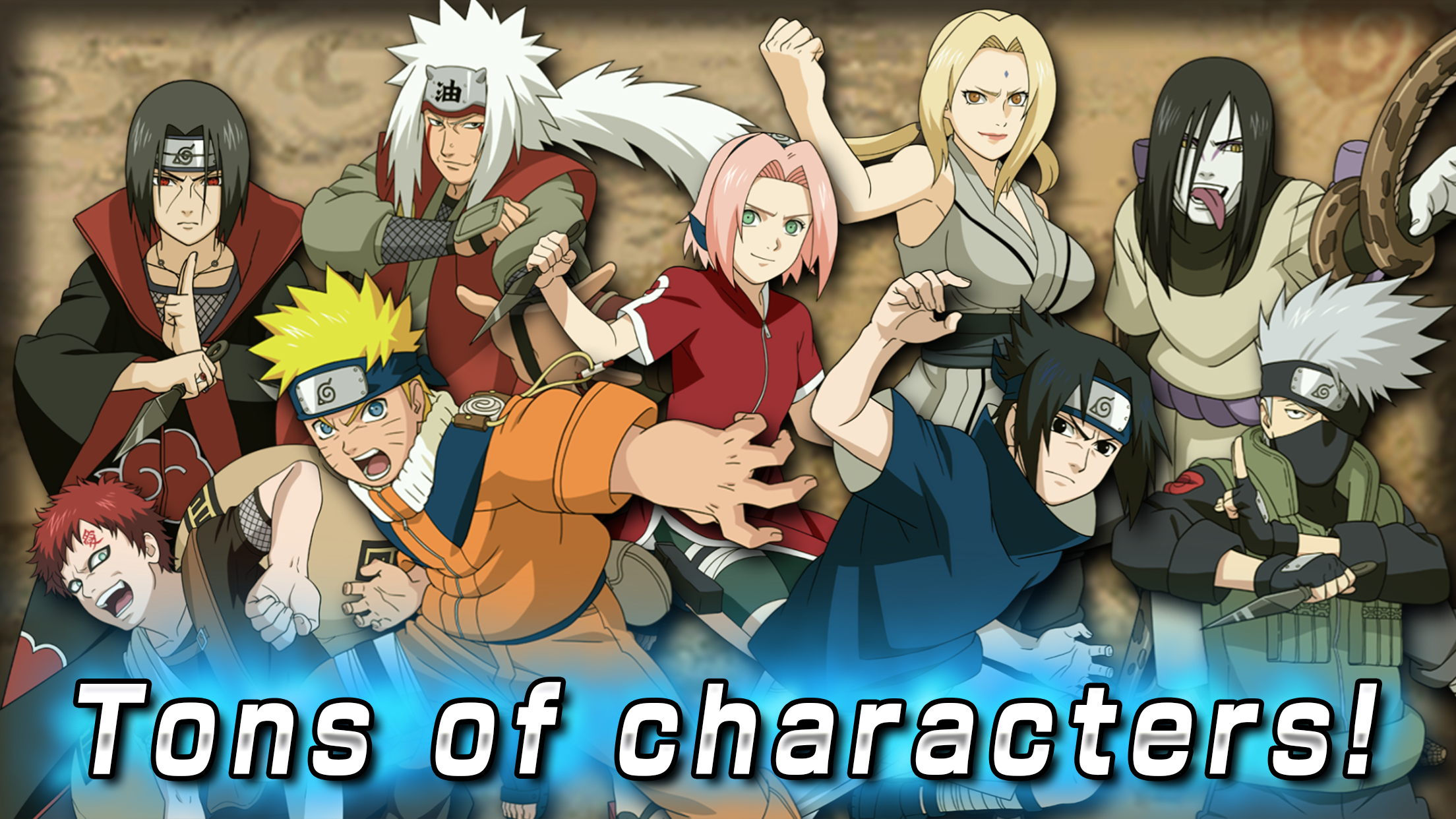
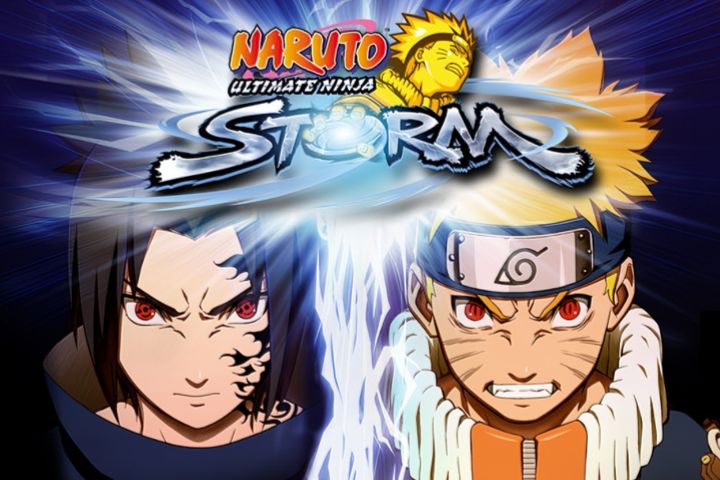
A Naruto game full of 3D competitive action!
NARUTO: Ultimate Ninja STORM finally makes its way to smartphones!
Experience the stories and battles of Naruto's childhood through beautiful graphics!
Game Content
Ultimate Mission Mode
Relive the stories and famous battles from Naruto's childhood! You can freely move around the Hidden Leaf Village and take on missions and mini games!
Free Battle Mode
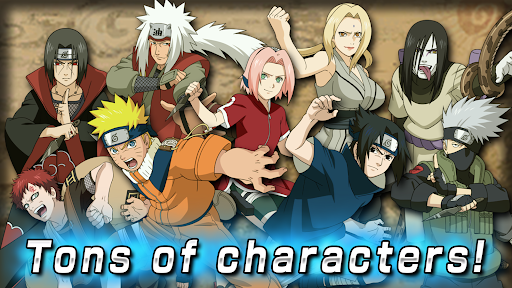
In Free Battle Mode, you can choose from 25 unique characters from Naruto's childhood and 10 support characters to enjoy a variety of powerful ninjutsu actions and battles!
Changes for the App
Easily activate ninjutsu, ultimate jutsu, and other actions with a tap! Even those playing the series for the first time can confidently enjoy the game!
Plus, the following additional features and improvements have made the game easier to play:
- New auto-save feature
- New control mode selection for battle (casual/manual)
- New battle assist feature (casual only)
- Improved controls for battle and free movement
- New retry feature for missions
- Improved mini-game UI
- Improved tutorial
Play Notes
- This game contains violent content.
- Please pay attention to how long you play and avoid excessive gameplay.
- 本遊戲部份內容涉及暴力情節
- 請注意遊戲時間,避免沉迷
[Number of Players]
This is a single-player game only.
[Storage]
To download this app, you will need at least 3.5 GB of free space.
When downloading, please ensure you have a strong internet connection and/or Wi-Fi environment.
*Depending on your device, you may need more than the suggested storage amount.
[Online]
- There is no online battle mode.
- Aside from the initial game download, you can play offline.
- An internet connection is required to back up and transfer game data.
SUPPORT:
https://bnfaq.channel.or.jp/title/3153
Bandai Namco Entertainment Inc. Website:
https://bandainamcoent.co.jp/english/
By downloading or installing this app, you agree to the Bandai Namco Entertainment Terms of Service.
Terms of Service:
https://legal.bandainamcoent.co.jp/terms/
Privacy Policy:
https://legal.bandainamcoent.co.jp/privacy/
This application is distributed under the official rights from the license holder.
©2002 MASASHI KISHIMOTO
©Bandai Namco Entertainment Inc.
Powered by "CRIWARE".
CRIWARE is a trademark of CRI Middleware Co., Ltd.
Show more

1. Download MEmu installer and finish the setup

2. Start MEmu then open Google Play on the desktop

3. Search NARUTO: Ultimate Ninja STORM in Google Play
Install
4. Download and Install NARUTO: Ultimate Ninja STORM
5. On install completion click the icon to start

6. Enjoy playing NARUTO: Ultimate Ninja STORM on PC with MEmu
MEmu Play is the best Android emulator and 100 million people already enjoy its superb Android gaming experience. The MEmu virtualization technology empowers you to play thousands of Android games smoothly on your PC, even the most graphic-intensive ones.
Bigger screen with better graphics; Long duration, without limitation of battery or mobile data.
Full Keymapping support for precise control of keyboard and mouse or gamepad.
Multiple game accounts or tasks on single PC at one time with Multi-Instance manager.
Play NARUTO: Ultimate Ninja STORM on PC by following steps: