Nimian Legends : BrightRidge
Updated
Current Version
8.3
Offered By

With your passion for Nimian Legends : BrightRidge, you shouldn’t have to limit yourself to the small screen of a phone. Play like a pro and take full control of the game using a keyboard and mouse. MEmu gives you everything you’re looking for. Download and play Nimian Legends : BrightRidge on PC. Play as long as you want — no more worries about battery life, mobile data, or unexpected calls. The all-new MEmu 9 is the best way to play Nimian Legends : BrightRidge on PC. With our expertly designed keymapping system, Nimian Legends : BrightRidge feels just like a real PC game. The MEmu multi-instance manager lets you run two or more accounts on the same device at the same time. Most importantly, our exclusive emulation engine unlocks your PC’s full potential, delivering smooth and seamless performance.
Show more
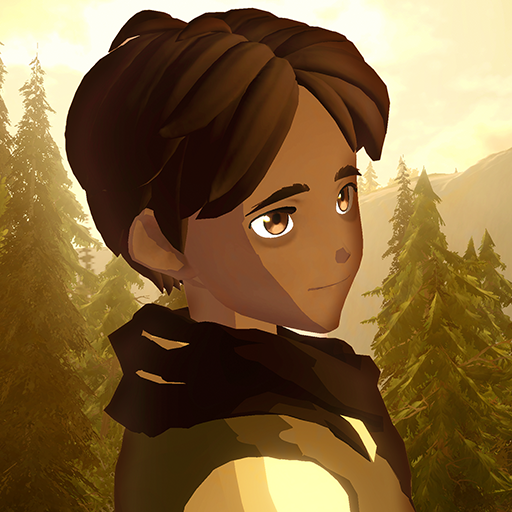
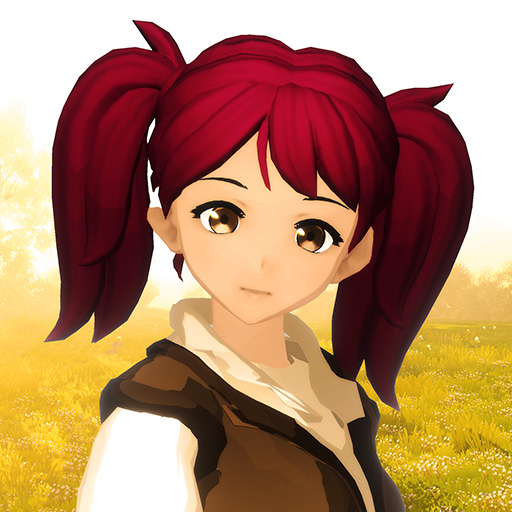
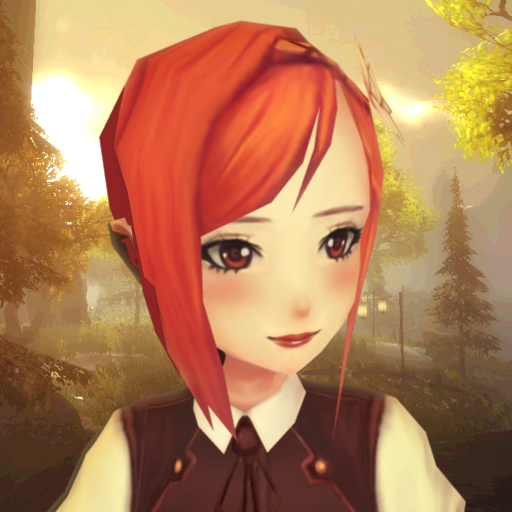
Download Nimian Legends : BrightRidge on PC with MEmu Android Emulator. Enjoy playing on big screen. EXPLORE A BEAUTIFUL, HAND-CRAFTED OPEN WORLD RPG FANTASY WILDERNESS .


EXPLORE A BEAUTIFUL, HAND-CRAFTED OPEN WORLD RPG FANTASY WILDERNESS
Run, swim and fly through glistening waterfalls and rivers, overgrown forests, sky-high mountains and ancient dungeons. Shape change into powerful dragons, soaring eagles, quick-footed deer and more. Download BrightRidge today.
Minimum requirements are about a 4-core 2ghz CPU, and at least 2gb of RAM.
I am truly grateful to the Android community for helping my unknown game grow. Thank you for all of your support and encouragement. I am a solo indie developer working on BrightRidge and it is a game from my heart. I enjoyed creating this world and I hope you enjoy exploring it:)
EXPLORE AND STORY MODES
Ready for adventure? The Ballad of BrightRidge and Love & Tin are two magical adventures in Story Mode. Or choose Explore mode and experience BrightRidge without quests or enemies. Can you find the ancient whale that swims the oceans? Or the hidden ruins that dot the land?
SHAPE CHANGE POWERS
Unlock the power to change into several species and explore BrightRidge from a new perspective. Soar through the sky as a golden eagle or a winged dragon. Run through the forests and a wily fox or dashing deer. Barge through the land as a towering Tree Ent and flutter peacefully among the flowers as a delicate butterfly (a fan favourite!).
PHOTO MODE
Become a nature photographer and take and save beautiful pictures of this gorgeous and vast landscape. Will you photograph an elusive deer drinking by the river? Or perhaps capture a golden sunset amid ancient ruins? Need help hunting the animals down? Use your Spirit View to magically track animals, each with their own habitat and behavior.
CUSTOMIZE YOUR WORLD
Extensive options let you customize almost anything at anytime. Change time of day, turn on Watercolor mode and experience a living painting, add effects and filters and more. On newer devices you can turn up the detail for an even more beautiful and immersive experience.
LEGENDS AND LORE
Legend Spots dot the land waiting to be discovered. Each one tells a bit about the people, places and history of BrightRidge. Or visit the cozy halls of BrightRidge Inn, sit by the fireplace, dance with the guests, or listen to their stories.
DYNAMIC WEATHER AND DAY/NIGHT CYCLE
It’s all here. Rainstorms, lightning and thunder, light breezes and gusting wind, and quiet snowfalls. Or use the options to change the weather on the fly.
RELAX AND EXPLORE
There’s no rush. Feeling panic, anxiety or stress? Choose Explore Mode, breathe, and explore the wild rivers, valleys and waterfalls of BrightRidge at your own pace.
FULL GAME
+ No Ads
+ No In-Game Purchases
TRAILER
Watch the trailer at https://www.youtube.com/watch?v=2WMzFkCcQyE
FOLLOW ME
Follow @protopop on Twitter and https://www.facebook.com/protopopgames on Facebook for news and updates
Note: If you experience blue shadows, goto Options > Settings > Resolution and chose Forward Rendering.
I'd like to thank everyone who took time to leave a review. Positive or negative each one helps me understand how the game works in the real world, and I appreciate it. For a solo dev like me hearing that people enjoy BrightRidge is very encouraging:)
Nimian Legends is an original fantasy world and the setting for BrightRidge. See the interactive map at http://NimianLegends.com
...AND A PERSONAL THANK YOU
A big thank you to Nullzone, Liam, Curtis, DK_1287 and Jack for helping me test and supporting BrightRidge. A project of this size is a challenge to create on my own, and your support and encouragement have helped me through difficult times.
IGRS Rating: 13+ (Remaja)
Show more

1. Download MEmu installer and finish the setup

2. Start MEmu then open Google Play on the desktop

3. Search Nimian Legends : BrightRidge in Google Play
Install
4. Download and Install Nimian Legends : BrightRidge
5. On install completion click the icon to start

6. Enjoy playing Nimian Legends : BrightRidge on PC with MEmu
MEmu Play is the best Android emulator and 100 million people already enjoy its superb Android gaming experience. The MEmu virtualization technology empowers you to play thousands of Android games smoothly on your PC, even the most graphic-intensive ones.
Bigger screen with better graphics; Long duration, without limitation of battery or mobile data.
Full Keymapping support for precise control of keyboard and mouse or gamepad.
Multiple game accounts or tasks on single PC at one time with Multi-Instance manager.
Play Nimian Legends : BrightRidge on PC by following steps: