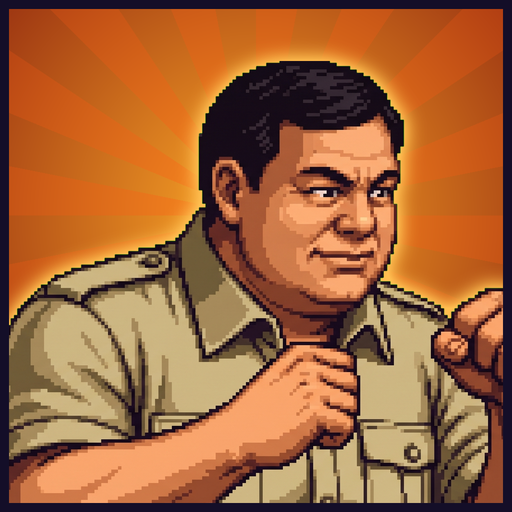
Nusantara fighter
Updated
Current Version
1.9.9
Offered By

With your passion for Nusantara fighter, you shouldn’t have to limit yourself to the small screen of a phone. Play like a pro and take full control of the game using a keyboard and mouse. MEmu gives you everything you’re looking for. Download and play Nusantara fighter on PC. Play as long as you want — no more worries about battery life, mobile data, or unexpected calls. The all-new MEmu 9 is the best way to play Nusantara fighter on PC. With our expertly designed keymapping system, Nusantara fighter feels just like a real PC game. The MEmu multi-instance manager lets you run two or more accounts on the same device at the same time. Most importantly, our exclusive emulation engine unlocks your PC’s full potential, delivering smooth and seamless performance.
Show more
Download Nusantara fighter on PC with MEmu Android Emulator. Enjoy playing on big screen. Ready for a duel?
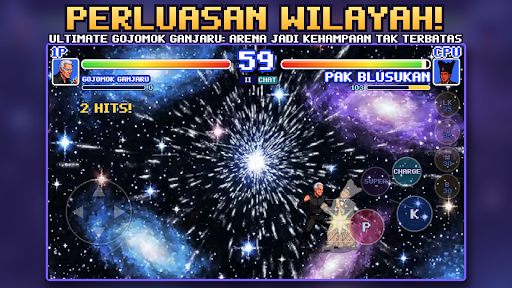
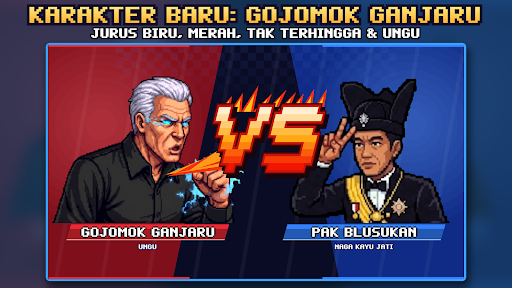
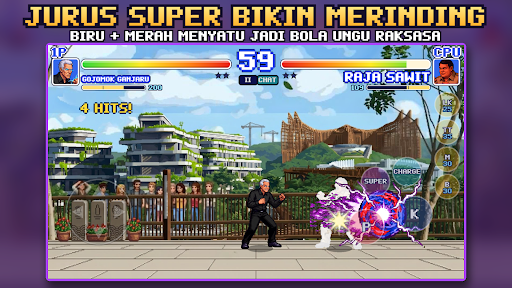
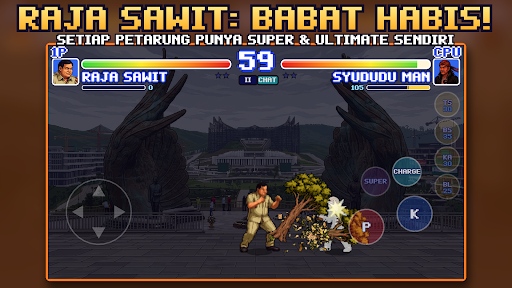
Ready for a duel? NUSANTARA FIGHTER is a retro pixel art 1-on-1 arcade fighting game full of hilarious Indonesian moves!
CHOOSE YOUR FIGHTER
12 fighters each with their own unique style and moves: Syududu Man, the supernatural translator, Mr. Kumis, the food stall owner, Mak Gosip, the complex queen, Bang Ojol, the street king, Mbah Dukun, Neng Seleb, and many more.
MAGICAL MOVES & MANA
Each fighter has a special move with its own button. Moves require MANA, so plan your strategy! Charge mana with the CHARGE button, but be careful: if you get hit even a little, the charge will be canceled.
- Ant Language, Worm Language, Rain Language, Magical Telephone
- 3KG Canister Rain, Magical Lightning, Raging Buffalo, Sultan Laser
- SUPER and ULTIMATE moves that darken the arena!
ARCADE-STYLE COMBOS
Chain punches, ground attacks, overheads, throws, dashes, runs, and juggles. Easy to play, fun to master.
GAME MODES
- ARCADE: Defeat 6 opponents in a row and unlock new fighters
- VERSUS CPU: Choose your own opponent, 3 difficulty levels
- TRAINING: Practice combos indefinitely with a customizable dummy
- MOVE LIST: View all moves and combos for each fighter
Touchscreen controls designed for mobile, pixel art graphics, chiptune music, and iconic Indonesian arenas.
This game is free and contains ads. Want to play uninterrupted? Purchase "Remove Ads" once to permanently remove banners and ads between matches.
Show more

1. Download MEmu installer and finish the setup

2. Start MEmu then open Google Play on the desktop

3. Search Nusantara fighter in Google Play
Install
4. Download and Install Nusantara fighter
5. On install completion click the icon to start

6. Enjoy playing Nusantara fighter on PC with MEmu
MEmu Play is the best Android emulator and 100 million people already enjoy its superb Android gaming experience. The MEmu virtualization technology empowers you to play thousands of Android games smoothly on your PC, even the most graphic-intensive ones.
Bigger screen with better graphics; Long duration, without limitation of battery or mobile data.
Full Keymapping support for precise control of keyboard and mouse or gamepad.
Multiple game accounts or tasks on single PC at one time with Multi-Instance manager.
Play Nusantara fighter on PC by following steps: