Play Magnus - Play Chess
Updated
Current Version
5.1.61
Offered By

With your passion for Play Magnus - Play Chess, you shouldn’t have to limit yourself to the small screen of a phone. Play like a pro and take full control of the game using a keyboard and mouse. MEmu gives you everything you’re looking for. Download and play Play Magnus - Play Chess on PC. Play as long as you want — no more worries about battery life, mobile data, or unexpected calls. The all-new MEmu 9 is the best way to play Play Magnus - Play Chess on PC. With our expertly designed keymapping system, Play Magnus - Play Chess feels just like a real PC game. The MEmu multi-instance manager lets you run two or more accounts on the same device at the same time. Most importantly, our exclusive emulation engine unlocks your PC’s full potential, delivering smooth and seamless performance.
Show more
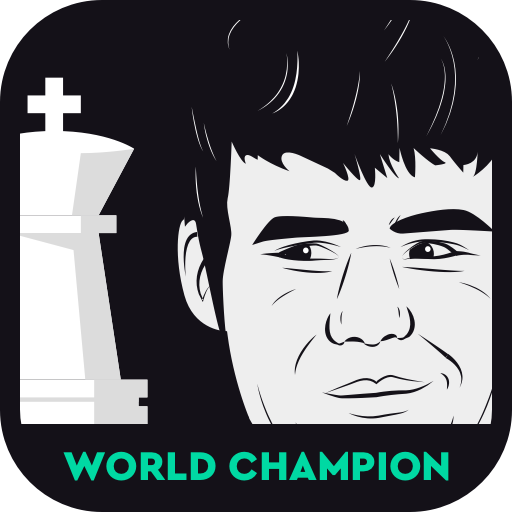
Download Play Magnus - Play Chess on PC with MEmu Android Emulator. Enjoy playing on big screen. Play and learn chess with the World Chess Champion, MAGNUS CARLSEN, today!
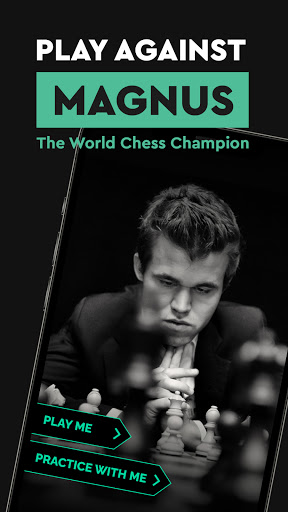
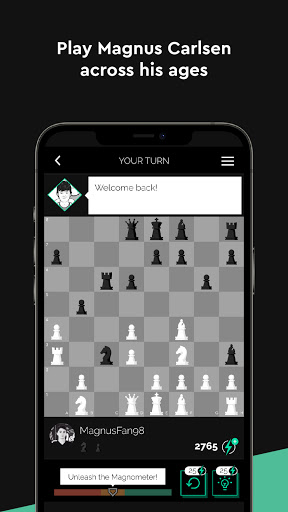
Play and learn chess with the World Chess Champion, MAGNUS CARLSEN, today!
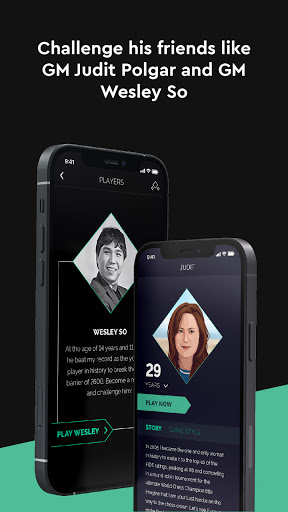
You can also play chess against his Grandmaster friends like Wesley So, World Fischer Random Chess Champion, and Judit Polgar, the greatest women chess player of all time.
Discover their stories while you challenge them at different ages. Expect some tongue-in-cheek banter during the games. Unlock achievements and earn rewards for playing.
Expect more Grandmasters to be introduced regularly, providing you with a fresh yet diverse chess experience.
A CHESS COACH IN YOUR POCKET
You can learn chess too, as we provide you with helpful hints in-game, take back pieces when errors are made, and use the Magnometer tool to guide you on the right and wrong decisions in the game.
To become the best, you must train with the best. Nothing feels better than having World Chess Champion Magnus Carlsen sit next to you and assist with your chess improvement. After walking you through the basics, Magnus starts sharing strategic tips and tactical tricks. Whether you aspire to become a Grandmaster or merely want to win your next game, his advice will prove invaluable to you. Also, expect to flex your mental muscles, as active learning is the key to success!
CONNECT WITH FRIENDS
Get detailed statistics on your performance. See how well your friends do and share your memorable games with them. Unlock achievements. Track your rating.
WANT MORE CHESS TRAINING?
Try our other award-winning app, Magnus Trainer, to get even more chess coaching from Magnus Carlsen himself. It’s a superb way to master chess with the reigning World Champion!
Or, if you are an ardent fan of solving mind-boggling chess puzzles, make sure to check out Tactics Frenzy – another app developed by a team of world-class chess experts led by Magnus Carlsen.
Show more

1. Download MEmu installer and finish the setup

2. Start MEmu then open Google Play on the desktop

3. Search Play Magnus - Play Chess in Google Play
Install
4. Download and Install Play Magnus - Play Chess
5. On install completion click the icon to start

6. Enjoy playing Play Magnus - Play Chess on PC with MEmu
MEmu Play is the best Android emulator and 100 million people already enjoy its superb Android gaming experience. The MEmu virtualization technology empowers you to play thousands of Android games smoothly on your PC, even the most graphic-intensive ones.
Bigger screen with better graphics; Long duration, without limitation of battery or mobile data.
Full Keymapping support for precise control of keyboard and mouse or gamepad.
Multiple game accounts or tasks on single PC at one time with Multi-Instance manager.
Play Play Magnus - Play Chess on PC by following steps: