Premium-RPG Chroma Quaternion
Updated
Current Version
1.2.4g
Offered By

With your passion for Premium-RPG Chroma Quaternion, you shouldn’t have to limit yourself to the small screen of a phone. Play like a pro and take full control of the game using a keyboard and mouse. MEmu gives you everything you’re looking for. Download and play Premium-RPG Chroma Quaternion on PC. Play as long as you want — no more worries about battery life, mobile data, or unexpected calls. The all-new MEmu 9 is the best way to play Premium-RPG Chroma Quaternion on PC. With our expertly designed keymapping system, Premium-RPG Chroma Quaternion feels just like a real PC game. The MEmu multi-instance manager lets you run two or more accounts on the same device at the same time. Most importantly, our exclusive emulation engine unlocks your PC’s full potential, delivering smooth and seamless performance.
Show more
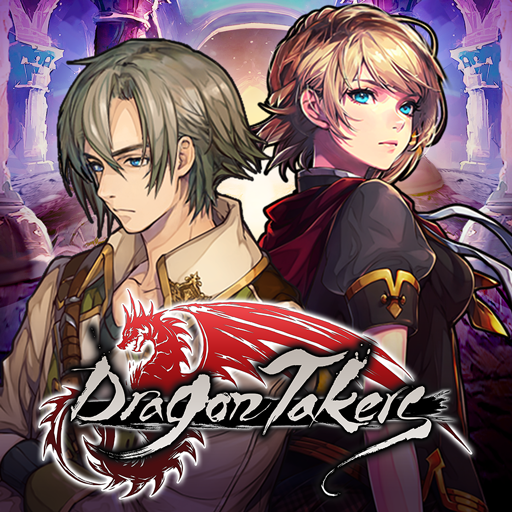
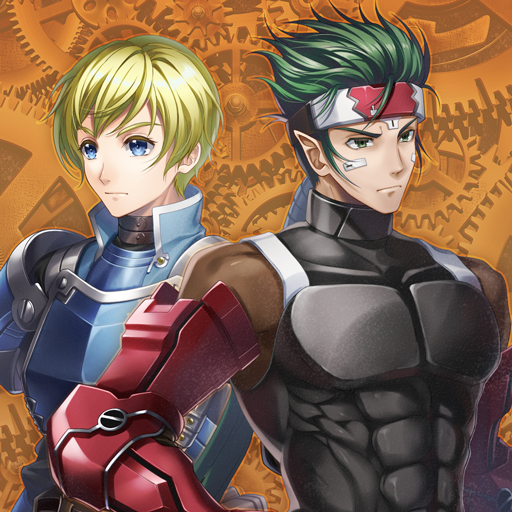
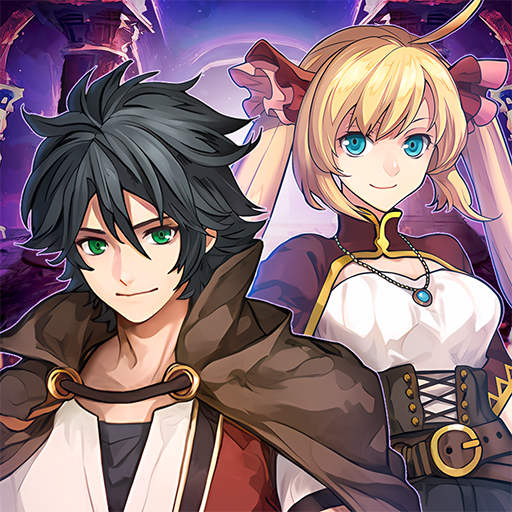
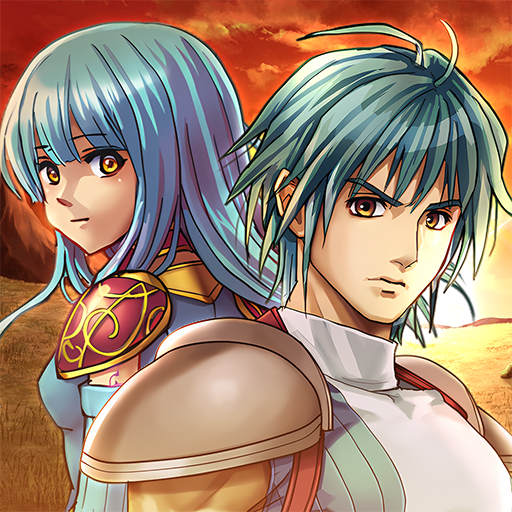
Download Premium-RPG Chroma Quaternion on PC with MEmu Android Emulator. Enjoy playing on big screen. In a world with four kingdoms, each colored by a season, where roles are granted by the Quadeities, strange happenings suddenly threaten the peace there.
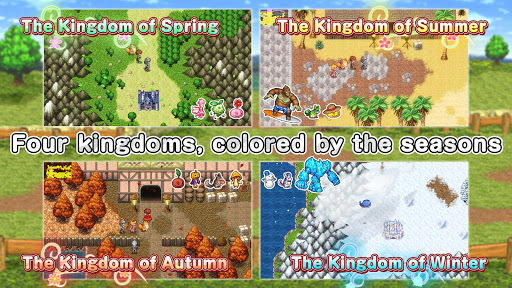
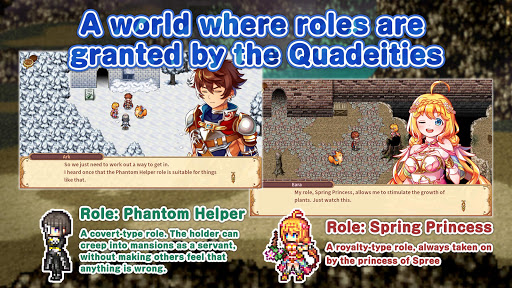
In a world with four kingdoms, each colored by a season, where roles are granted by the Quadeities, strange happenings suddenly threaten the peace there. A quest begins to find each one's calling in this intrigued fate and journey through the kingdoms to get to the bottom of the mystery!
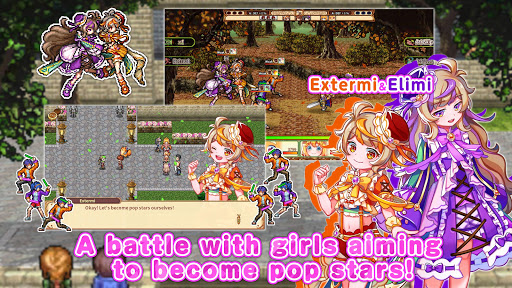
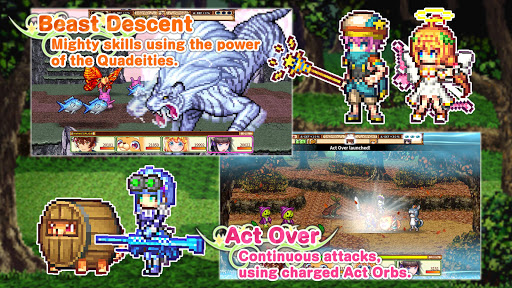
Make use of up to three roles per character to enjoy the variety in skills, effects and even costumes. In turn-based battles you can charge special orbs to use Act Over and launch up to four continuous actions. It's fun just to watch the charm of pixel arts in this fantasy JRPG!
[IMPORTANT NOTICE]
Your use of the application requires your agreement to the following EULA and 'Privacy Policy and Notice'. If you do not agree, please do not download our application.
End User License Agreement: http://kemco.jp/eula/index.html
Privacy Policy and Notice: http://www.kemco.jp/app_pp/privacy.html
[Supported OS]
- 7.0 and up
[Game Controller]
- Partially supported
[Languages]
- English, Japanese
[SD Card Storage]
- Enabled (Save backup/transfer are not supported.)
[Non-Supported Devices]
This app has generally been tested to work on any mobile device released in Japan. We cannot guarantee full support on other devices. If you have the Developer Options enabled in your device, please turn off the "Don't keep activities" option in case of any issue. On the title screen, a banner showing latest KEMCO games may be displayed but the game doesn't have any ads from 3rd parties.
Get the latest information!
[Newsletter]
http://kemcogame.com/c8QM
[Facebook page]
https://www.facebook.com/kemco.global
* The actual price might differ depending on the region.
© 2020 KEMCO/EXE-CREATE
Show more

1. Download MEmu installer and finish the setup

2. Start MEmu then open Google Play on the desktop

3. Search Premium-RPG Chroma Quaternion in Google Play
Install
4. Download and Install Premium-RPG Chroma Quaternion
5. On install completion click the icon to start

6. Enjoy playing Premium-RPG Chroma Quaternion on PC with MEmu
MEmu Play is the best Android emulator and 100 million people already enjoy its superb Android gaming experience. The MEmu virtualization technology empowers you to play thousands of Android games smoothly on your PC, even the most graphic-intensive ones.
Bigger screen with better graphics; Long duration, without limitation of battery or mobile data.
Full Keymapping support for precise control of keyboard and mouse or gamepad.
Multiple game accounts or tasks on single PC at one time with Multi-Instance manager.
Play Premium-RPG Chroma Quaternion on PC by following steps: