Ragnarok V : Returns
Updated
Current Version
6.01.32
Offered By

With your passion for Ragnarok V : Returns, you shouldn’t have to limit yourself to the small screen of a phone. Play like a pro and take full control of the game using a keyboard and mouse. MEmu gives you everything you’re looking for. Download and play Ragnarok V : Returns on PC. Play as long as you want — no more worries about battery life, mobile data, or unexpected calls. The all-new MEmu 9 is the best way to play Ragnarok V : Returns on PC. With our expertly designed keymapping system, Ragnarok V : Returns feels just like a real PC game. The MEmu multi-instance manager lets you run two or more accounts on the same device at the same time. Most importantly, our exclusive emulation engine unlocks your PC’s full potential, delivering smooth and seamless performance.
Show more
Download Ragnarok V : Returns on PC with MEmu Android Emulator. Enjoy playing on big screen. Ragnarok V : Returns Grand Open!
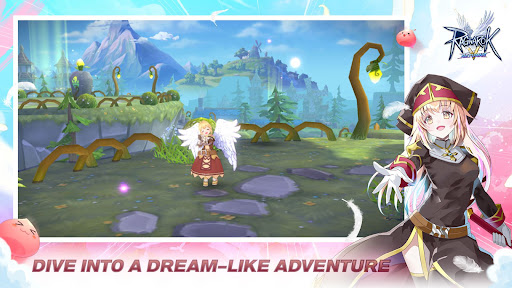
Ragnarok V : Returns Grand Open!
Gather Up Players!
■■■■ ■■■■
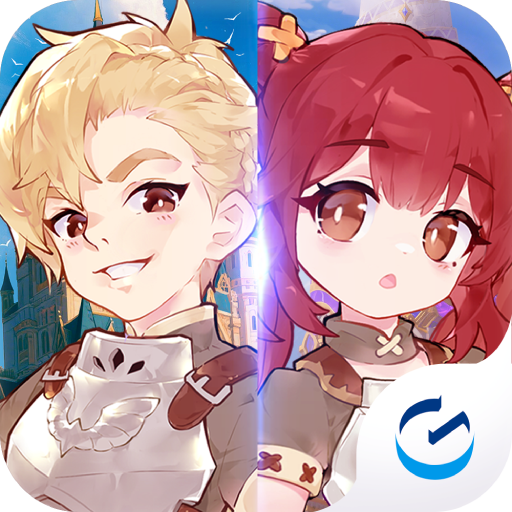
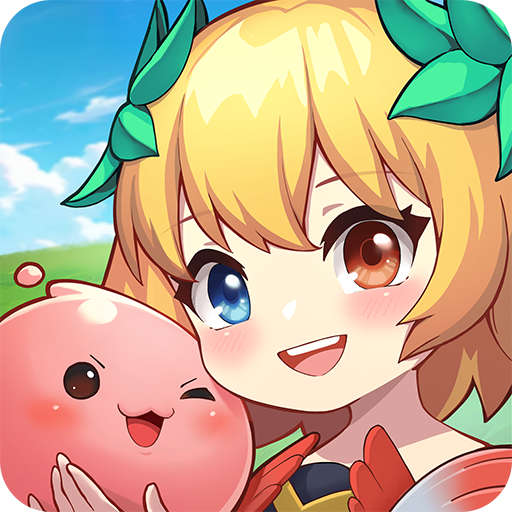
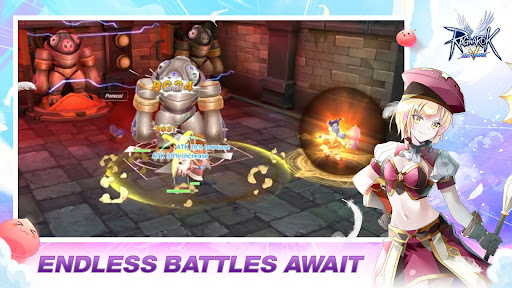
From legendary IP game: Ragnarok Online to the MMORPG 3D mobile game. Beautiful and cute cartoon-style, amazing skills, along with adorable voice over.
Ragnarok V: Return begins with players taking on the role of brave individuals preparing for the disaster of Ragnarok, which is set to devastate the human world. With the portal gate of monster now open, monsters invade the land of Midgard. It is the duty of every brave individual to protect the world.
Play and feel the vibe of the original.
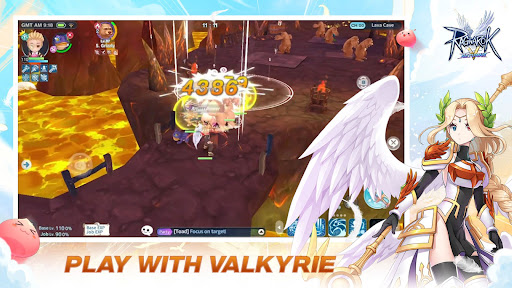
"Ragnarok: Valkyrie Uprising" Returns!
A new adventure with Valkyrie in Ragnarok is waiting for you.
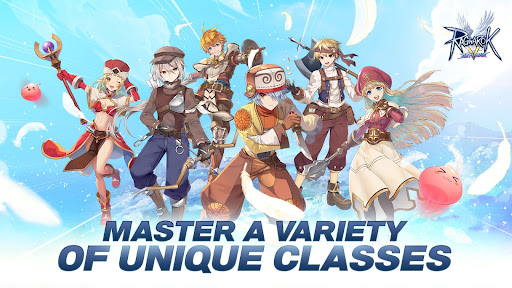
A variety of jobs to play
There are 6 main classes: Swordman, Archer, Mage, Thief, Acolyte, Merchant.
Find the job that suits you the best and hone your fighting skills.
Change your job for your own unique experience!
Lots of Character personalization options
Collect items and decorate your character.
Show us your style!
Companions join your adventure!
60 different Mercenaries and 26 types of Pets support your adventure.
Fight together and support each other!
Ragnarok V is more fun with friends!
Through various events with parties and guilds,
Meet new people and create long-lasting relationships.
Official Facebook Page
- https://www.facebook.com/ROVreturns
Official Website
- https://www.rov-sea.com/
====================================================
[Required Permissions]
Pictures/Media/File access:
To save files needed to run the game on the phone.
After agreeing to the access right, you can reset or revoke the access right as follows.
[To Change Permissions]
- Android 6.0 or above
Settings > Privacy > Permissions Manager > Select the needed permission > Set to Allow or Deny
- Below Android 6.0
Due to the nature of the operating system, it is impossible to revoke each access right; it is possible to revoke access rights only when the game is deleted.
We recommend you upgrade the Android version.
※ The app may not provide individual consent, and you can revoke access using the above method.
※ The app offers in-app purchases.
※ You can play smoothly on tablet devices.
You agree to our Terms of Service and Privacy Policy by downloading this game.
- Terms of Service: https://bit.ly/40EBk6i
- Privacy Policy: https://bit.ly/40FkYds
Show more

1. Download MEmu installer and finish the setup

2. Start MEmu then open Google Play on the desktop

3. Search Ragnarok V : Returns in Google Play
Install
4. Download and Install Ragnarok V : Returns
5. On install completion click the icon to start

6. Enjoy playing Ragnarok V : Returns on PC with MEmu
MEmu Play is the best Android emulator and 100 million people already enjoy its superb Android gaming experience. The MEmu virtualization technology empowers you to play thousands of Android games smoothly on your PC, even the most graphic-intensive ones.
Bigger screen with better graphics; Long duration, without limitation of battery or mobile data.
Full Keymapping support for precise control of keyboard and mouse or gamepad.
Multiple game accounts or tasks on single PC at one time with Multi-Instance manager.
Play Ragnarok V : Returns on PC by following steps: