Rope Hero: Original
Updated
Current Version
1.0.3
Offered By

With your passion for Rope Hero: Original, you shouldn’t have to limit yourself to the small screen of a phone. Play like a pro and take full control of the game using a keyboard and mouse. MEmu gives you everything you’re looking for. Download and play Rope Hero: Original on PC. Play as long as you want — no more worries about battery life, mobile data, or unexpected calls. The all-new MEmu 9 is the best way to play Rope Hero: Original on PC. With our expertly designed keymapping system, Rope Hero: Original feels just like a real PC game. The MEmu multi-instance manager lets you run two or more accounts on the same device at the same time. Most importantly, our exclusive emulation engine unlocks your PC’s full potential, delivering smooth and seamless performance.
Show more
Download Rope Hero: Original on PC with MEmu Android Emulator. Enjoy playing on big screen. Rope Hero: Vice Town Origin – The Classic Open-World Action Returns!
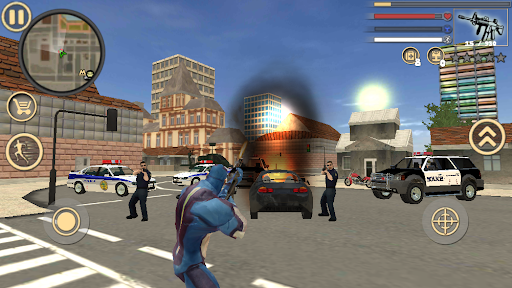
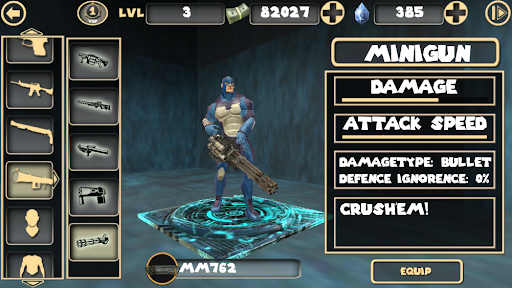
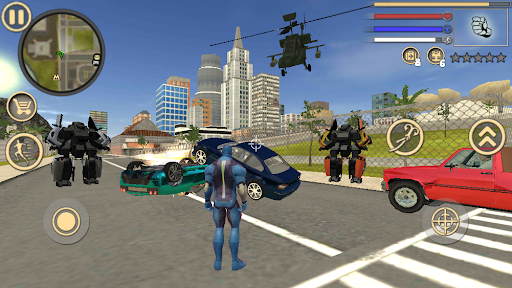
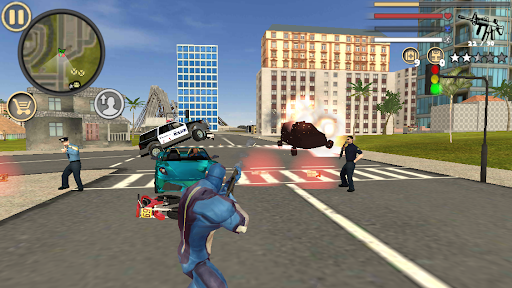
Rope Hero: Vice Town Origin – The Classic Open-World Action Returns!
Step back into the world of old Rope Hero and relive the action game that started it all!
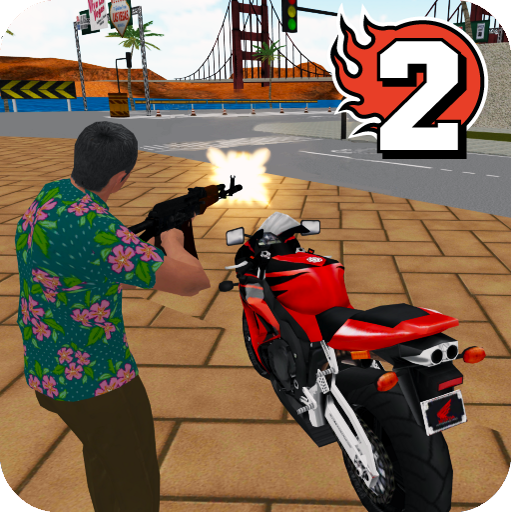
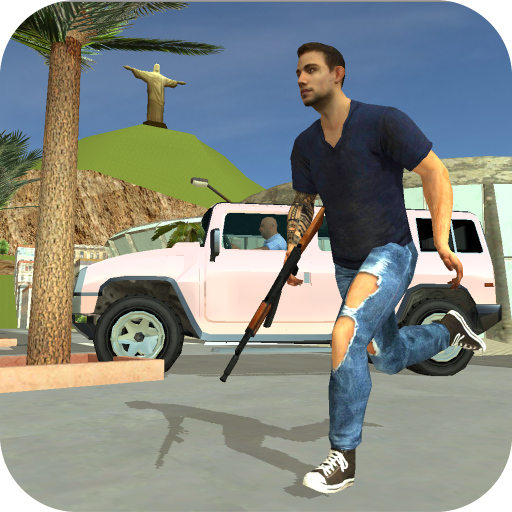
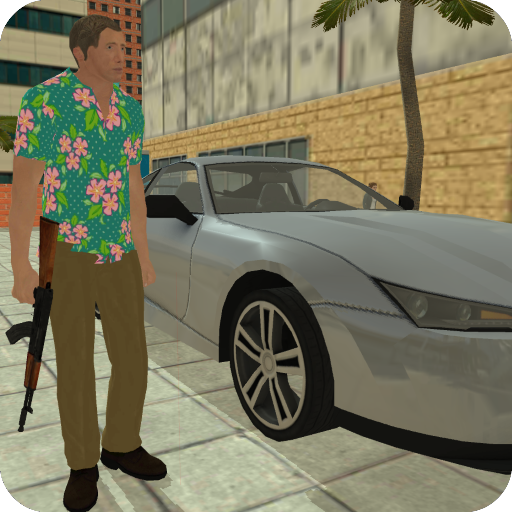
Rope Hero: Vice Town Origin brings back the classic gameplay, old-school graphics, and original mechanics that long-time fans love. This is your chance to experience the game as it was before the engine update, complete with exciting missions, intense battles, and a zombie arena.
Be the Original Rope Hero!
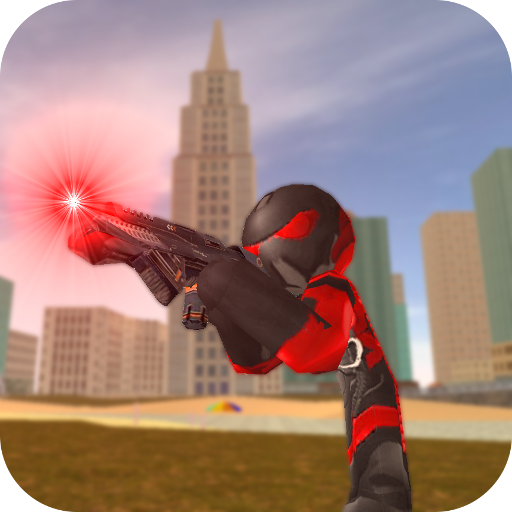
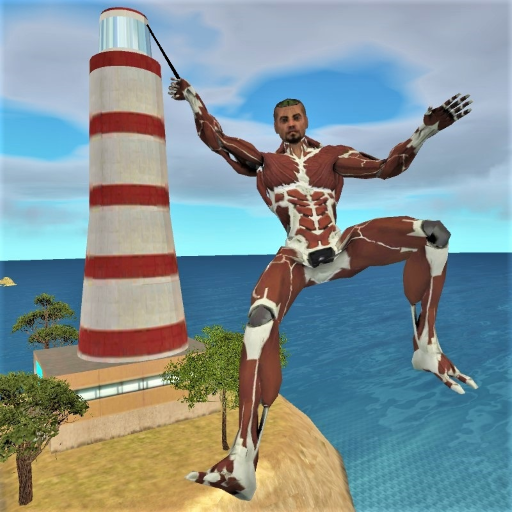
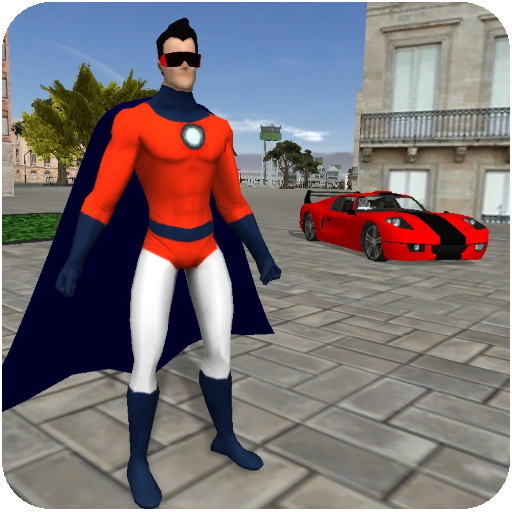
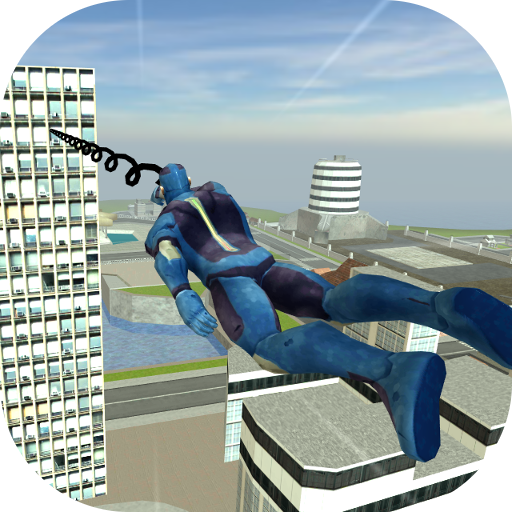
Play as the legendary blue hero, a superpowered vigilante with a rope that lets you swing across the city, climb buildings, and take down gangsters in explosive combat. Use your super powers to restore order or create chaos—your actions shape the story of the city!
Your rope powers give you unmatched mobility, allowing you to climb walls, escape dangerous situations, and perform incredible stunts. Use your super strength to eliminate gangsters and make a name for yourself in this vast open world.
Classic Action Gameplay
Explore a vast open world filled with crime city gangs, dangerous streets, and hidden secrets.
Defeat gangsters and claim your title as the ultimate hero or most feared outlaw.
Engage in epic battles using a wide arsenal of guns, melee weapons, and superpowers.
Experience nostalgic mechanics, realistic movement, and classic fighting controls.
From exciting car chases to intense street battles, every moment of the original Rope Hero is filled with action. Unravel the story of a blue hero in the authentic quest line of this superhero simulator!
Take on the Zombie Arena!
The zombie survival challenge awaits! Enter the arena battle and test your combat skills in two game modes:
Timed Survival – Fight against endless hordes of zombies for as long as you can.
Wave Mode – Eliminate groups of undead enemies to earn massive rewards.
Use your guns and superhero powers to survive the battle against undead. Every victory brings better gear and many other rewards!
Drive, Shoot, and Dominate the Streets
Steal and purchase various vehicles, then race through the city at top speed.
Choose from an arsenal of guns, from pistols to powerful rocket launchers.
Destroy criminal syndicates, mafia, and corrupt police in intense fights.
Upgrade your skills, improve your weapons, and become the most powerful hero in the game.
Rope Hero: Vice Town Origin Features:
⭐ Classic Graphics & Mechanics – Experience the original Vice Town before the update.
⭐ Authentic Rope Hero Feel – Swing, fight crime, and unleash your superhero powers!
⭐ Action Story – Engage in story missions, unexpected challenges, and epic battles.
⭐ Open-World Exploration – Discover hidden areas, complete side missions, and unlock secrets.
Rope Hero: Vice Town Origin is more than just a game—it’s a return to the old Rope Hero action game. Play the version that started it all and relive the excitement of a classic superhero simulator!
Download now and rule the crime city!
Show more

1. Download MEmu installer and finish the setup

2. Start MEmu then open Google Play on the desktop

3. Search Rope Hero: Original in Google Play
Install
4. Download and Install Rope Hero: Original
5. On install completion click the icon to start

6. Enjoy playing Rope Hero: Original on PC with MEmu
MEmu Play is the best Android emulator and 100 million people already enjoy its superb Android gaming experience. The MEmu virtualization technology empowers you to play thousands of Android games smoothly on your PC, even the most graphic-intensive ones.
Bigger screen with better graphics; Long duration, without limitation of battery or mobile data.
Full Keymapping support for precise control of keyboard and mouse or gamepad.
Multiple game accounts or tasks on single PC at one time with Multi-Instance manager.
Play Rope Hero: Original on PC by following steps: