RPG Alphadia F
Updated
Current Version
1.1.0g
Offered By

With your passion for RPG Alphadia F, you shouldn’t have to limit yourself to the small screen of a phone. Play like a pro and take full control of the game using a keyboard and mouse. MEmu gives you everything you’re looking for. Download and play RPG Alphadia F on PC. Play as long as you want — no more worries about battery life, mobile data, or unexpected calls. The all-new MEmu 9 is the best way to play RPG Alphadia F on PC. With our expertly designed keymapping system, RPG Alphadia F feels just like a real PC game. The MEmu multi-instance manager lets you run two or more accounts on the same device at the same time. Most importantly, our exclusive emulation engine unlocks your PC’s full potential, delivering smooth and seamless performance.
Show more
Download RPG Alphadia F on PC with MEmu Android Emulator. Enjoy playing on big screen. Embark on an epic fantasy JRPG adventure in the world of Valhalard, a planet created by the Divine Creator, Nal Tauzent and divided among four great nations.
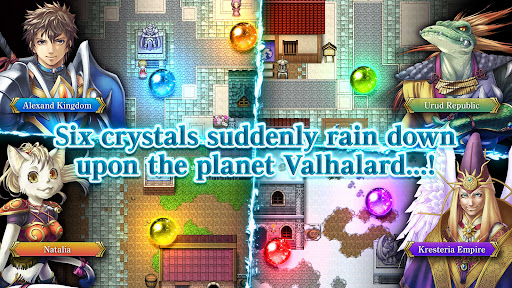
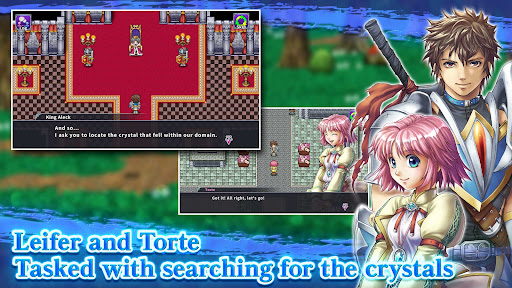
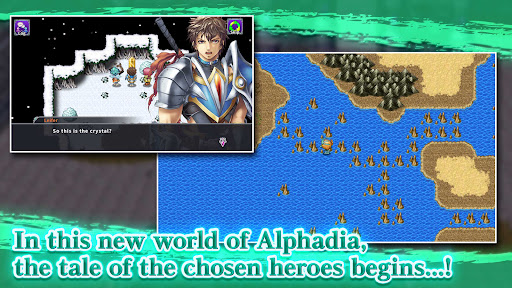
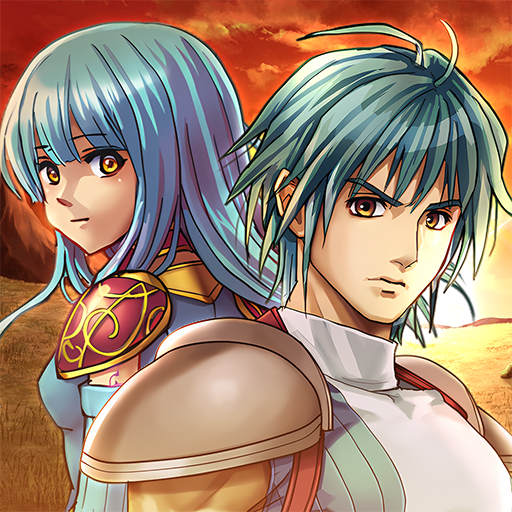
Embark on an epic fantasy JRPG adventure in the world of Valhalard, a planet created by the Divine Creator, Nal Tauzent and divided among four great nations. When six mysterious crystals suddenly fall from the sky in the year 6350 of the New Ceressia Era, peace collapses and chaos spreads across the land. Leifer, a captain in the 7th Knight Division of the Alexand Kingdom, and his childhood friend, the mage Torte, are tasked with investigating the crystals and the strange events surrounding their hometown. Joined by memorable allies from across the world, they set out on a journey that will uncover divine secrets and decide the fate of Valhalard in this classic turn-based fantasy RPG.
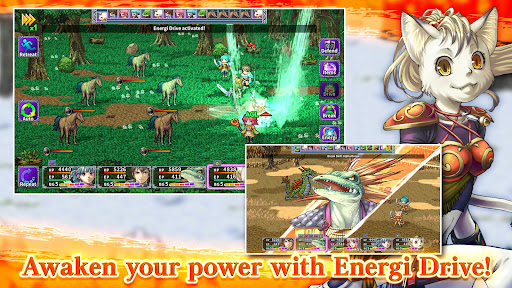
Experience strategic turn-based battles powered by the signature energi system of the Alphadia series. Build up the Break Gauge to unleash devastating Break Skills, and awaken hidden power through Energi Drive to gain massive stat boosts and unlock exclusive abilities. Gather ingredients during your travels and create powerful meals through both creative cooking and recipe-based systems. Featuring a large cast of heroes, vibrant fantasy settings, character progression, and fast-paced command battles, this remake of Alphadia IV delivers a nostalgic yet refined JRPG experience for fans of retro role-playing games and anime-inspired adventures.
* A Premium edition with 150 bonus Astral Stones is also available. https://play.google.com/store/apps/details?id=kemco.execreate.alphadia4premium (Save data cannot be transferred between the Premium and Freemium editions.)
[IMPORTANT NOTICE]
Your use of the application requires your agreement to the following EULA and 'Privacy Policy and Notice'. If you do not agree, please do not download our application.
End User License Agreement: http://kemco.jp/eula/index.html
Privacy Policy and Notice: http://www.kemco.jp/app_pp/privacy.html
[Game Controller]
- Optimized
[Languages]
- English (Coming Soon), Japanese
[Non-Supported Devices]
This app has generally been tested to work on any mobile device released in Japan. We cannot guarantee full support on other devices. If you have the Developer Options enabled in your device, please turn off the "Don't keep activities" option in case of any issue.
Get the latest information!
[Newsletter]
http://kemcogame.com/c8QM
[Facebook page]
https://www.facebook.com/kemco.global
*The actual price might differ depending on the region.
© 2010-2026 KEMCO/EXE-CREATE
Show more

1. Download MEmu installer and finish the setup

2. Start MEmu then open Google Play on the desktop

3. Search RPG Alphadia F in Google Play
Install
4. Download and Install RPG Alphadia F
5. On install completion click the icon to start

6. Enjoy playing RPG Alphadia F on PC with MEmu
MEmu Play is the best Android emulator and 100 million people already enjoy its superb Android gaming experience. The MEmu virtualization technology empowers you to play thousands of Android games smoothly on your PC, even the most graphic-intensive ones.
Bigger screen with better graphics; Long duration, without limitation of battery or mobile data.
Full Keymapping support for precise control of keyboard and mouse or gamepad.
Multiple game accounts or tasks on single PC at one time with Multi-Instance manager.
Play RPG Alphadia F on PC by following steps: