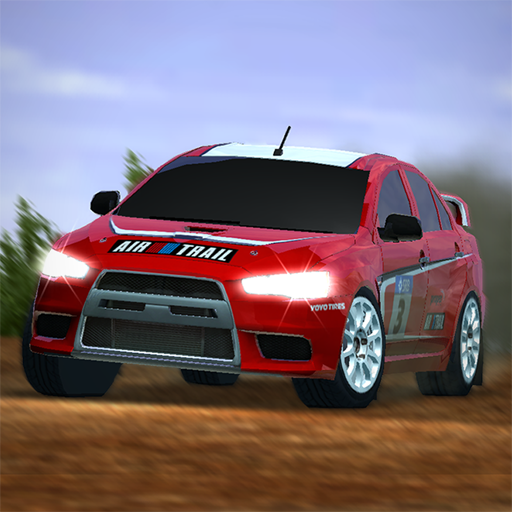
Rush Rally 2
Updated
Current Version
1.171
Offered By

With your passion for Rush Rally 2, you shouldn’t have to limit yourself to the small screen of a phone. Play like a pro and take full control of the game using a keyboard and mouse. MEmu gives you everything you’re looking for. Download and play Rush Rally 2 on PC. Play as long as you want — no more worries about battery life, mobile data, or unexpected calls. The all-new MEmu 9 is the best way to play Rush Rally 2 on PC. With our expertly designed keymapping system, Rush Rally 2 feels just like a real PC game. The MEmu multi-instance manager lets you run two or more accounts on the same device at the same time. Most importantly, our exclusive emulation engine unlocks your PC’s full potential, delivering smooth and seamless performance.
Show more
Download Rush Rally 2 on PC with MEmu Android Emulator. Enjoy playing on big screen. Race the most authentic rally simulation on your mobile at an astounding 60fps.
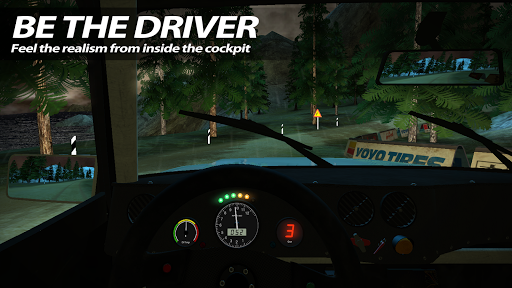
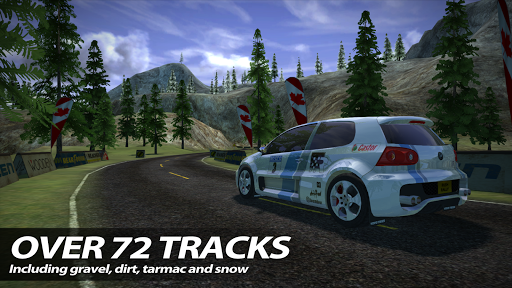
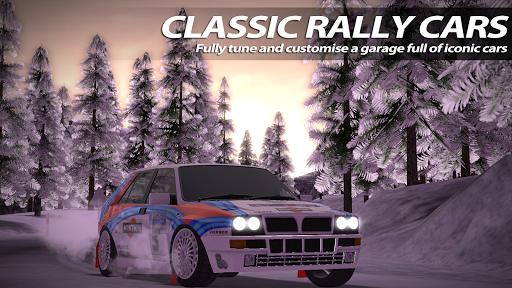
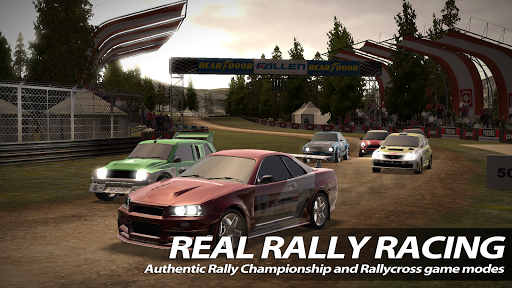
Race the most authentic rally simulation on your mobile at an astounding 60fps. Console quality racing on your mobile!
-- This app has NO in-app purchases and NO adverts ensure you are connected and online with google play when you first play it --
RACE IN ALL CONDITIONS OVER LOADS OF TRACKS!
Race at night or day in rain or snow! Rally through 8 Countries, over 72 unique stages each with different surface types including snow, gravel, tarmac and dirt.
WORLD RALLY CHAMPIONSHIP RACING!
Authentic Rally Championship and Rallycross game modes. Compete in a full championship on A-B stages or go metal-to-metal with other cars in Rallycross.
CUSTOMISE YOUR RIDE!
A garage full of cars waiting to be driven and tuned. The best car dynamics model to date on a mobile platform from over 10 years experience on AAA games!
COMPETE WITH FRIENDS!
Connect to Facebook or Googleplay, race against your friends ghosts at any time you like! Even race against the best players ghosts across the world!
EXPERIENCE THE THRILL OF OUR SKILL GAME MODES!
Feel the rush by taking on a selection of our mini games, race through roadworks, dodge missiles and even pull trailers.
OPTIMISED FOR TOUCH!
A control system designed specifically for touch devices mean racing becomes more fun and consistent, with the ability to scale, move and swap buttons to suit your needs.
TILT SUPPORT!
Don't like touch, you can still use tilt or a controller!
CONTROLLER SUPPORTED
Full controller support for those who want to push their skills that little bit further!
- Awaiting arrival of problematic controllers so I can fix this, will keep you posted! -
ANDROID TV SUPPORTED
Full Android TV support, including NVIDIA Shield TV capable of maximum graphics at 60fps
-- 60fps is only possible on top end devices due to graphical limitations --
Show more

1. Download MEmu installer and finish the setup

2. Start MEmu then open Google Play on the desktop

3. Search Rush Rally 2 in Google Play
Install
4. Download and Install Rush Rally 2
5. On install completion click the icon to start

6. Enjoy playing Rush Rally 2 on PC with MEmu
MEmu Play is the best Android emulator and 100 million people already enjoy its superb Android gaming experience. The MEmu virtualization technology empowers you to play thousands of Android games smoothly on your PC, even the most graphic-intensive ones.
Bigger screen with better graphics; Long duration, without limitation of battery or mobile data.
Full Keymapping support for precise control of keyboard and mouse or gamepad.
Multiple game accounts or tasks on single PC at one time with Multi-Instance manager.
Play Rush Rally 2 on PC by following steps: