Persona5: The Phantom X™
Updated
Current Version
1.0.0
Offered By

With your passion for Persona5: The Phantom X™, you shouldn’t have to limit yourself to the small screen of a phone. Play like a pro and take full control of the game using a keyboard and mouse. MEmu gives you everything you’re looking for. Download and play Persona5: The Phantom X™ on PC. Play as long as you want — no more worries about battery life, mobile data, or unexpected calls. The all-new MEmu 9 is the best way to play Persona5: The Phantom X™ on PC. With our expertly designed keymapping system, Persona5: The Phantom X™ feels just like a real PC game. The MEmu multi-instance manager lets you run two or more accounts on the same device at the same time. Most importantly, our exclusive emulation engine unlocks your PC’s full potential, delivering smooth and seamless performance.
Show more
Download Persona5: The Phantom X™ on PC with MEmu Android Emulator. Enjoy playing on big screen. 《Persona5: The Phantom X》 launches on July 3 at 10:00 AM (GMT+8)!


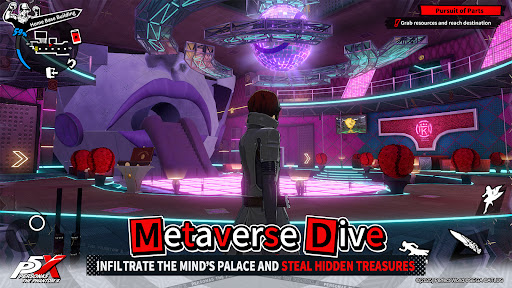

《Persona5: The Phantom X》 launches on July 3 at 10:00 AM (GMT+8)!
Exciting launch events and exclusive collabs await!
Don’t miss out on free character gacha tickets and weapon draws!
TGS 2024 Japan Game Awards: Future Games Category Winner!
Dive deeper into the shadows of the Metaverse... and unmask the story of Persona5: The Phantom X! The latest anime style JRPG in the Persona franchise by Atlus!
Story
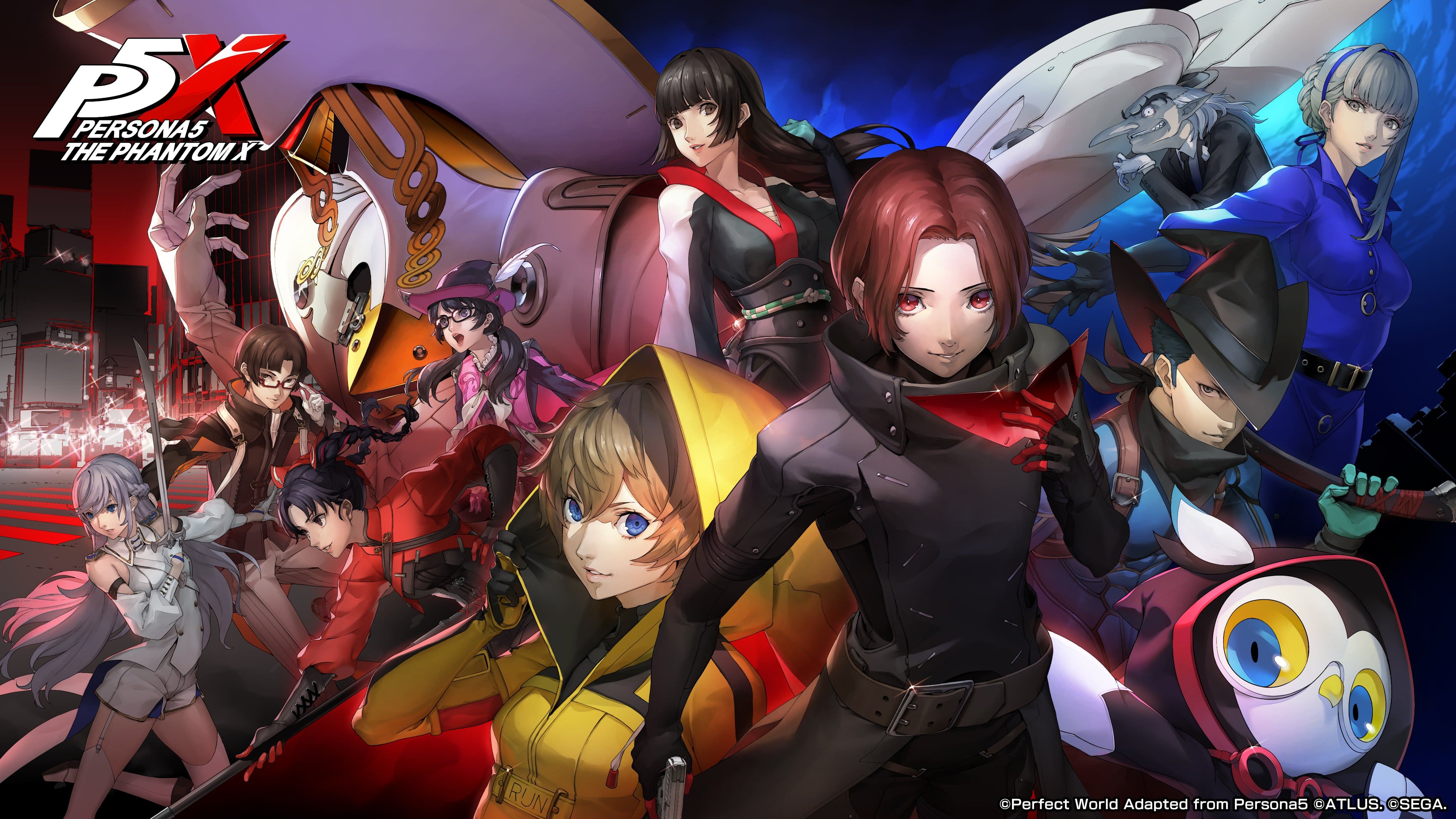
After awakening from a nightmare, the protagonist is thrust into a changed world drained of hope... And the new faces he encounters are no less strange: an eloquent owl named Lefaye, a long-nosed man and a beauty donned in blue. As he navigates the mysterious realms of the Metaverse and the Velvet Room, and grapples with ruinous visions that threaten his everyday life, he must discover what there is to take from this new world—and all in true Phantom Thief style.
Follow our official channels for the latest updates:
Facebook Page: https://www.facebook.com/P5XSEA/
Facebook Group: https://www.facebook.com/groups/p5xsea
YouTube: https://www.youtube.com/@P5XSEA
Instagram: https://www.instagram.com/p5xsea/
TikTok: https://www.tiktok.com/@p5xsea
X : https://x.com/P5XSEA
Become one of the Phantom Thieves—join our official Discord!
https://discord.com/invite/8NurAJ6YKT
【Notices】
• IWPLAY WORLD (艾玩天地) is the official publisher of 《Persona5: The Phantom X》 in Thailand, Singapore, Malaysia, Indonesia and the Philippines.
• The game contains themes of violence and suggestive content.
• All game content is fictional. Please play responsibly and avoid unhealthy or inappropriate imitation.
• Some content requires in-app purchases. Do not use third-party top-up services to avoid legal issues.
• The game supports switching between English and Simplified Chinese display.
Show more

1. Download MEmu installer and finish the setup

2. Start MEmu then open Google Play on the desktop

3. Search Persona5: The Phantom X™ in Google Play
Install
4. Download and Install Persona5: The Phantom X™
5. On install completion click the icon to start

6. Enjoy playing Persona5: The Phantom X™ on PC with MEmu
MEmu Play is the best Android emulator and 100 million people already enjoy its superb Android gaming experience. The MEmu virtualization technology empowers you to play thousands of Android games smoothly on your PC, even the most graphic-intensive ones.
Bigger screen with better graphics; Long duration, without limitation of battery or mobile data.
Full Keymapping support for precise control of keyboard and mouse or gamepad.
Multiple game accounts or tasks on single PC at one time with Multi-Instance manager.
Play Persona5: The Phantom X™ on PC by following steps: