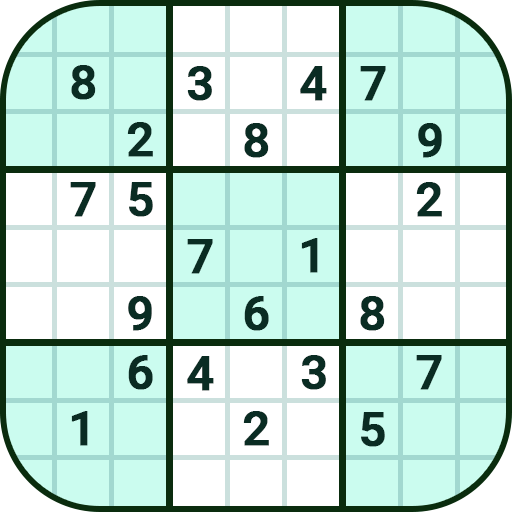
Sudoku
Updated
Current Version
1.0.1
Offered By

With your passion for Sudoku, you shouldn’t have to limit yourself to the small screen of a phone. Play like a pro and take full control of the game using a keyboard and mouse. MEmu gives you everything you’re looking for. Download and play Sudoku on PC. Play as long as you want — no more worries about battery life, mobile data, or unexpected calls. The all-new MEmu 9 is the best way to play Sudoku on PC. With our expertly designed keymapping system, Sudoku feels just like a real PC game. The MEmu multi-instance manager lets you run two or more accounts on the same device at the same time. Most importantly, our exclusive emulation engine unlocks your PC’s full potential, delivering smooth and seamless performance.
Show more
Download Sudoku on PC with MEmu Android Emulator. Enjoy playing on big screen. Sudoku is a popular classic math number game loved by players of all ages!
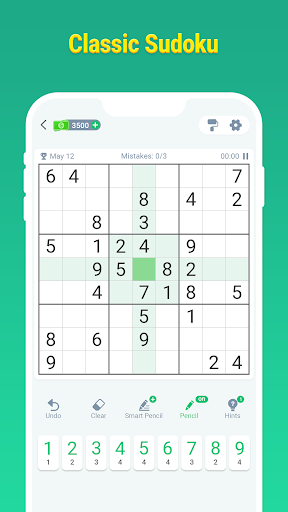

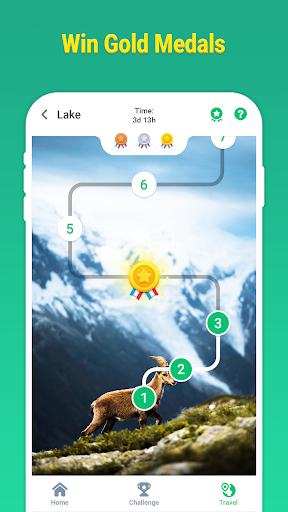
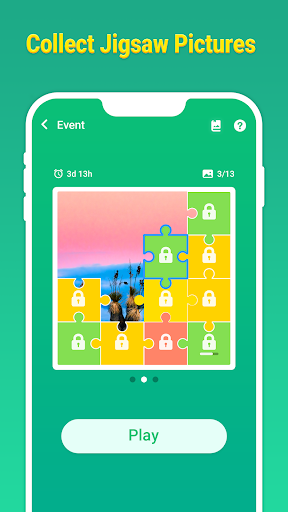
Sudoku is a popular classic math number game loved by players of all ages! Whether you want to pass the time, exercise your brain, or improve your math and logical thinking, our classic Sudoku puzzle game is your top choice!
In this classic Sudoku game, we offer 8 different difficulty levels, ensuring that players of all skill levels can find their enjoyment. We have prepared over 10,000+ unique Sudoku puzzles to provide you with endless fun!
If you're new to Sudoku puzzle games, you can practice in easy mode and learn Sudoku techniques with smart hints. With continuous practice, you can take on more advanced challenges!
If you're a Sudoku expert, then challenge yourself with the expert mode! We also offer even more challenging 12x12 and 16x16 modes. Utilize comprehensive game statistics to further hone your skills and push your limits!
The puzzle events in this classic Sudoku puzzle game offer you even more fun. While exercising your brain,
you can collect beautiful postcards and badges!
Playing this classic Sudoku puzzle game is a relaxing process that helps relieve stress and is the perfect choice for leisure time! Additionally, these Sudoku number games can enhance memory and logical abilities. Regular Sudoku math training is an effective way to keep your mind sharp!
Key features in this game:
• Exclusive Puzzles: Over 10,000 Sudoku puzzles with continuous updates.
• Multiple Difficulty Levels: Choose from 8 different difficulty levels, catering to beginners and experts alike.
• Daily Challenges: New daily challenge levels with exclusive rewards.
• Puzzle Events: Regular puzzle events where you can collect beautiful postcards by collecting Sudoku jigsaw pieces.
• Level Statistics: You can find your level history and extraordinary achievements here, and then you can challenge yourself.
• Eye Protection Mode: Select theme colors that suit different lighting conditions for a more comfortable experience.
• Smart Hints: Detailed solving techniques provided while tackling problems.
• Smart Notes: Quickly fill in notes, saving time and effort.
• Highlight Assistance: Various highlighting options to make puzzles clear.
• Free offline puzzles: Play this perfect Sudoku puzzle game anytime anywhere even without network.
Play this perfect Sudoku puzzle game now!
Show more

1. Download MEmu installer and finish the setup

2. Start MEmu then open Google Play on the desktop

3. Search Sudoku in Google Play
Install
4. Download and Install Sudoku
5. On install completion click the icon to start

6. Enjoy playing Sudoku on PC with MEmu
MEmu Play is the best Android emulator and 100 million people already enjoy its superb Android gaming experience. The MEmu virtualization technology empowers you to play thousands of Android games smoothly on your PC, even the most graphic-intensive ones.
Bigger screen with better graphics; Long duration, without limitation of battery or mobile data.
Full Keymapping support for precise control of keyboard and mouse or gamepad.
Multiple game accounts or tasks on single PC at one time with Multi-Instance manager.
Play Sudoku on PC by following steps: