SUPER ROBOT WARS Y
Updated
Current Version
Offered By

With your passion for SUPER ROBOT WARS Y, you shouldn’t have to limit yourself to the small screen of a phone. Play like a pro and take full control of the game using a keyboard and mouse. MEmu gives you everything you’re looking for. Download and play SUPER ROBOT WARS Y on PC. Play as long as you want — no more worries about battery life, mobile data, or unexpected calls. The all-new MEmu 9 is the best way to play SUPER ROBOT WARS Y on PC. With our expertly designed keymapping system, SUPER ROBOT WARS Y feels just like a real PC game. The MEmu multi-instance manager lets you run two or more accounts on the same device at the same time. Most importantly, our exclusive emulation engine unlocks your PC’s full potential, delivering smooth and seamless performance.
Show more
Download SUPER ROBOT WARS Y on PC with MEmu Android Emulator. Enjoy playing on big screen. SUPER ROBOT WARS Y is a grid-based tactical combat RPG that merges iconic units and pilots from various beloved anime series into one epic battle experience.
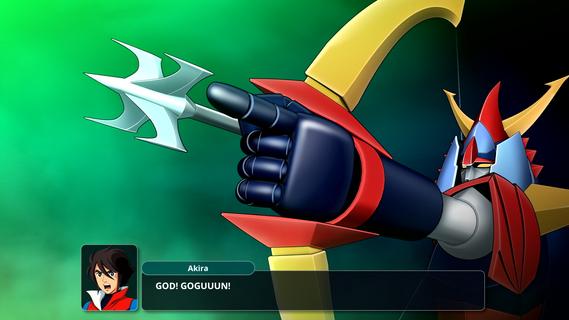
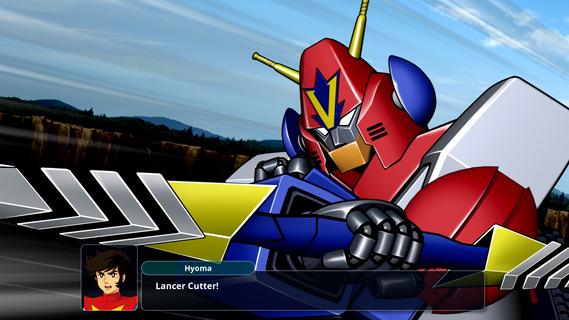
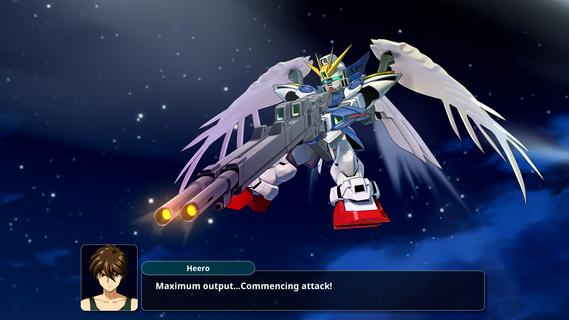
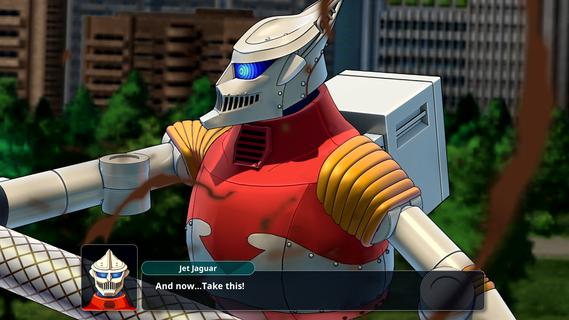
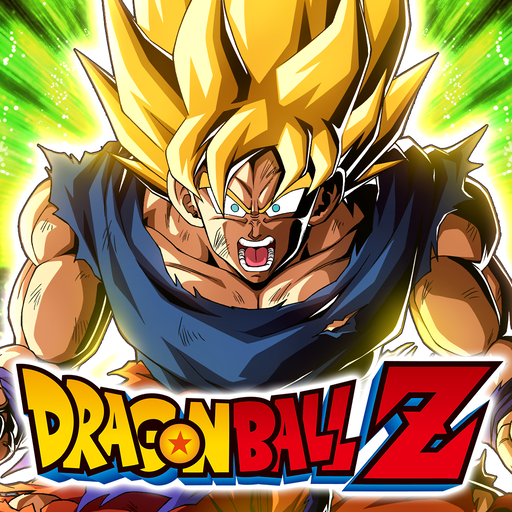
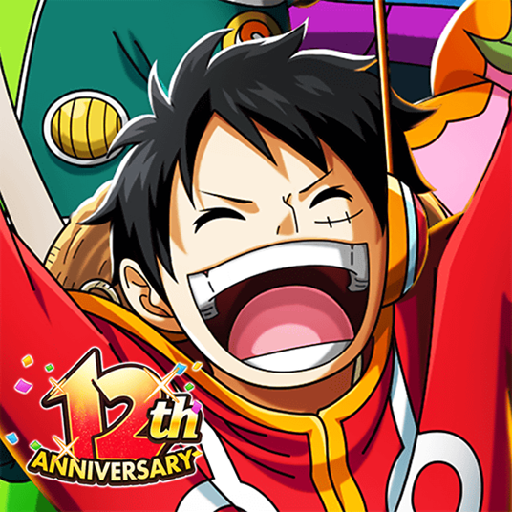
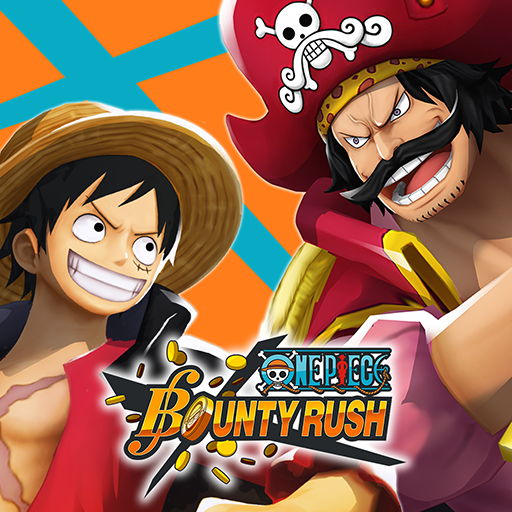
SUPER ROBOT WARS Y is a grid-based tactical combat RPG that merges iconic units and pilots from various beloved anime series into one epic battle experience. Players strategically position their units and command them against formidable foes, while upgrading each unit and training pilots using resources gained from missions. The new Assist Link system allows sidekick characters to join in on missions, enhancing gameplay depth. Engage in grand, lore-rich battles that promise thrilling encounters across multiple series! Features of SUPER ROBOT WARS Y - Strategic Tactical Combat: Players must carefully plan their movements on a grid-based map to outperform enemies. Each unit has unique abilities, making the placement and timing of attacks crucial. The tactical depth engages players as they devise strategies to leverage their team’s strengths against a variety of foes. - Assist Link System: The new Assist Link system allows beloved sidekick characters to join the fray during missions. This innovative feature enables players to enhance their abilities and create dynamic combinations with primary heroes. It adds significant tactical options and personalization to combat strategies. - Diverse Anime Series Crossovers: SUPER ROBOT WARS Y features a rich roster, incorporating units and pilots from iconic anime like Mobile Suit Gundam, Mazinkaiser, and Code Geass. The diversity leads to epic battles and scenarios, appealing to fans of various franchises. Players can enjoy legendary clashes that showcase their favorite characters in unique ways. - Mission Progression and Upgrades: Players earn credits and resources after each mission, allowing for unit upgrades and pilot training. This progression system motivates players to continue engaging with the game and enhance their teams for tougher challenges. Each victory feels rewarding as you build stronger characters and units. - Rich Lore and Storytelling: Embark on an immersive journey through a new saga filled with lore and narrative depth. The game invites players to explore the intricate storylines behind different series, providing context to battles and character interactions. Fans will appreciate the rich storytelling that enhances their gaming experience.
Show more

1. Download MEmu installer and finish the setup

2. Start MEmu then open Google Play on the desktop

3. Search SUPER ROBOT WARS Y in Google Play
Install
4. Download and Install SUPER ROBOT WARS Y
5. On install completion click the icon to start

6. Enjoy playing SUPER ROBOT WARS Y on PC with MEmu
MEmu Play is the best Android emulator and 100 million people already enjoy its superb Android gaming experience. The MEmu virtualization technology empowers you to play thousands of Android games smoothly on your PC, even the most graphic-intensive ones.
Bigger screen with better graphics; Long duration, without limitation of battery or mobile data.
Full Keymapping support for precise control of keyboard and mouse or gamepad.
Multiple game accounts or tasks on single PC at one time with Multi-Instance manager.
Play SUPER ROBOT WARS Y on PC by following steps: