
The Black Cat
Updated
Current Version
1732073866
Offered By

With your passion for The Black Cat, you shouldn’t have to limit yourself to the small screen of a phone. Play like a pro and take full control of the game using a keyboard and mouse. MEmu gives you everything you’re looking for. Download and play The Black Cat on PC. Play as long as you want — no more worries about battery life, mobile data, or unexpected calls. The all-new MEmu 9 is the best way to play The Black Cat on PC. With our expertly designed keymapping system, The Black Cat feels just like a real PC game. The MEmu multi-instance manager lets you run two or more accounts on the same device at the same time. Most importantly, our exclusive emulation engine unlocks your PC’s full potential, delivering smooth and seamless performance.
Show more
Download The Black Cat on PC with MEmu Android Emulator. Enjoy playing on big screen. ■ MazM Membership ■.
■ MazM Membership ■
If you are subscribed to MazM Membership, log in with the same ID to access all content of this game for free.
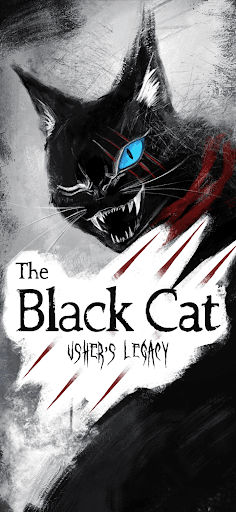
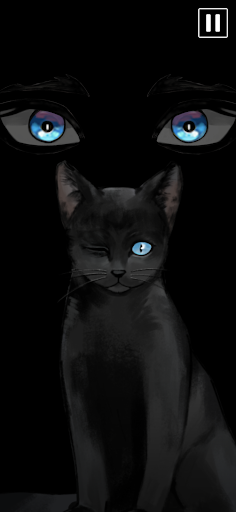
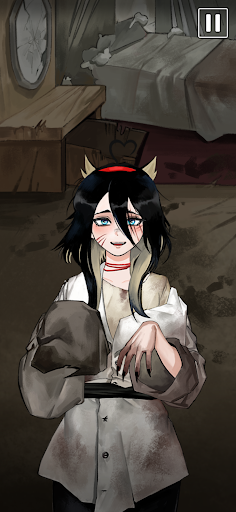
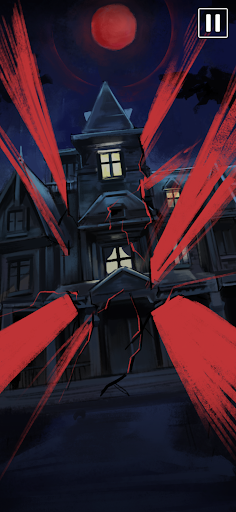
"The Black Cat" is a mystery thriller story game inspired by "The Black Cat" and "The Fall of the House of Usher," two classic horror tales by American author Edgar Allan Poe. This game reinterprets the themes of "death" and "evil" present in Poe's literature and life through a modern lens, allowing players to explore a suspenseful journey through hidden tragedies and shadows.
Edgar Allan Poe's works delve into more than just horror; they explore death, evil, mystery, and the darkness within. Poe, who faced the deaths of his parents and other loved ones at a young age, was deeply familiar with loss, and he constantly confronted dark themes in his literature, weaving them seamlessly into his stories. His works reflect death creeping into the ordinary and the dark depths of the human psyche.
In "The Black Cat," we delve into the "evil" referenced in "The Black Cat" and the overarching theme of "death" that permeates his work, viewing it through a modern lens in 2024. Each person's view of death and evil may differ from Poe's, but we took inspiration from "The Fall of the House of Usher," "The Black Cat," and "The Tell-Tale Heart" to craft a story unique to MazM. Adding imaginative elements to the Usher family's characteristics, the resulting narrative is more complex and intense than our previous work, "Kafka's Metamorphosis."
As players uncover the hidden secrets and dark world present in "The Black Cat" and "The Fall of the House of Usher," they will investigate the roots of evil and encounter hidden scars of a haunting past. Join this chilling journey through past horrors lurking behind present fears, and rediscover Poe’s world of cruel fate and internal conflict in a suspenseful, psychological storyline.
In the first half of 2025, we are preparing a new experience based on Shakespeare's "Romeo and Juliet." Expect a story quite different from "The Black Cat" and look forward to what’s next!
Show more

1. Download MEmu installer and finish the setup

2. Start MEmu then open Google Play on the desktop

3. Search The Black Cat in Google Play
Install
4. Download and Install The Black Cat
5. On install completion click the icon to start

6. Enjoy playing The Black Cat on PC with MEmu
MEmu Play is the best Android emulator and 100 million people already enjoy its superb Android gaming experience. The MEmu virtualization technology empowers you to play thousands of Android games smoothly on your PC, even the most graphic-intensive ones.
Bigger screen with better graphics; Long duration, without limitation of battery or mobile data.
Full Keymapping support for precise control of keyboard and mouse or gamepad.
Multiple game accounts or tasks on single PC at one time with Multi-Instance manager.
Play The Black Cat on PC by following steps: