TwoPlayerGames 2 3 4 Player
Updated
Current Version
1.7.1
Offered By

With your passion for TwoPlayerGames 2 3 4 Player, you shouldn’t have to limit yourself to the small screen of a phone. Play like a pro and take full control of the game using a keyboard and mouse. MEmu gives you everything you’re looking for. Download and play TwoPlayerGames 2 3 4 Player on PC. Play as long as you want — no more worries about battery life, mobile data, or unexpected calls. The all-new MEmu 9 is the best way to play TwoPlayerGames 2 3 4 Player on PC. With our expertly designed keymapping system, TwoPlayerGames 2 3 4 Player feels just like a real PC game. The MEmu multi-instance manager lets you run two or more accounts on the same device at the same time. Most importantly, our exclusive emulation engine unlocks your PC’s full potential, delivering smooth and seamless performance.
Show more
Download TwoPlayerGames 2 3 4 Player on PC with MEmu Android Emulator. Enjoy playing on big screen. * Official Twoplayergames.
* Official Twoplayergames.org Mobile App
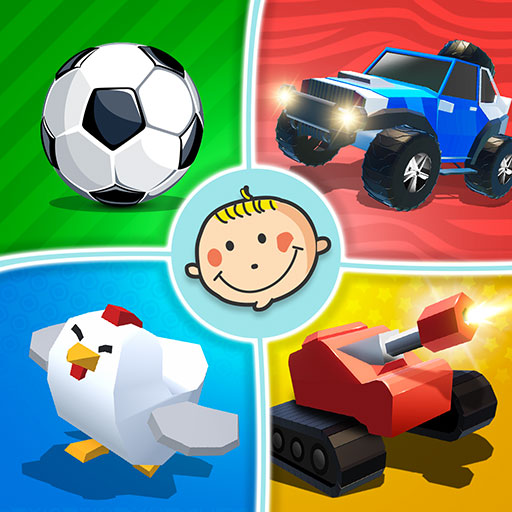
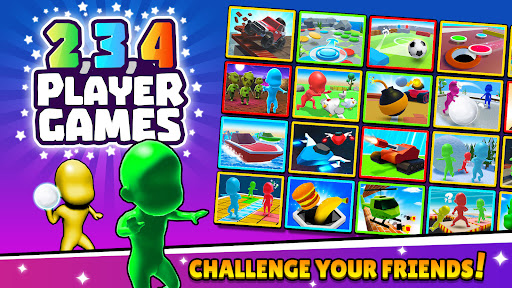
Two Player Games presents 2 player and multiplayer games that can be played with up to 4 player. (Without wifi or internet!) It is very simple but very fun to play all the games with your mobile phone or tablet.
Features;
• All games can be played by 2 3 4 Player!
• Play with your friends for fun times
• Offline mode (Playable even without internet.)
• More than 20 games (New mini games are coming…)
• Suitable for everyone with it’s easy to play
The Following Games Are Included;
Funny 3D Stickman Games
- Paint Run
- Cross Road
- Zombie Escape
- Snow Slide
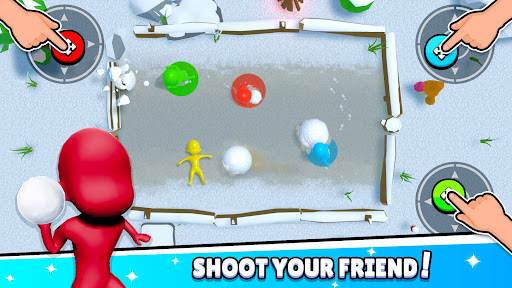
- Snow Balls
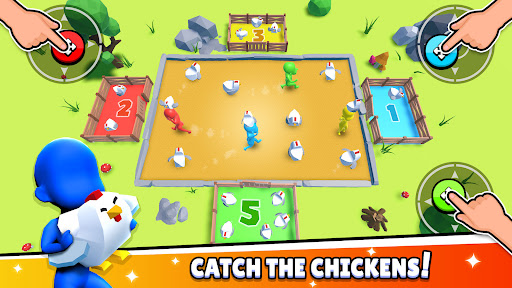
- Catch The Chickens
Reaction Games for Challenges
- Car Battles
- Heli Fights
- Pong Party
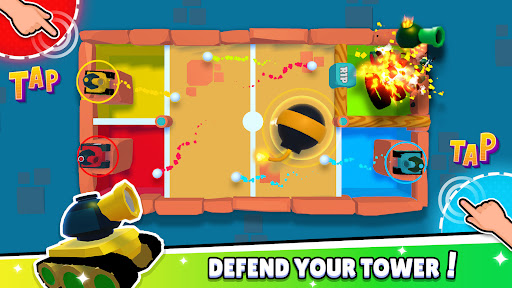
- Tank Wars
- Tap Tap Boats
- Space Wars
- Push The Bomb
Board and Platform Games
- Connect 4
- Push The Coins
- Fun Curling
- Match Pairs
- Fun Memory
- Slide Race
Do not forget to share all your opinions and suggestions with us in the comments section...
Show more

1. Download MEmu installer and finish the setup

2. Start MEmu then open Google Play on the desktop

3. Search TwoPlayerGames 2 3 4 Player in Google Play
Install
4. Download and Install TwoPlayerGames 2 3 4 Player
5. On install completion click the icon to start

6. Enjoy playing TwoPlayerGames 2 3 4 Player on PC with MEmu
MEmu Play is the best Android emulator and 100 million people already enjoy its superb Android gaming experience. The MEmu virtualization technology empowers you to play thousands of Android games smoothly on your PC, even the most graphic-intensive ones.
Bigger screen with better graphics; Long duration, without limitation of battery or mobile data.
Full Keymapping support for precise control of keyboard and mouse or gamepad.
Multiple game accounts or tasks on single PC at one time with Multi-Instance manager.
Play TwoPlayerGames 2 3 4 Player on PC by following steps: